Learn about the GrabCAD Platform
Get to know GrabCAD as an open software platform for Additive Manufacturing
Visit our new homepage
Home
Control
Shop
Streamline Pro
Partner Program
Print
Community
Log in
Library
Challenges
Groups
Questions
Tutorials
Engineers
Blog
Log in
Learn from thousands of free Tutorials.
New user?
Join the community
or
log in.
Tutorials
Most liked all time
Recent
Most liked
Most viewed
Most commented
This week
This month
All time
Category
Design & CAD
Modeling
Drafting
Assemblies
BOM
Dimensioning / Tolerancing
Translations
Manufacturing & CAM
3D Printing
Tooling
NC Machining
Composites
Measurement / Inspection
Simulation & CAE
FEM
CFD
Kinematics
Process Simulation
Engineering Fundamentals
Theory
Process
Standards
Other
Software
Snagit
Alibre Design
ArchiCAD
AutoCAD
AutoCAD Electrical
Autodesk 3ds Max
Autodesk Alias
Autodesk Inventor
Autodesk Maya
Autodesk Revit
Autodesk 123D
BricsCAD
Bentley MicroStation
BlenderCAD
BobCAD-CAM
CATIA
Delmia
DraftSight
FreeCAD
Femap
Fusion 360
Geomagic Design
IronCAD
JT
Kompas-3D
KeyCreator
KeyShot
Lagoa
Luxology
Mastercam
Moi3D
NX Unigraphics
OBJ
Onshape
OpenSCAD
Parasolid
Powermill
Powershape
Pro/Engineer Wildfire
PTC Creo Parametric
PTC Creo Elements
Rhino
SpaceClaim
SOLIDWORKS
solidThinking Evolve
Solid Edge
SolidFace
STEP / IGES
SketchUp
STL
TopSolid
TinkerCAD
T-Flex CAD
TurboCAD
VectorWorks
ViaCAD 3D
VRML / WRL
ZW3D
GrabCAD Print
Rendering
GrabCAD Community
GrabCAD Workbench
Text file
3D Manufacturing Format
Cinema 4D
Other
Skill level
All levels
Beginner
Intermediate
Expert
Autodesk Inventor
×
Solid Edge
×
Rendering
×
Text file
×
Inventor / Top-down design / Drive unit (Chapter 1)
Yoji Tanaka
in
Modeling
9
0
Intermediate
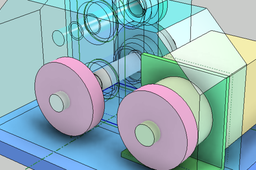
Inventor's top-down design introductory material. The design procedure from conception to detailed design is introduced using the drive unit as an example. Chapter 1 describes from the creation of the skeleton model (LOD100) to the conceptual design model (LOD200).
Autodesk Inventor
lod
top_down_design
inventor
Close loop.
Danny Key
in
Modeling
9
0
Beginner
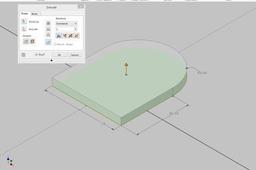
Close loop. Sometimes when you try to extrude or revolve a sketch, you only can select lines instead of a surface. This is a very simple example, it just explains how you can close a loop. You can see that the sketch is not fully constrained in the beginning. That is the first thing you have to check. In the beginning that you learn Inventor all your sketches should be fully constrained. I' am sure there are other ways to fix an open loop.
Autodesk Inventor
revolve
extrude
sketch
modeling
Parametric Pipeshoe DN200-DN250
Danny Key
in
Modeling
9
0
Intermediate
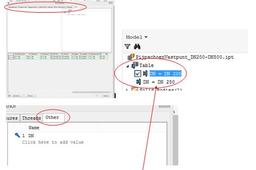
Parametric modelling Example: Pipeshoe DN 200 and DN 250
Autodesk Inventor
i-parts
piping
modelling
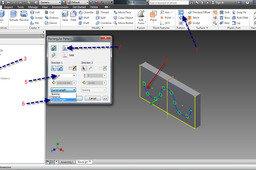
Tutorial: How to use "bend part" feature in Autodesk Inventor?
Abhijeet
in
Design & CAD
9
0
Beginner
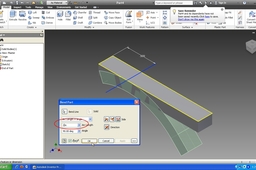
Tutorial to use "bend part" feature in Autodesk Inventor.
Autodesk Inventor
feature
tutorial
bend
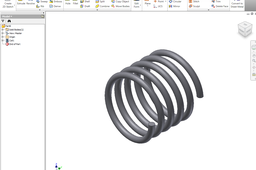
How to model a spring in Autodesk Inventor
Driton Z
in
Design & CAD
9
0
Beginner
Step by step
Autodesk Inventor
spring
inventor
model
autodesk
how
Real gear teeth with Inventor
Luca Delbarba
in
Modeling
9
0
Intermediate
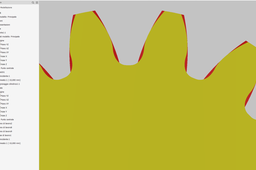
Real gear teeth with Inventor The Inventor design module allows you to create gears of various types in an easy way. The model generated, however, is of the "cosmetic" type, that is, very simplified in order not to burden the system with the environment. To obtain a non-approximate gear model, it is necessary to export the profile of the single tooth with the desired precision. At this point, the toothed wheel can be completed with an extrusion of the profile and then a 3D series.
Autodesk Inventor
real gear teeth
real gear teeth with inventor
Inventor 2019 | Full Crash Course | Volume 2
CAD Pond
in
Modeling
9
0
Beginner
Still spending so much time, struggling with learning Inventor on your own? You can stop now! Get detailed explanation of every single tool. This is the second of a series, and I'll like you to check below to know what to expect in this volume. In this Tutorial, I shall discuss on the every feature tool necessary for a beginner to start creating outstanding models. Here, I picked each feature tool and explained in details on how the tools work.
Autodesk Inventor
autocad
autodesk
tutorial
full
course
crash
beginner
2019
inventor
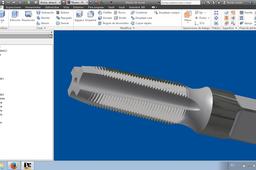
How to Make a Thread Generator with Inventor
Andrés Leonarduzzi
in
Modeling
9
0
Intermediate
En este turorial de imágenes muestro como hice el macho de roscar con Autodesk Inventor
Autodesk Inventor
tool
inventor
modeling
thread
macho
rosca
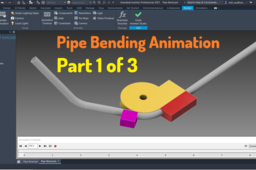
Autodesk Inventor Tutorial - Pipe bending animation Part1/3
Didi Widya Utama
in
Modeling
9
2
Intermediate
This tutorial shows how to create pipe bending animation using Inventor Animation Studio. The video divided into 3 parts Part 1 https://youtu.be/VdT8J9F9UYU Part 2 https://youtu.be/dKLI8_ev0gY Part 3
Autodesk Inventor
bending
pipe
study
learning
inventor
modeling
3d
tutorial
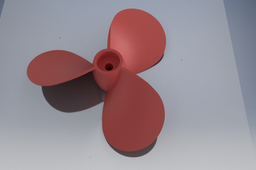
Autodesk Inventor How create a Propeller easy
bartos tihamer
in
Modeling
9
1
Beginner
Autodesk Inventor How create a Propeller easy way,
Autodesk Inventor
modeling
inventor
propeller
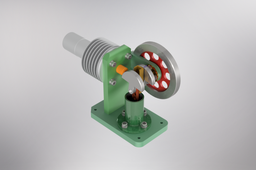
Animation Assembly Horizontal Stirling Engine
Ashar Prayoga
in
Modeling
9
0
Beginner
Animation Assembly Horizontal Stirling Engine
Autodesk Inventor
Autodesk Inventor 2024 assembly tutorial: Quick Return Mechanism
Jens Nielsen
in
Assemblies
9
0
Beginner
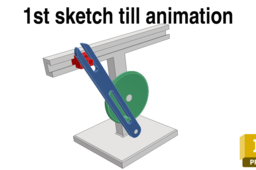
This step-by-step and beginner-friendly tutorial dives into the world of Autodesk Inventor, guiding you through the creation and manipulation of an assembly. Whether you're a seasoned Inventor user or just starting out, this video equips you with the skills to: Understand the workings of the quick return mechanism. Utilize Inventor's robust tools to model all its components. Apply essential constraints and joints for realistic movement simulation. By the end of this comprehensive tutorial, you'll be able to: Confidently design and implement quick return mechanisms in your own projects. Save valuable time and achieve precise results in your prototyping endeavors. Impress your peers and employers with your advanced Inventor skills.
Autodesk Inventor
Inventor 2020 | Radial Aircraft Engine | Full Model | Vol. 1
CAD Pond
in
Modeling
9
0
Beginner
Radial Aircraft Engine. Inspired by Wolfgang (https://grabcad.com/library/7-cylinder-radial-engine-3) Practice modeling with Inventor. This is the first part modeling of a radial aircraft engine. Below is a link to download blueprint and dimensions used. https://d2t1xqejof9utc.cloudfront.net/screenshots/pics/69a18aa68fe9c295fb81cb22de572ae0/original.jpg Happy Modeling!
Autodesk Inventor
ansys
design
product
2020
inventor
aviation
boeing
aircraft
Tutorial: How to pattern along a geometry line in Autodesk Inventor'
William
in
Design & CAD
9
4
Beginner
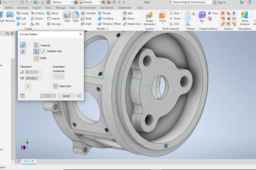
Answer
Autodesk Inventor
tipsntricks
Chess Pawn Piece - AutoDesk Inventor
Luke Simpson
in
Modeling
8
1
Beginner
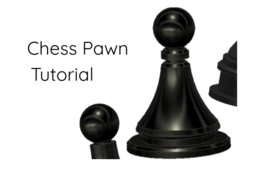
In this Tutorial I will give a simple explanation on how to make a Chess pawn piece using Autodesk Inventor
Autodesk Inventor
piece
pawn
chess
modeling
luke
computer aided design
cad
autodesk inventor
1
2
3
4
5
…
100