

How to Create a Sub-Assembly inside of an Assembly - Autodesk Inventor

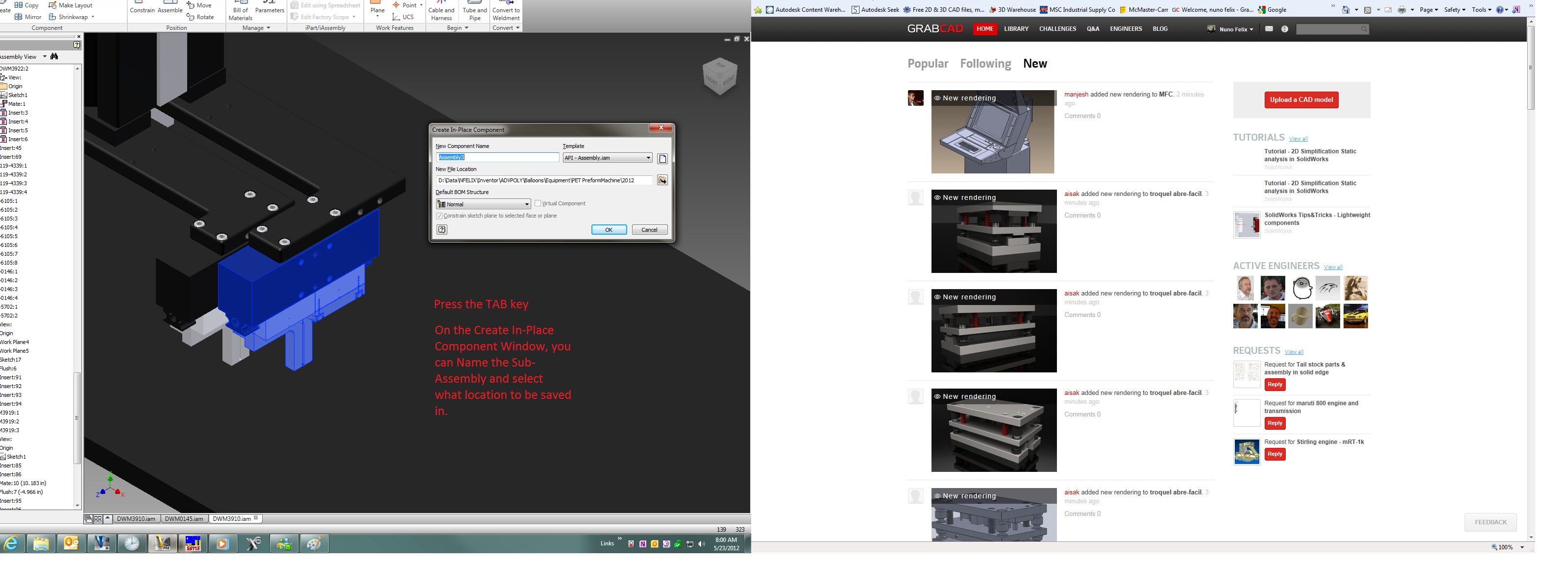
What happens if you realize that you rather group certain parts and make them part of a Sub-Assembly, but those parts are already inside the main assembly?
There's a very easy way.

5 Answers
Here's a quick way.
Answered with a tutorial: https://grabcad.com/tutorials/how-to-create-a-sub-assembly-inside-of-an-assembly-autodesk-inventor

After doing we this operation we realize i done some mistake then how can i back after saving


Sweet!

I appoint you to my ''Hero of the Day''. Congrats


