Thousands of tutorials to learn from
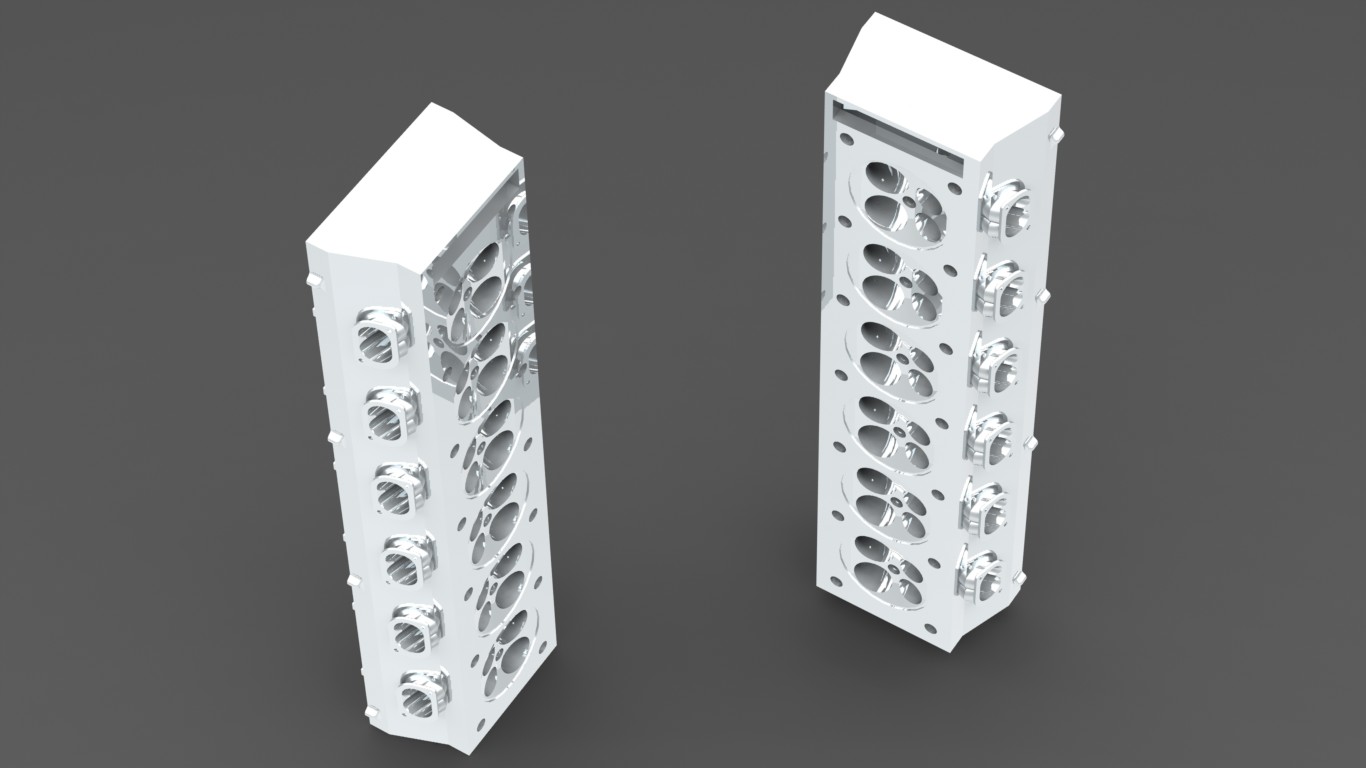
CYLINDER HEADS
Step 1
make same things for the other side. dont forget the select bigger circles.small ones for the cut-loft command. if your loft be like this, go to top view, drag and drop the green points. make them parallel
Step 2
place your green points like this
Step 3
select the centerline
Step 4
show the sketches
Step 5
go to right view and open a 3D sketch
Step 6
draw shown lines they will be used for to create new planes
Step 7
go to top viev and insert these lines
Step 8
isometric view of the 3D sketch. please check
Step 9
use referance geometry--plane command. click on shown lines and confirm that
Step 10
use same command again and create a new plane like shown
Step 11
open a sketch on the plane 3
Step 12
draw a circle like shown. it have to be coincident with shown circle
Step 13
extrude it by 50mm
Step 14
open a sketch on the plane 4
Step 15
draw a circle like before
Step 16
extrude it 50mm
Step 17
open a sketch on the blue surface
Step 18
draw a 4mm radiused circle
Step 19
use cut extrude command like shown
Step 20
go to other side, open a sketch and draw a circle again
Step 21
use cut extrude command again like shown
Step 22
place your green points like this
Step 23
select the centerline
Step 24
show the sketches
Step 25
go to right view and open a 3D sketch
Step 26
draw shown lines they will be used for to create new planes
Step 27
go to top viev and insert these lines
Step 28
isometric view of the 3D sketch. please check
Step 29
use referance geometry--plane command. click on shown lines and confirm that
Step 30
use same command again and create a new plane like shown
Step 31
open a sketch on the plane 3
Step 32
draw a circle like shown. it have to be coincident with shown circle
Step 33
extrude it by 50mm
Step 34
open a sketch on the plane 4
Step 35
draw a circle like before
Step 36
extrude it 50mm
Step 37
open a sketch on the blue surface
Step 38
draw a 4mm radiused circle
Step 39
use cut extrude command like shown
Step 40
go to other side, open a sketch and draw a circle again
Step 41
use cut extrude command again like shown
next: http://grabcad.com/questions/tutorial-how-to-make-engine-part-31
go to the following link to draw an engine
http://www.youtube.com/watch?v=pJv8cWw-bUc