
Ask and answer questions and download tutorials

Thousands of tutorials to learn from

Feed

Tutorial how to model a propelling pencil (9)
By Aykut Dana on 10 Mar 23:18 1 answer 1076 views 0 comments

Step 9

Added images

Square

1 answer

  • Aykut Dana
    Aykut Dana about 1 year ago

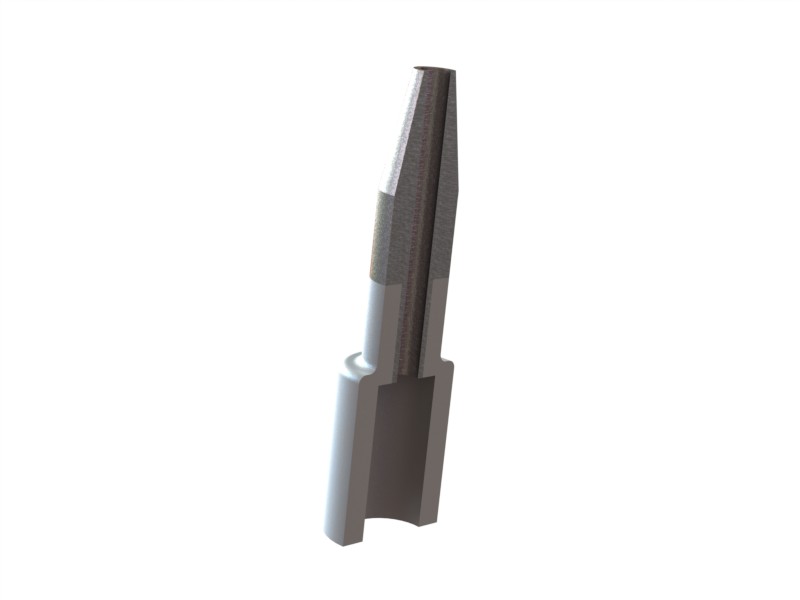
    part 4

    1. Step 1

      open a sketch on the front plane and draw a centerline

      Medium

    2. Step 2

      draw shown sketch

      Medium

    3. Step 3

      add this lines

      Medium

    4. Step 4

      use revolve command

      Medium

    5. Step 5

      use fillet command and enter the fillet value

      Medium

    6. Step 6

      select this edges and confirm that. save part 4

      Medium

    7. Step 7

      part 4 and part 3 will be join like this. we will done all of parts before and then we will generate a assembly file. many after :)

      next: http://grabcad.com/questions/tutorial-how-to-model-a-propelling-pencil-10

      Medium

Add your answer to: "Tutorial how to model a propelling pencil (9)"

Save Cancel