

how we are making flat pattern in ug nx 7.5 from solid model

this isa simple crossmember ,herein drafting we have show the developed view ,but i am unable
5 Answers

I quickly did this in SolidWorks but NX should be similar. The problem with cad software’s figuring flat patterns is that they cannot calculate deep draw type forming, only linier bends (using k-factors). So remove the curves then fill them in after on the flat pattern. Really it an educated guess and you will have to adjust this flat pattern for your real world application.
Answered with a tutorial: https://grabcad.com/tutorials/how-we-are-making-flat-pattern-in-ug-nx-7-5-from-solid-model--1

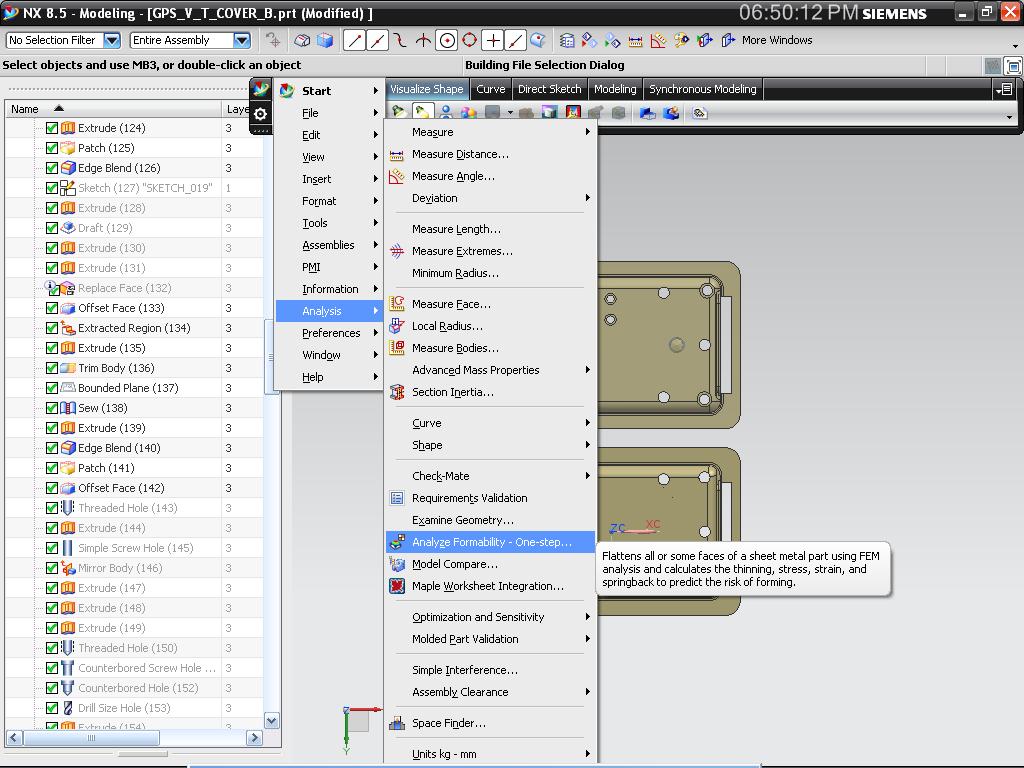
analyze formability one step
Answered with a tutorial: https://grabcad.com/tutorials/how-we-are-making-flat-pattern-in-ug-nx-7-5-from-solid-model
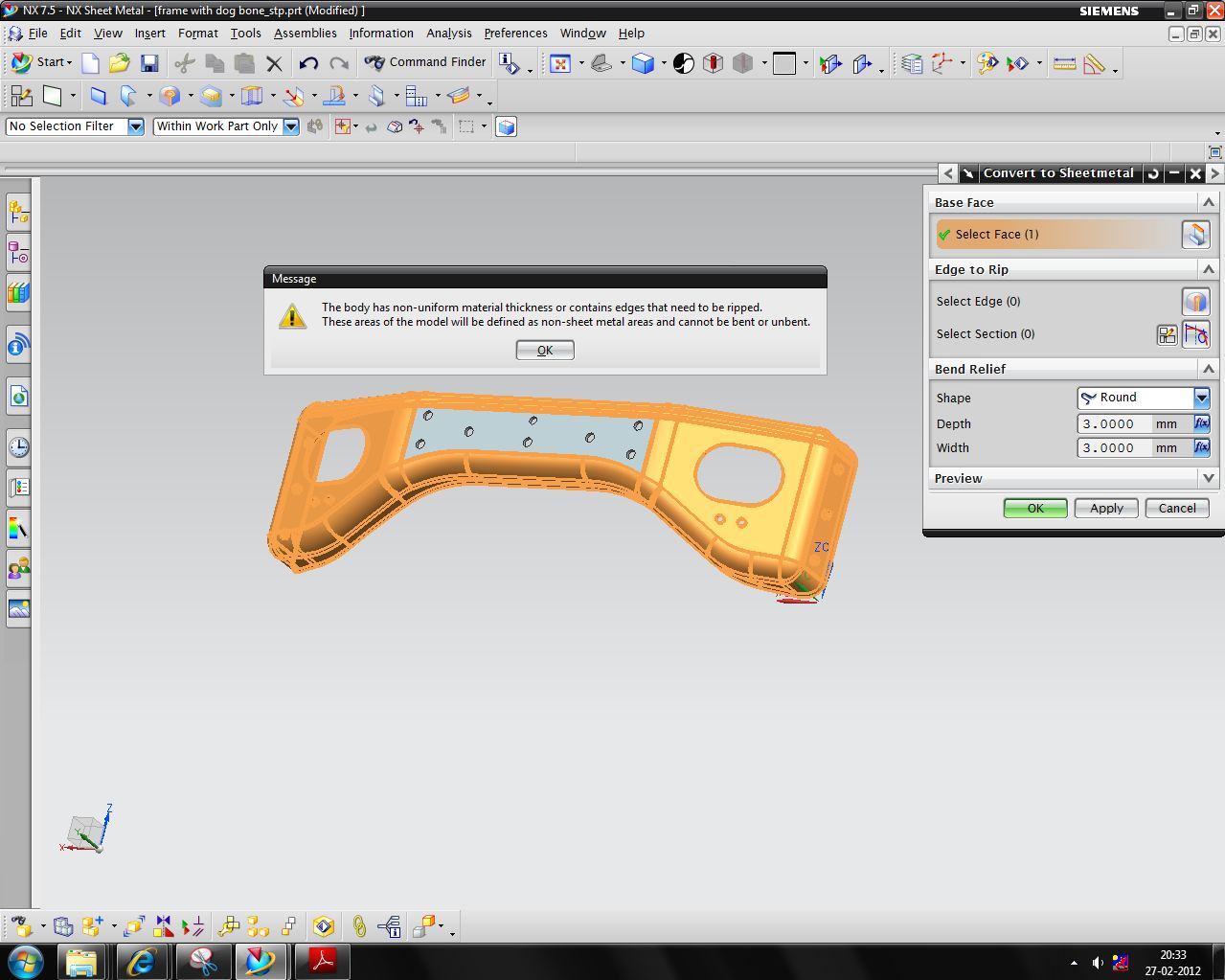

Hi, if the part is an emboss part and you have one step license you can unform it like I show you in the attached images.
Regards
Frank.


