

Learn about the GrabCAD Platform
Get to know GrabCAD as an open software platform for Additive Manufacturing
Visit our new homepage


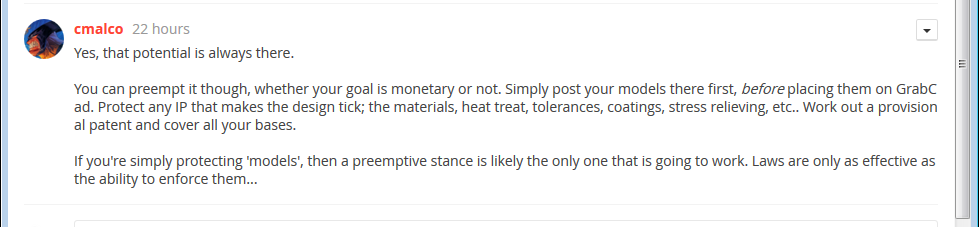
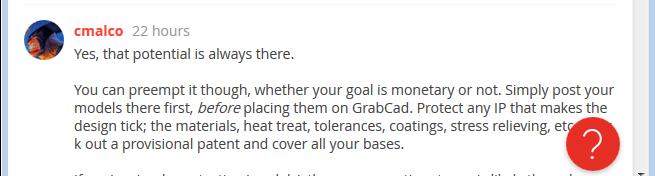
I noticed while typing in this text box that the text does not wrap, or auto jump to the next line the way longer words would be expected to. Note how "longer" becomes "lon" "ger".
I do like the new text formatting options. Thanks for adding those.
Image inserted here (can you spot the typo that I was too lazy to fix?):


Hopefully the "Browser Wars" are not back. I thought everyone was playing nicely together by now.


I thought the wrapping issue was only an issue when editing the text, but it carries over to the posts as well. Resizing the window just moves the break points around:

Sorry I haven't been very active lately but I did want to chime in and say that I tried text wrapping on IE and it appears to be working without any issues. When the words get to the end of the comment box they correctly jump to the next line. I am not sure if the issue
you are talking about is typically seen in the "post reply" section as opposed to the text box mentioned in the OP, but wanted to bring it up.
Images for reference:


