Learn about the GrabCAD Platform
Get to know GrabCAD as an open software platform for Additive Manufacturing
Visit our new homepage


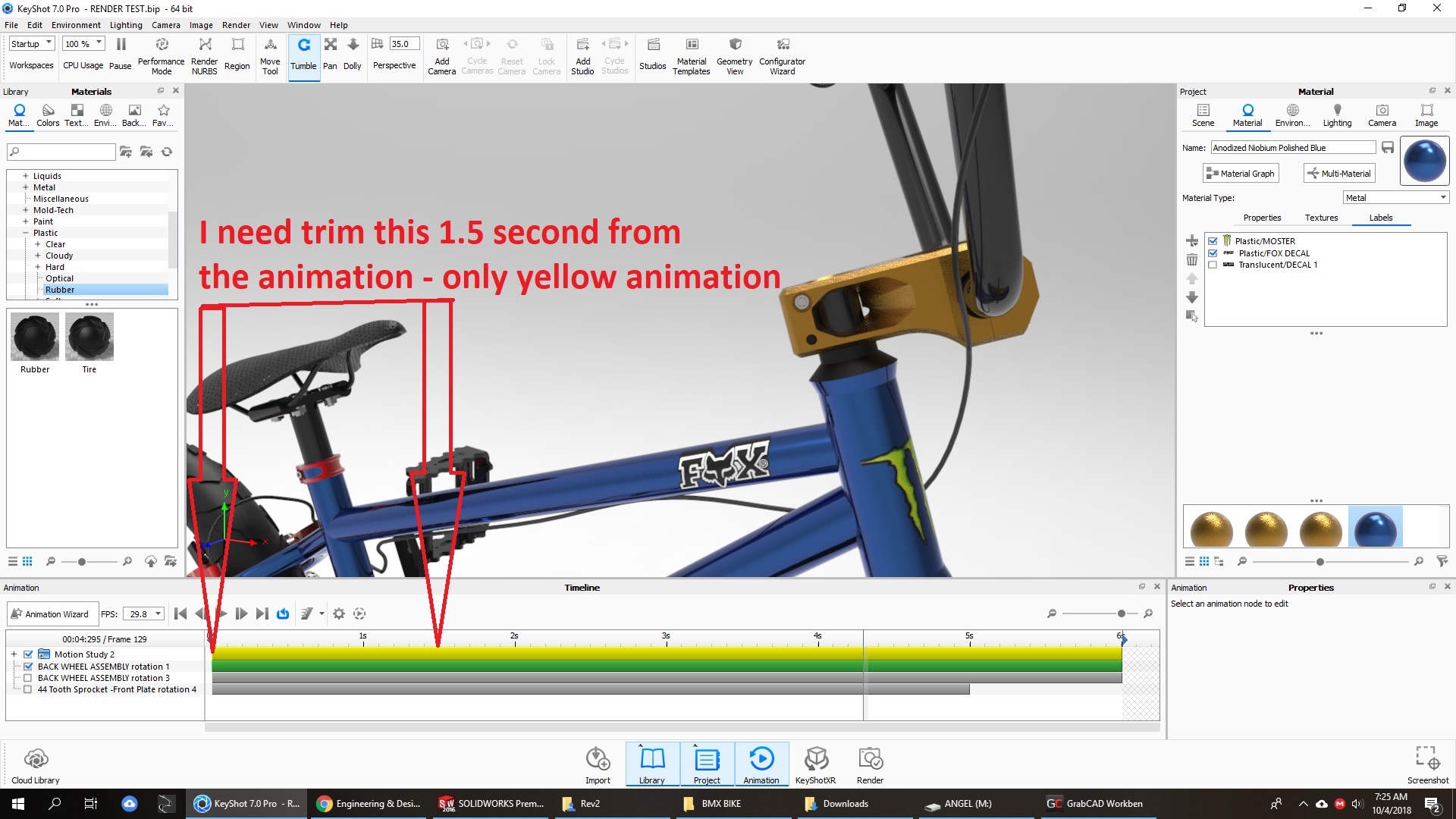
I need help In Animation, the problem is this: I exported my motion study from solidworks to keyshot to animate the movement of the rear tire and chain along with the sprockets, the problem is that I omit a small detail in my movement study so I must eliminate 1.5 seconds of the animation, I want to cut it and I do not find an option that allows me to do it, someone Do you know how I can solve this problem?

Hi,
All you have to do is slide the left blue arrow in the timeline to where you want the animation to start. The excluded area will become hatched. See below. The next step is to set the rendering options and to change the Time Range to Work area (as shown below).
And that's it. You should be good to go :).