Learn about the GrabCAD Platform
Get to know GrabCAD as an open software platform for Additive Manufacturing
Visit our new homepage


Link : https://www.youtube.com/watch?v=9jHNATJQy1g#action=share
Hello everyone,
For those of you who are using Autodesk Inventor 2020, i have made a video showing how to create a M10 Hex Nut with actual threading.
The reason for me to create this video was because:
1.For those who need to create parts with threading for 3D Printing, they need the actual thread and not a UV Map of the thread.This was noticed in Autodesk Inventor 2020.
2.The thread option in Inventor 2020 does not create actual thread and hence a convincing design is not created.
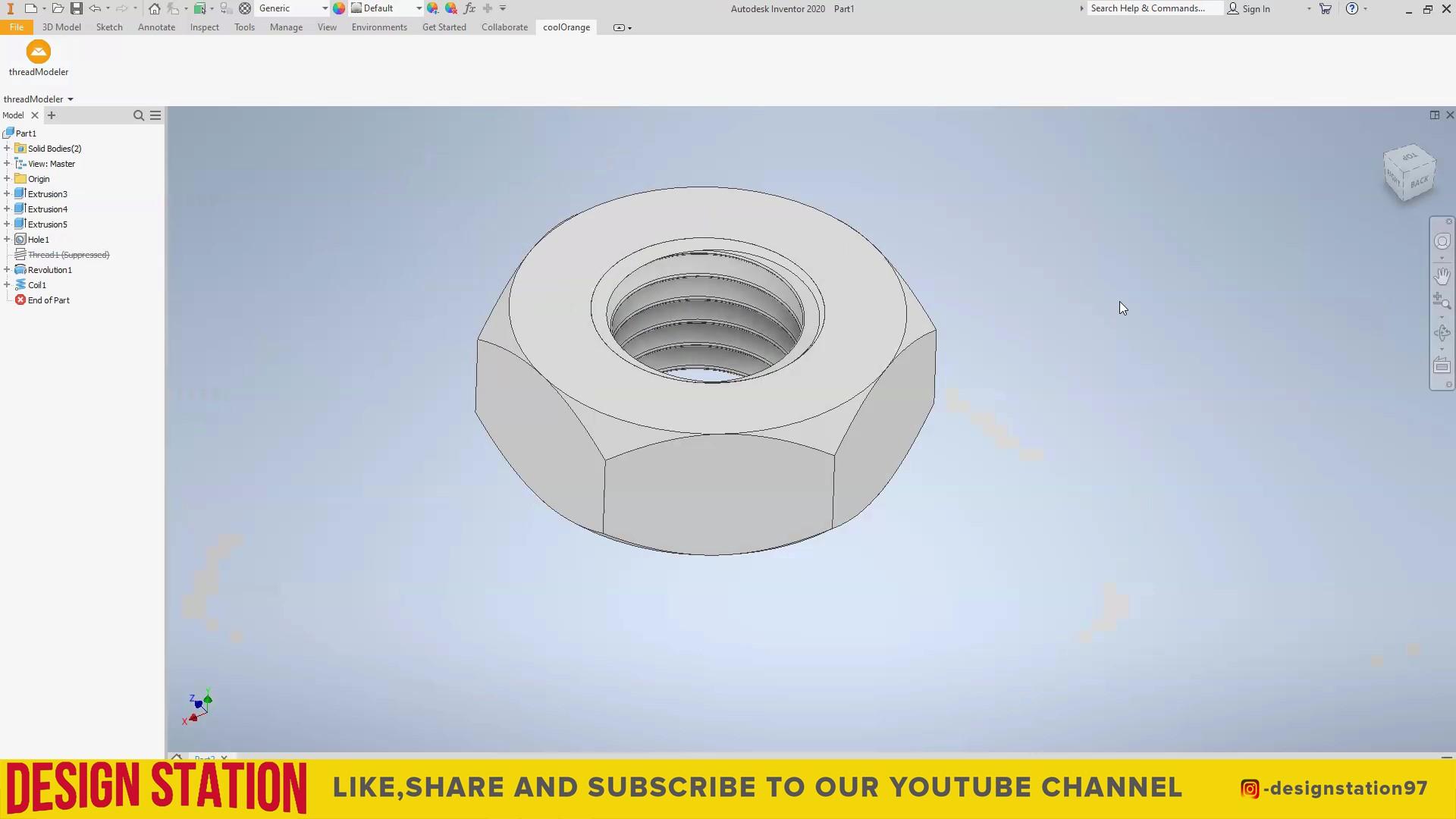
Now here is the screenshot of how the threading looks when the thread option from autodesk inventor is used.To create actual thread , go to the thread modeller and select the thread we have created using the Autodesk Inventor 2020.Press ok after selecting the thread.
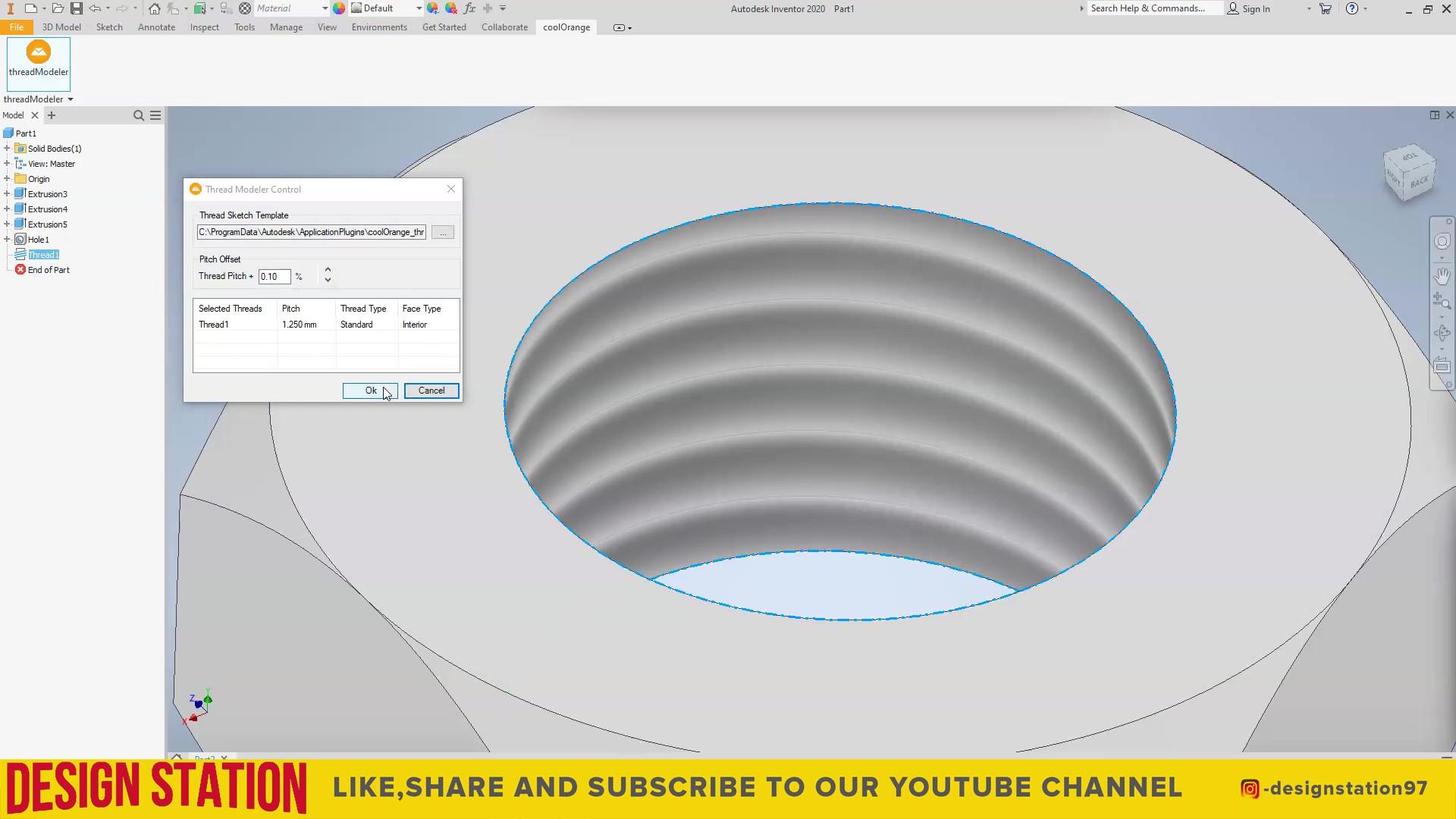
Here is how the actual threading should look: