Learn about the GrabCAD Platform
Get to know GrabCAD as an open software platform for Additive Manufacturing
Visit our new homepage

How to mate profile with profile
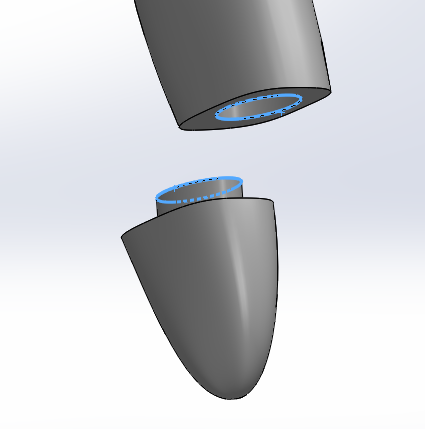


I can't say anything clear without seeing the track.
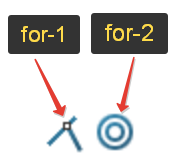
match the zones 1 and then match the circles 2 to the center command.
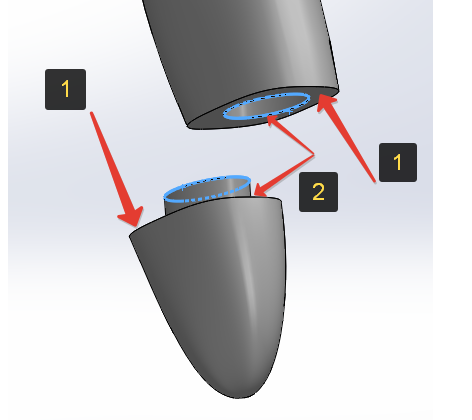

Do you want to match the external profiles?
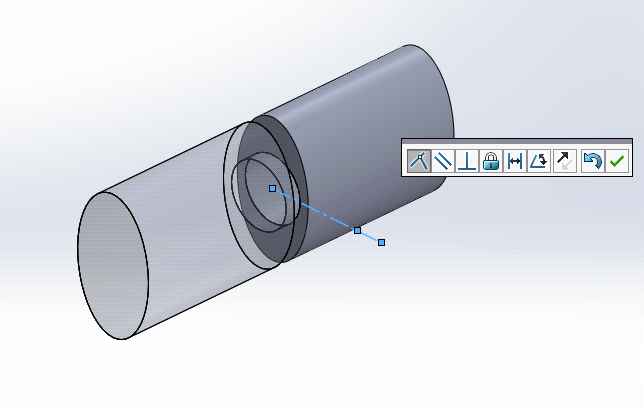
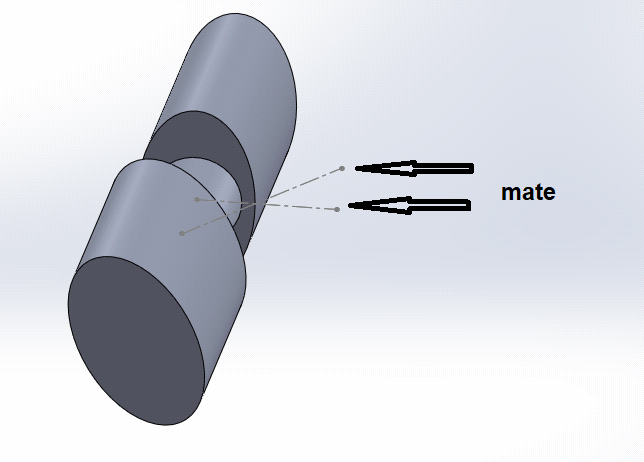
An easy way is to create a sketch with a center line with the same directions in both parts. Then you can mate the center lines
After that, occult the centerlines.