

How to convert solidworks part into assembly (bodies into part)?

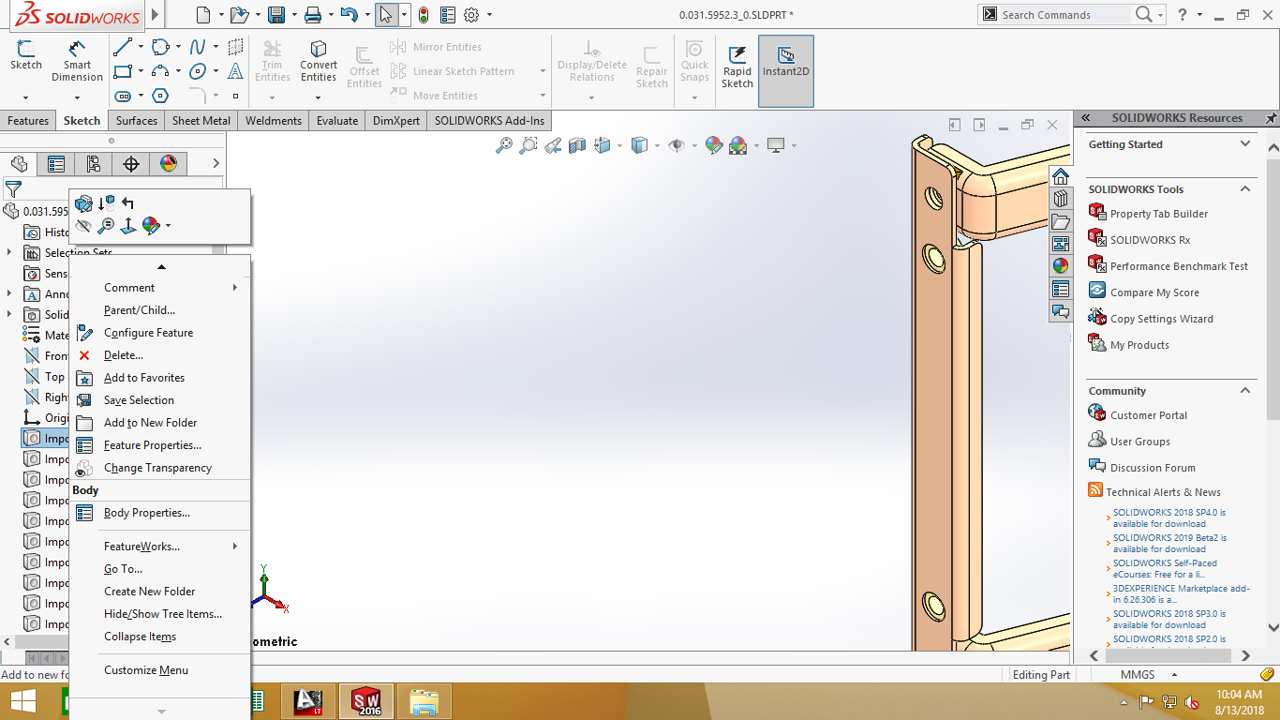
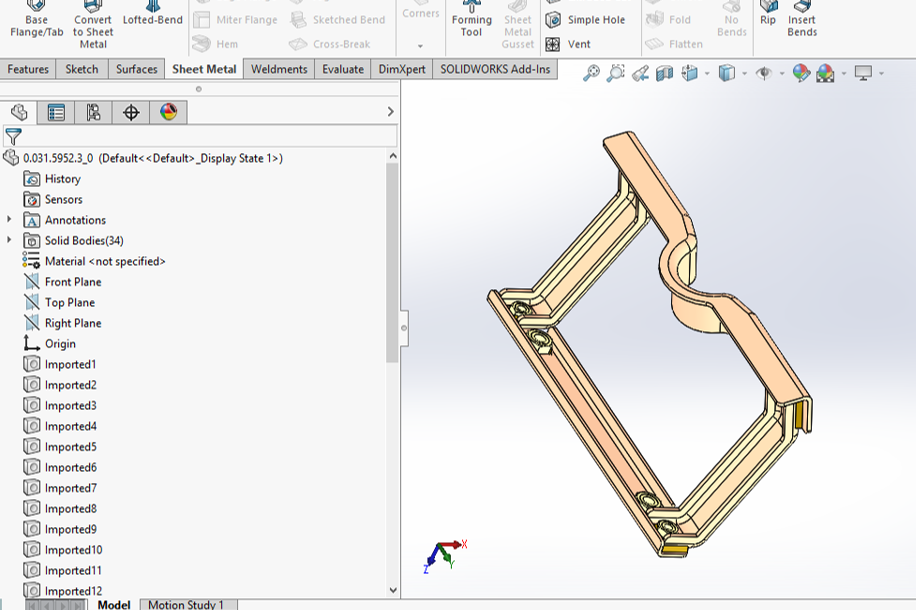
I have reveived customer file as step file,when I worked in that file all the childparts of the assembly in bodies and the assembly is like a part file,Any solution to convert this bodies into part and part into assembly,
I have attaced a image for reference
2 Answers

Easy mistake.
You've right clicked a body. But you'll need to right click the little folder that says something like "Solid Bodies (33)".
Image attached.

- Right click on Solid Bodies in the feature tree.
- Choose Save as parts.
- This is a good time to apply good names to each part. Also double click on one of the file names and you'll be able to specify the folder to save it/them into.
- At the bottom of the options is the option to also make/save an assembly, make sure you enable/choose this.
The parts will all be saved to the new folder.
The assembly will be made with all parts in their current position.
All the parts in the assembly will be fixed, but you can float them and apply real mates if you need to.

