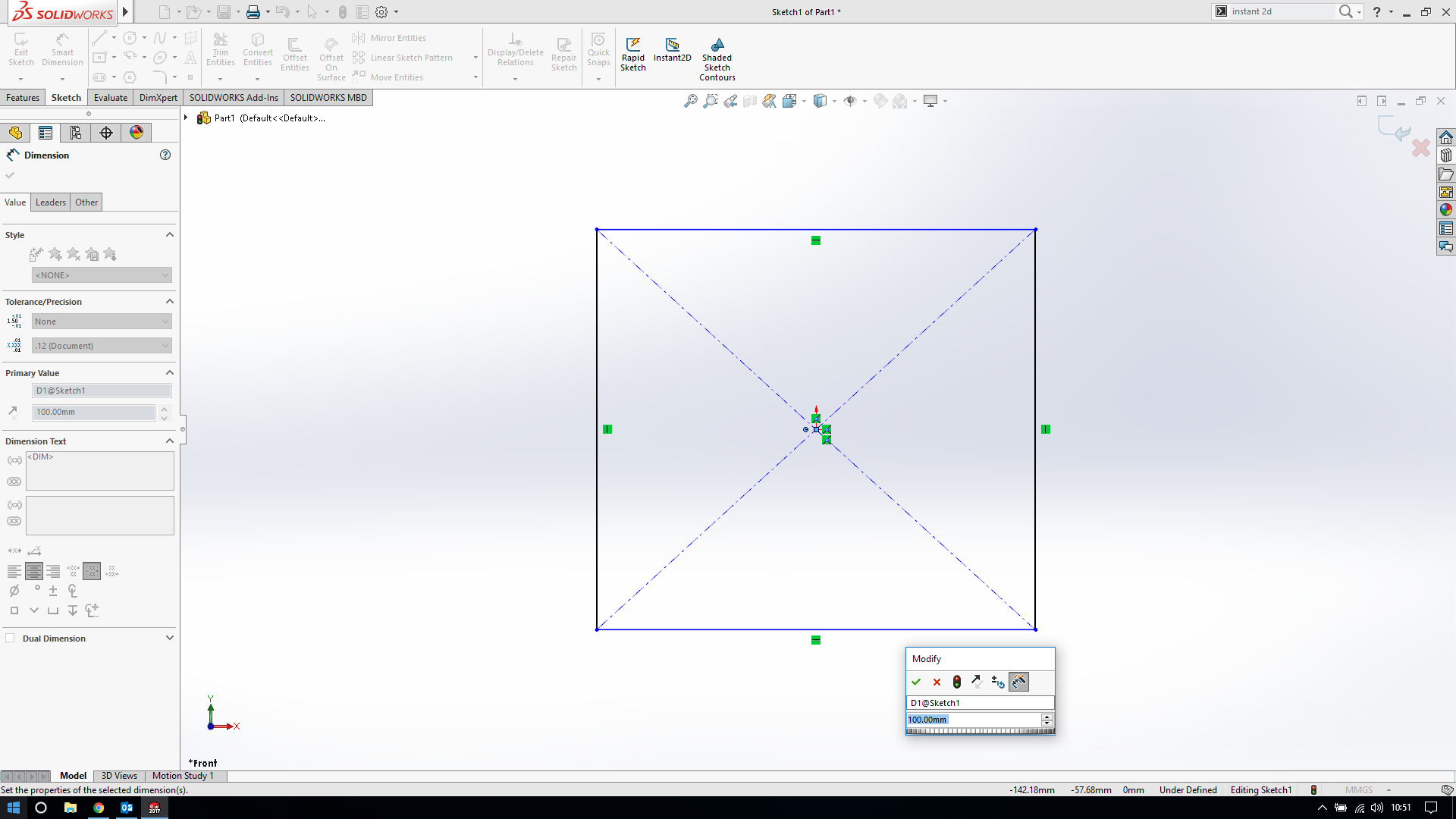
My dimensions are missing

Hello everyone,
i have a major problem. When i start a new sketch and i start a add some dimensions, the first dimension i add isnt appear and i cant add another dimension. wherever i click in the drawing it appears the box of the first dimension i added. Look at the picture i added!
plz help!
3 Answers

Close Solidworks.
Re-open SolidWorks
Go to Tools - Options - System Options - Performance
Turn on the option for Use software OpenGL
Let us know if that makes a difference. If not, then you can take the check mark away.

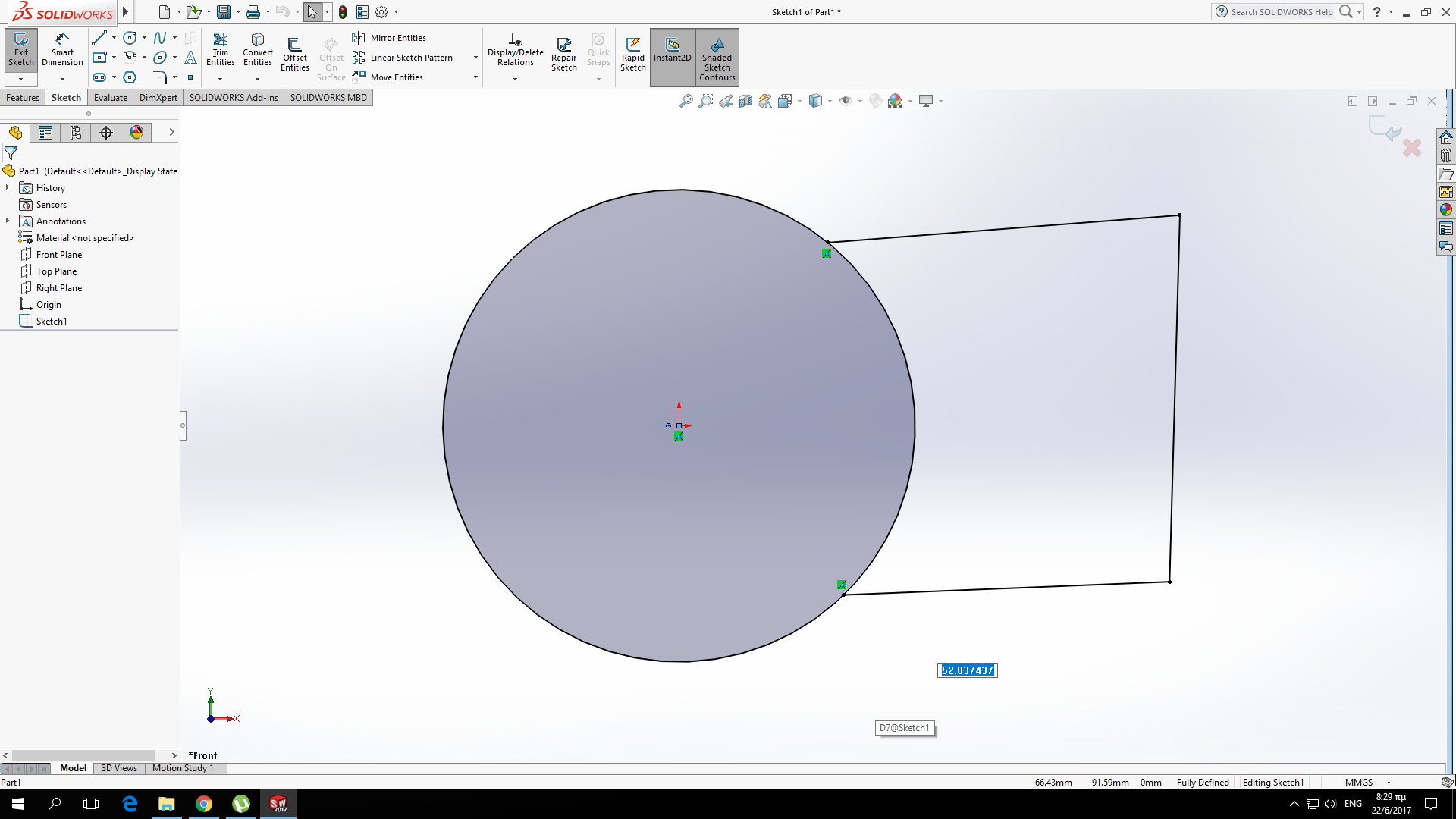
I've seen similar problems when the units are not what you think they are. (you think you're working in mm, but SW is set for M, resulting in the part being so big that you can't see the tiny font of the dimension value)
A quick little test: measure the distance between the two points to verify you're at least in the ballpark.
Does anyone have a solution to this problem?
I have tried many things and I still get this issue.