

text in catia???

can I add text on 3d model in catia v5???
4 Answers

yes, it can be done. A tool to do this was finally added in CATIA V6.
For CATIA V5, you must build the text as a Pad (emboss) or Pocket (engrave) based on a sketch containing the outline of the letters. There are several tutorials available such as the one in this post that walk you through the steps https://grabcad.com/questions/how-to-emboss-and-engrave-text-on-any-model-component-in-catia
Also for CATIA V5, you can purchase a CATIA add-on for 3D Text, such as this one http://www.textsketcher.com/
Type3 has a very good add-on program for CATIA ($$$):
https://www.type3.us/our-engraving-software-solutions/type3-caa-catia-add-on-to-build-text-and-customization-of-parts

May be you can try the simple method. Just go to the Drawing and then enter the text which you need to create it on 3D model.
Then save the drawing file as DXF or DWG format.
After saving the file just close the drawing and reopen it again (i.e. Saved DXF or DWG file).
You can able to select the text into a separate Geometry. So, now you can copy the text and paste it the sketch.
It will work.
Note: This will work when this is option is activated in CATIA. Other wise it will not select the text into a Separate Geometry.
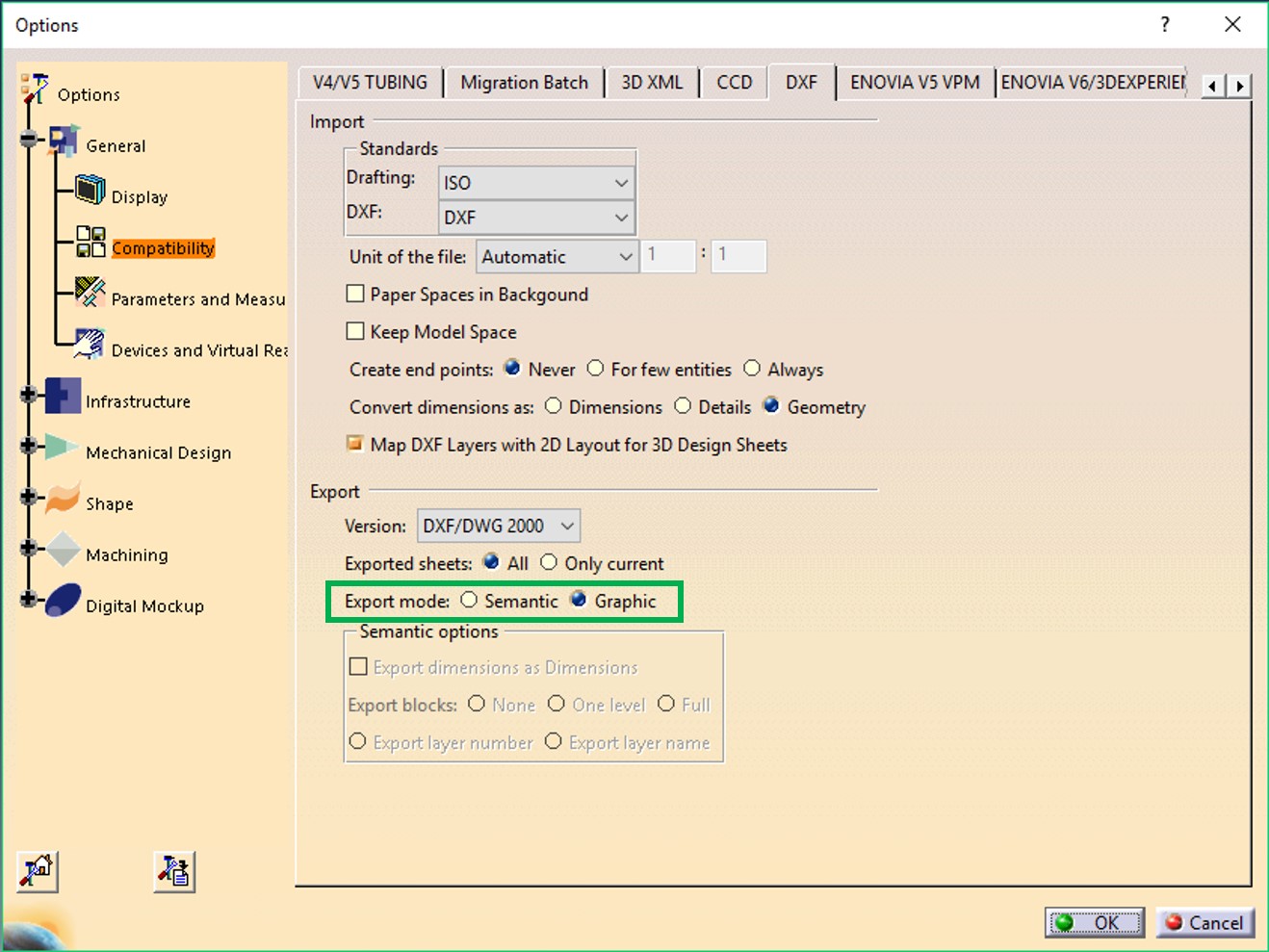
Hello Mohammedazim, Find the video for the Detailed procedures

