

How to Use Replace Entity in a SOLIDWORKS Sketch | Preserve References & Avoid Errors

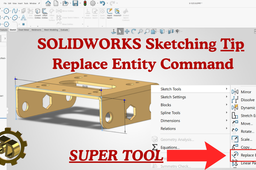
Master the Replace Entity command in SOLIDWORKS and learn how to edit or replace sketch geometry—such as a line, arc, or spline—without breaking downstream features or references.
In this step‑by‑step video, you’ll see how to:
Replace one sketch entity with another while preserving feature history.
Repair and manage sketch relations efficiently.
Keep parametric design links stable when modifying geometry.
Perfect for mechanical engineers, CAD designers, and anyone working with parametric models in SOLIDWORKS.
-
Step 1: How to Use Replace Entity in a SOLIDWORKS Sketch

