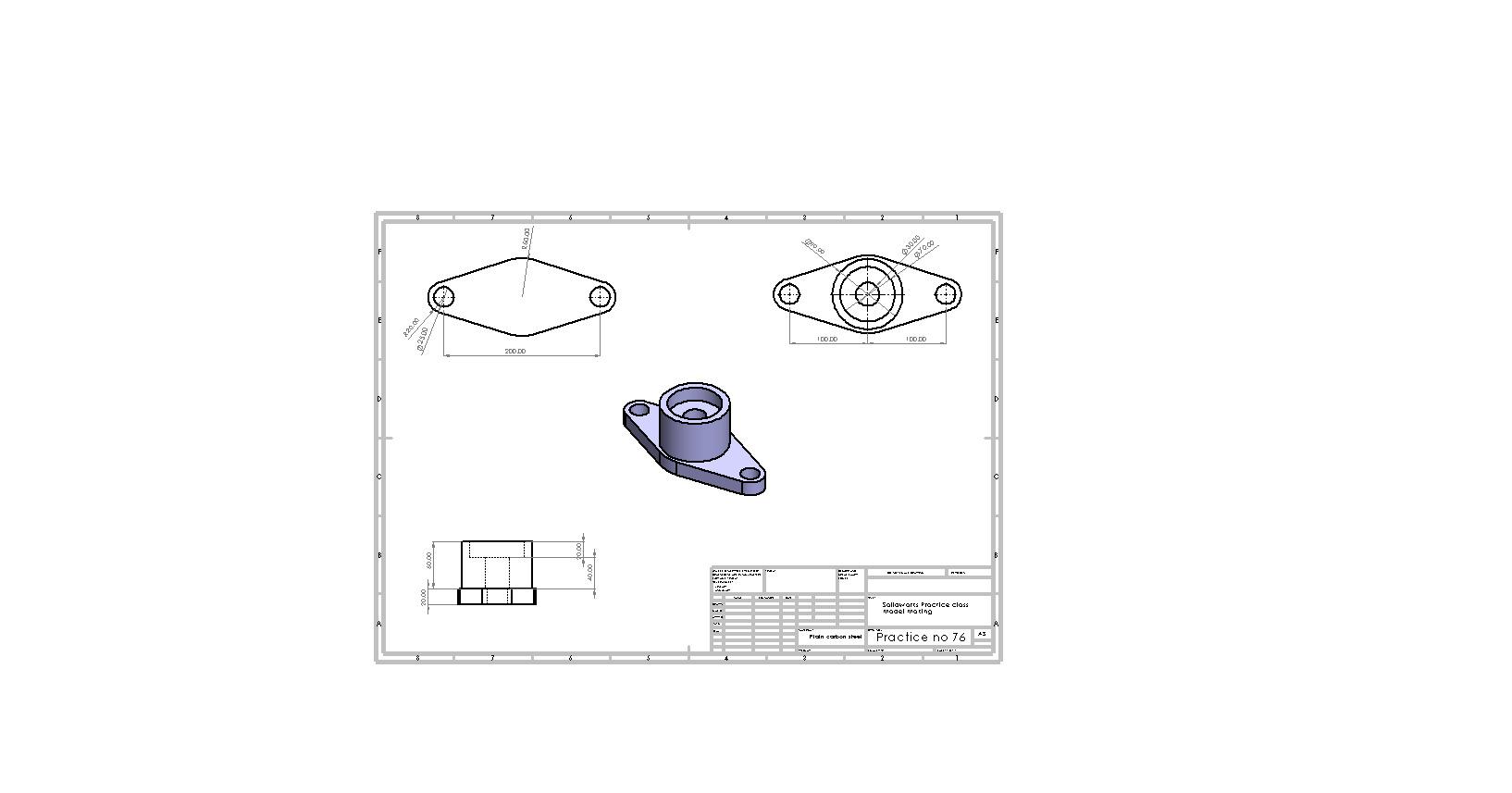
Mounting Flange

Hello everyone! In this tutorial we will go through how you can create a basic mounting flange in step by step.
For live tutorial you can visit our youtube channel: https://www.youtube.com/watch?v=9mCLYmvoFZU
Our facebook Page: https://www.facebook.com/SolidWorksCADDesign?mibextid=ZbWKwL
Our facebook group: https://youtube.com/playlist?list=PLXzAg7jymBTfpbBk2p-0jYfHKpKe1vlGB&si=Ezrr9eU3l9xW9mJO
-
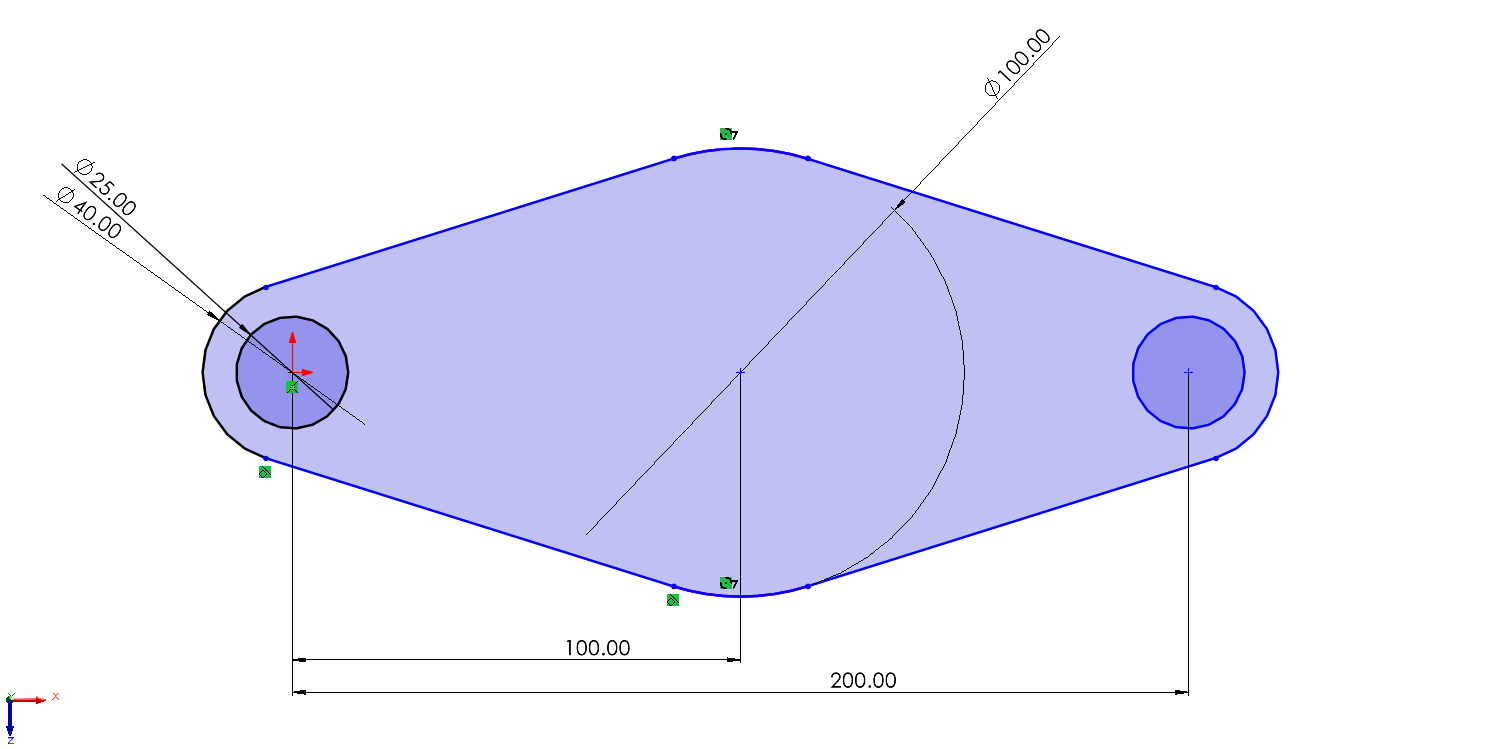
Step 1: Create Base of the flange (Sketch)
At first we should create base drawing of the flange. Here is the measurements.
-
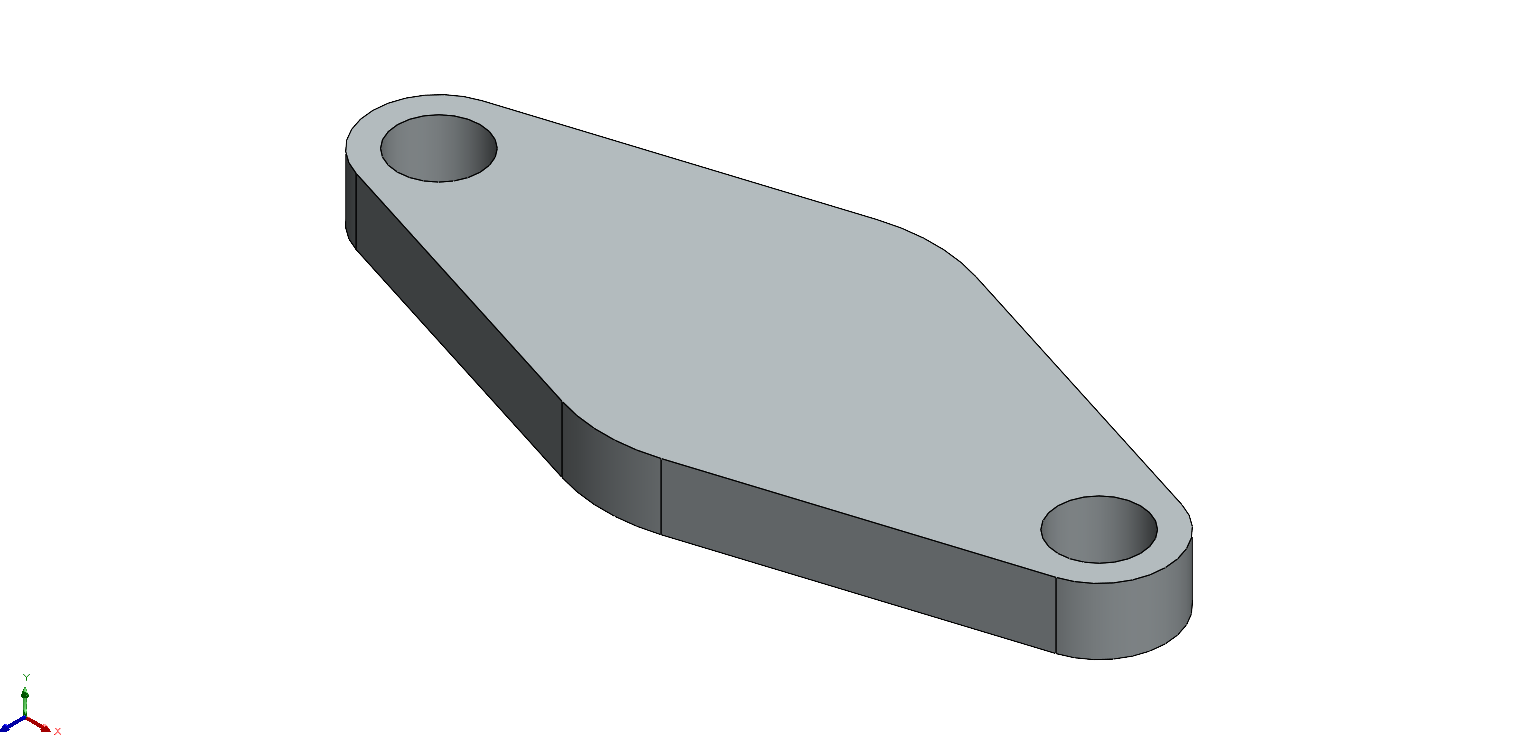
Step 2: Create Base 3D From Sketch
Extruded Boss/Base that sketch file.
-
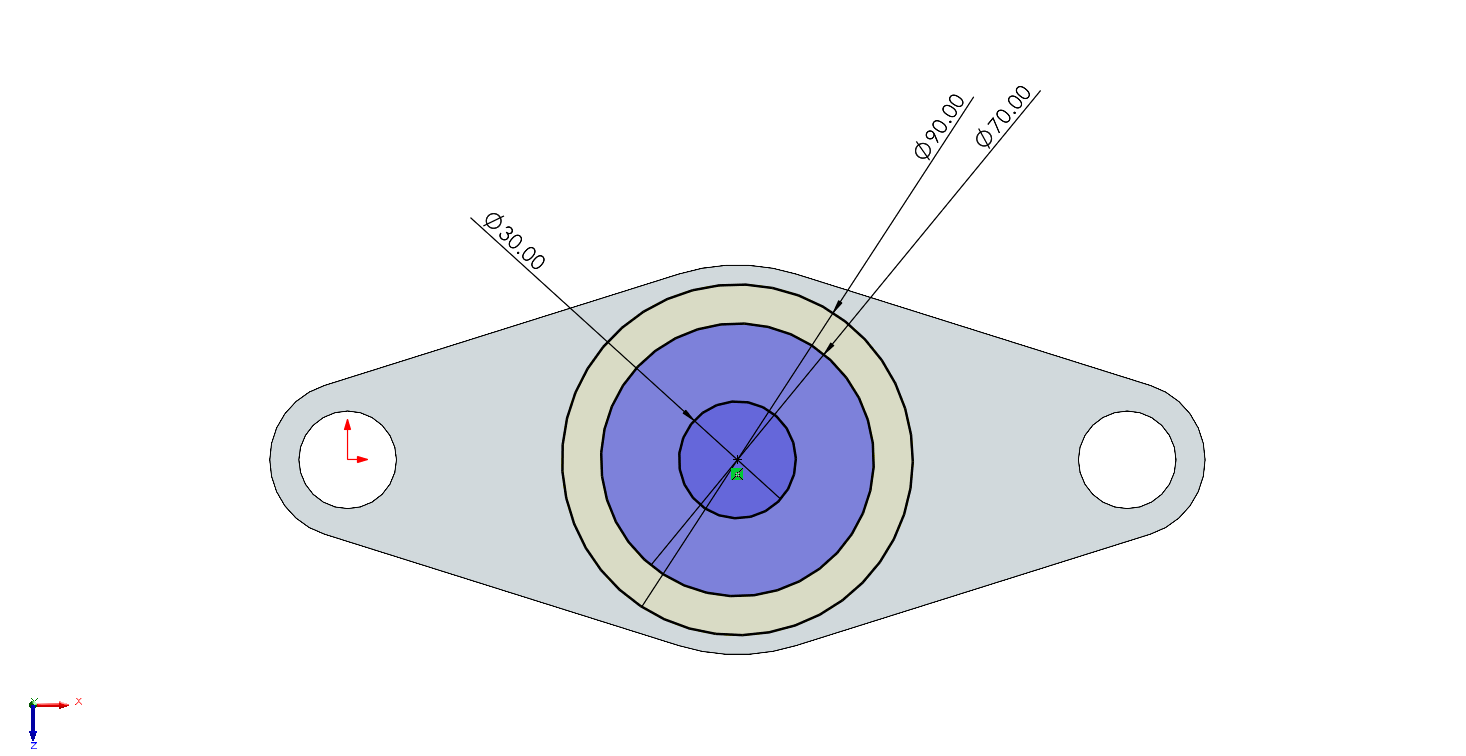
Step 3: Create Center Support Frame (Sketch)
In next step create the Center base as shown in the picture.
-
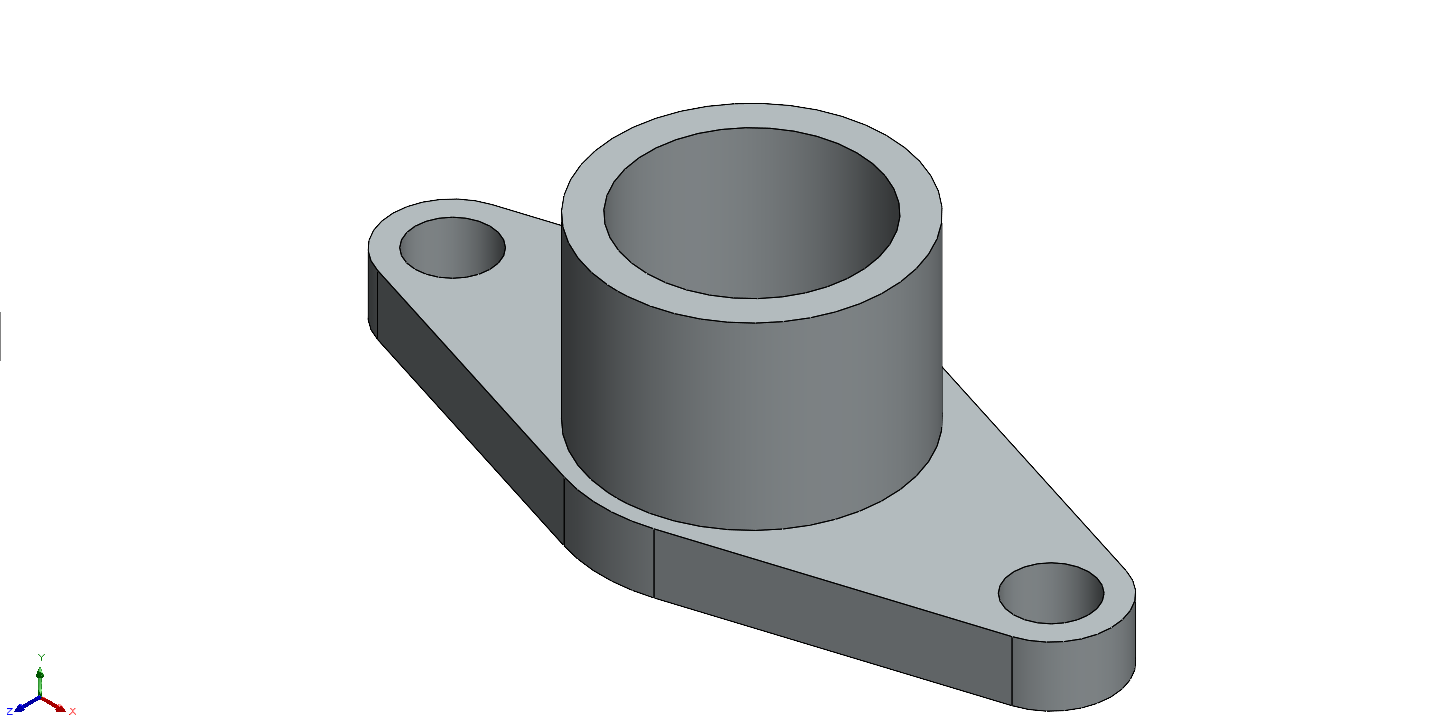
Step 4: Create Center Frame 3D From Sketch
Extruded Boss/Base the base the sketch file of center frame.
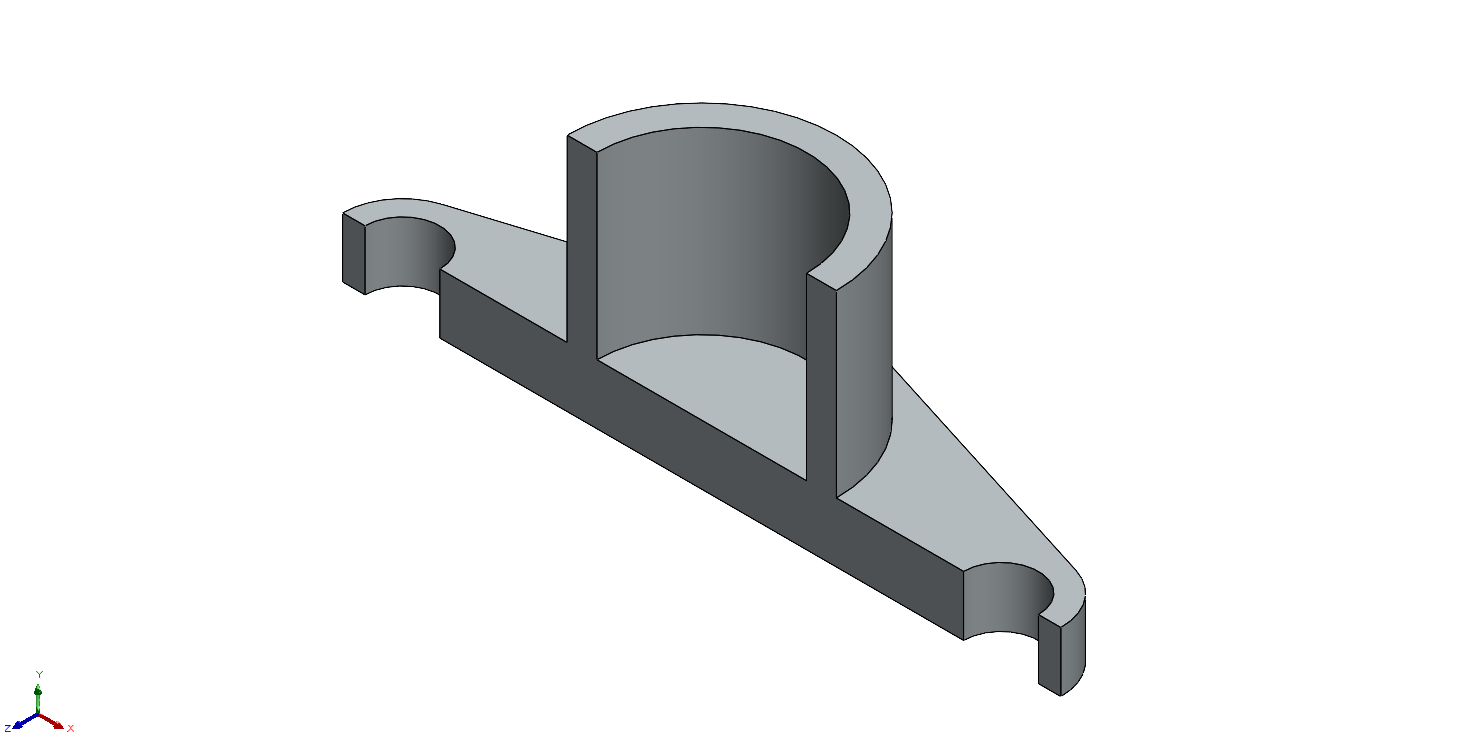
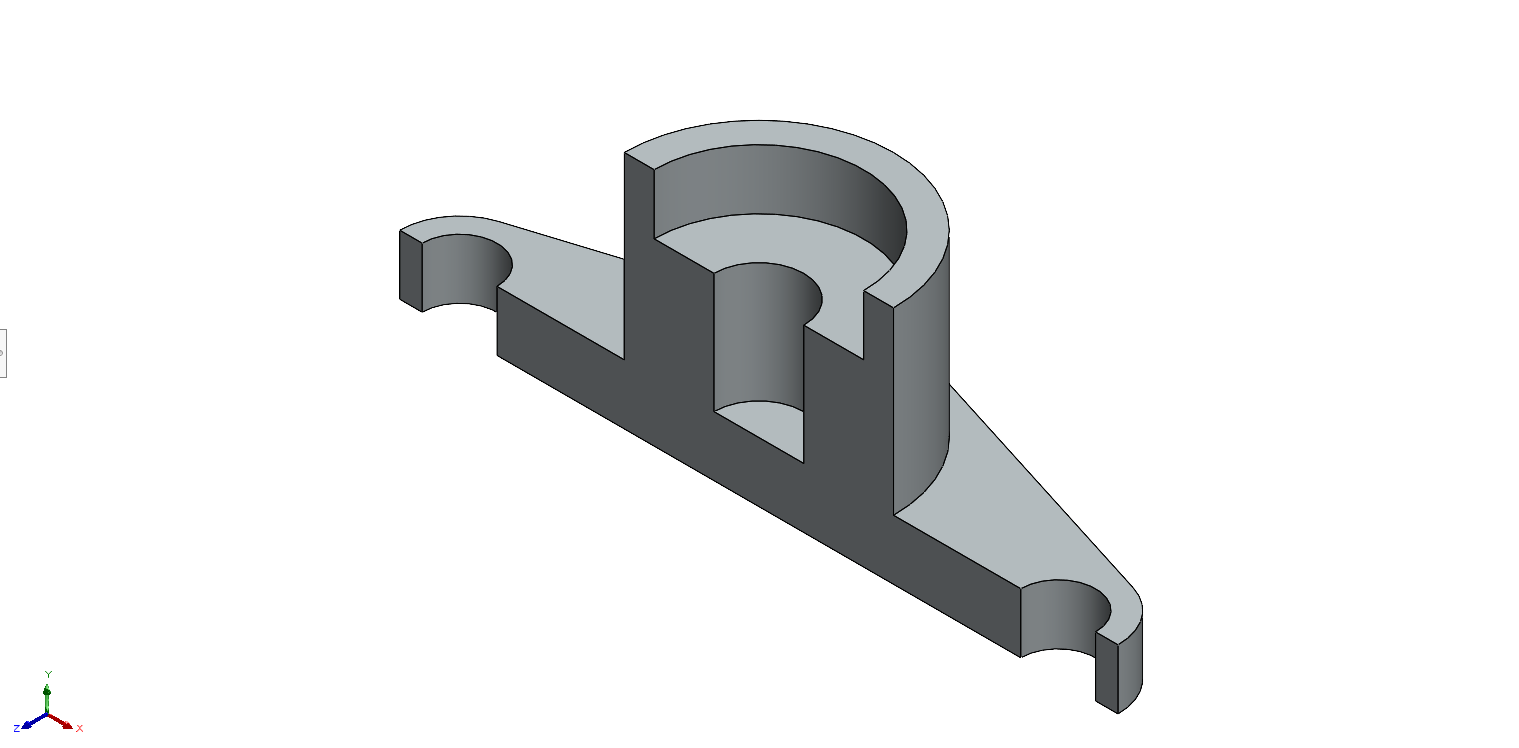
Lets see the sectional view of the model that we created till now.
-
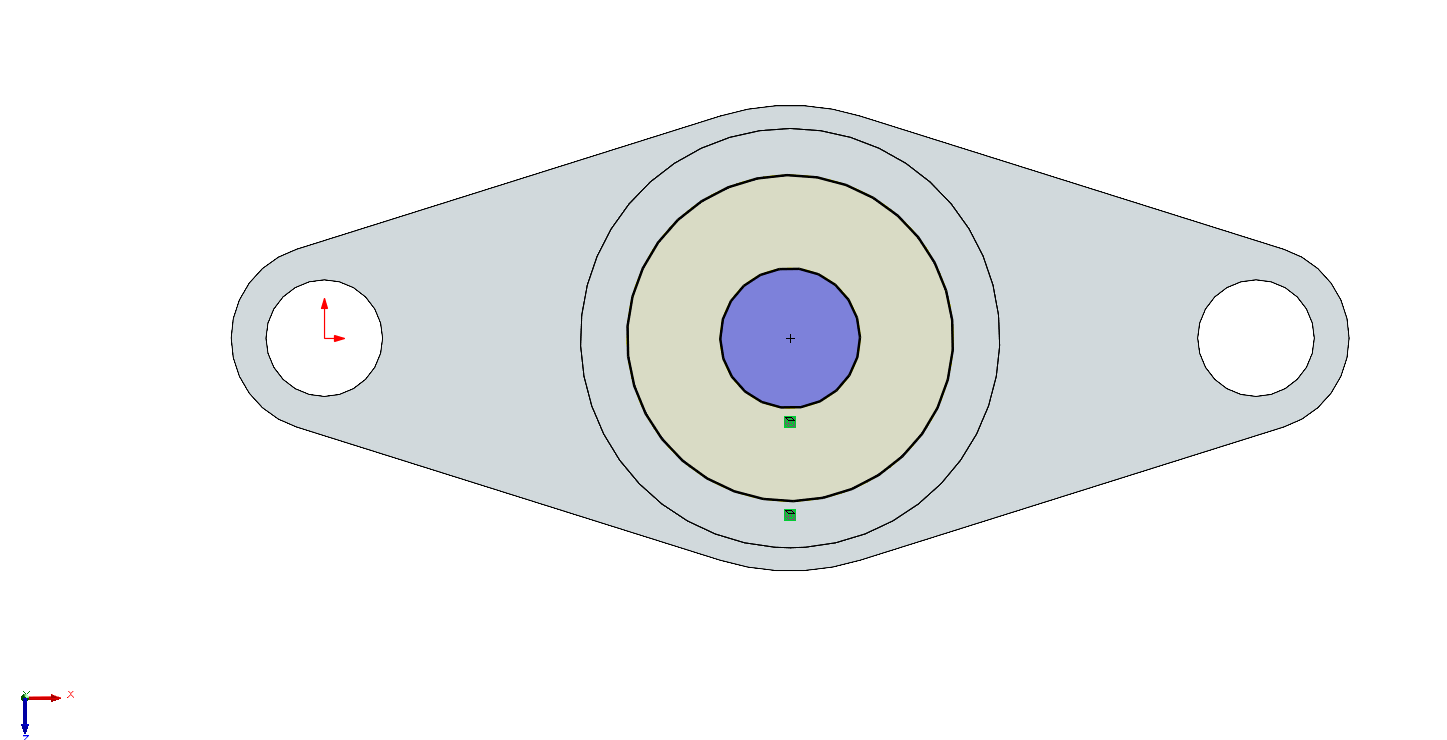
Step 5: Create inner frame (Sketch)
Just click convert entities because we had created the sketch in step 3.
-
Step 6: Create Inner frame 3D from Sketch
Extruded Boss/Base the base the sketch file of inner frame.
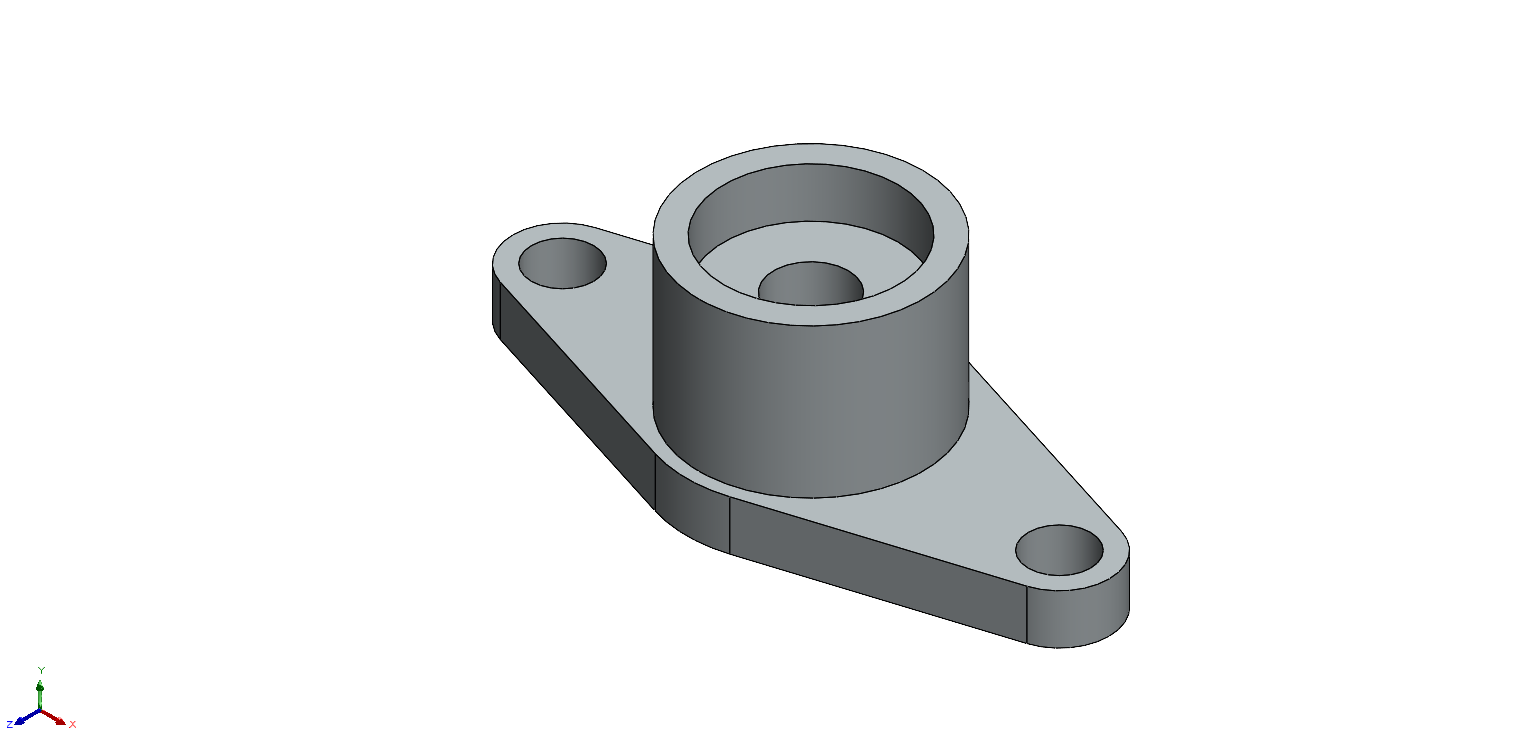
Lets see the sectional view of the model that we created till now.
-
Step 7: Fillet the edge
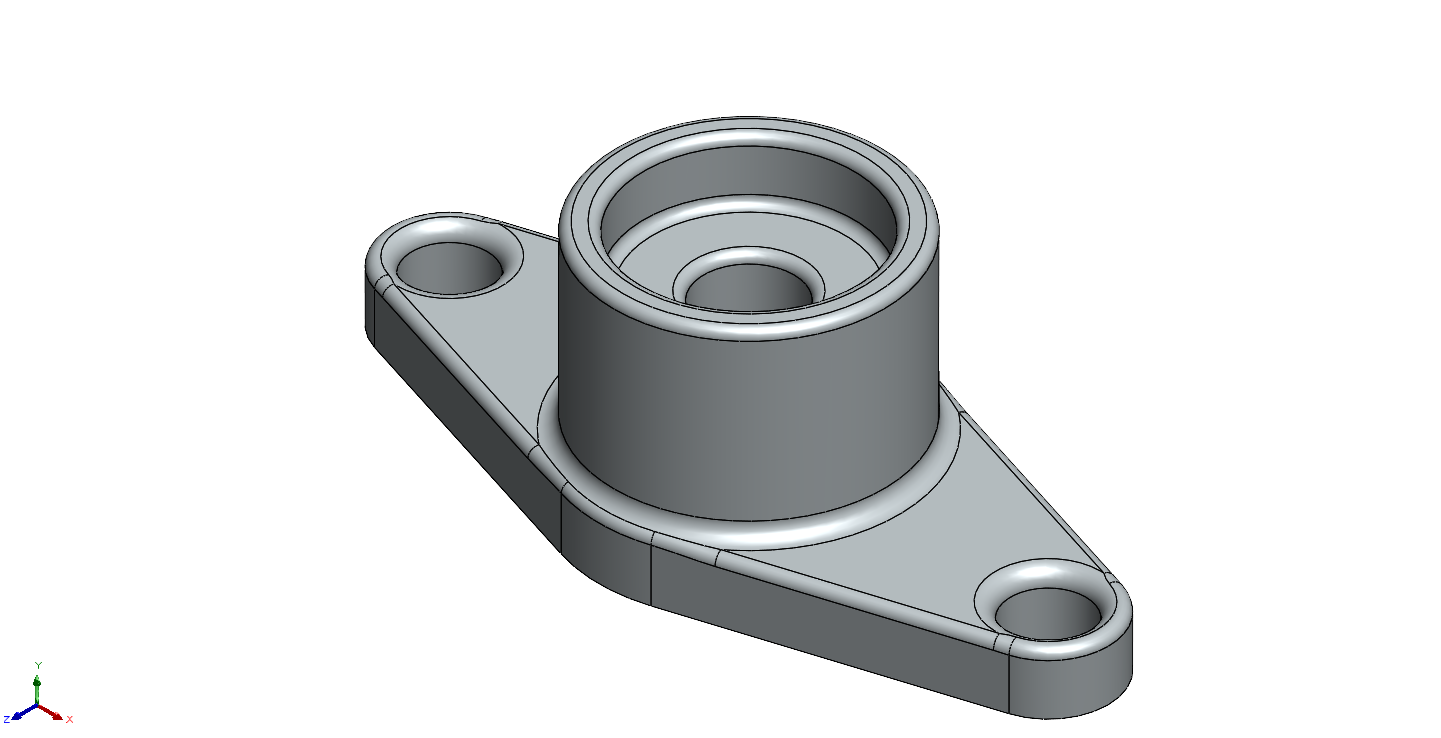
First fillet the edges by 5mm size.

Then fillet other edges by 3mm size as shown in the picture.
-
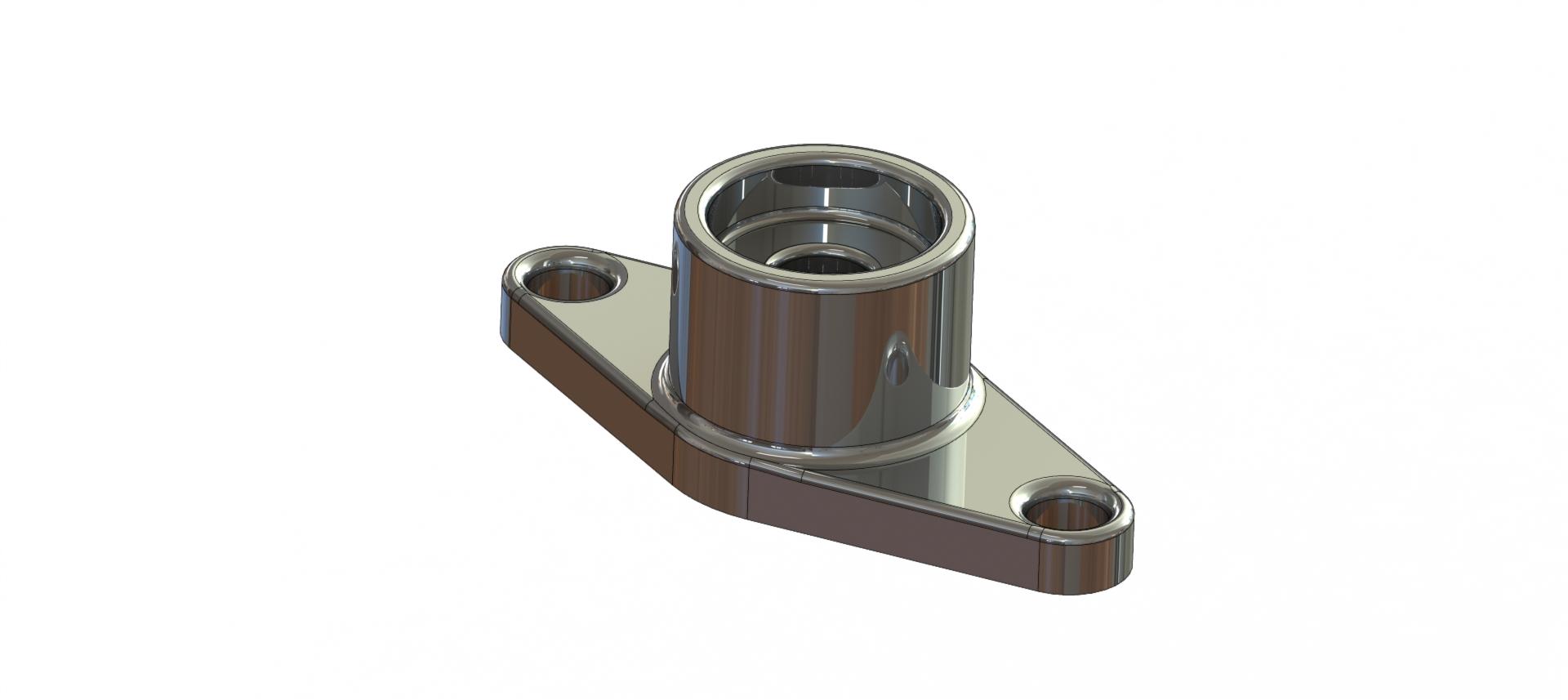
Step 8: Rendering view
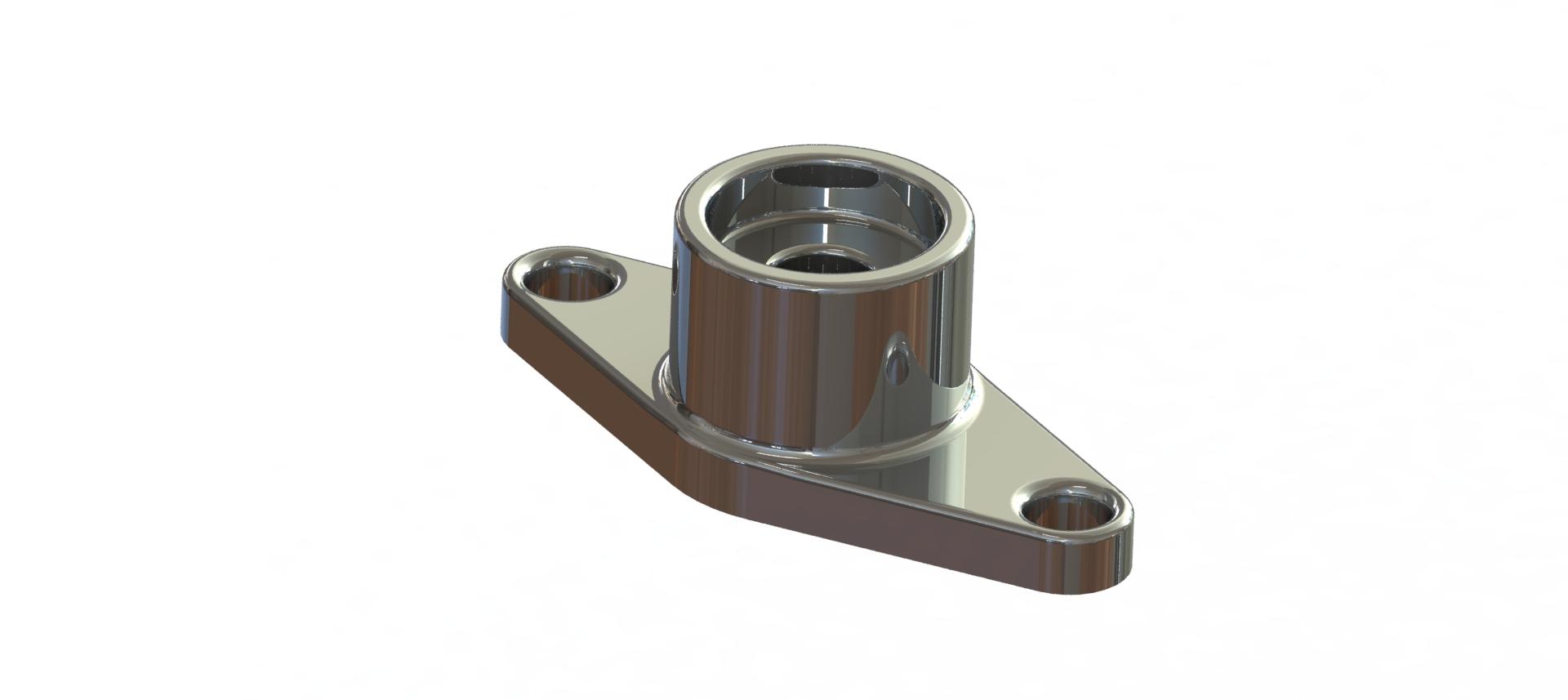
-
Step 9: Full Drawing sheet