

Needle Sleeve Bearing

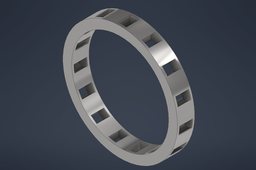
This tutorial explains the step-by-step working process of modelling needle sleeve bearing which is available in the model section of my profile. The needle sleeve bearing will fit between the connecting rod short arm and the piston pin boss.
Patrick Ray Samperuru - 2106718306
-
Step 1: Bearing Frame Sketch
After creating a new drawing using mm dimensions, start a 2D sketch of a circle with a diameter of 40mm in the XY plane. This will become the outer frame of the needle sleeve bearing.

Inside the 40mm circle, construct another smaller circle with a diameter of 33.8mm. This will become the inner frame of the needle sleeve bearing.

-
Step 2: Bearing Frame Extrusion
Select the area between the two 2D circles (the middle frame) and click "extrude" to create a 3D model of the bearing frames. Input a distance of 6mm in extrusion and select the "symmetrical" direction to put the 2D circles in the middle of the 3D bearing.

-
Step 3: Sleeves Base Sketch
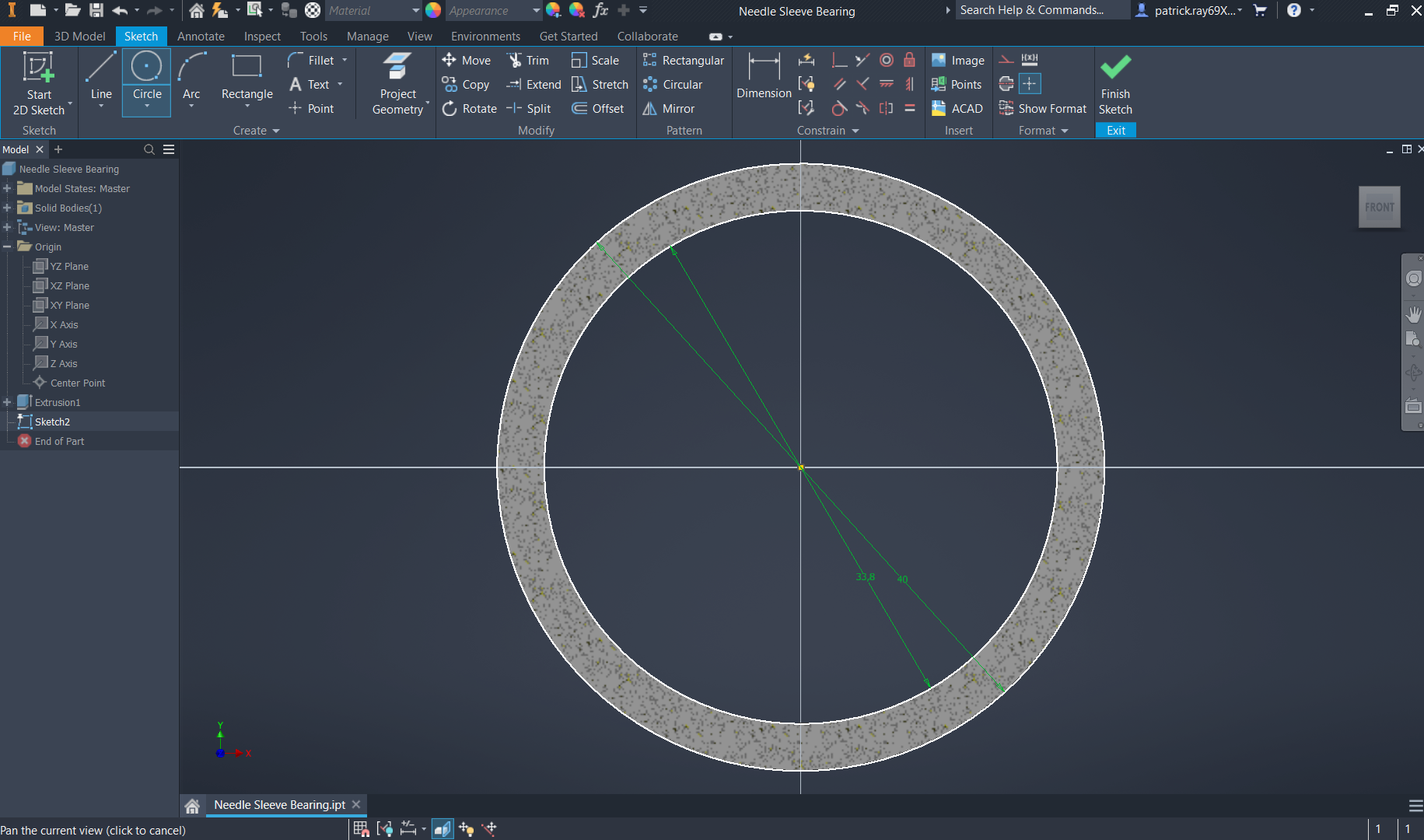
Select the XY plane in the origins view and create a new 2D sketch. Slice the graphics (F7) to hide previous geometric changes in order to have a clear perspective. Draw a circle of 40mm in diameter.
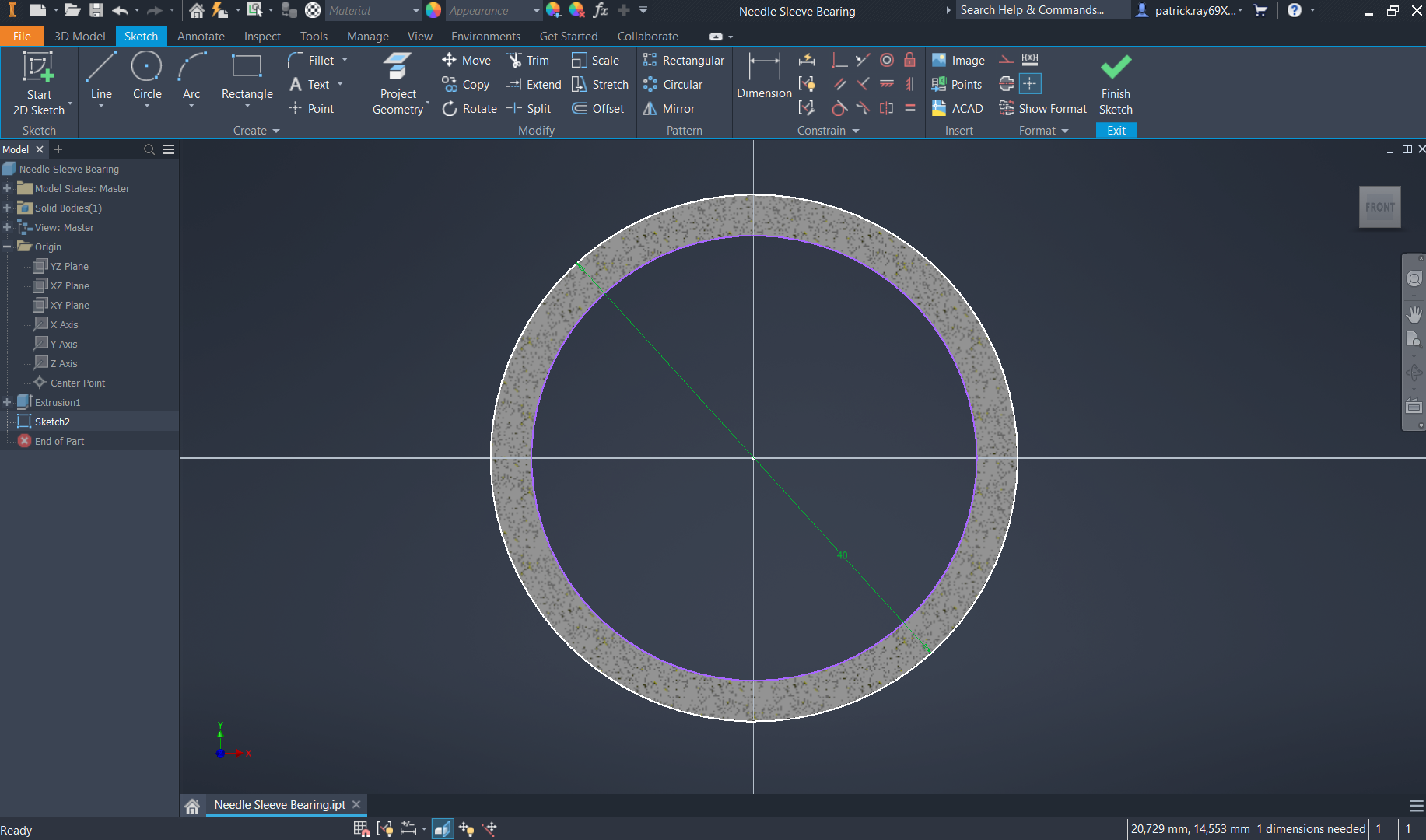
Continue by drawing the smaller diameter circle of 33.8mm. These circles will function to create a circular pattern in the next step.
-
Step 4: Sleeves in Bearing Sketch
In the upper section of the y-axis, draw a small circle between the two previously made circles. Select the "tangent" command and click the smaller circle to both the top and bottom larger circles to fit the smaller circle according to the tangents.
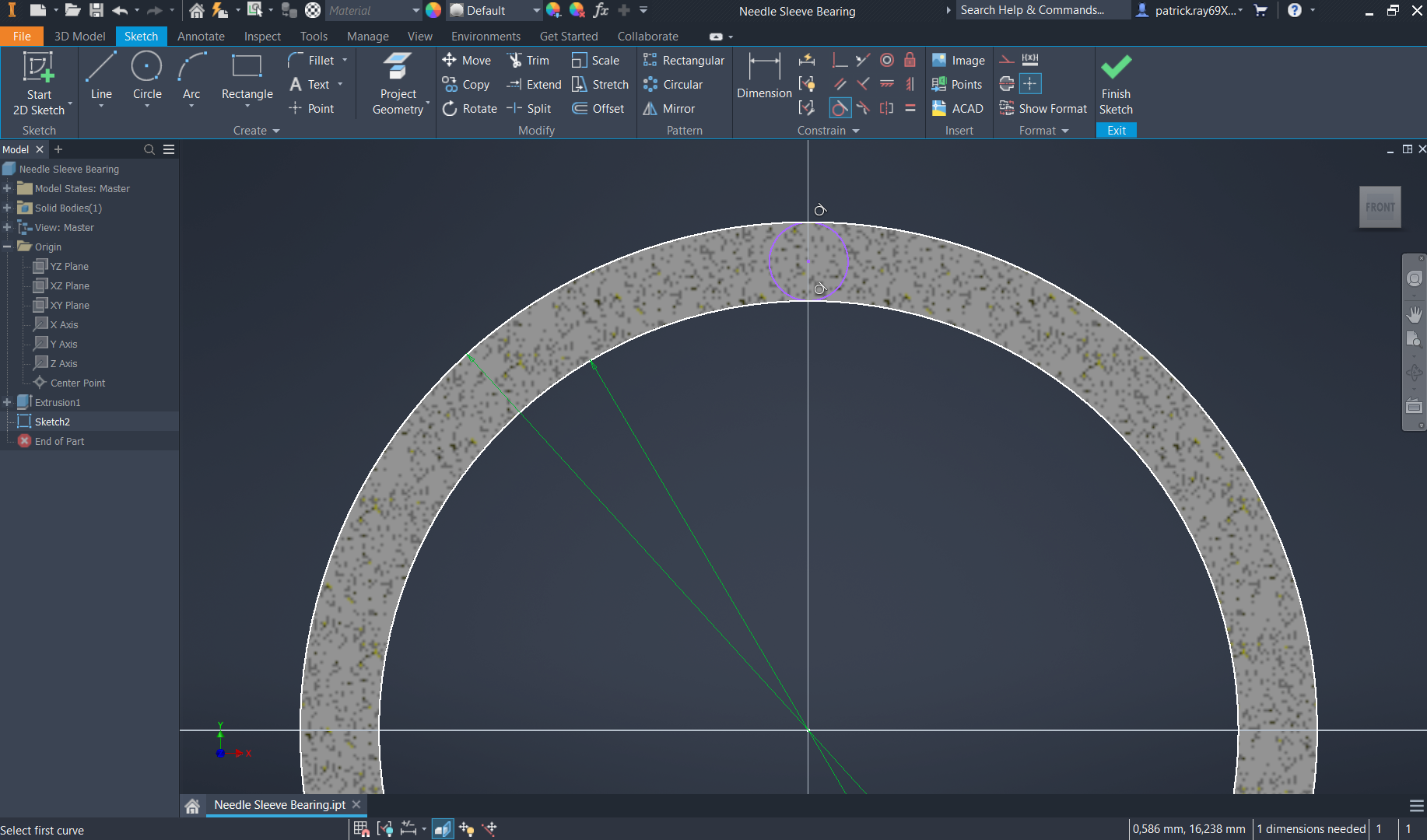
Next, create a larger circle from the smaller circle that extends beyond it. Select a dimension of 0.5mm between the two circles.
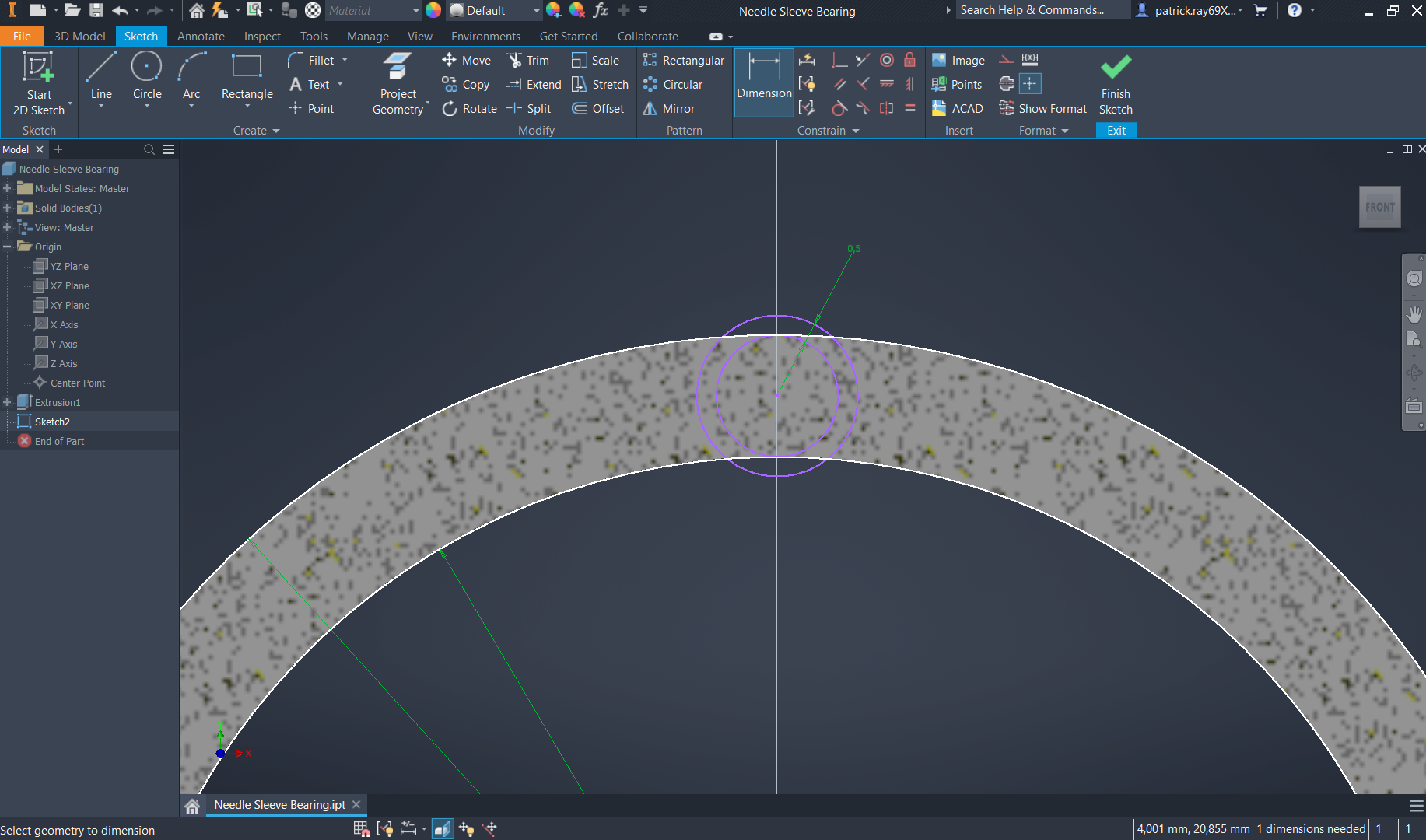
Delete the smaller circle, as it served purely as a reference for the bigger circle. This bigger circle will become the sleeves of the bearing.
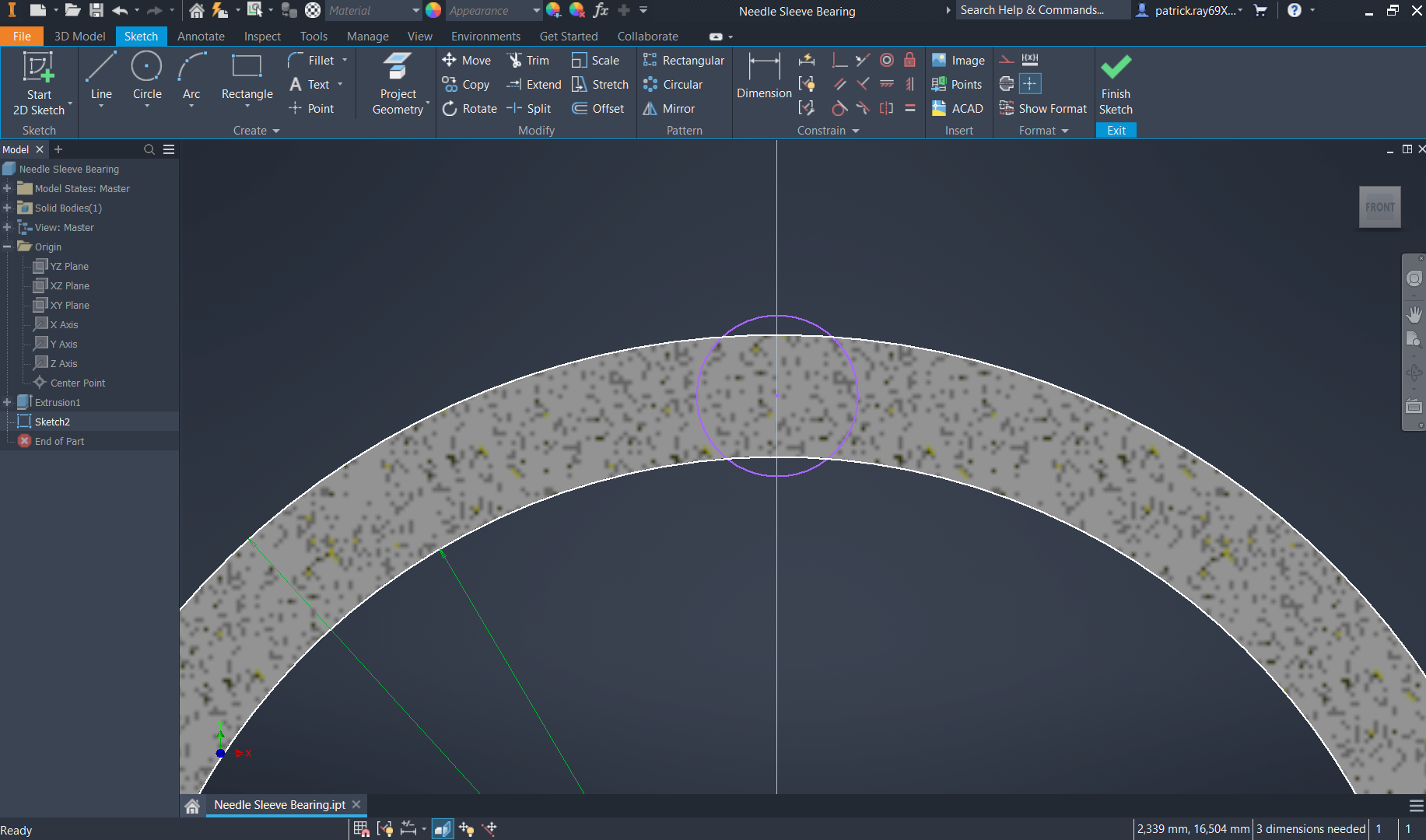
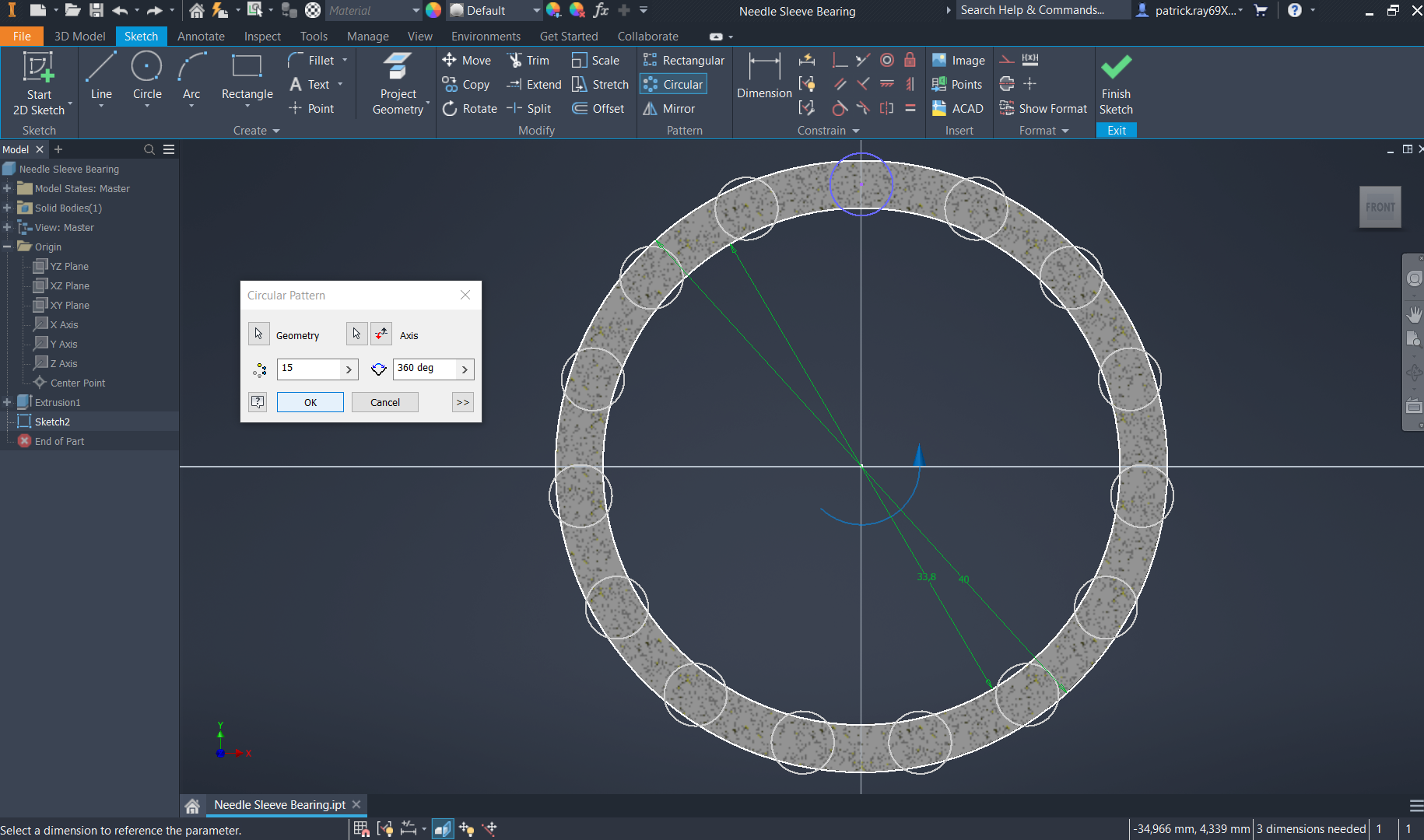
Select the "circular" pattern and click on the previously made bigger circle. Click on the feature and select the middle point (0,0) as the rotation axis. Select an optional number for the pattern that must be odd, in this case 15. Click finish sketch.
-
Step 5: Sleeves in Bearing Extrusion
Select the "extrude" command in the 3D model ribbon, and proceed to select all 15 of the circles made in the 2D sketch. Input a distance of 4.5mm, a direction of "symmetrical" and "cut" for the Boolean.
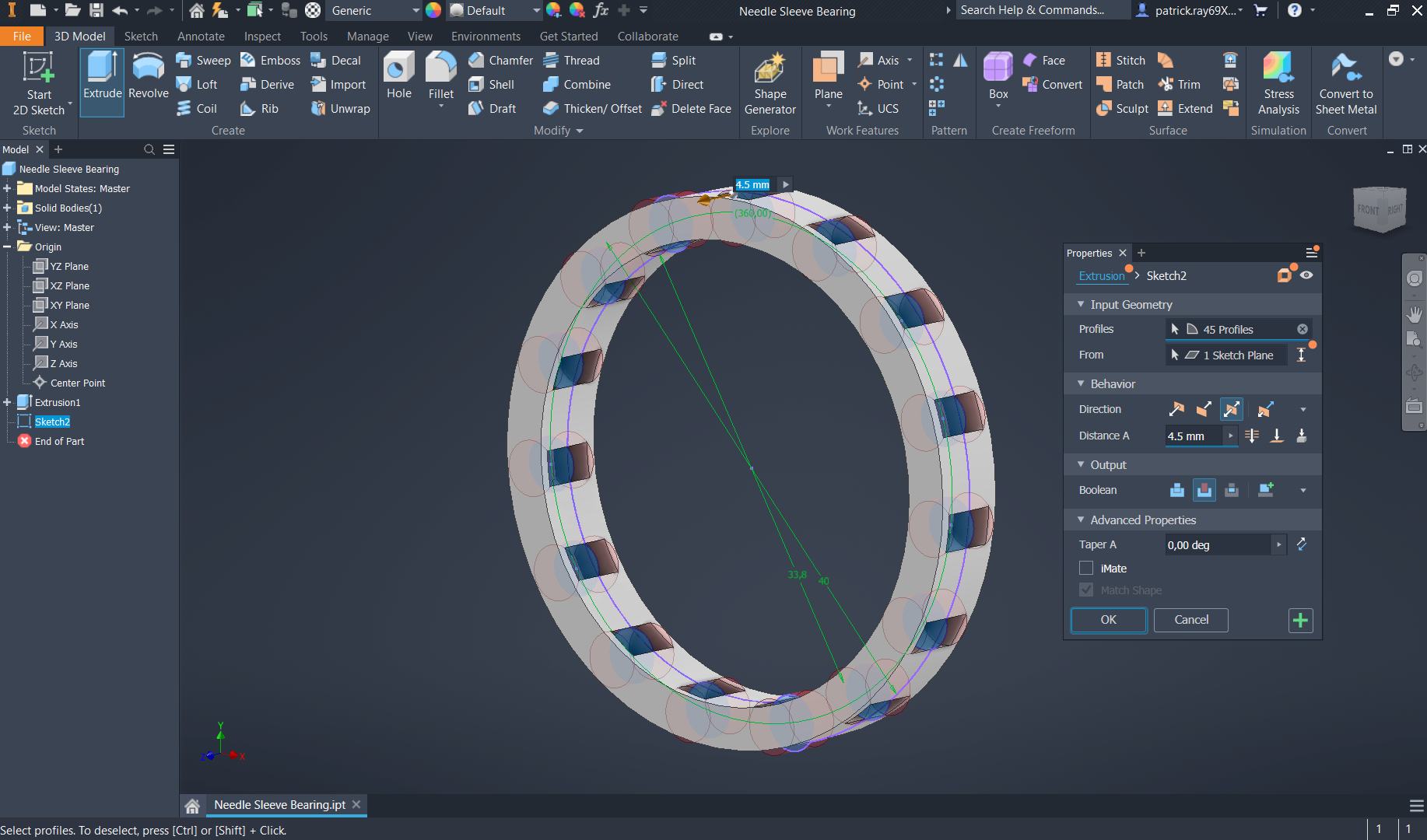
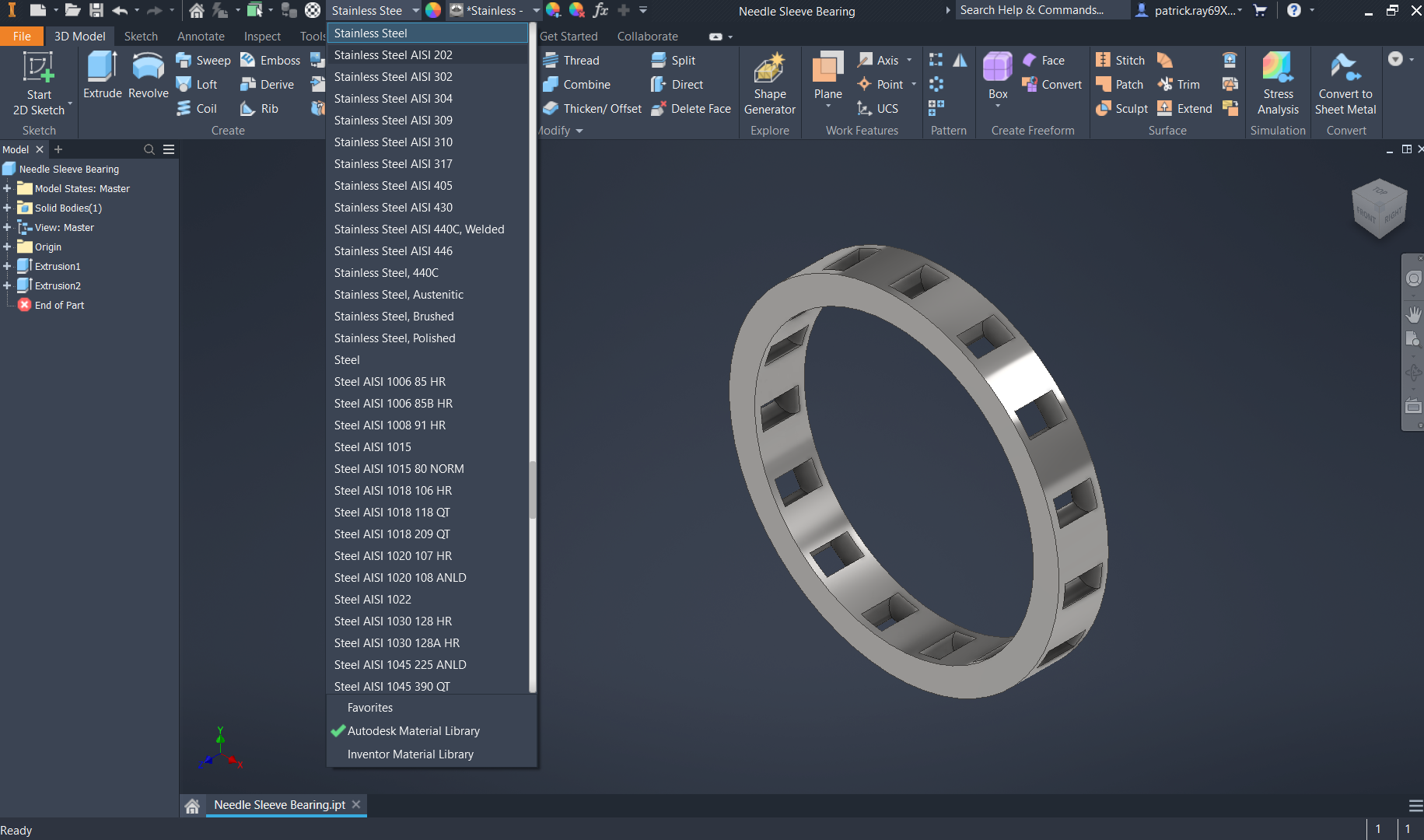
Finally, select the select the material of stainless steel, given needle sleeve bearings are commonly made of this material.
-
Step 6: Model Review
Top isometric view of the needle sleeve bearing
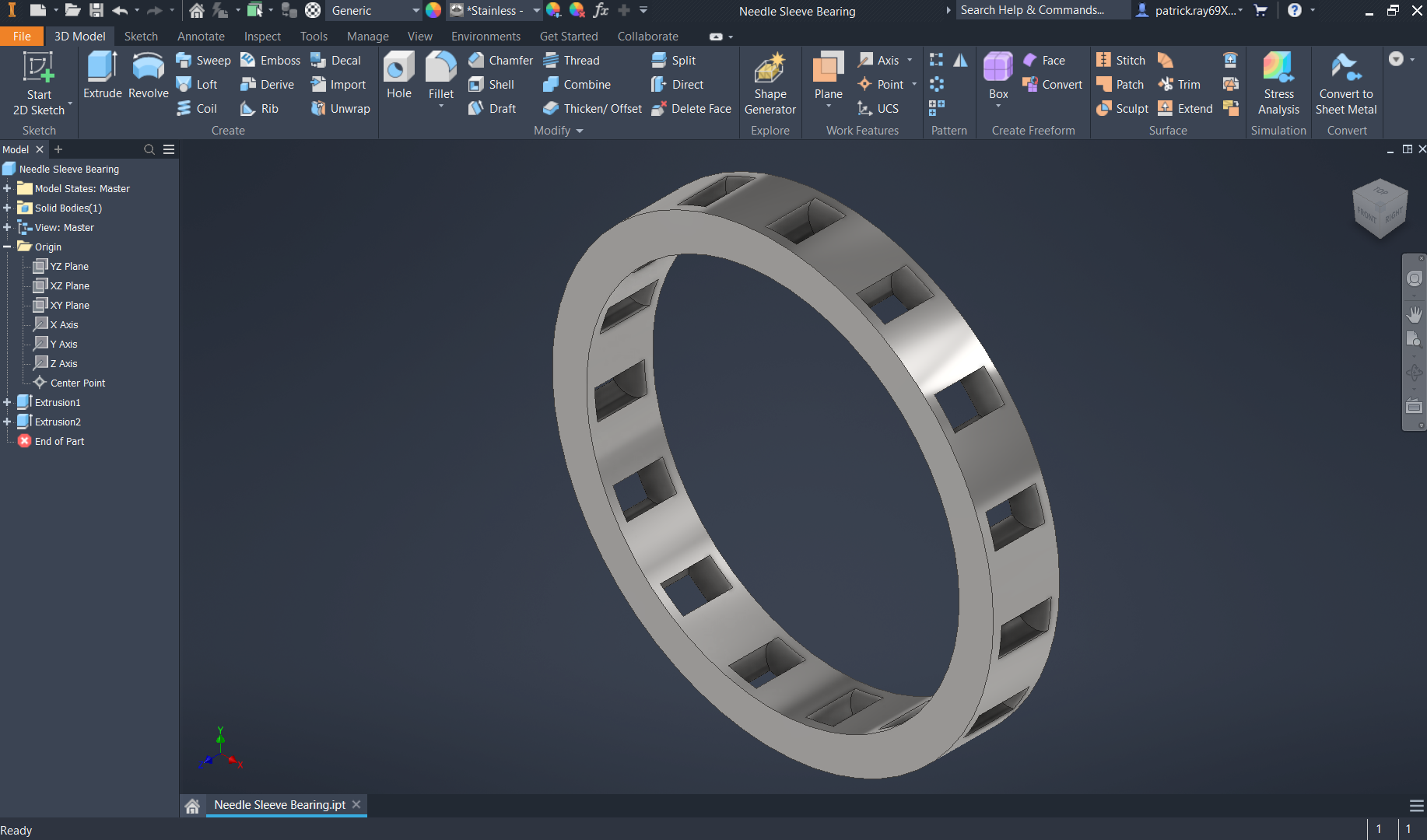
Bottom isometric view of the needle sleeve bearing
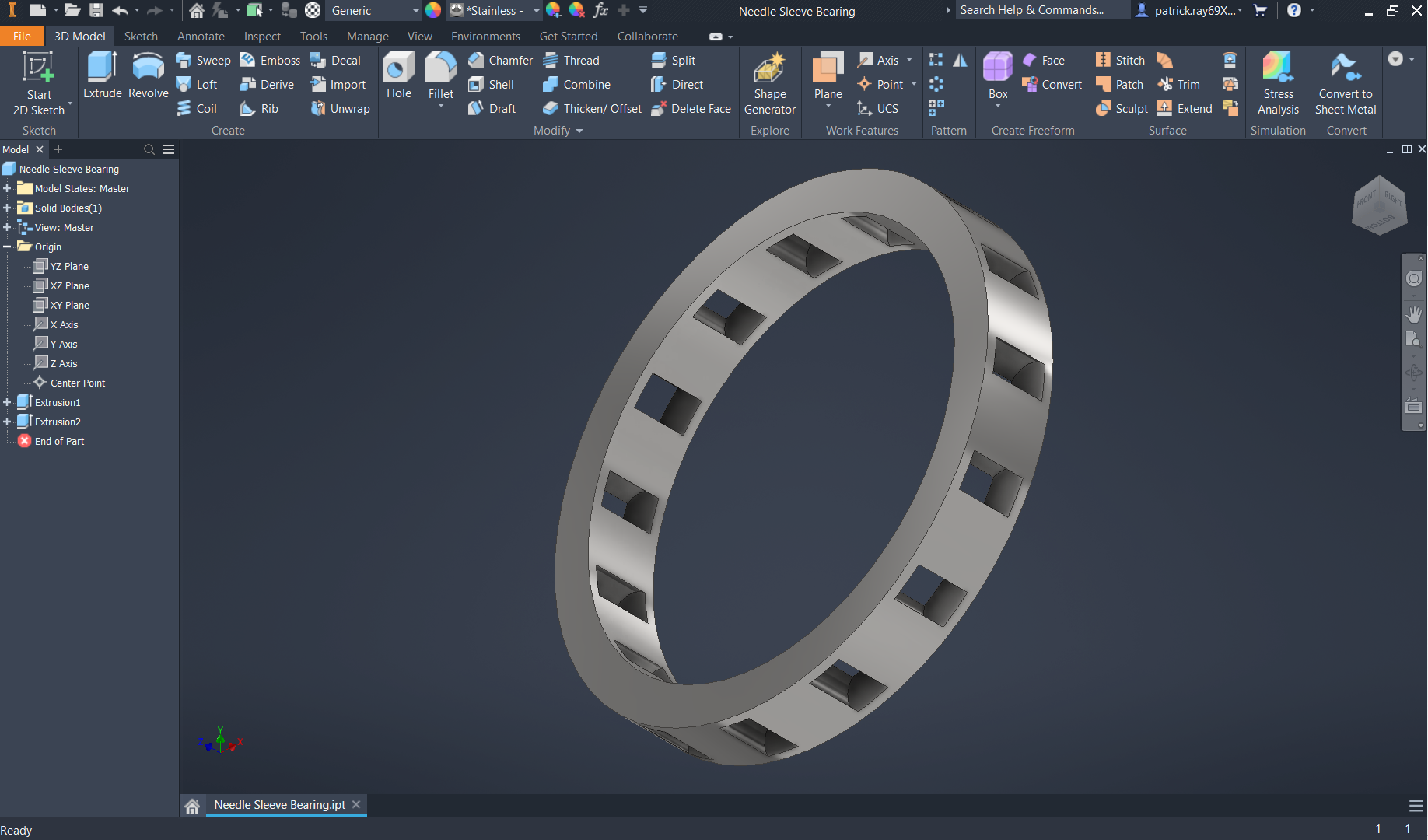
Side (right) profile of the needle sleeve bearing


