

Solidworks advanced tutorial |Model Earphone with Solidworks Surface

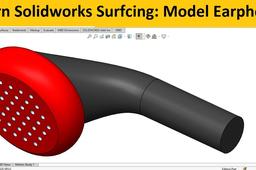
This is a solidworks advanced tutorial to model an earphone
using solidworks surfacing module.
To make 3d model of earphone , followings solidworks surfacing
tool will be use.
-Making reference planes
-Copy and paste sketches
-Loft Surface
-Boundary Surface and Planar Surface
-Knit Surface to create solid
-Solidworks shell and Fill Pattern tool
-
Step 1:

