

⚡ #solidworks Tutorial: Design a Sheet Metal Bracket for Beginners

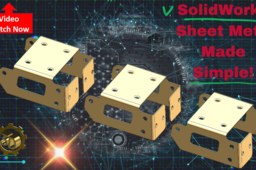
SolidWorks Sheet Metal is a specialized set of tools within SolidWorks for designing and manufacturing sheet metal parts efficiently, offering features like base flange creation, bends, flanges, and automated flat patterns.
Key Features:
- Base Flange/Tab: The starting point for most sheet metal designs, created from a 2D sketch to define the initial shape and thickness.
- Flanges and Bends: Tools such as edge flanges, miter flanges, and insert bends integrate bends and additional features needed for practical manufacturing.
- Flat Pattern Generation: Instantly creates a 2D version of a part that can be sent to laser cutters or for manufacturing, automatically including necessary bend deductions and corner reliefs.
- Convert to Sheet Metal: Allows conversion of solid bodies to sheet metal with customizable thickness and bends.
Parameter Management: Users can specify thickness, bend radius, bend allowance, K-factor, and relief, with options for custom gauge tables.
-
Step 1: solidworks Tutorial: Design a Sheet Metal Bracket for Beginners

