appearance not showing

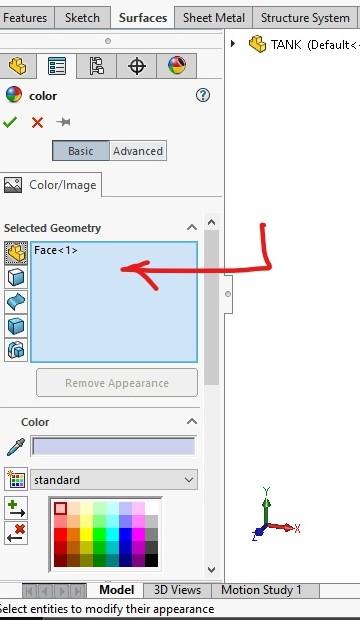
im trying to add a chrome appearance in solidworks 2018 but when i drag any colour nothing shows on my part can anyone help
1 Answer

When you drag appearance on your part dialogue box will appear click on part symbol. or when you select Edit Appearance on left side of your screen window will open make sure you select a part or an assembly that you want. I have uploaded a screenshot take a look at it.