

How can I add ''rough'' surface on my model?

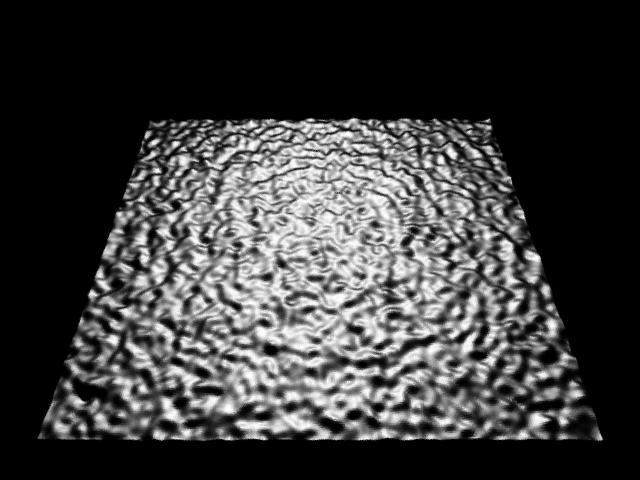
Is there an easy way of adding ''rough'' surface on my model in SolidWorks? See the picture attached.
4 Answers

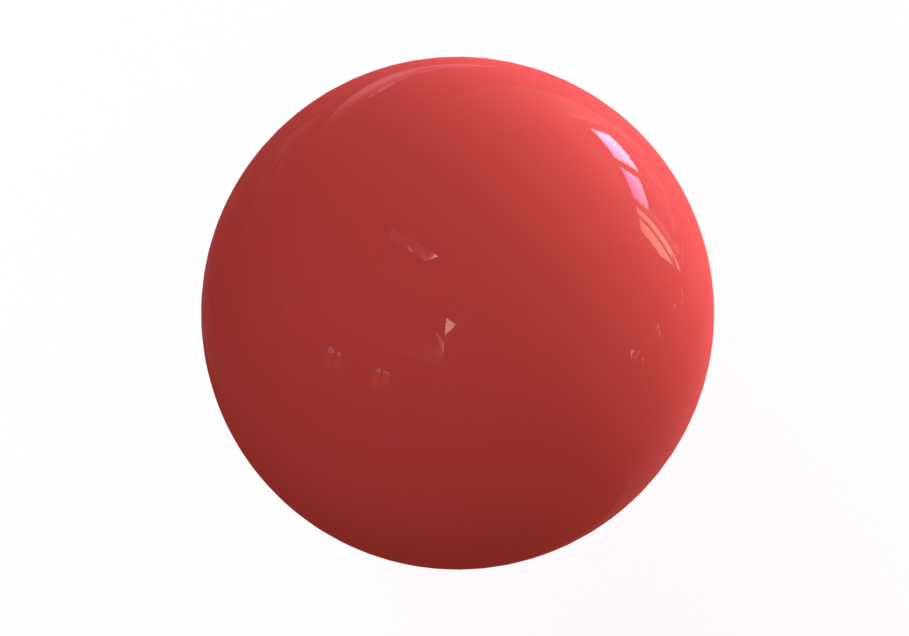
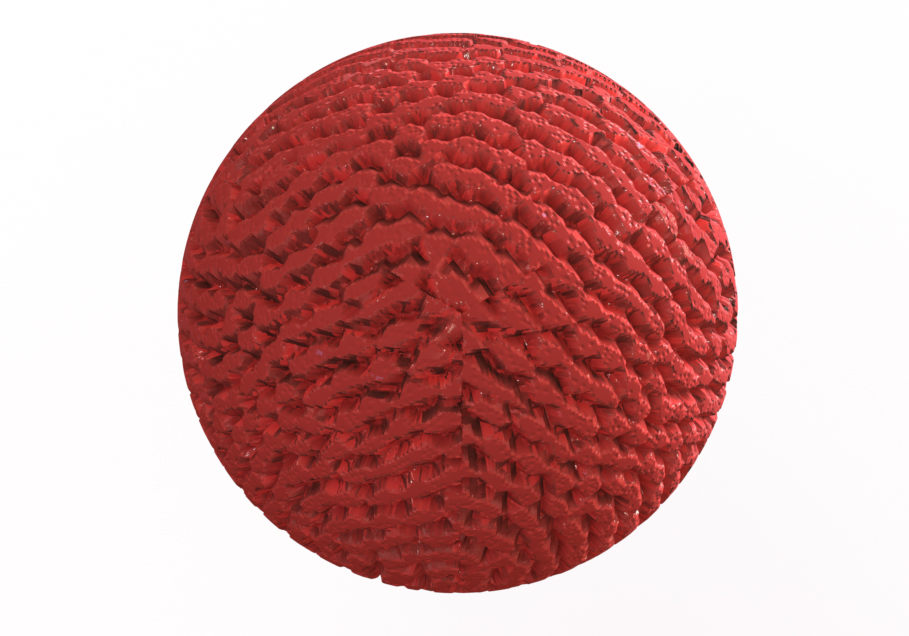
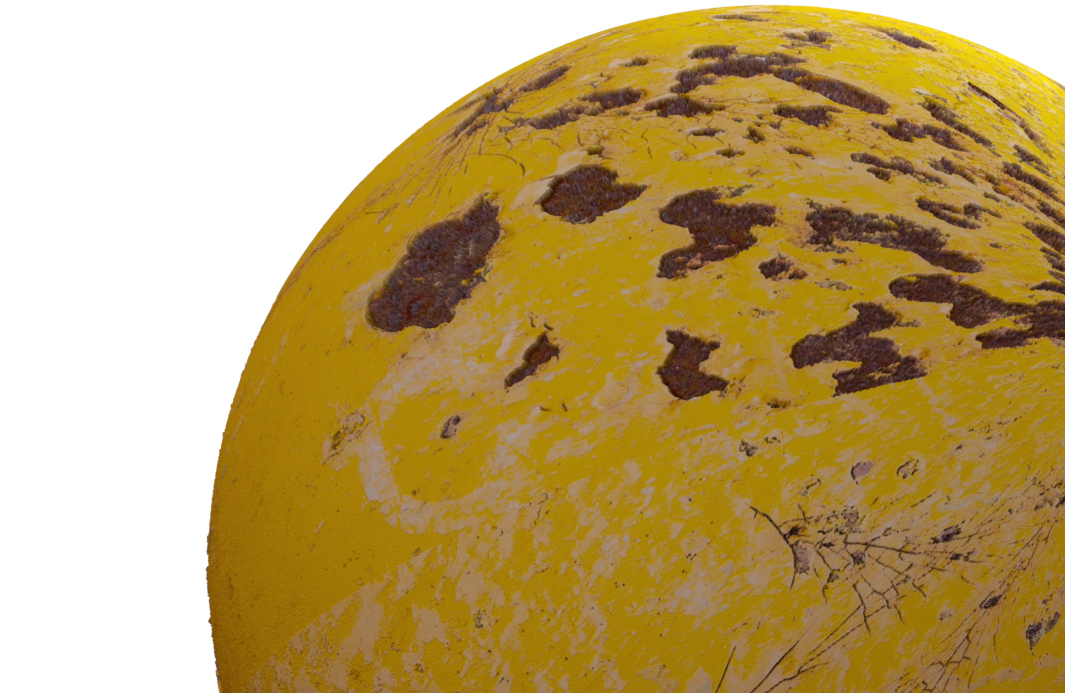
You can also bump and displacement map in PhotoView 360 if you are using SolidWorks for your rendering - see standard and bump/displacement mapped sphere images attached. Let me know if that would help and I will gladly post a tutorial :)

Depends upon your package.
If you use 3d Max, for instance, you can add a "bump map" for effects.
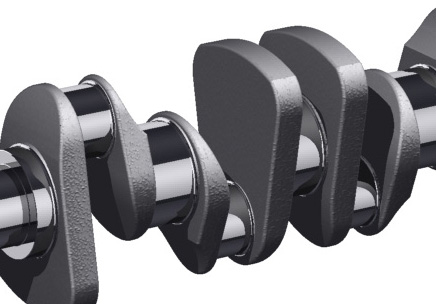
I have enclosed an example of a crankshaft I created. There is a machined surface and a cast surface. To create the "cast iron" effect I added a bump map to the Diffuse Channel. This map was simply a photograph of sand.
I think procedural maps could do the same effect. Also, in Max you can use "noise" to add a bumpy texture.

My guess is you want to render that, if that's the case, then bump map is your answer ...
As I remember you're a KeyShot user, see these: http://www.keyshot.com/keyshot/webinars/ ...

Hello. I am just curious, did you find the way to make the texture? I am trying to make the same thing but not luck so far.

