

How to import SLDPRT file to inventor .ipt file?

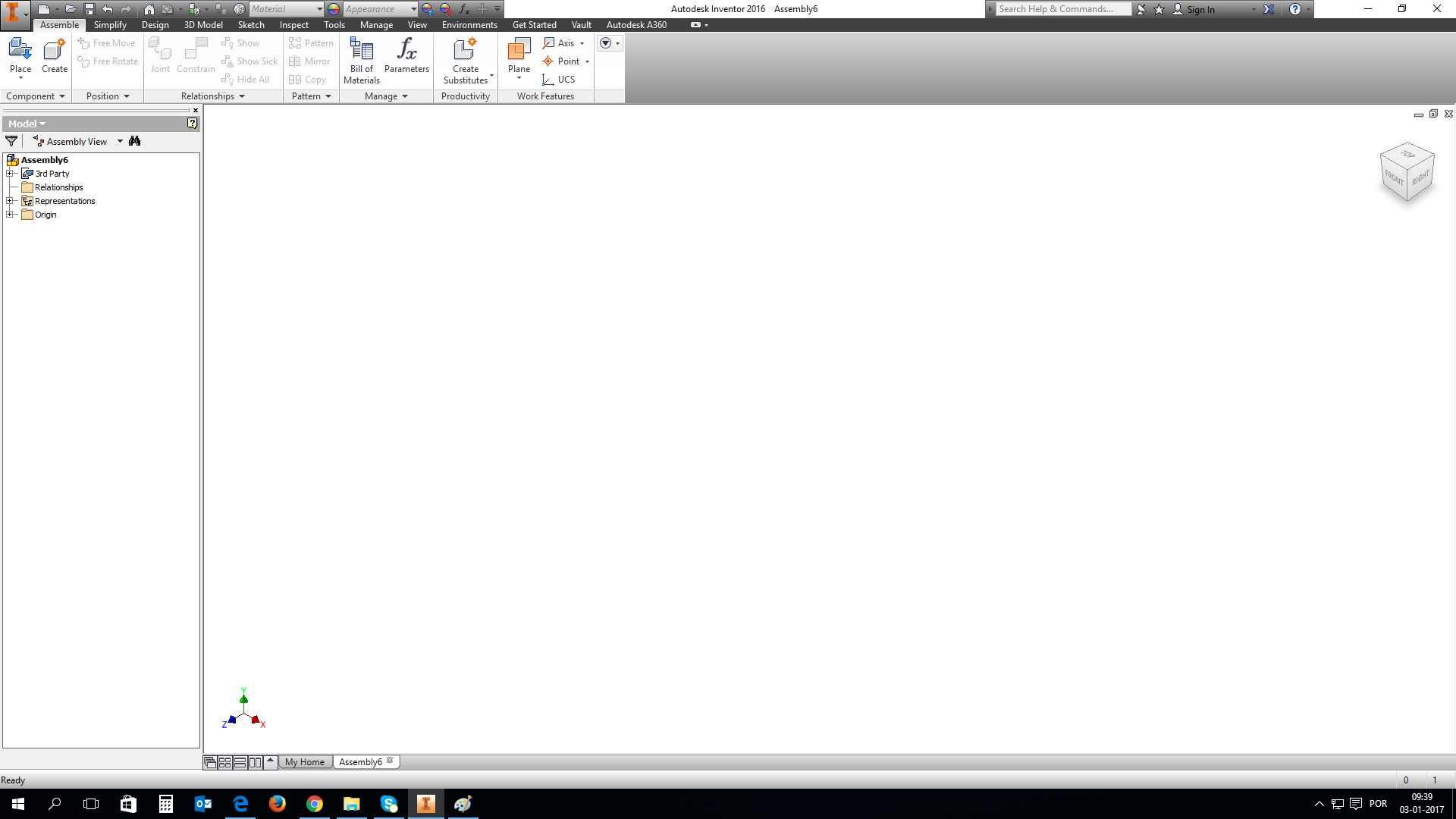
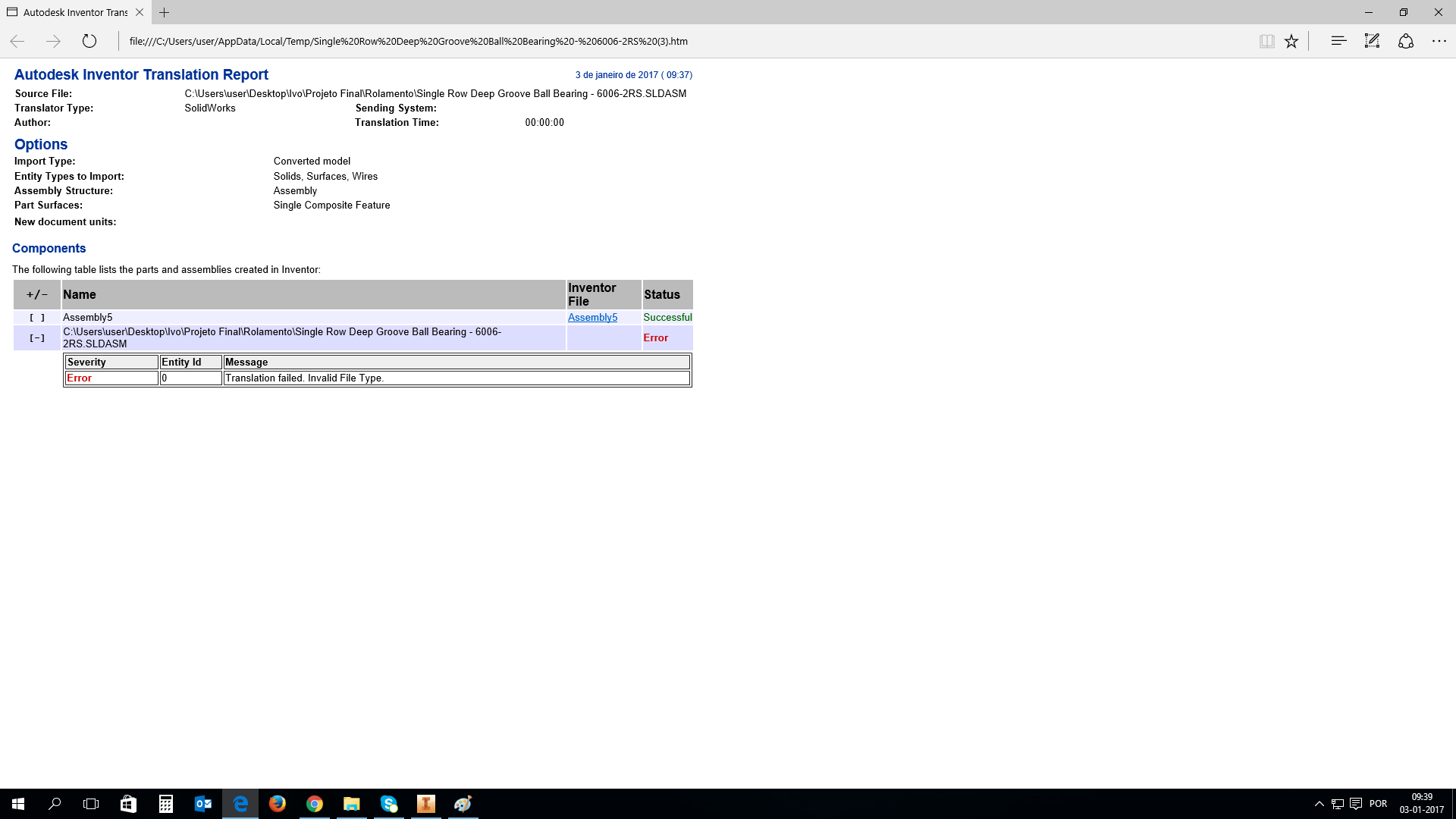
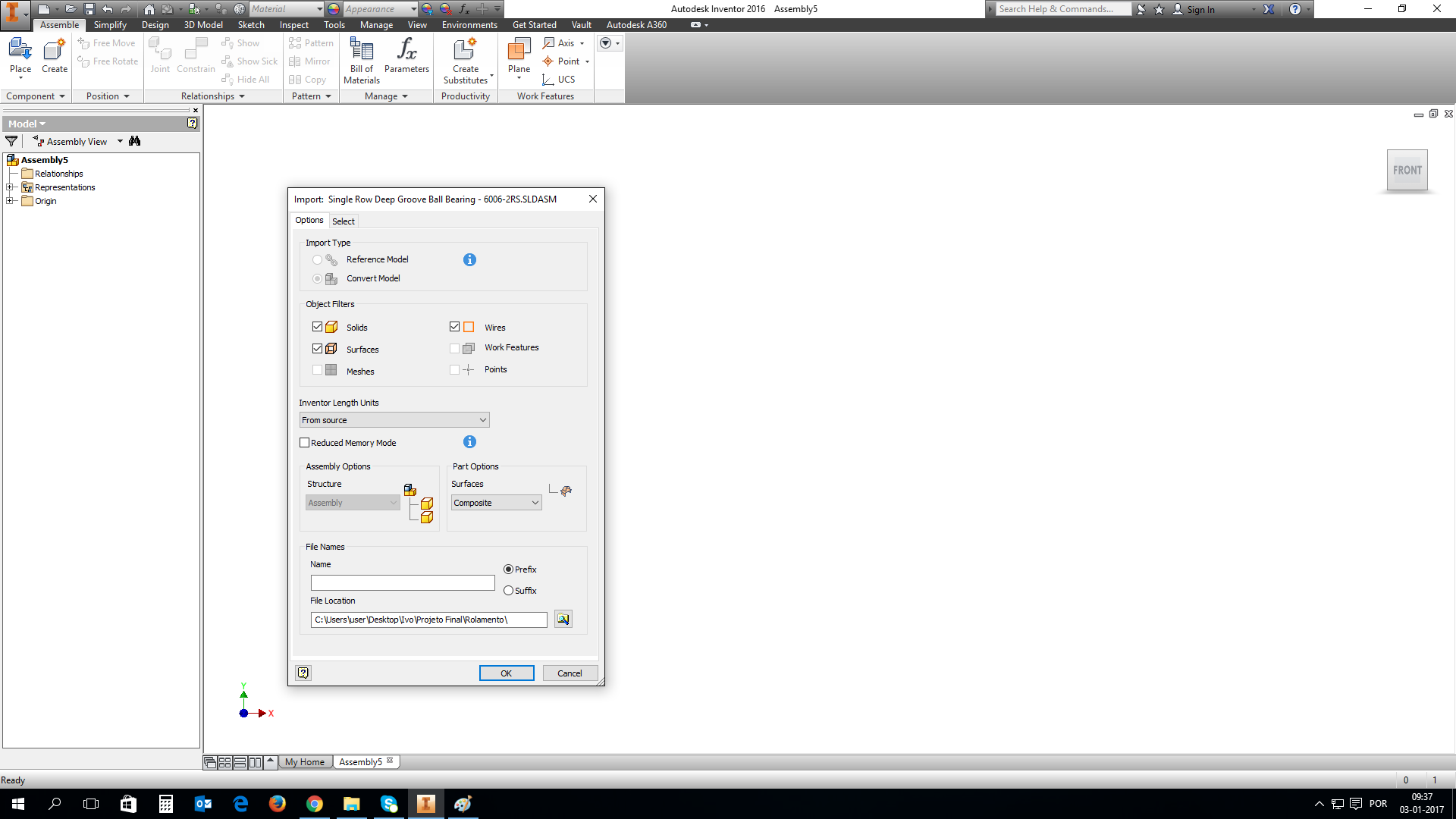
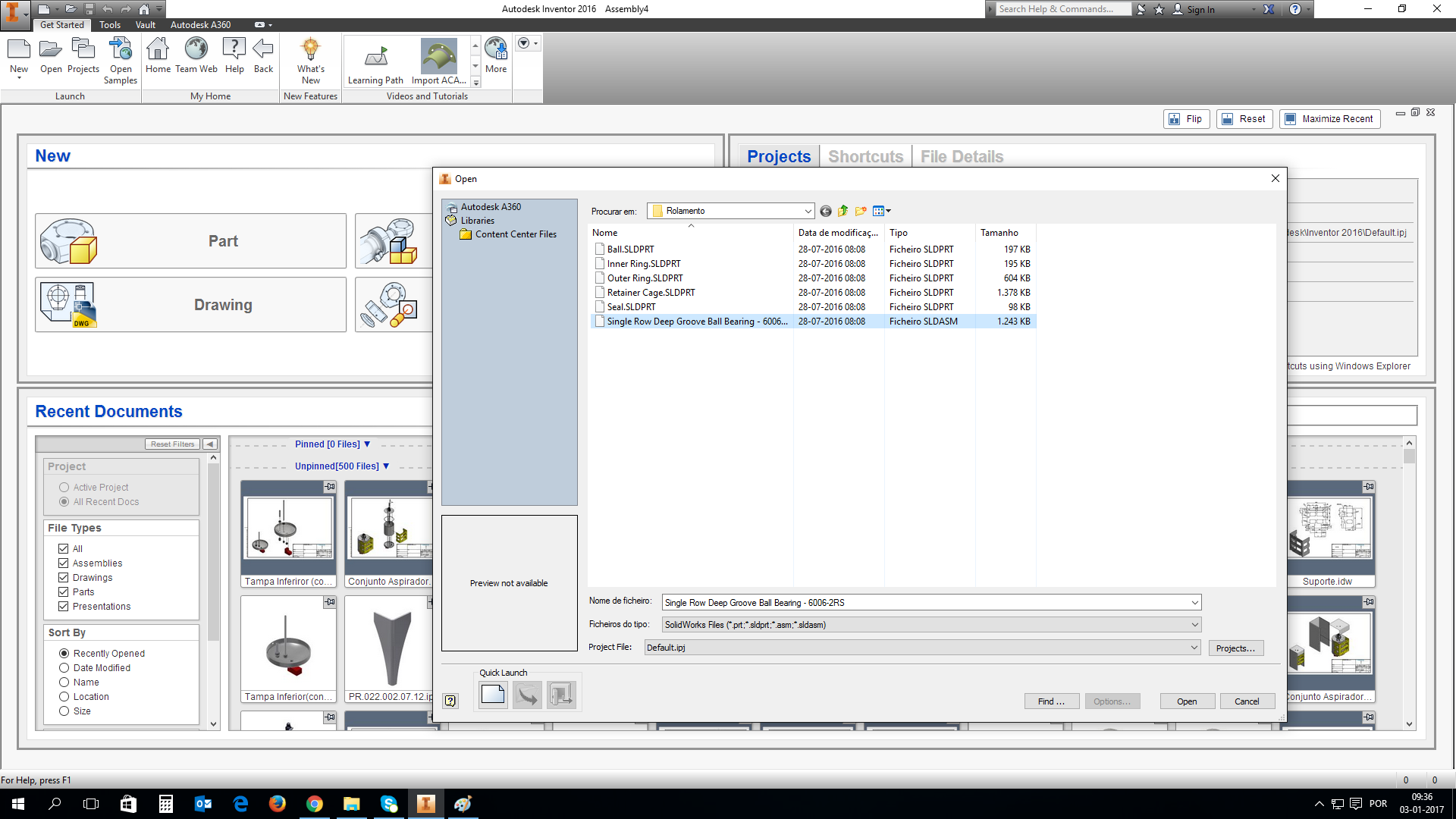
Im having problems in importing SLDPRT file to inventor .ipt file. I think I know how to do it, I open Inventor (mine is 2016) and i click "Open", I choose SolidWorks Files (*.prt.*sldpart,*.asm,*sldasm) extension and i open the file, right? But when i do that and i open the file, it doesn't shows anything. I will try to attach screenshoot of how it looks when i open it. The file was taken from GrabCad Library i will attach the link from it as well.
Link: https://grabcad.com/library/single-row-deep-groove-ball-bearing-skf-6006-2rs-1
Hope you understand and I hope someone help me.
Thank you for the help in advance.
3 Answer

Convert with DATAKIT CrossManager

I use inventor 2017 open direction file sldprt, it's ok

Normally you're doing right - but the bearing model is created with SolidWorks 2016 and therefore IV 2016 is not able to import this model, because IV 2016 can only import SW files up to version 2015.

