Thread Runout in SolidWorks

Hello everyone,
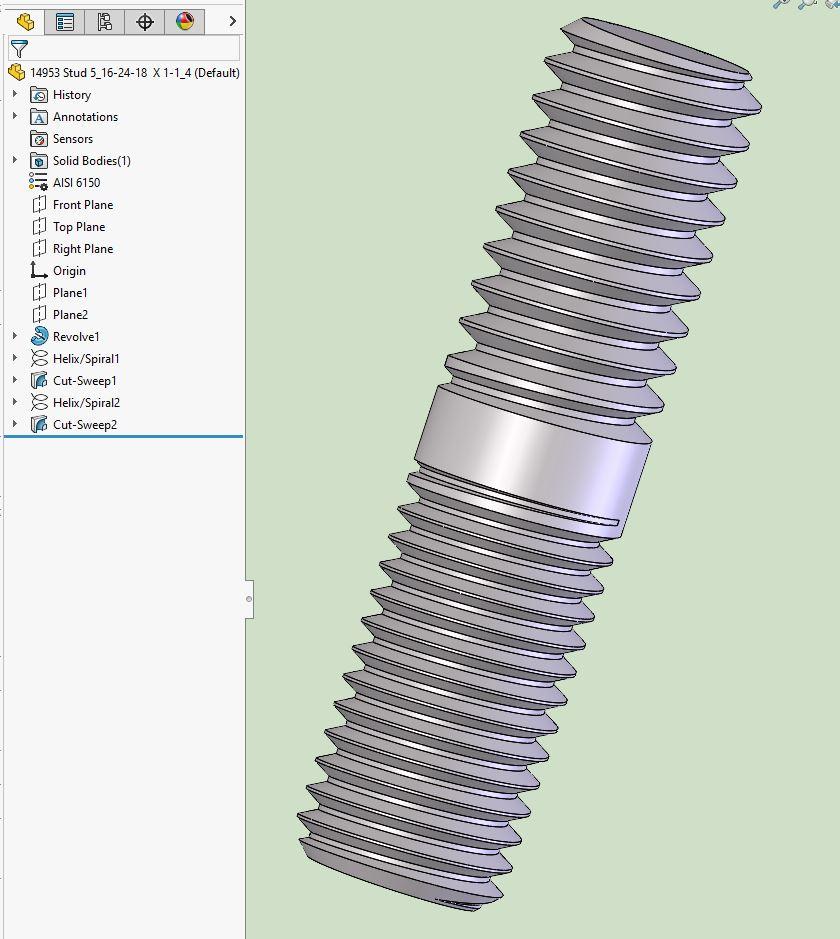
For years I've been struggling to find the best way to do proper thread runout on a physical thread in SolidWorks. For now, the quickest thing I have done is just a straight extruded cut, which looks decent enough, but isn't true runout. This technique doesn't work are all when adding a positive thread to the diameter. Instead, I get fancy with surfaces to try and clean up the runout.
Have any of you perfected a technique to make proper runout on both negative and positive threads?
On a semi-related note, another struggle I have is modeling proper closed-end springs. Typically, I do a 160-170 degree revolve of the profile at the end of the spring, but that revolve is cosmetic at best, as it isn't truly tangent to the rest of the spring.
I'd love to hear everyone's tips, tricks, or thoughts on either of these modeling issues.

5 Answers

Hi Steven,
What I will tell you is not a refined technique, since I never tried to resolve the issue you raise. It is rather a reflection that may help you find the best solution:
Remembering what I did in my youth when threading on conventional lathes, I think that "the cutting tool" followed its trajectory in a helix and, upon reaching the end, it was progressively withdrawn... with which, it ended up describing a new curve with the same pitch as the thread, but with increasing radii (like a spiral). In a quick test in SolidWorks 2020 I simply drew the fillet section in two positions (inside and outside the part) along "a quarter turn" (this is totally arbitrary) and drew a guide curve so I could apply a loft .
Maybe the idea will help you (comment what you finally achieve!)
Luck!
Marcelo
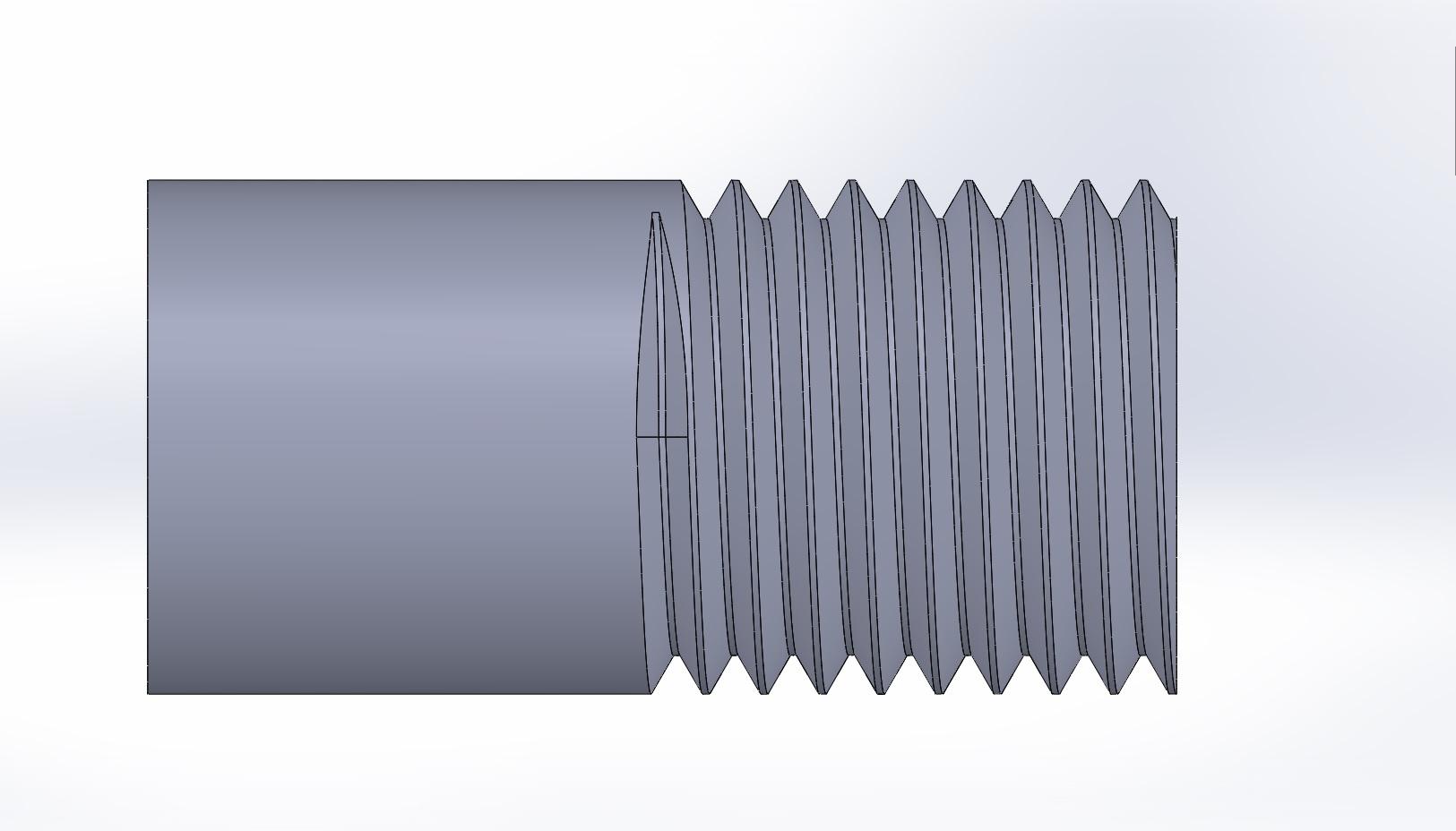
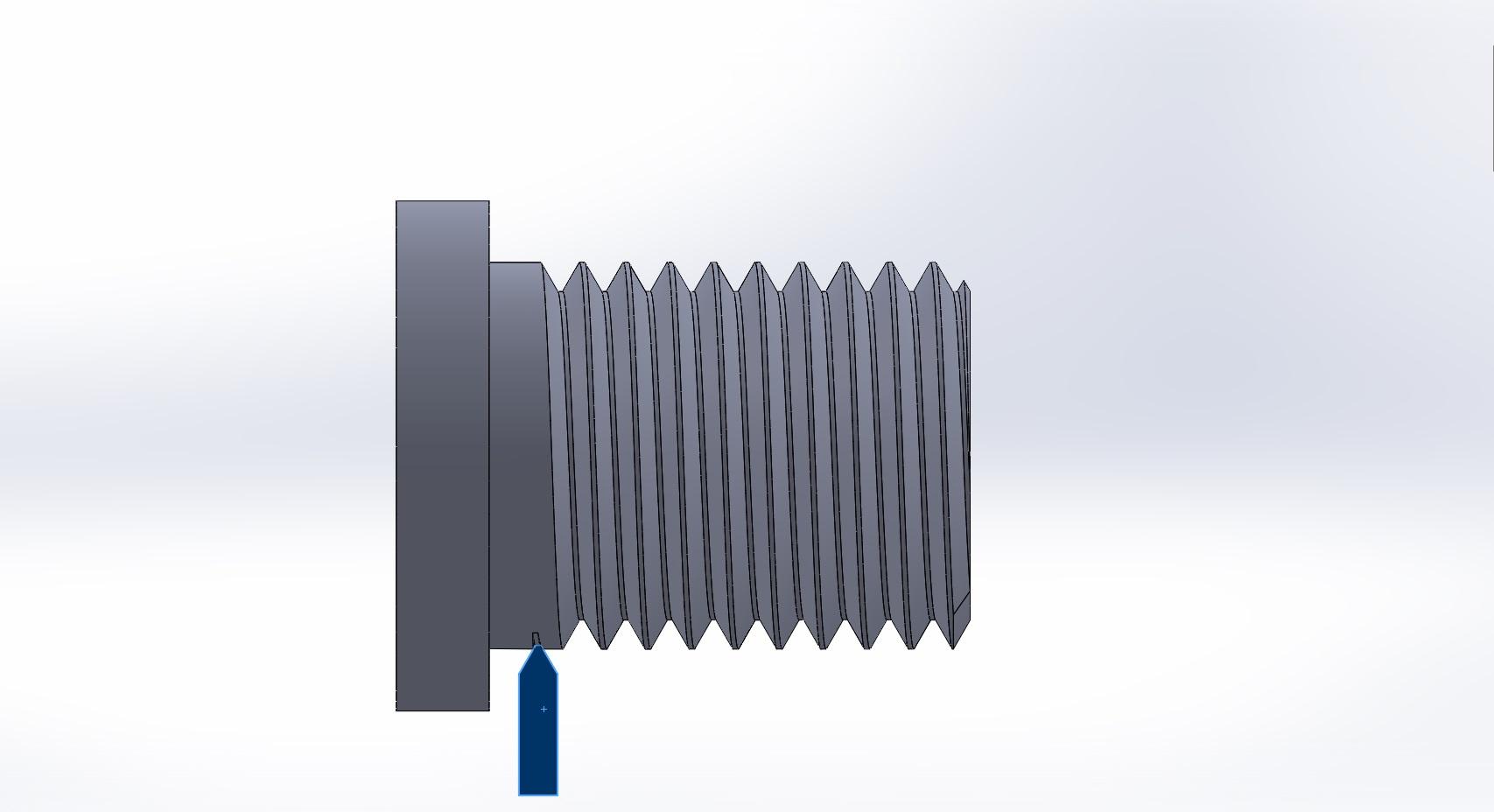
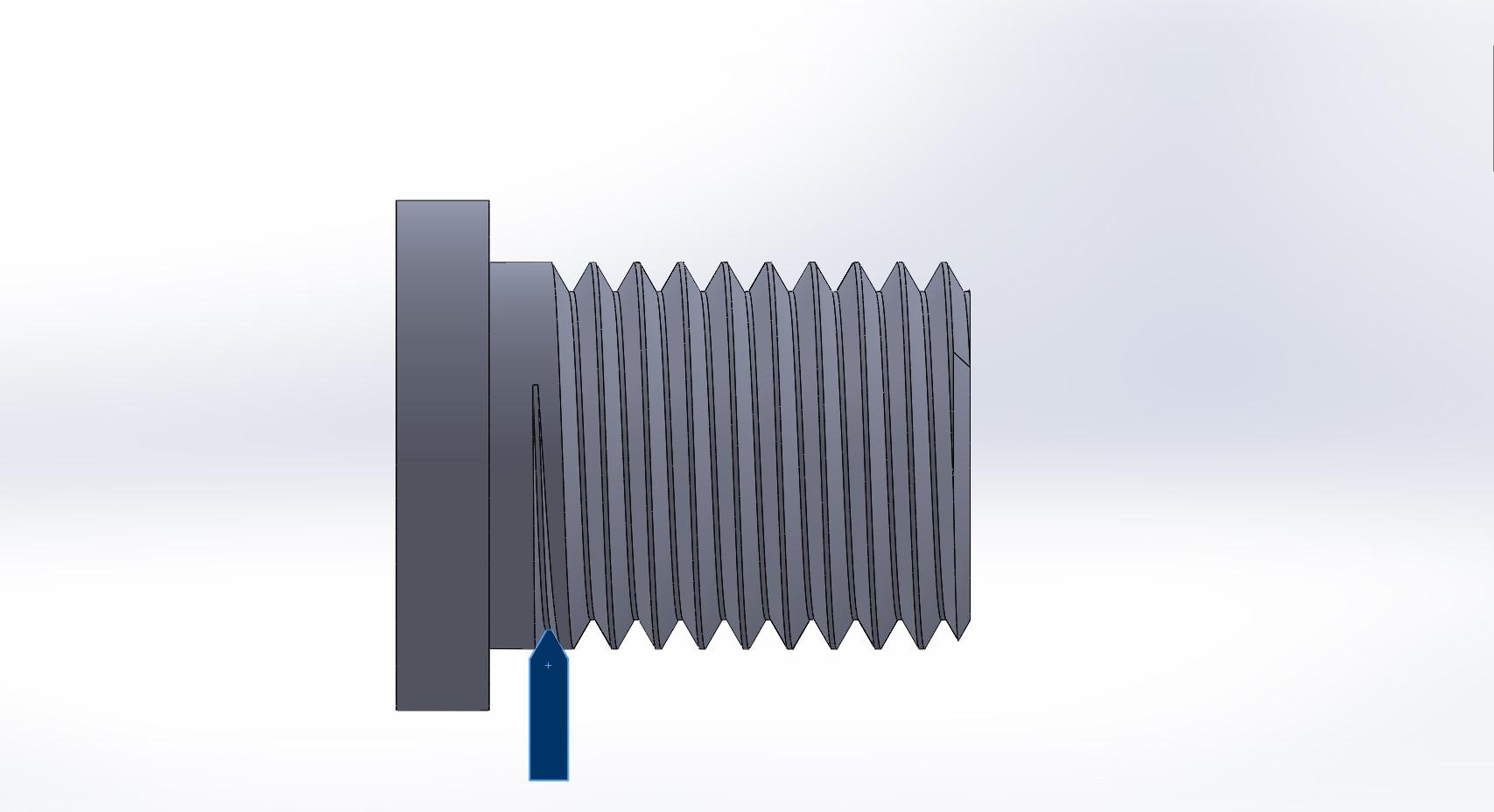
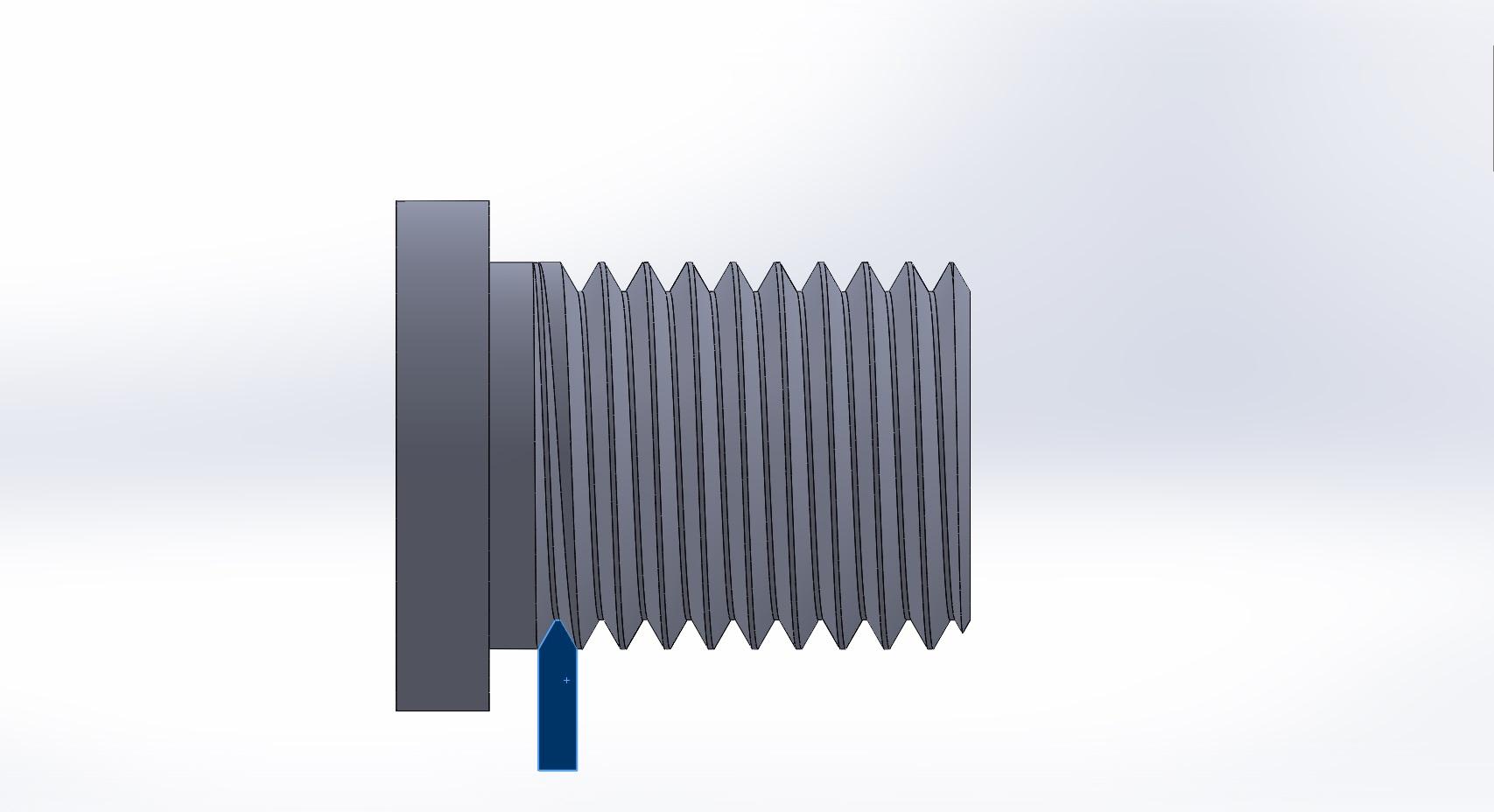
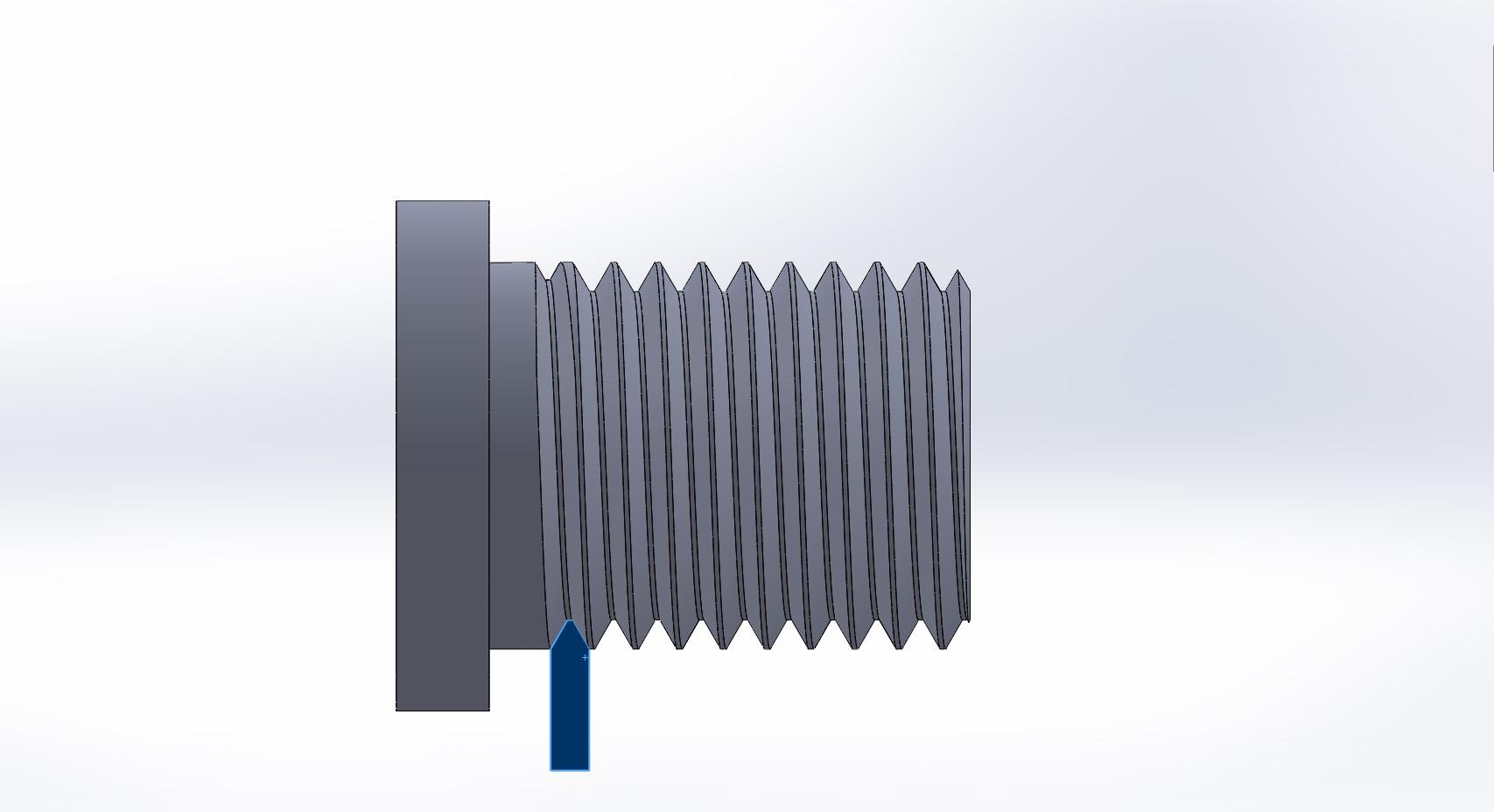
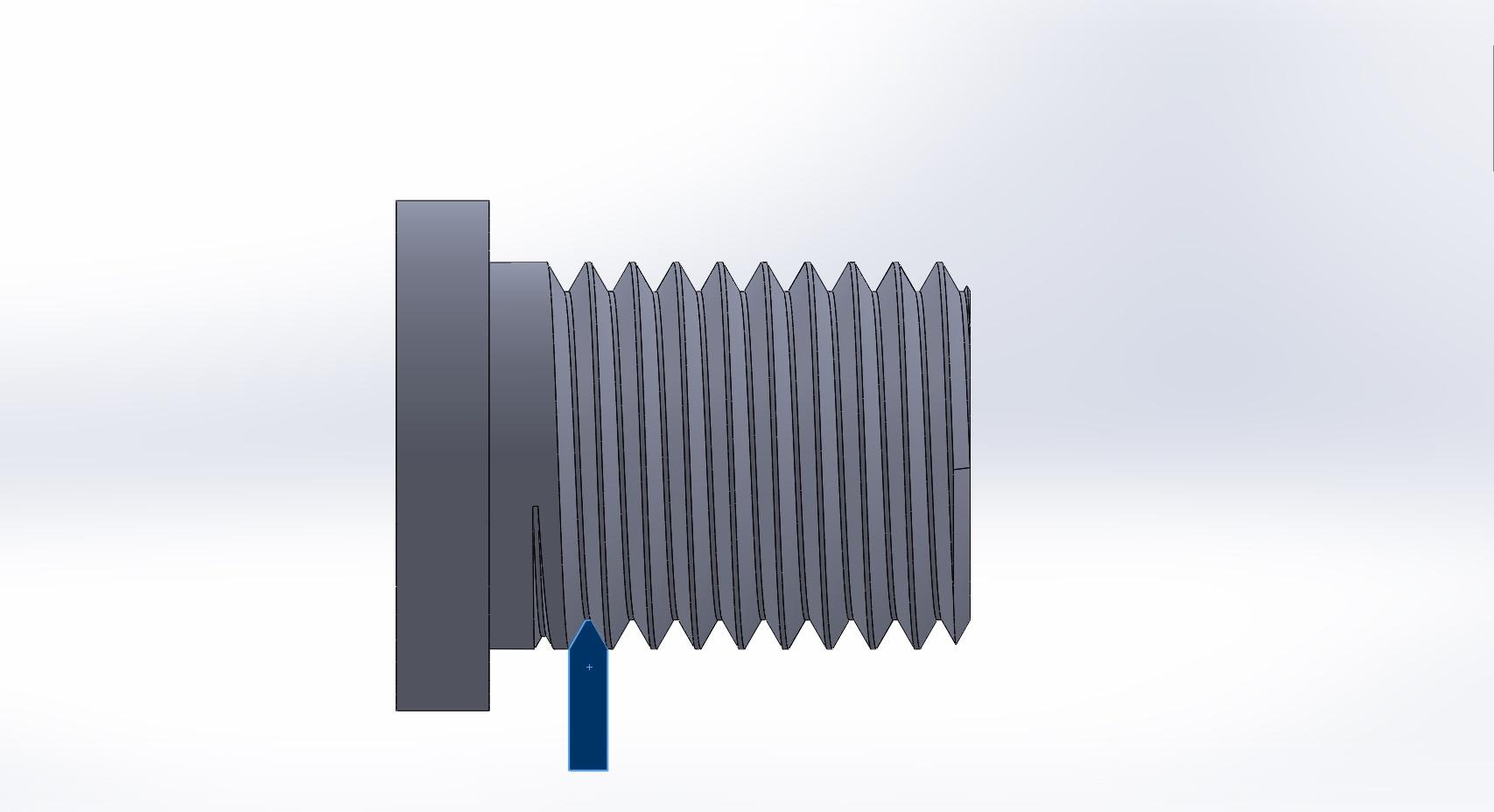
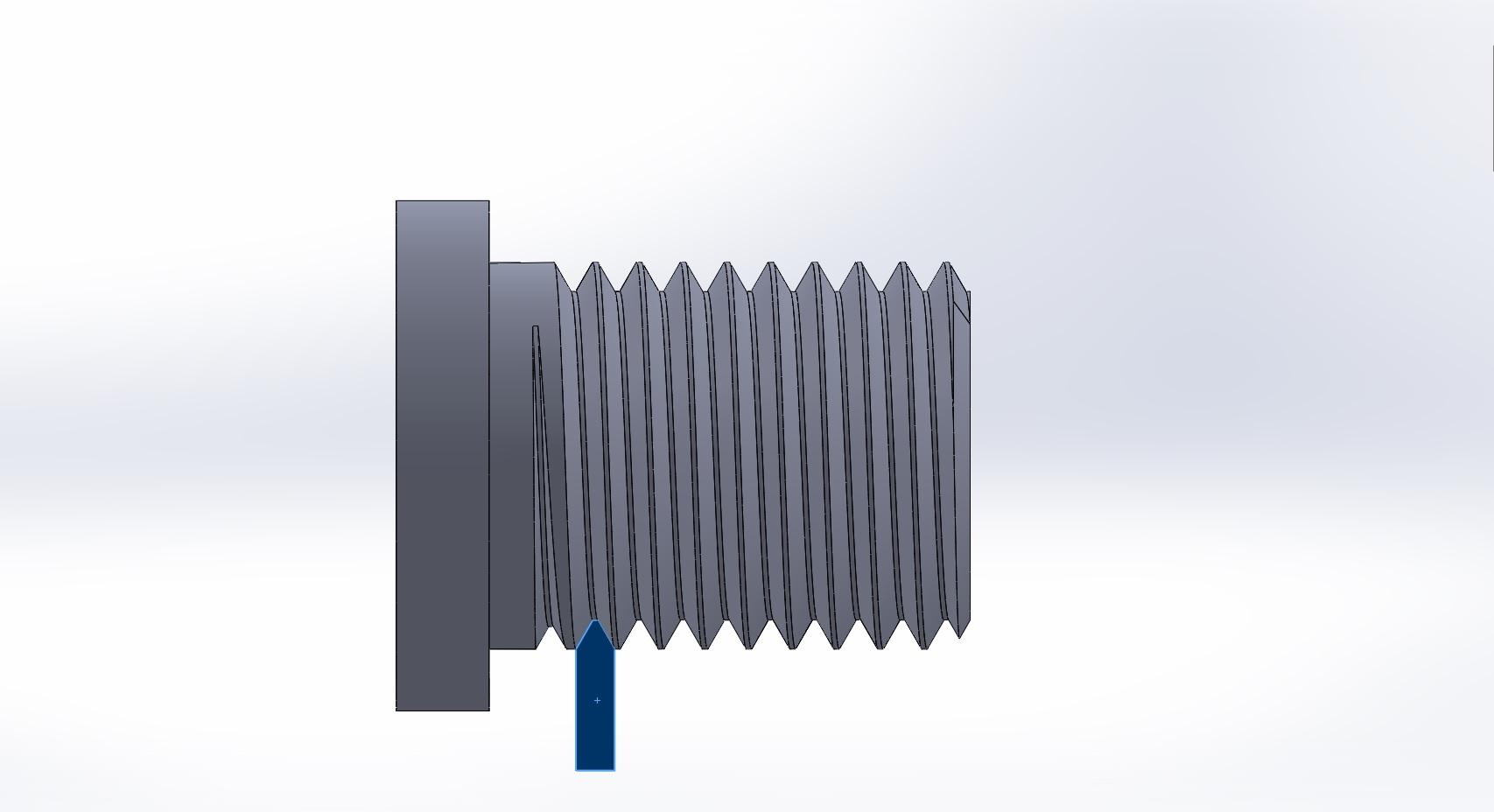

A quick way of modelling a thread runout in Solidworks is to use a tapered helix. I have made a little model to illustrate:
M12 Thread with Runout
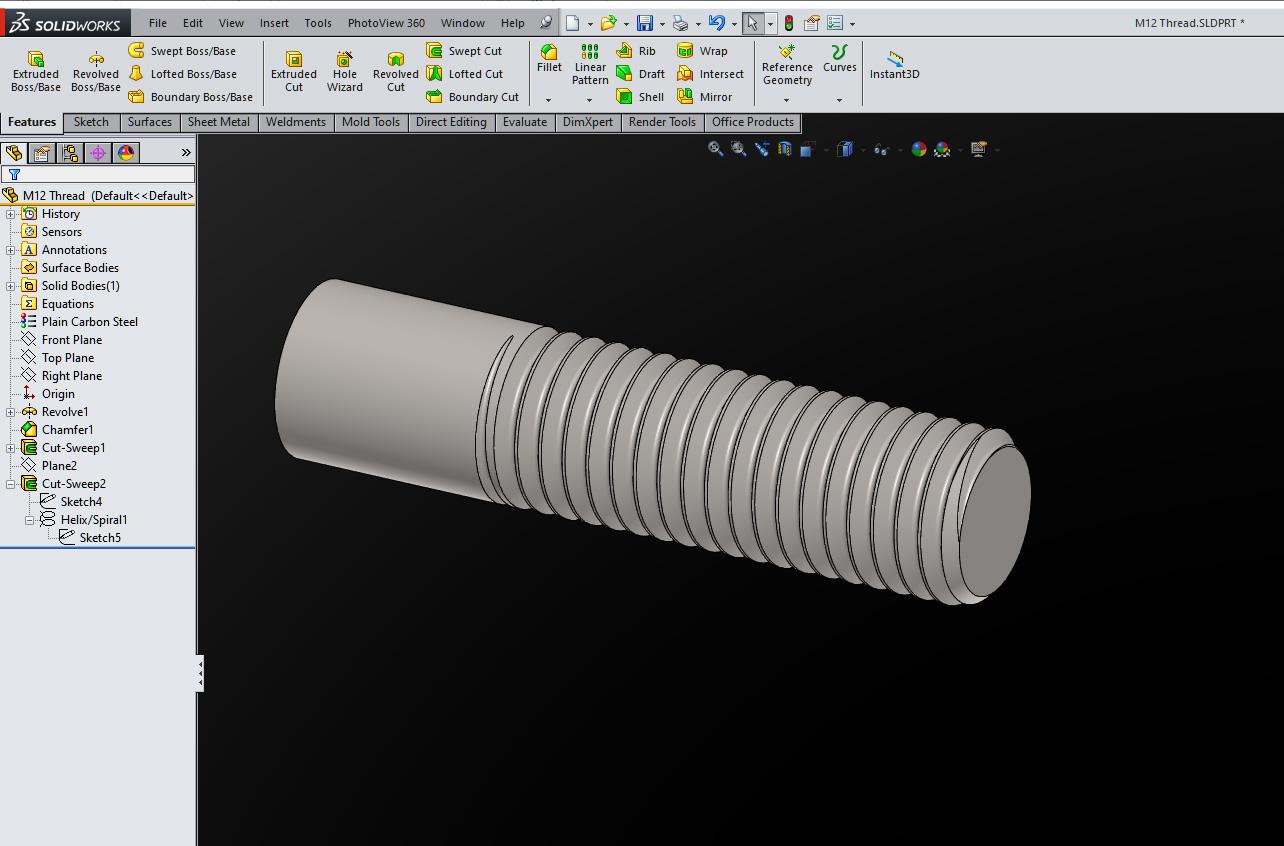


Yup this is great

An approximation I use is; the Helix, Variable Pitch feature.