

CATIA V5 - Sharp Edge on Meshes

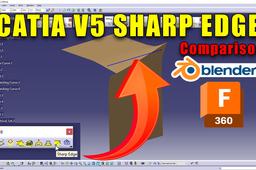
CATIA V5 does indeed offer the "Sharp Edge" tool within the Shape Sculptor workbench. This tool allows you to directly define sharp edges on meshes.
-
Step 1: Using the Sharp Edge tool
Here's how to use it:
Switch to the Shape Sculptor workbench.
Select the mesh object you want to modify.
Click on the Sharp Edge tool located in the Edit toolbar.
Select the edges on the mesh you want to define as sharp. You can use various selection methods like clicking individual edges, dragging a selection box, or utilizing selection filters.
Press Enter to finalize the selection.
The selected edges will now be marked as sharp, affecting the shading and visual appearance of the mesh.
Video section
00:00 Introduction
05:05 Blender
07:42 Fusion 360

