Ask and answer questions and download tutorials

Thousands of tutorials to learn from

Feed

Tutorial: How to make engine part 38

By Aykut Dana on 22 Sep 13:56 4 answers 3020 views 0 comments

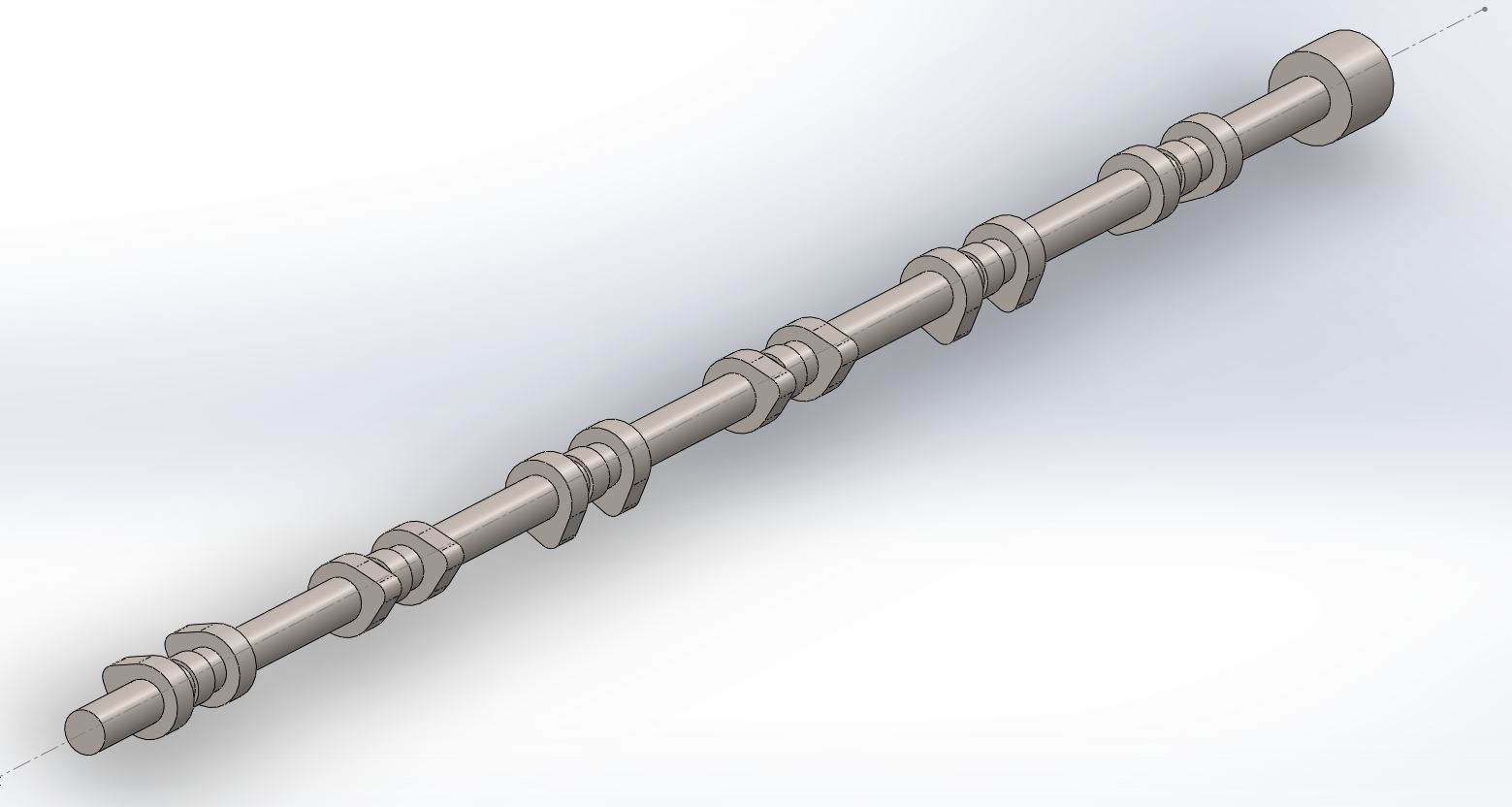
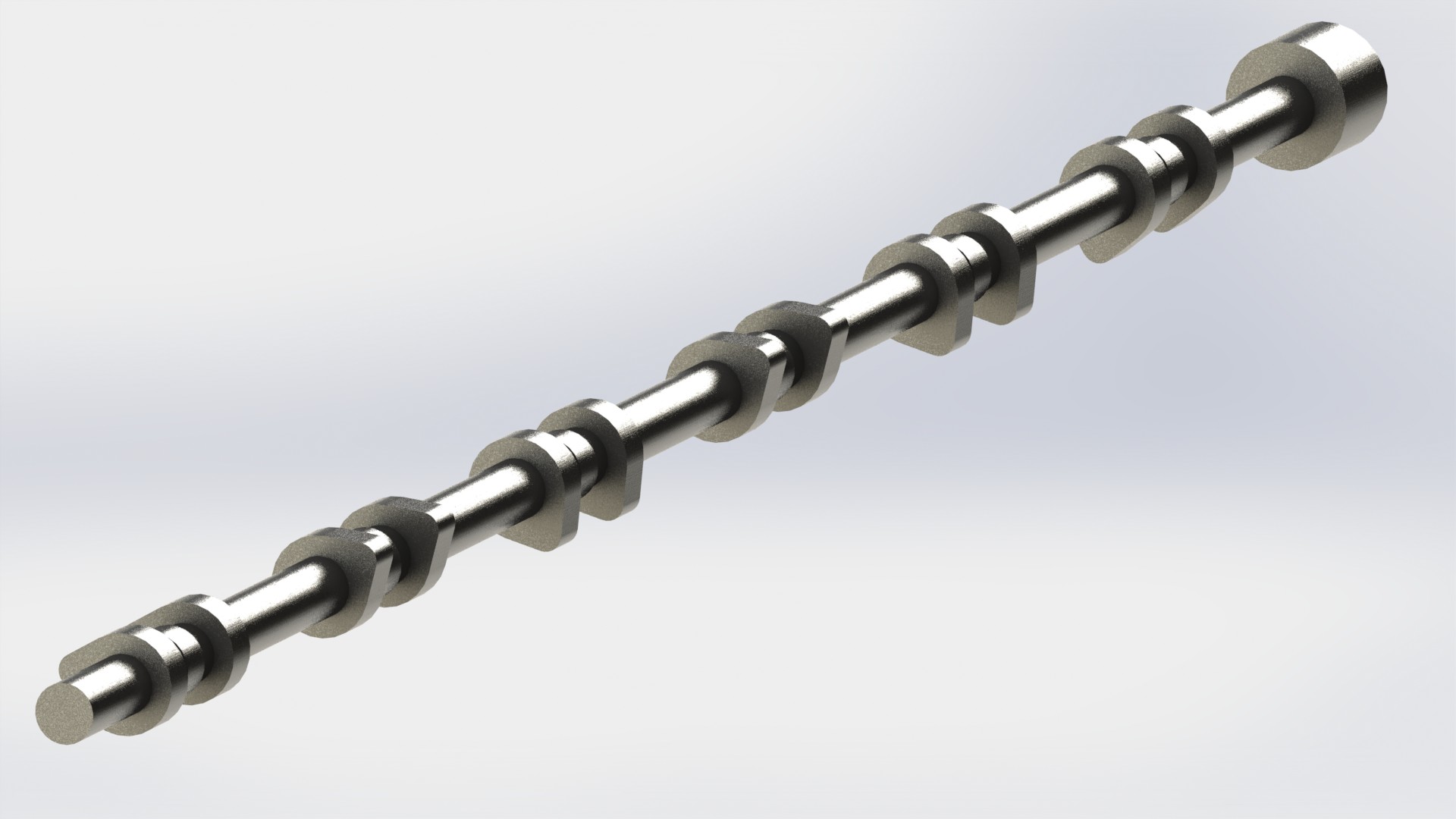
CAMSHAFTS

4 answers

  • Aykut Dana
    Aykut Dana 9 months ago

    Exhaust and Intake Camshafts

    1. Step 1

      use linear pattern command like shown

      Medium

    2. Step 2

      use body-move-copy command like shown.

      Medium

    3. Step 3

      use body-move-copy command like shown on the fourth body

      Medium

    4. Step 4

      use same command on the third body

      Medium

    5. Step 5

      use same command on the second body

      Medium

    6. Step 6

      move the fifth body

      Medium

    7. Step 7

      use same command on the first body

      Medium

    8. Step 8

      open a sketch on the shown face

      Medium

    9. Step 9

      use convert entities command

      Medium

    10. Step 10

      extrude it 20 mm

      Medium

    11. Step 11

      open a sketch on the blue face

      Medium

    12. Step 12

      draw a circle

      Medium

    13. Step 13

      extrude it 20mm

      Medium

    14. Step 14

      select all of bodies

      Medium

    15. Step 15

      use combine command. then save the 'intake crankshaft'

      Medium

    16. Step 16

      make sure that you saved the file.

      Medium

    17. Step 17

      edit the boss-extrude 2 feature

      Medium

    18. Step 18

      make the offset dimension 15mm

      Medium

    19. Step 19

      use save as command and save 'eghaust camshaft'

      next: http://grabcad.com/questions/tutorial-how-to-make-engine-part-39

      Medium

  • Andrew Dilley
    Andrew Dilley 9 months ago

    started this tutorial a few days ago and caught up looking foward to the next parts

  • porter
    porter 5 months ago

    You are right Aykut these were easier. good one :D

Add your answer to: "Tutorial: How to make engine part 38"

Save Cancel