Tutorial how to make engine part 6

How to make V12 engine
Connecting rod oil canal
12 Answers
Connecting rod oil canal
Answered with a tutorial: https://grabcad.com/tutorials/tutorial-how-to-make-engine-part-6

Yep me too, I just rolled back to the cut-extrude in which we made that indent and changed the value from 4mm to 3.25mm; don't use a value of 3.5mm though because that will give you a 0 radius.
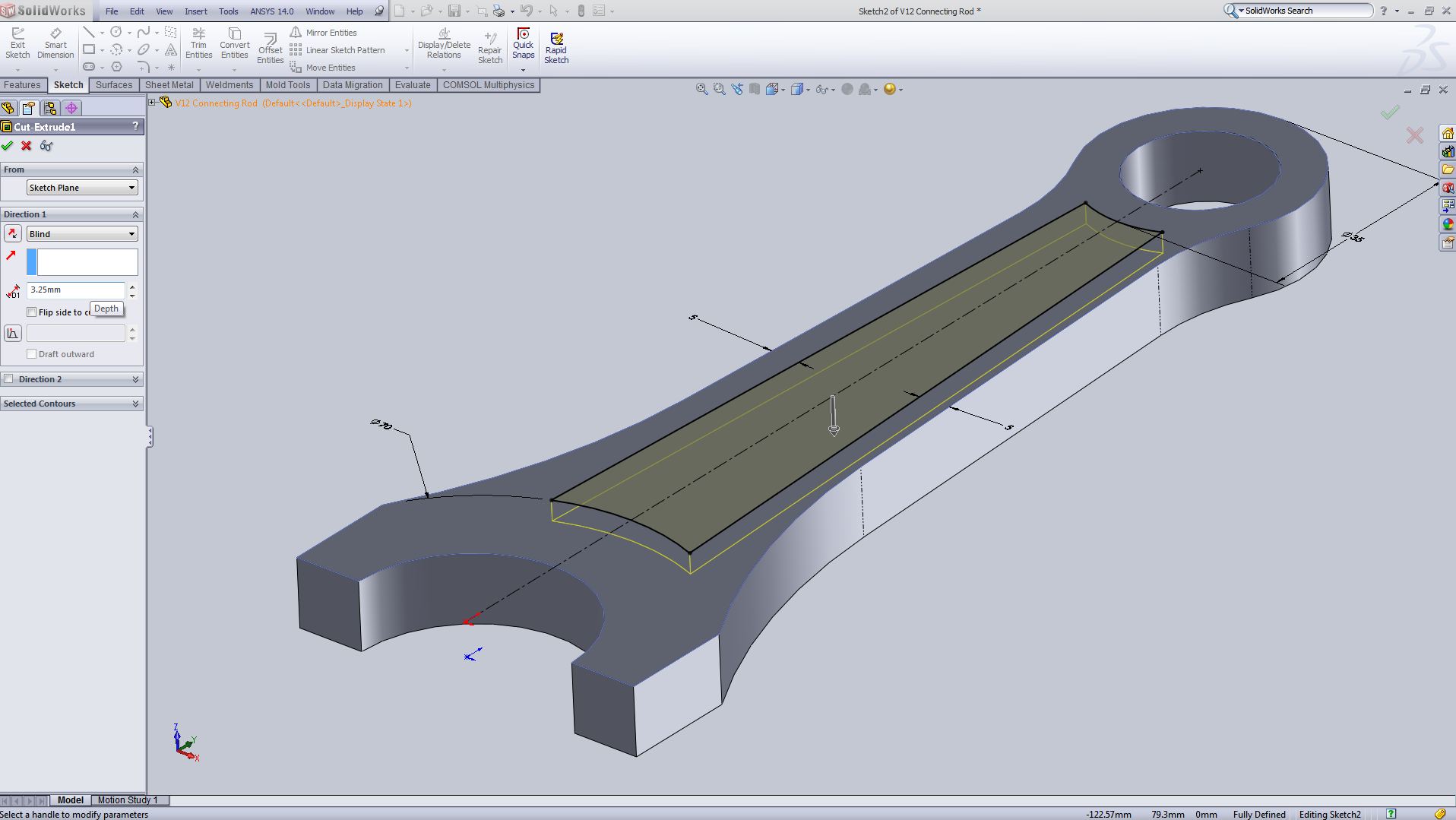
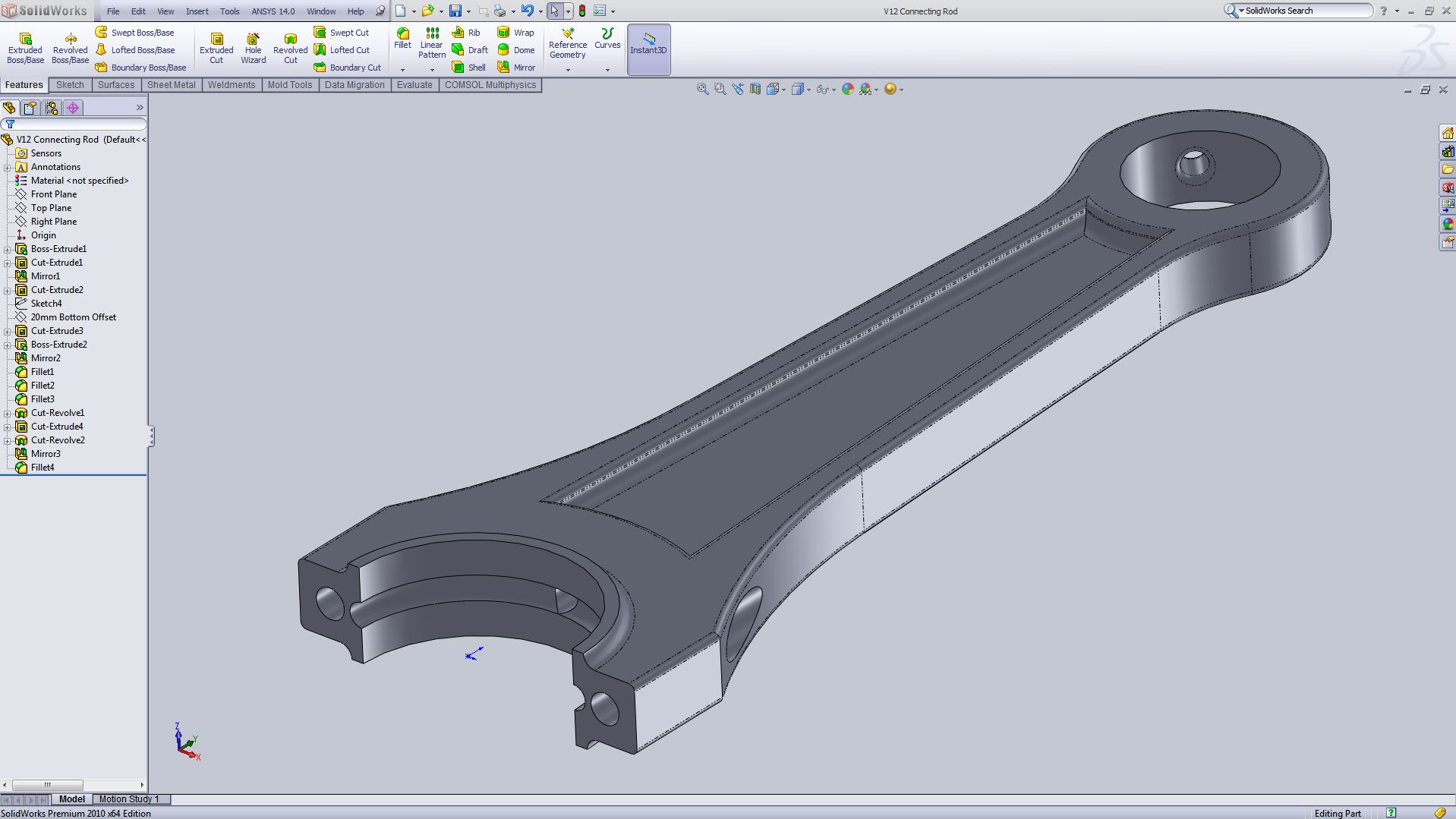

Awesome tutorial mate :D
But one small problem:
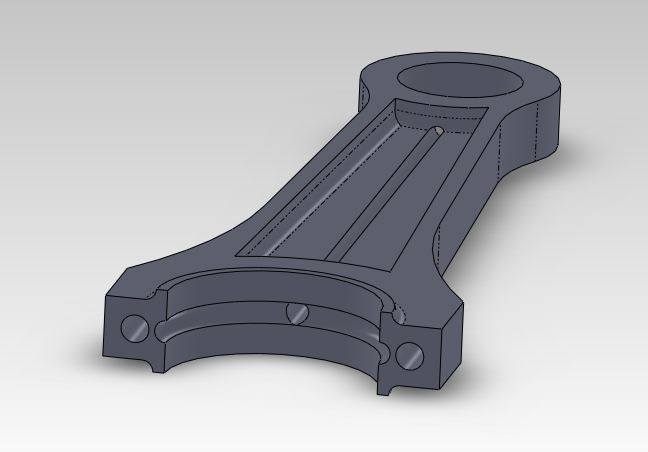
After Step 4, I'm getting an open line through the length of the connecting rod like seen in the following picture.
Is it possible that in the Step 13 in Part 1, the Cut-Extrude was less than 4mm?
Or am I doing something wrong.
Appreciate any help. Thanks :)

Thanks a lot to U Mr.Aykut Dana... U proved Sharing is Good :)

super duper like 10 0n 10
Hello Alex Perukarote,
Just reduce the cut-extrude value in step 13 of part 1 as Loïc Varnier told....I used the value 2 mm and it looked good

very good !

ALEX.. JUST REDUCE THE CUT EXTRUDE TO 2 MM INSTEAD OF 4 MM

All one more time but in catia v5. Yeaaah!

why fillet is so important to do ?
can we just make oil canalled connecting ? or even nothing?
Thanks!
thanks Aykut Dana !!! :)
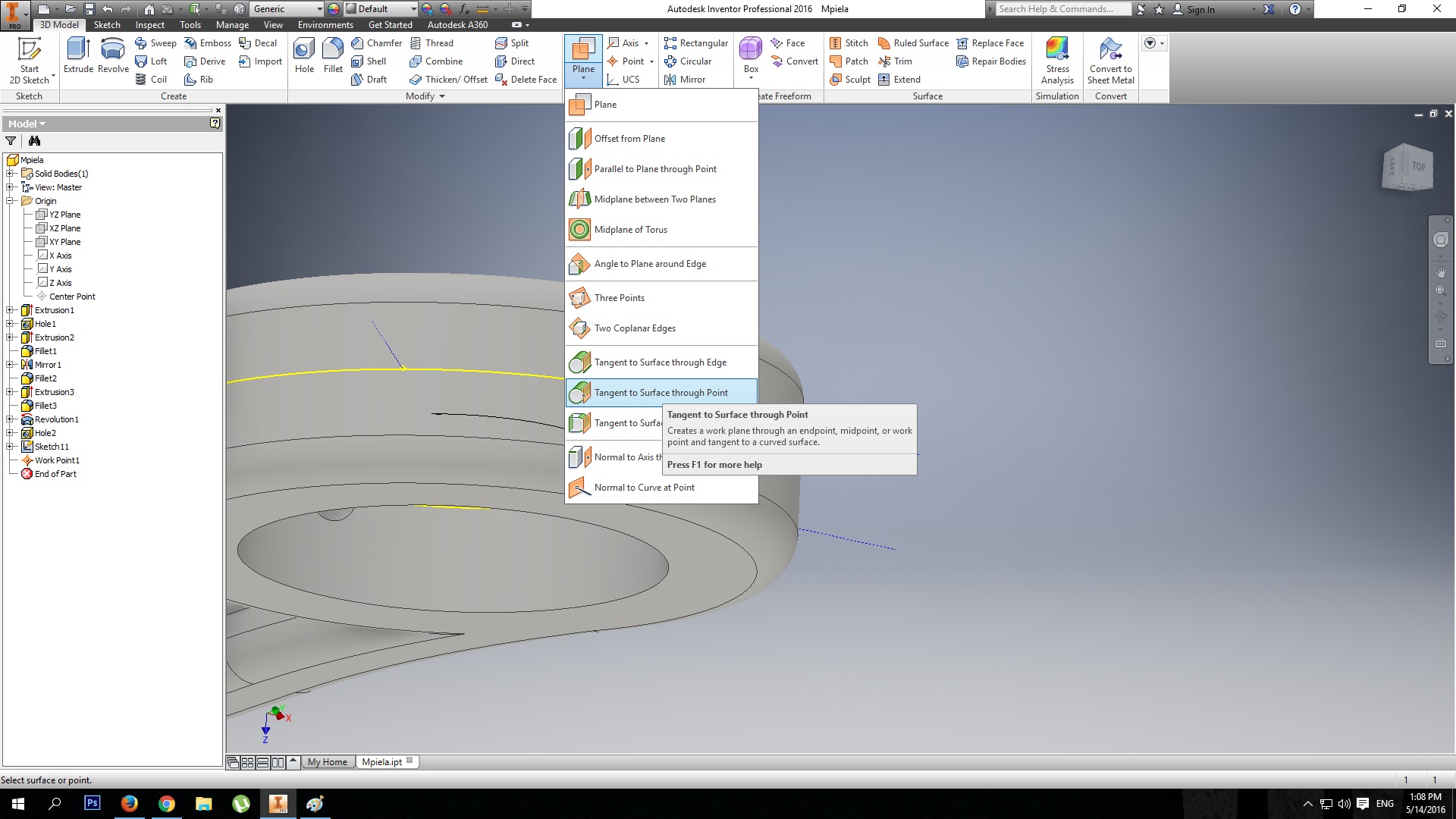
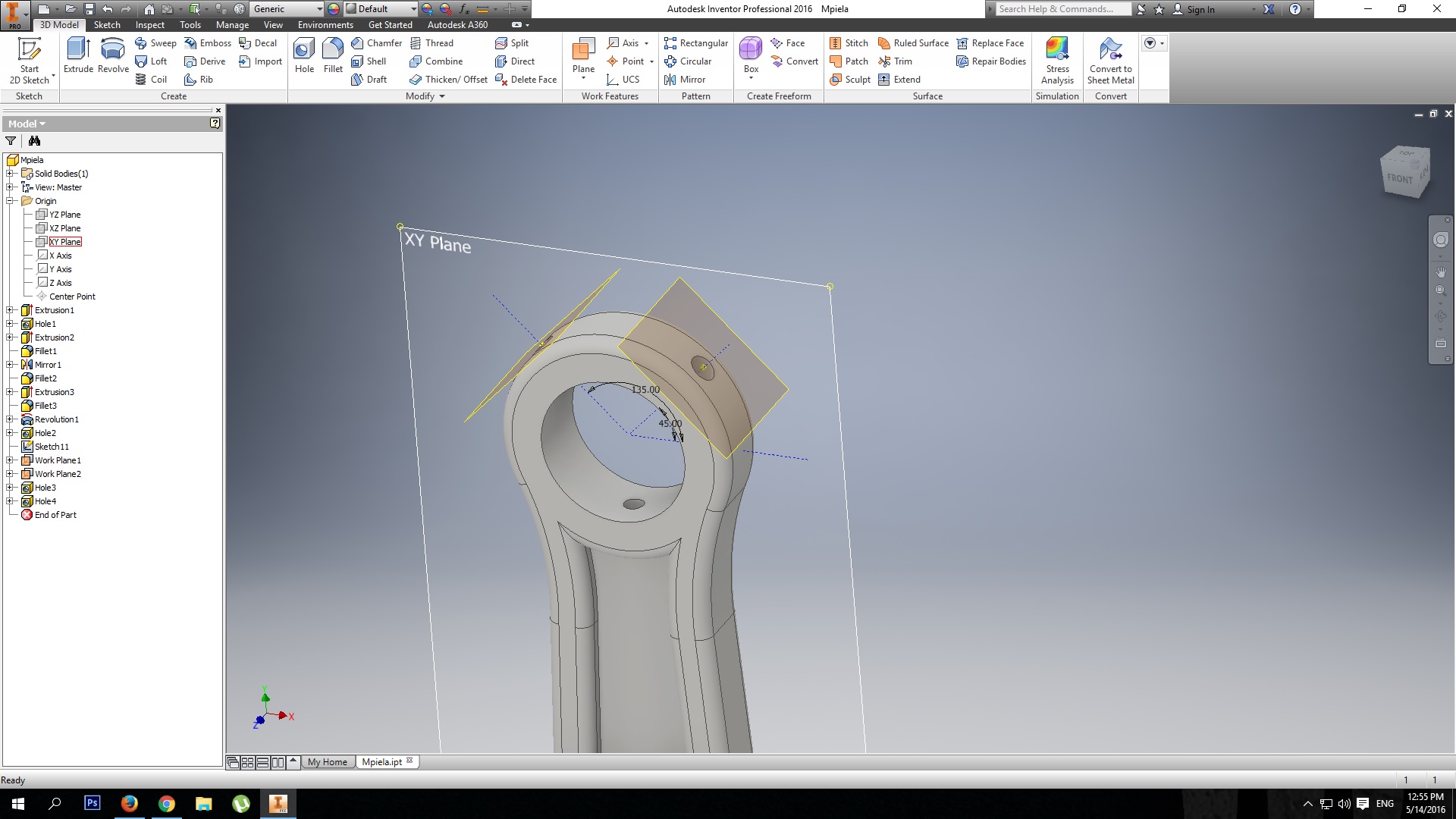
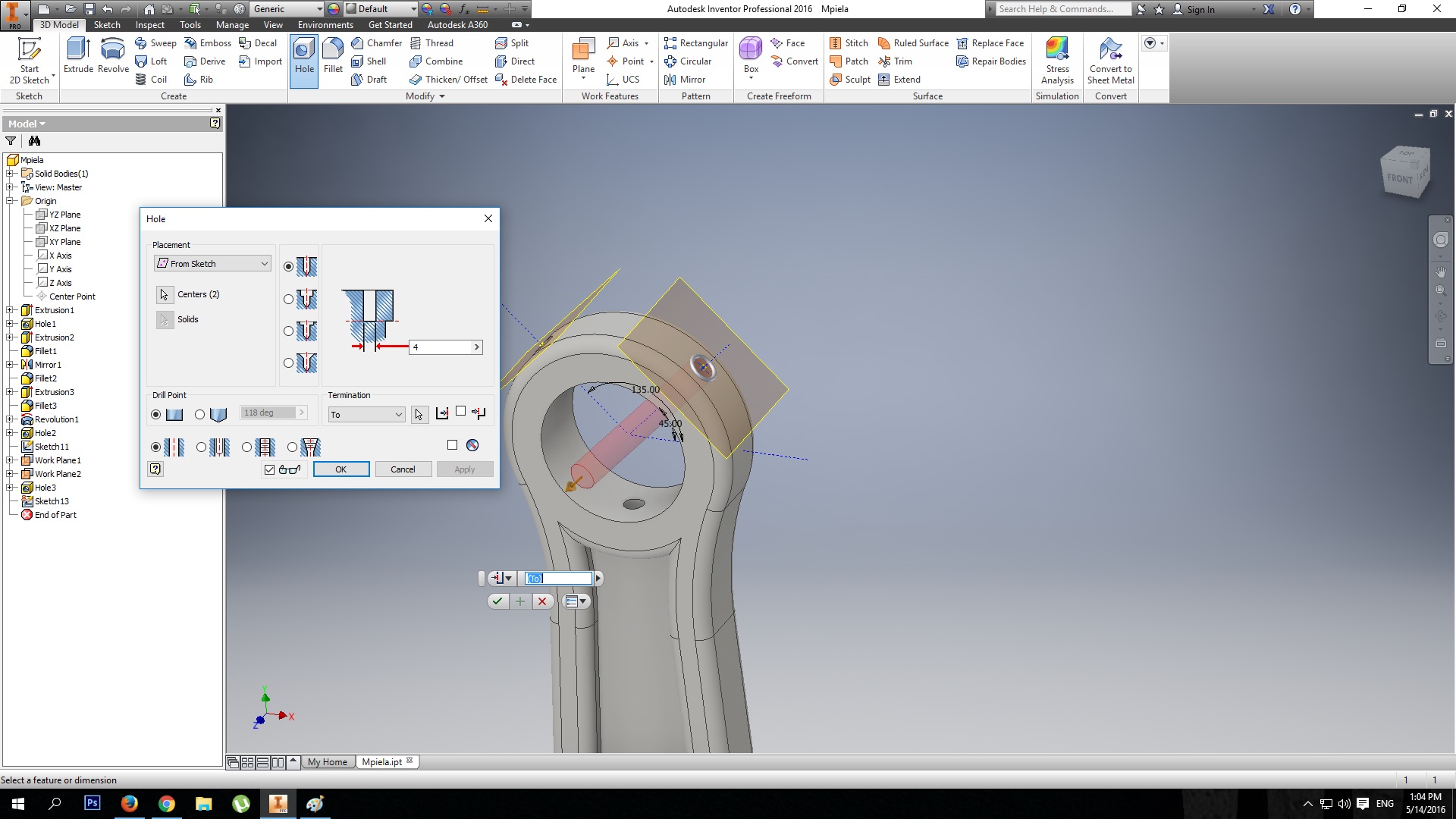
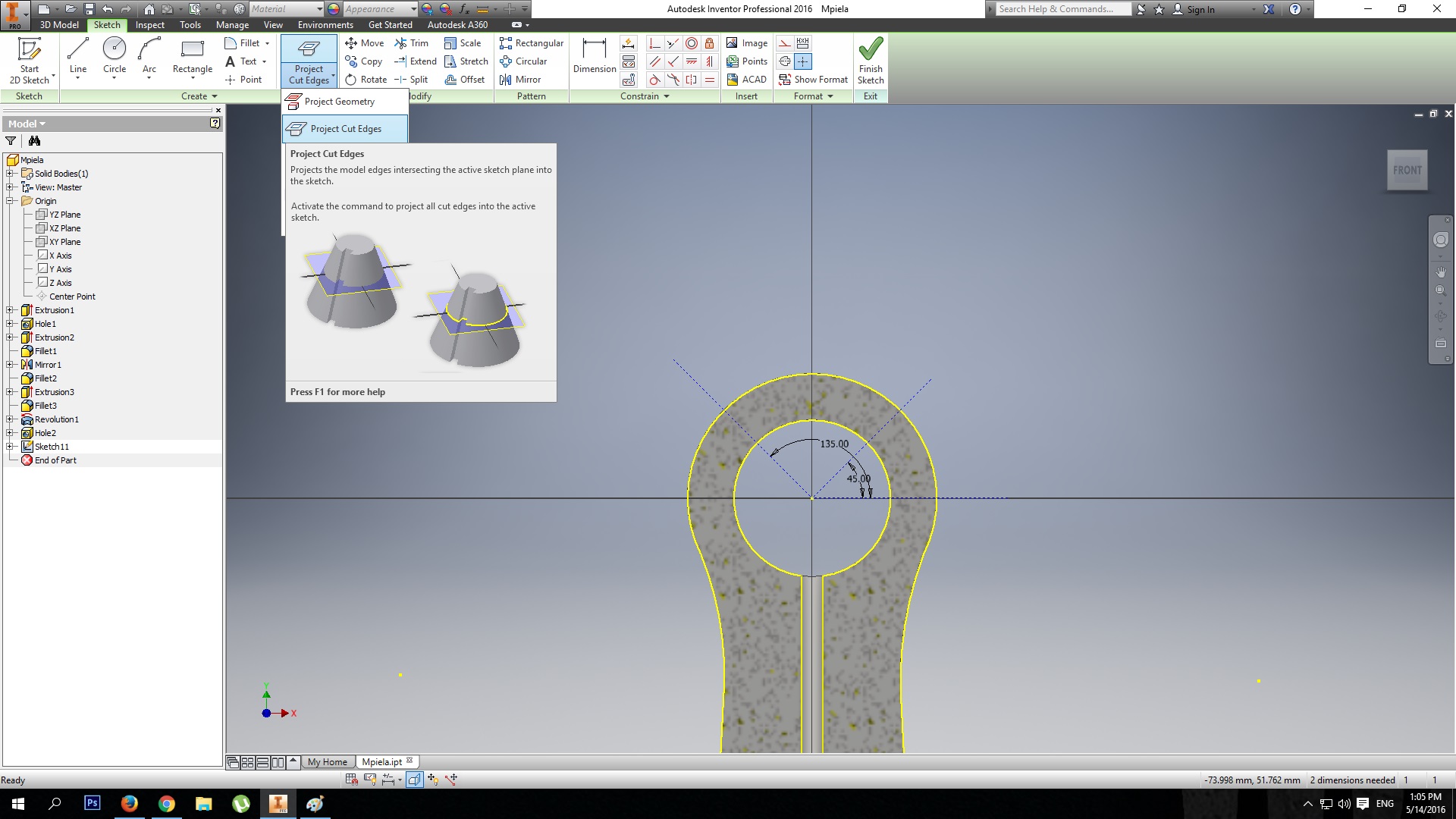
Instruction for Inventor users: I draw on XY plane at the mid of the part as u can see the photo and make help lines 45* and i finish the draw.after that i take a work point and i mark the line at the top of the part so after i use planes on that work points and i can draw on that planes a point and after that i take the Hole button and i make the holes