Learn about the GrabCAD Platform
Get to know GrabCAD as an open software platform for Additive Manufacturing
Visit our new homepage
Home
Control
Shop
Streamline Pro
Partner Program
Print
Community
Log in
Library
Challenges
Groups
Questions
Tutorials
Engineers
Blog
Log in
ferdo
Follow
4
followers
Romania
Tutorials
About
Models
0
Tutorials
16
More
Followers
4
Following
2
Likes
0
Following
2
Followers
4
Likes
0
Tutorials
Sort by:
Recent
Recent
Most liked
Most viewed
Most commented
CATIA v5 Skeleton with Excel
ferdo
in
Modeling
0
0
Expert
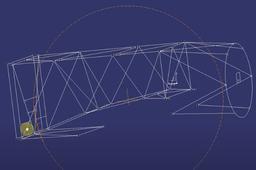
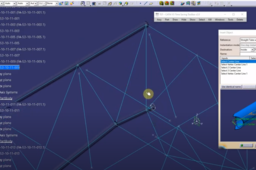
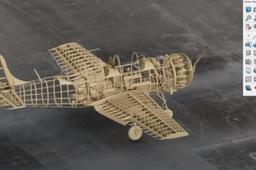
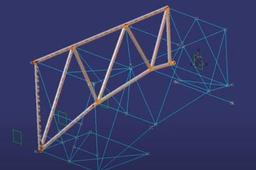
This is a macro made in Excel VBA, which allows you to change the endpoints of the lines representing the skeleton of the plane IAR80 FA engine frame. This allows for faster execution and easy application of changes in 3D modeling software.
CATIA
part
automation
macro
frame
engine
CATIA 3DEXPERIENCE commands - c:HLines and c:SLines
ferdo
in
Modeling
0
0
Beginner
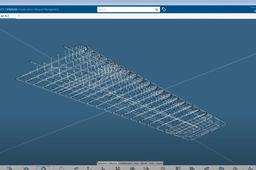
CATIA 3DEXPERIENCE commands. Part Design ; c:HLines and c:SLines (written in Power Input box) These commands will allow you to hide all lines (HLines) in a CATPart active document or show them (SLines), this is not working in Assembly. Images from IAR80 project
CATIA
ENOVIA 3DEXPERIENCE Product Explorer
ferdo
in
BOM
0
0
Intermediate
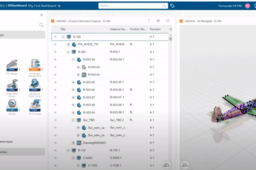
The product tree structure can be seen directly in the web browser using ENOVIA 3DEXPERIENCE. The application has the ability to visualize also the data in a separate window and to export the structure in a CSV file. If you need a small adjustment, you can create also a macro like in the video to see separate the level like in a CATIA tree. Images from IAR80 project.
CATIA
structure
product
bom
enovia
catia
“Playing” with CATIA Commands List (v5 and 3DX)
ferdo
in
Theory
2
0
Intermediate
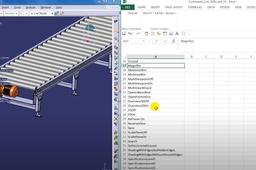
After some research, I found that some commands can be replaced by (let’s say) a Command ID which obviously is not in the documentation. All details here https://www.linkedin.com/pulse/commands-lists-catia-3dexperience-catiav5-fernando-petre/
commands
3dexperience
catiav5
CATIA modeling in old fashion way
ferdo
in
Modeling
1
2
Intermediate
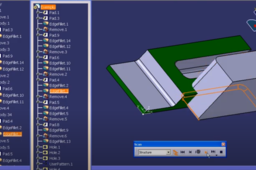
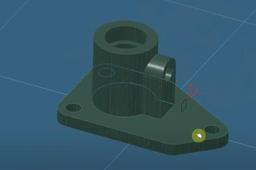
An example of how can be used CATIA v5 to model a part in Part Design Workbench like in old CATIA v4 (boolean operations)
CATIA
boolean
catia
partdesign
modeling
Using knowledge advisor and power copies in CATIA v5
ferdo
in
Modeling
3
1
Expert
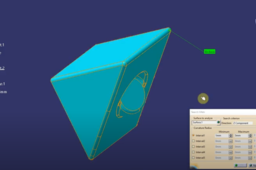
An example of how CATIA power tools can be used. You can create new geometry with a specific profile from power copies and set a length using knowledge advisor, then add material and other parameters with the help of automation. And everything is linked to a skeleton part.
CATIA
material
powercopies
knowledge
modeling
catia
Search fillets in CATIA V5
ferdo
in
Modeling
2
1
Intermediate
CATIA V5 search fillets and analyze their radii.
CATIA
radius
part
modeling
catia
Move to another collaborative space
ferdo
in
Assemblies
1
2
Intermediate
One of the methods to visualize and move to another collaborative space in the 3DEXPERIENCE platform. The whole structure of the project (top node with all subcomponents) was moved in minutes (cloud installation of the platform). Images from the IAR80 project.
CATIA
3dexperience
enovia
assembly
catia
Pipes with Power Copy
ferdo
in
Modeling
0
0
Intermediate
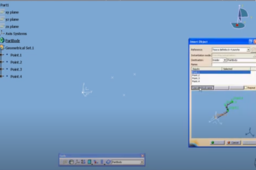
This is a method of how to create a pipe or isolation for pipes with a Power Copy. Previously you have to put points in 3D space according to bend location of the pipe/isolation.
CATIA
catia
powercopy
pipe
3DEXPERIENCE CATIA commands - c:Low intensity background...
ferdo
in
Modeling
0
0
Beginner
3DEXPERIENCE CATIA commands - c:Low intensity background... Available in different apps
CATIA
modeling
background
catia
3DEXPERIENCE CATIA commands - c:Ambience Overload...
ferdo
in
Assemblies
3
3
Intermediate
CATIA 3DEXPERIENCE commands. Part Design (and other workbenches); c:Ambience Overload... Command to modify Ambience parameters to make it more realistic.
CATIA
assembly
ambience
catia
3dexperience
Efficient use of snap command in CATIA v5
ferdo
in
Assemblies
1
0
Intermediate
Efficient use of snap command in CATIA v5 using fix together. The low-light of the component which does not belong to the active level is turned on.
CATIA
snap
assemblies
catia
Bulk fill holes in surfaces in CATIA v5
ferdo
in
Modeling
1
0
Beginner
Two cases showing how to bulk fill holes in surfaces in CATIA v5. You need to adapt your way of work depending on how surfaces were initially done.
CATIA
surfaces
gsd
catia
CATIA 3DEXPERIENCE Part Design with boolean operations
ferdo
in
Modeling
1
0
Intermediate
Watch the video to see all details
CATIA
operation
boolean
3dexperience
catia
Differences in macros between catia v5 and catia v6 or 3dexperience
ferdo
in
Modeling
0
0
Expert
Differences in macros between catia v5 and catia v6 or 3dexperience https://www.linkedin.com/feed/update/urn:li:activity:6487644987675803648
CATIA
catvbs
catvba
catscript
automation
macro
3dexperience
catia
1
2