Learn about the GrabCAD Platform
Get to know GrabCAD as an open software platform for Additive Manufacturing
Visit our new homepage
Home
Control
Shop
Streamline Pro
Partner Program
Print
Community
Log in
Library
Challenges
Groups
Questions
Tutorials
Engineers
Blog
Log in
John Smith
Follow
6
followers
Netherlands
Tutorials
About
Models
11
Tutorials
4
More
Followers
6
Following
0
Likes
8
Following
0
Followers
6
Likes
8
Tutorials
Sort by:
Recent
Recent
Most liked
Most viewed
Most commented
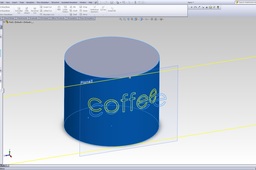
How to write a text on curved surface, solidworks 2012
John Smith
in
Design & CAD
18
6
Beginner
You need to use the Wrap tool
SOLIDWORKS
How to use centre mark in ug nx 7.5 drafting?
John Smith
in
Design & CAD
0
0
Beginner
What you can do is do all settings before creating a single model in NX 7.5
NX Unigraphics
Regarding seperation of drawing from .prt file
John Smith
in
Design & CAD
0
0
Beginner
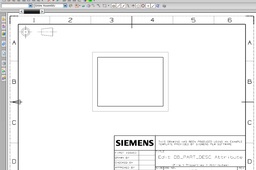
Hi Nitin, To do this you need to work according to the master model method. What you do is you create the ABC.prt file you save it and then you create a new file, this new file will be dwg.prt.
NX Unigraphics
How to make arrow setting in UG NX 7.5
John Smith
in
Design & CAD
0
0
Beginner
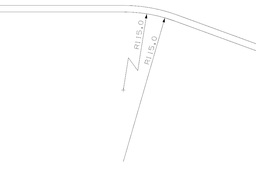
This is what you need to do. In drafting first go to the Annotation toolbar and click on Offset center point symbol. Here you can play with the positon of the center point of the arc. In the offset center point symbol window in the offset option select Vertical Distance from from arc. Choose a distance and select the arc you want to dimension and click OK / Apply. This will create a new center point. You can see this by the + mark on your screen. Now go to dimension toolbar and select Folded Radius Dimension. Select the arc you want to dimension and select the new center point (+) now click in a space between the arc and the new center point.
NX Unigraphics