

Converting .ipt to .sldprt

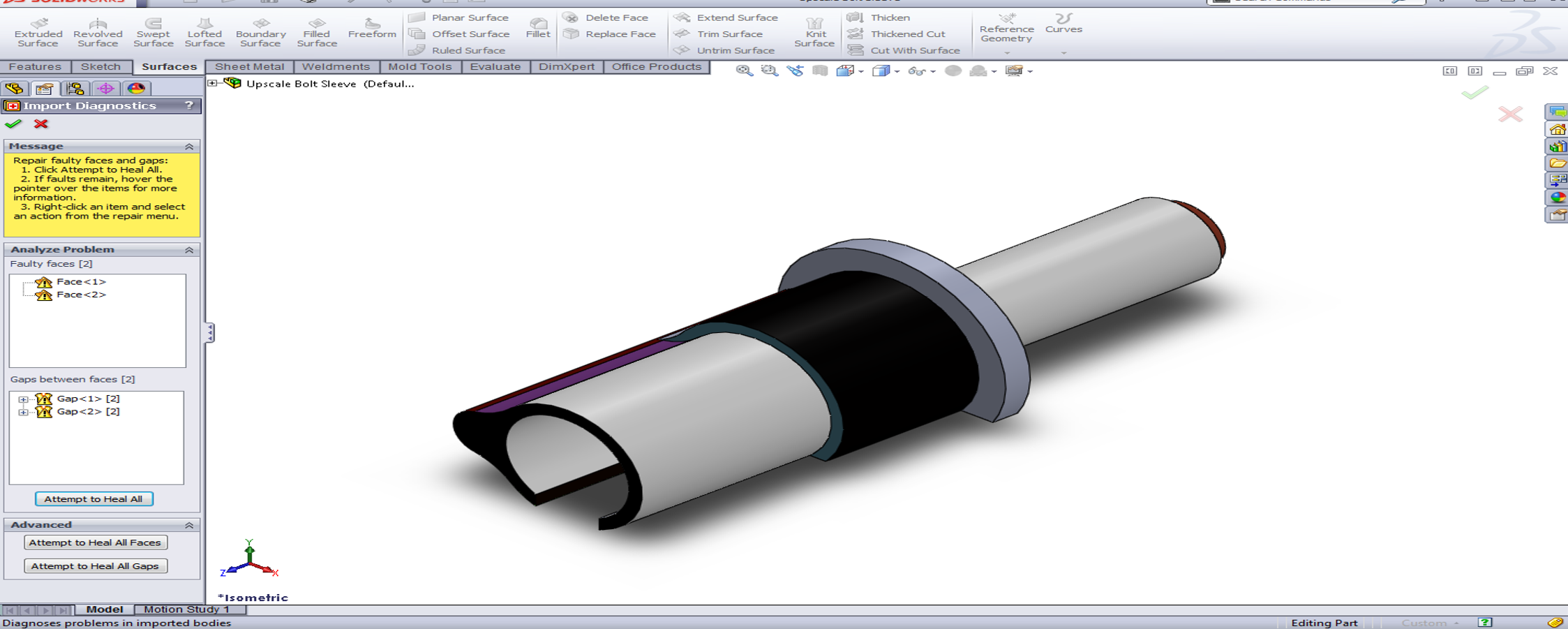
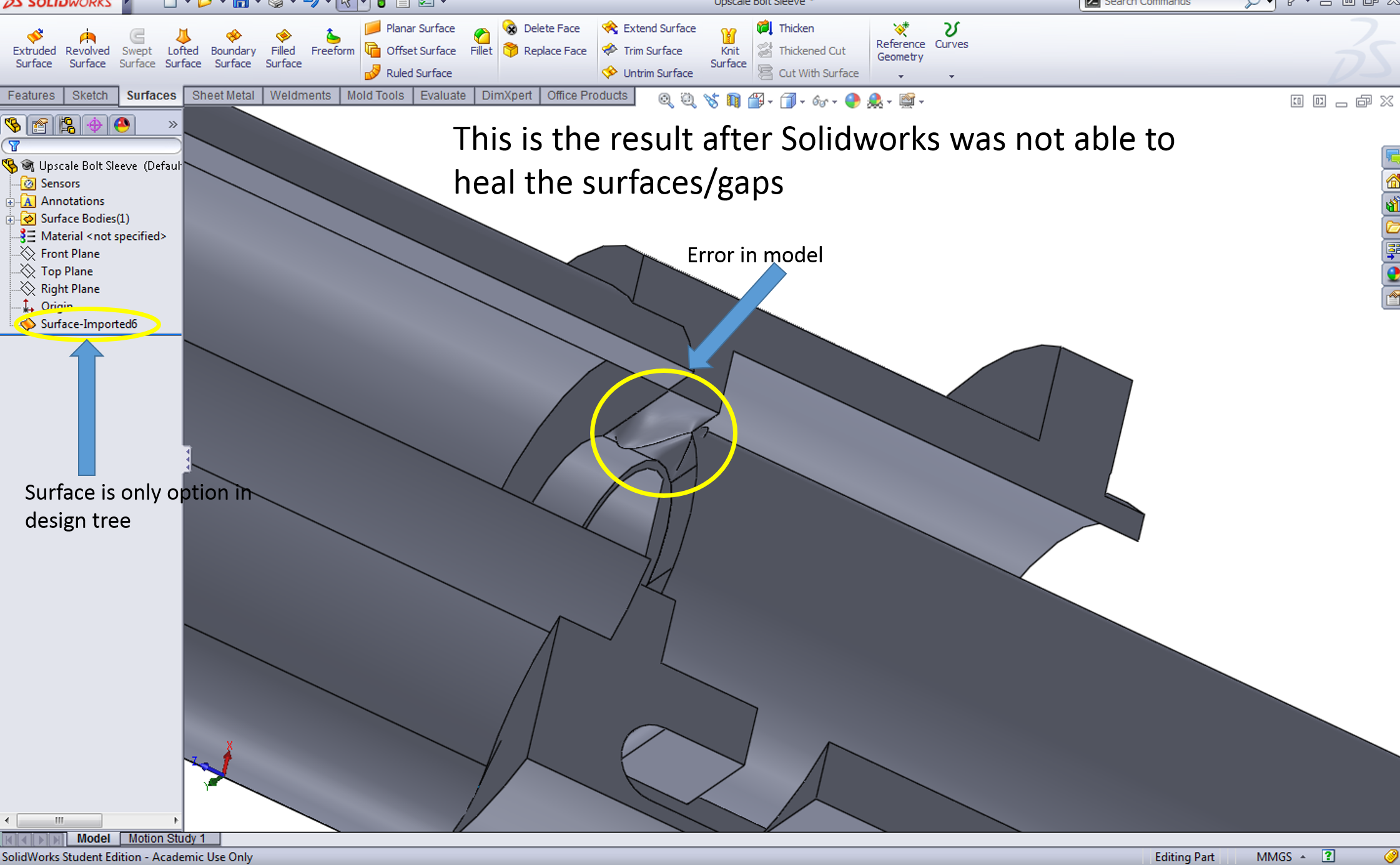
Hello everyone. I'm converting several models from .ipt to .sldprt by saving the .ipt as IGES and/or STEP files, opening in Solidworks then saving as .sldprt. This is working for some parts, but not all. I'm running into issues with Solidworks not being able to heal some surfaces and gaps. I noticed when Solidworks can't heal the surfaces/gaps, the imported part becomes a surface model and NOT a solid model. However, I NEED solid models. Any ideas? Can Autodesk Inventor save as .sldprt or .prt or an other extension that Solidworks can use?
Thanks for the help!
Accepted answer

Open SW, Open-> file typi *igs or *stp. Then show the button "options", check option create Solid model and open this part.
Try heal the part. If in this option you have gaps you need to close this useing a surface.
5 Other answers
Converting .ipt to .sldprt
I'm sorry I understood nothing from these explanations.
What doe that mean:
quote Open-> file typi *igs or *stp. Then show the button "options", check option create Solid model and open this part. unquote
I have a problem opening igs files in solidworks.
Can somebody help me with that?

i need conversion into solidworks 2015
Start SolidWorks, -> open -> select ipt as file type -> select options -> create solid model -> open.
You may have to heal, redefine, or properly constrain some areas of the imported part.
i need conversion into solidworks 2015

