

Grabcad print slice preview layer range default setting

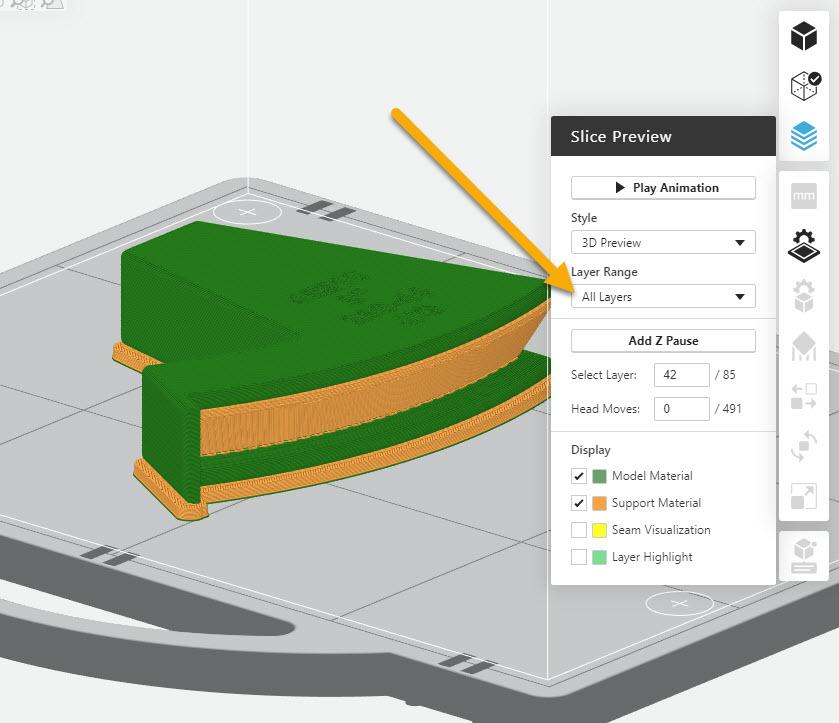
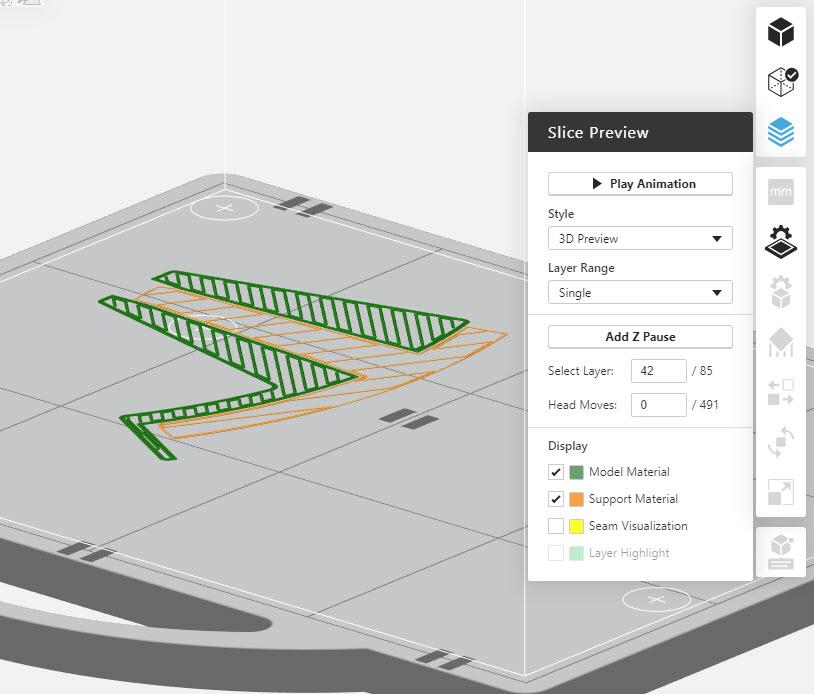
Grabcad print use to have the default setting of the slice preview, layer range, to all layers. Lately it is set to single layer only and its been very annoying. I think it use to remember the last used setting but now it always set to single layer. Has anyone else had this happen?
See the attachments for clarification pertaining to what I am asking. Thanks in advance!
Accepted answer
Hi Josh-
Yes, we had to change the default for Slice Preview because of some changes we made to the architecture of the viewer. It improved performance but exposed it to a potential overload in the "All layers" + "3D Preview" version of Slice Preview. We changed the default so users aren't exposed to the risk of crashes. It's very annoying, I completely agree, but as of now there's no easy solution. I'll make a note that you asked and keep you posted if there are any updates.
-Danny
Customer Support Manager
1 Other answer

I don't see the slice preview button on the right side under the "error detection icon"

