

How to create boundary surface in solidworks without errors?

PLEASE HELP: I am using soliworks 2016x64 edition SP01 on windows 10 to create audi R8 from youtube tutorial ( https://www.youtube.com/watch?v=PuppqhY00w4 ). I was excited in the binging thinking it will be fun learning surfacing while creating this car model. However, my experience became nightmare when I repeatedly failed to create this particular surface created at 36:64 in the video tutorial. I tried to contact the video uploader but there was no response. From past seven days I have been trying to figure out what went wrong and repeating the every step carefully to see if it works. Please find the attachment for screenshots of my problem.
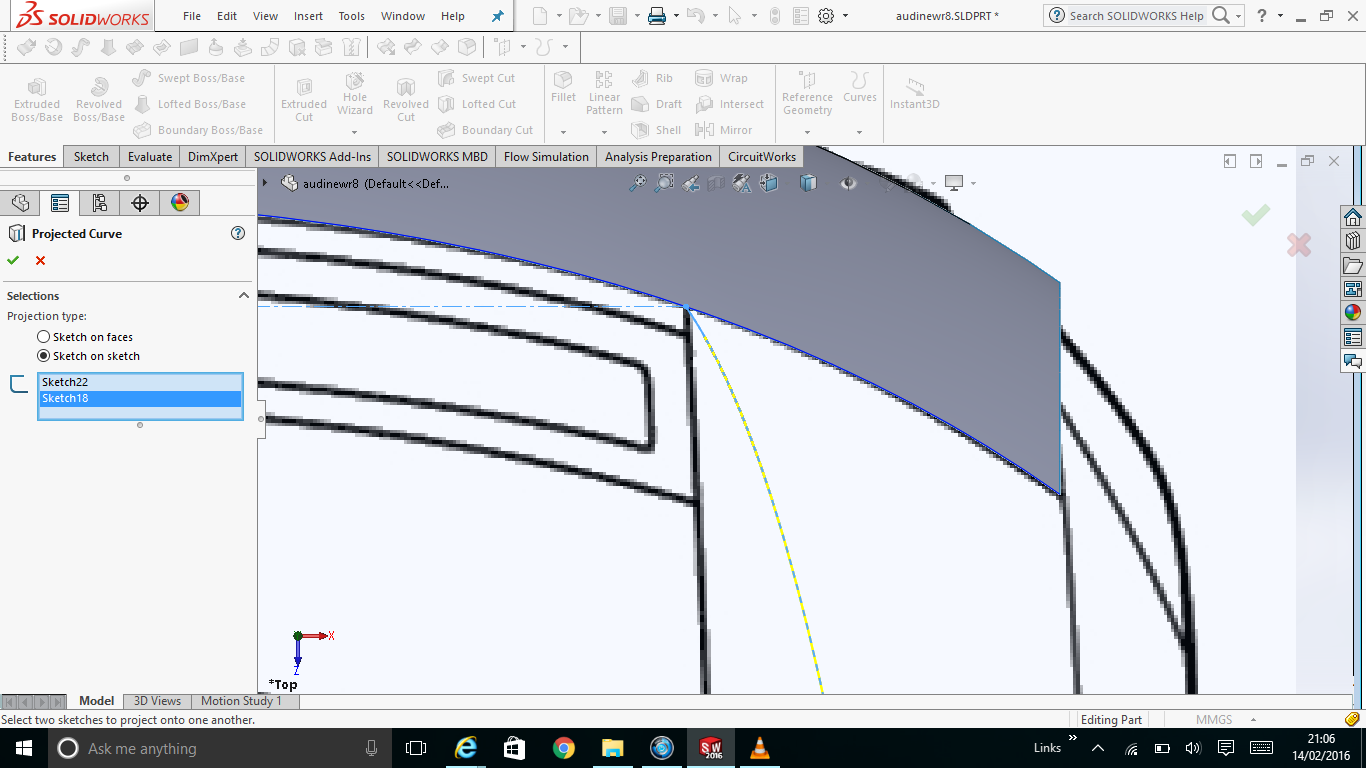 2016-02-14 (1).png
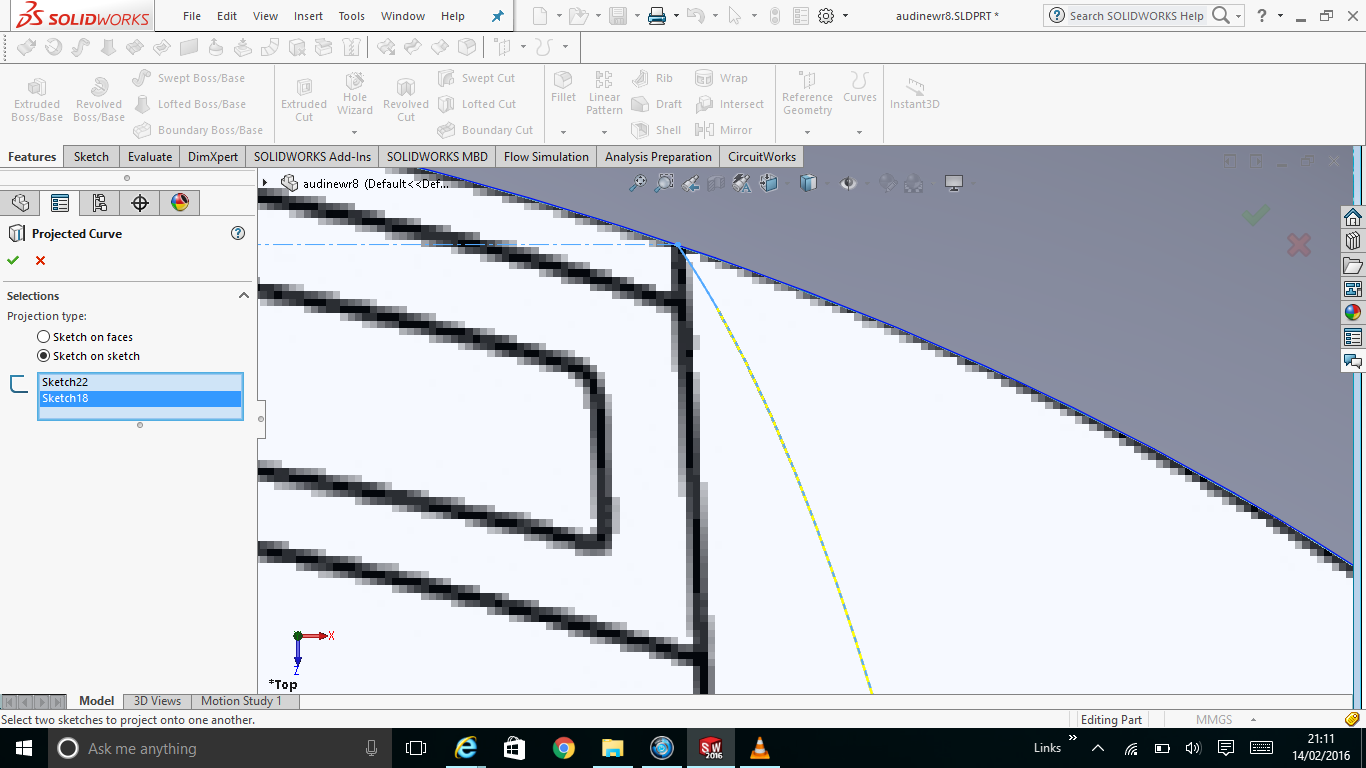 2016-02-14 (2).png
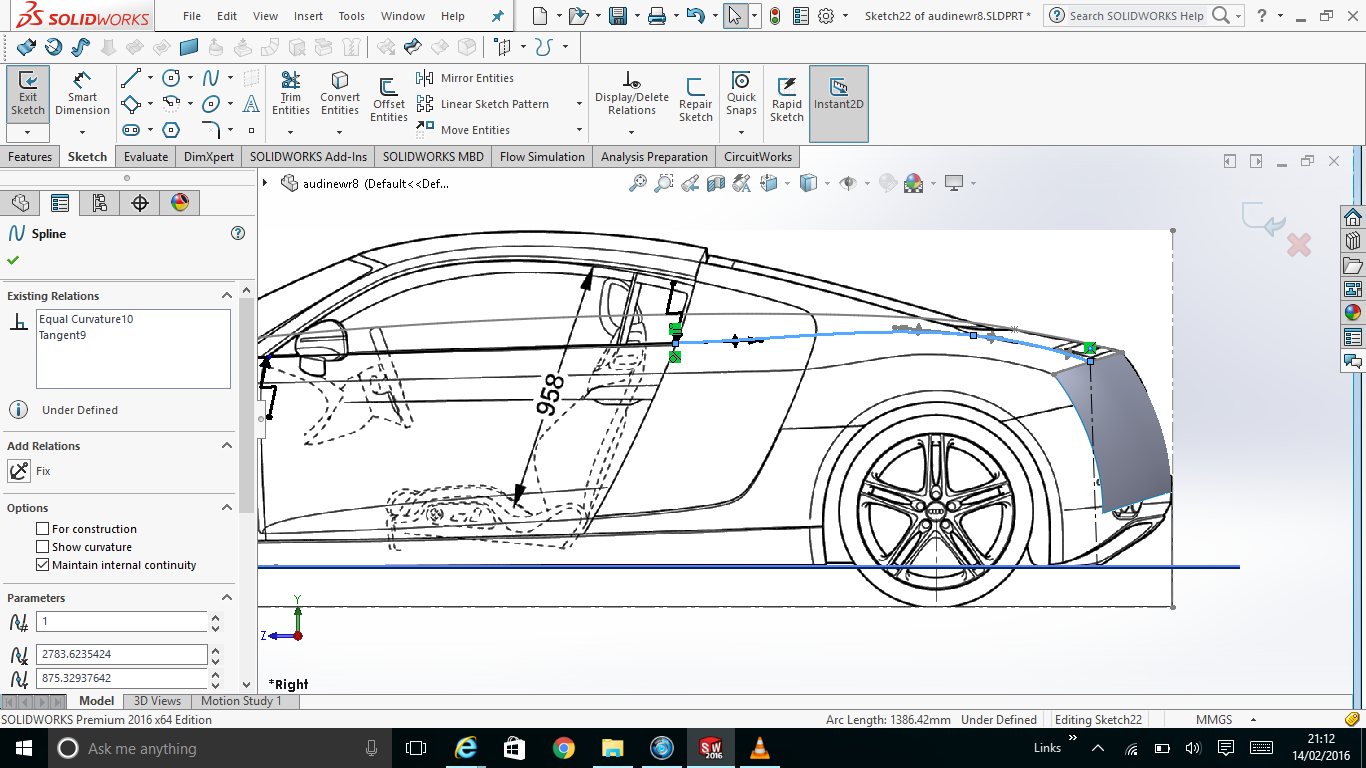 2016-02-14 (3).png
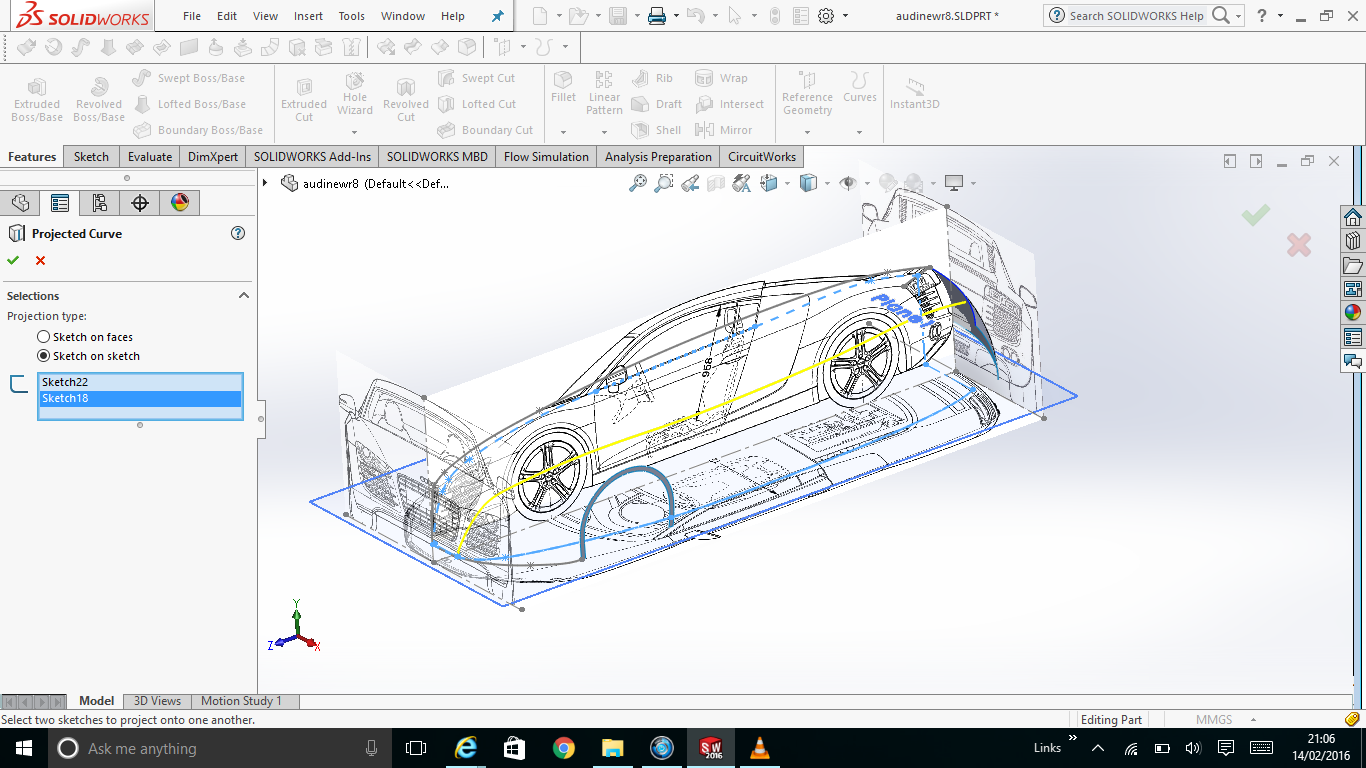 2016-02-14.png
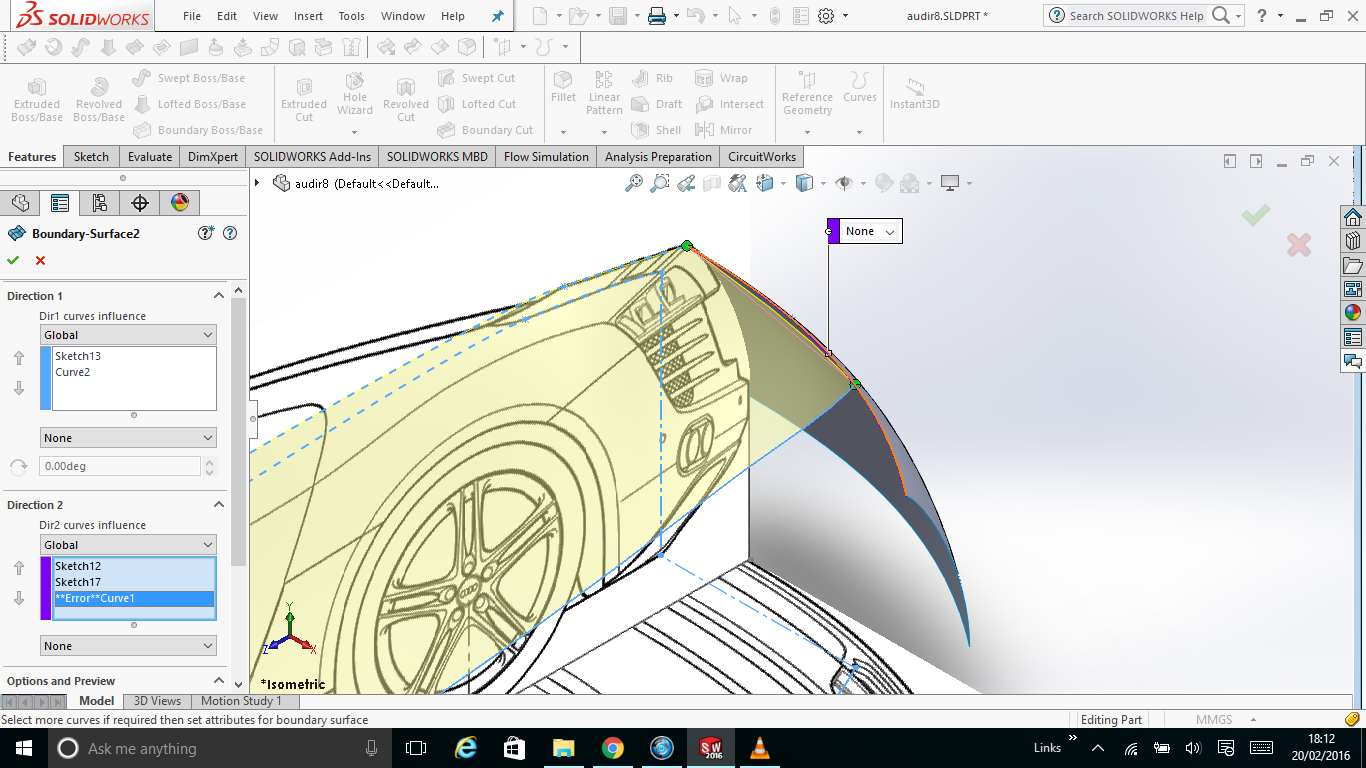 2016-02-20.png
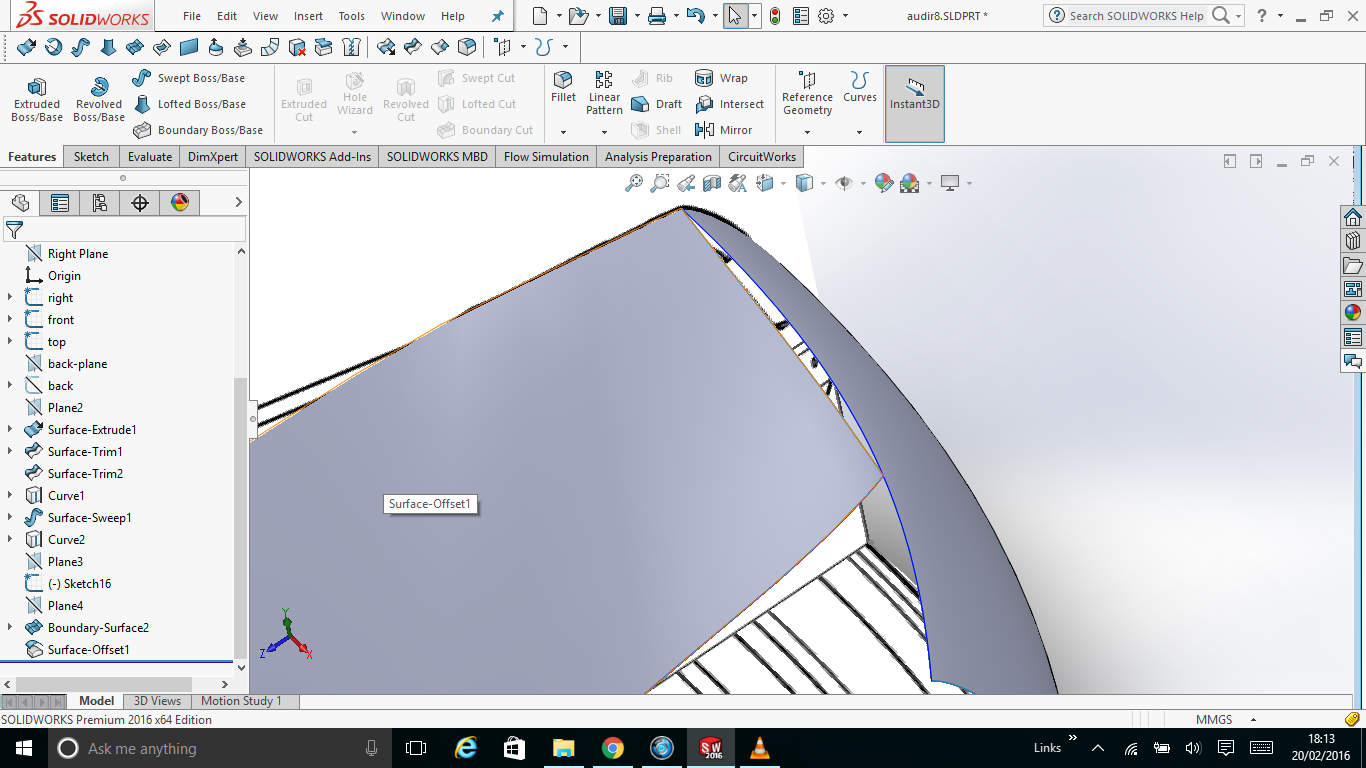 2016-02-20 (1).png
audir8.SLDPRT
2016-02-20 (1).png
audir8.SLDPRT
2 Answers

PFA
Answered with a tutorial: https://grabcad.com/tutorials/how-to-create-boundary-surface-in-solidworks-without-errors
You need to attach the file. The respective points may not be intersecting.

