

How to make Worm Gear and its Dynamic Simulation or Animation in Autodesk Inventor?

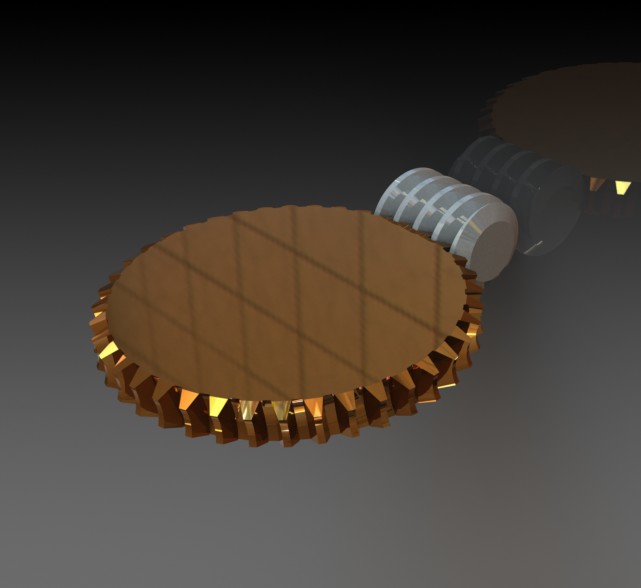
In this tutorial, i will show you how to model Worm Drive and its dynamic simulation or animation using Autodesk Inventor 2012
Link to the original model is:
Worm Drive

9 Answers
First run Autodesk Inventor.
Answered with a tutorial: https://grabcad.com/tutorials/how-to-make-worm-gear-and-its-dynamic-simulation-or-animation-in-autodesk-inventor

Great tutorial by the looks of things Muhammad and an Auto desk IV tutorial ***** x :)))))
and to make it even better a Dynamic Simulation this one I shall be trying when I get a little spare time to my self later thank you very much Dynamic Simulation for taking the time to post this one so wicked and very awesome.
//Handshake

thank you

Nice Friend Thank you So Much

Good job!!!

Thank you so much

It worked but is it important to follow the order of the constraints as given? There were four constraints and not very intuitive as to why at first glance.

Muy buen material gracias...
It did not work for me.
The tutorial was very good but :
- the spikes of the solids were entering "into" each as the animation was running.
- this appears to be caused by the wrong constraint created by the wizard between the worm and the worm gear (Inventor 2013). Or I must have inverted the direction of rotation of the worm but I cannot understand how as I followed the tutorial...
Thanks anyway.

