

Patterns on a curved surface?

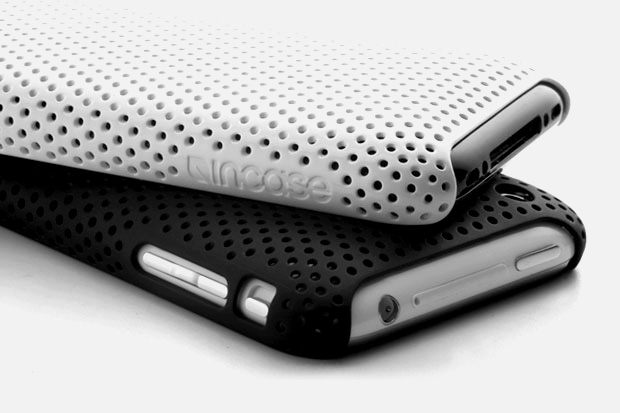
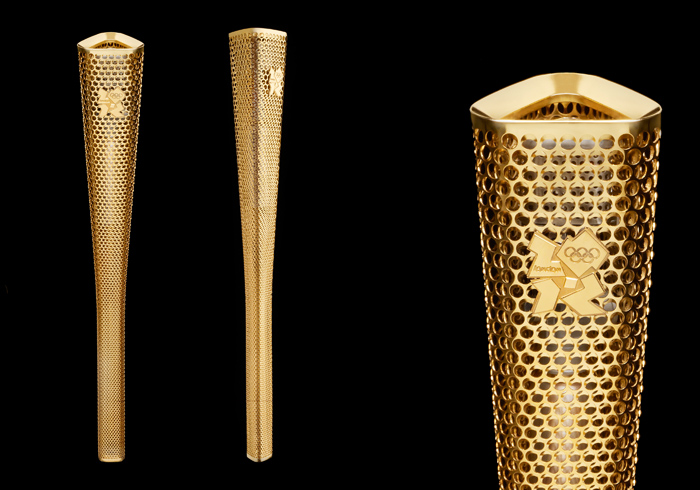
How do I put a pattern on a curved surface so that each element of the pattern is parallel to the curved surface? I cant figure it out, would it be a curve driven pattern? Anyone know of any good tutorials for reproducing similar forms? Thanks!!!!!
5 Answers
Thank you both so much! I will do some more research on feature driven patterns and the hole wizard. I can create any shape and run it through hole wizard as if it was a drill hole?
I'm stack myself on this, and so far solidworks lack this function.
I created a tool for Inventor that does that precisely, here a link to my work
http://mechanicaldesign.asmedigitalcollection.asme.org/article.aspx?articleid=2480713&resultClick=3

Search for "Feature driven pattern"

The easiest way to do it is to use the holewizard to create your "seed feature" (the pattern that is going to repeat) and then use a linear pattern or a curve driven pattern (depending on the geometry) to fill in the part. Then you can use the holewizard to fill in any gaps. The reason I would use the holewizard is that it allows you to quickly create multiple cuts that remain Normal to the surface no matter where you place the reference point.

