

User activation issue

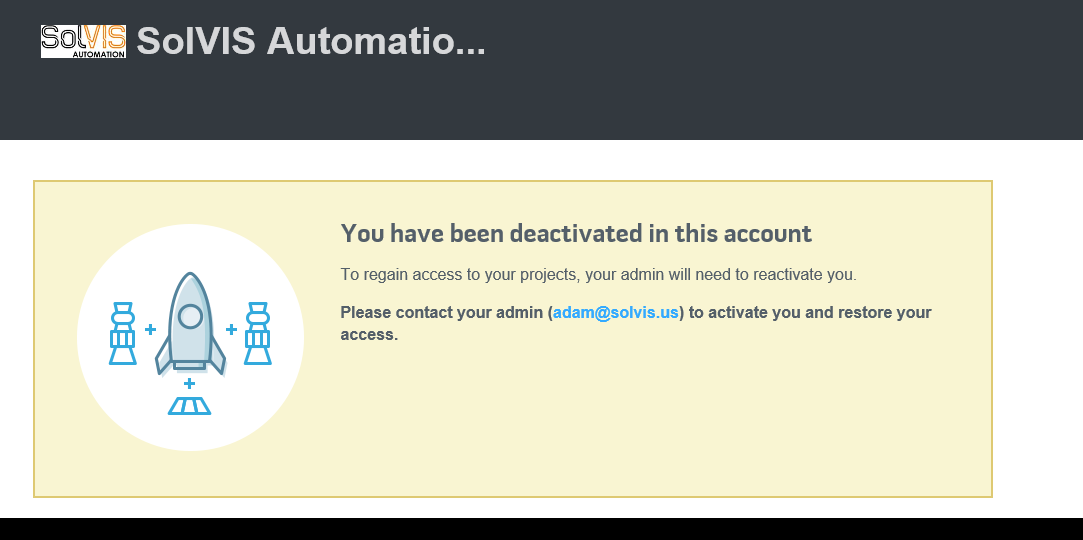
I have now two users I have added to one of my projects, and after signing up and attempting to log in they get the following message:
You have been deactivated in this account
To regain access to your projects, your admin will need to reactivate you.
Please contact your admin (admin@myaddress.com - not our admin real email here) to activate you and restore your access.
How can I activate a user? We've never had this problem before.
1 Answer

In the main "workbench" page, click into "users", click into "deactivated users", select them and "activate" them.
If they don't appear under any "users" tabs, try re-inviting them to the projects and have them join via the invitation.

