

Tutorial - Hatching in AutoCAD?

Here is the tutorial.
-
Step 1:
Start AutoCAD.
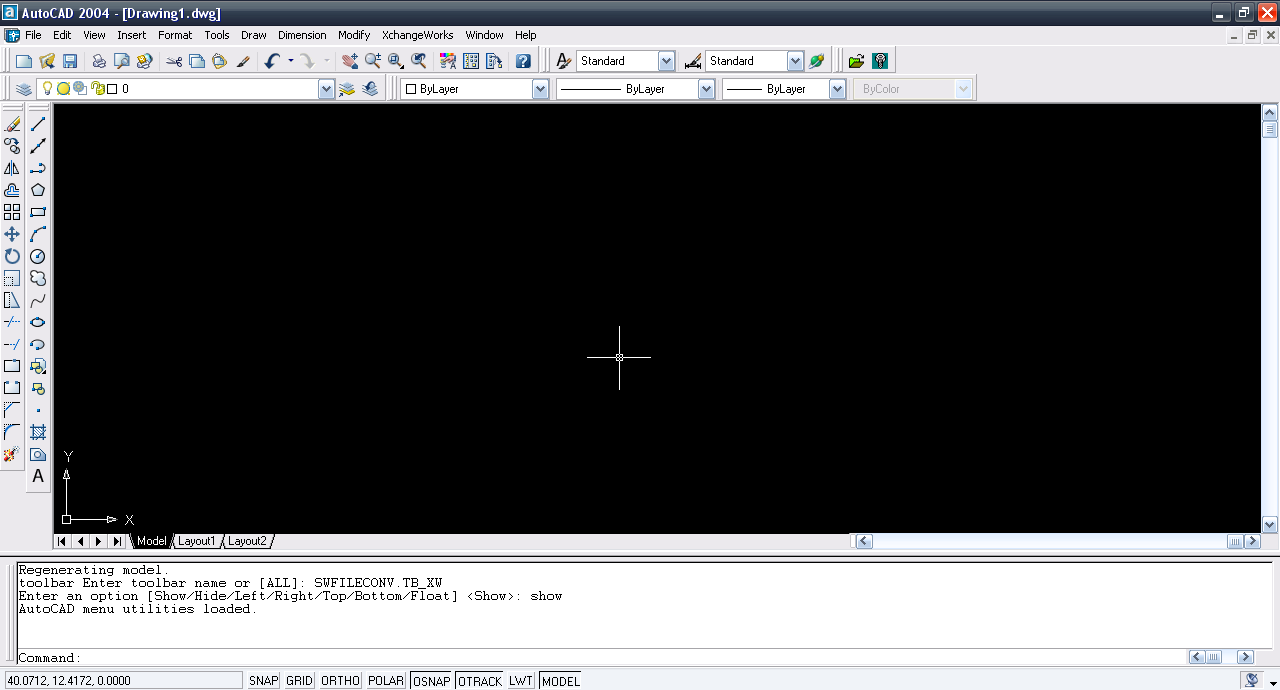
-
Step 2:
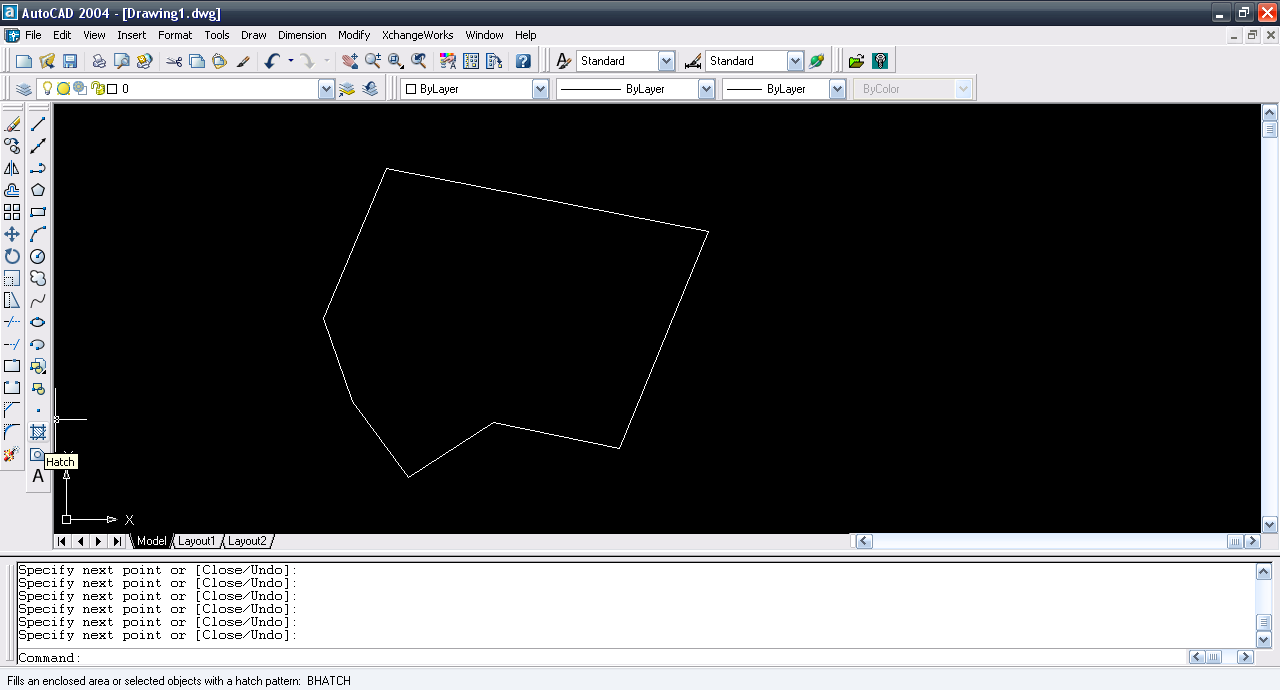
Use line tool and make a closed entity.

-
Step 3:
Select hatch tool.
-
Step 4:
Click pick point.

-
Step 5:
Click inside the closed region.

-
Step 6:
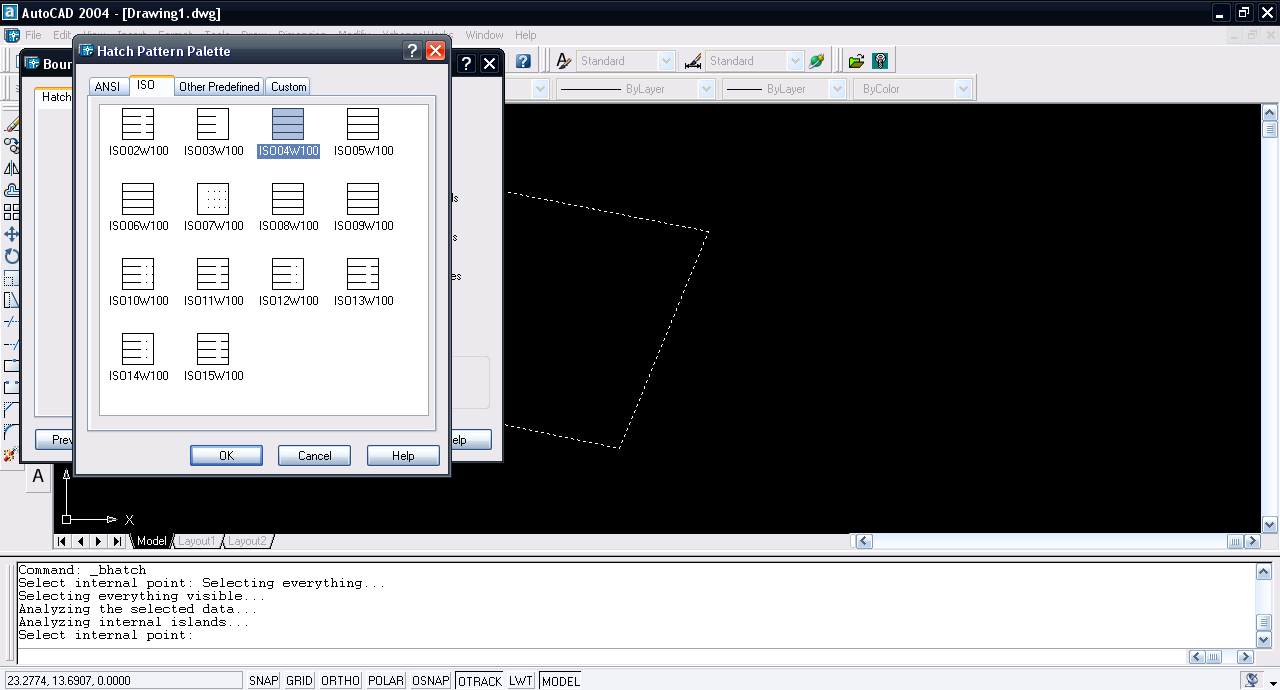
Click the swatch box.

-
Step 7:
Select the type of hatch.
-
Step 8:
Click OK and hatch is generated.


