Learn about the GrabCAD Platform
Get to know GrabCAD as an open software platform for Additive Manufacturing
Visit our new homepage
Home
Control
Shop
Streamline Pro
Partner Program
Print
Community
Log in
Library
Challenges
Groups
Questions
Tutorials
Engineers
Blog
Log in
Learn from thousands of free Tutorials.
New user?
Join the community
or
log in.
Tutorials
Most liked all time
Recent
Most liked
Most viewed
Most commented
This week
This month
All time
Category
Design & CAD
Modeling
Drafting
Assemblies
BOM
Dimensioning / Tolerancing
Translations
Manufacturing & CAM
3D Printing
Tooling
NC Machining
Composites
Measurement / Inspection
Simulation & CAE
FEM
CFD
Kinematics
Process Simulation
Engineering Fundamentals
Theory
Process
Standards
Other
Software
Snagit
Alibre Design
ArchiCAD
AutoCAD
AutoCAD Electrical
Autodesk 3ds Max
Autodesk Alias
Autodesk Inventor
Autodesk Maya
Autodesk Revit
Autodesk 123D
BricsCAD
Bentley MicroStation
BlenderCAD
BobCAD-CAM
CATIA
Delmia
DraftSight
FreeCAD
Femap
Fusion 360
Geomagic Design
IronCAD
JT
Kompas-3D
KeyCreator
KeyShot
Lagoa
Luxology
Mastercam
Moi3D
NX Unigraphics
OBJ
Onshape
OpenSCAD
Parasolid
Powermill
Powershape
Pro/Engineer Wildfire
PTC Creo Parametric
PTC Creo Elements
Rhino
SpaceClaim
SOLIDWORKS
solidThinking Evolve
Solid Edge
SolidFace
STEP / IGES
SketchUp
STL
TopSolid
TinkerCAD
T-Flex CAD
TurboCAD
VectorWorks
ViaCAD 3D
VRML / WRL
ZW3D
GrabCAD Print
Rendering
GrabCAD Community
GrabCAD Workbench
Text file
3D Manufacturing Format
Cinema 4D
Other
Skill level
All levels
Beginner
Intermediate
Expert
SOLIDWORKS
×
geometry
×
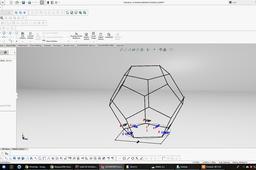
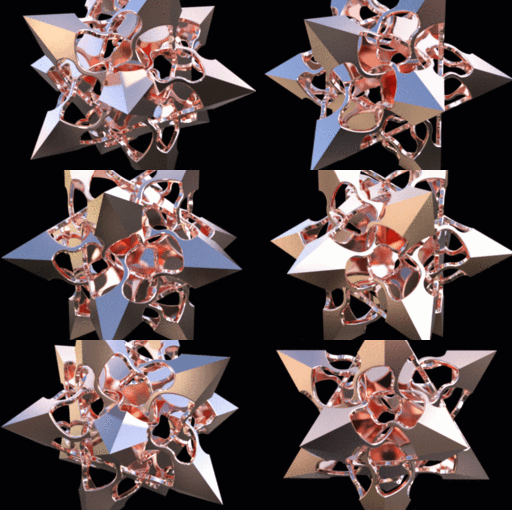
DESIGN A DODECAHEDRON IN SOLIDWORKS (Math Applied To Design)
Angel Ramirez
in
Modeling
9
0
Expert
Today I want to share a clear example of the correct use of mathematics applied to design, designing a dodecahedron in solidworks, but not a solid body, if not one more elaborated using other tools offered by SOLIDWORKS, in this tutorial. Do you enjoy it
SOLIDWORKS
dodecahedron
grabcad
geometry
design
math
solidworks
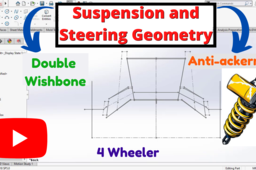
Suspension & Steering Geometry (Front) | 4 Wheeler | Double Wishbone | Anti-Ackerman
A Square C & D
in
Modeling
6
9
Intermediate
In this video tutorial, i have shown how to make Front Suspension and Steering geometry of a 4 wheeler. Here, I have taken an All terrain Vehicle(ATV) suspension and steering system for reference, but same approach can be applied while designing for Standard cars and other vehicles. Only the parameters will change according to the type and dynamics of the vehicle. Suspension type- Double Wishbone Steering geometry type- Anti-ackerman Model link:- https://grabcad.com/library/suspension-and-steering-geometry-4-wheeler-1 Basic Parameters used :- 1. Wheelbase= 55 inches 2. Trackwidth= 52 inch (Front and Rear same) 3.Front Ground clearance= 15 inches 4. Rear Ground clearance= 14 inches 5. KPI angle= 7° 6. Castor angle= 12° 7. Knuckle length= 6 inches 8. Spindle length= 120 mm 9. Spindle length (for wheel nut)= 75 mm 10. Steering Arm length= 80 mm 11. Steering Arm angle with spindle= 110° 12. Tyre Outer Diameter= 23 inches Please note that these parameters are used just for educating and learning purpose. Concrete calculations and certain other important factors related to Vehicle dynamics and Handling along with suspension analysis are considered and performed before designing any suspension and steering system of any vehicle. But these values are close to the standard industry values. I also used them in various college level projects. So they can be used as reference values. If you found the video informative, please Hit the Like button, Comment any doubts/issues related to the content in the video and Please share among your friends and colleagues. Stay tuned with us for more contents related to Designing and Racing game-plays.
SOLIDWORKS
wishbone
double
wheeler
geometry
steering
suspension
sketching
solidworks
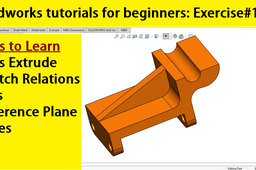
Solidworks tutorials for beginners| Exercise 11
sakib ahmed
in
Modeling
4
0
Beginner
Solidworks tutorial for beginners Exercise 11. A step by tutorial to complete this exercise. Learn How to use Boss Extrude? How to use solidworks rib feature? How to make reference plane? How to make hole references? How to use sketch relations?
SOLIDWORKS
geometry
reference
feature
rib
beginners
tutorials
solidworks
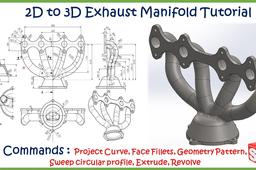
Exhaust Manifold Tutorial in SolidWorks
jehan kothari
in
Modeling
2
1
Intermediate
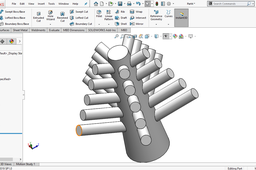
All you need to know is just functionality of the feature! I have created 3d Model of Exhaust Manifold from its drawing step by step so that even an absolute beginner can follow this tutorial. There are so many different commands used to create it. If you want to take a step up then this is the right tutorial to follow. All you need to have is just SolidWorks and patience :)
SOLIDWORKS
modeling
3d
advanced
solidworks
pattern
geometry
sweep
curve
project
COMPLEX GEOMETRY DESIGN IN SOLIDWORKS
Amit Mourya
in
Modeling
2
0
Beginner
Support me on paypal for more better content :paypal.me/nobodyknow137 So i created this complex design . This tutorial is for those who want to learn advance things in solidworks. in this this i am going to use advance pattern and techniques that is very helpful for beginners and pro it is little diffficult to make but i hope you will like it make sure to subscribe the channel thanks for watching and have a great day nmastay
SOLIDWORKS
geometry
design
complex
solidworks
What is zero thickness geometry?
David Thomas
in
Design & CAD
0
0
Beginner
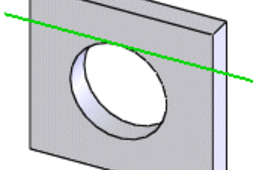
Zero thickness geometry is when a feature is created that can not be solved due to the fact that there is precisely zero material at only a point or an edge. An example would be if you created an extruded circle that is tangent to an extruded square. There is a good explanation here: http://help.solidworks.com/2012/English/SolidWorks/sldworks/HIDE_ZeroThickness.htm I've reposted the general guidelines from that site below as reference.
SOLIDWORKS
solidworks
geometry
zero
thickness
Solidworks advanced tutorials 121| working with reference geometry
sakib ahmed
in
Modeling
0
0
Intermediate
Working with reference geometry in solidworks How to make reference plane at angle? How to make offset plane? How to make a reference axis at intersection of two plane? #solidworks #Reference geometry Solidworks tutorial how to make reference geometry?
SOLIDWORKS
plane
geometry
reference
solidworks
H-Arm suspension geometry | Soildworks
A Square C & D
in
Modeling
0
0
Intermediate
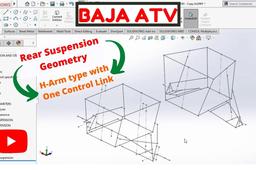
Hello everyone In this video tutorial, I have shown how to make the H-Arm Suspension at the rear Suspension of a 4 wheeler. Here, I have taken an All-terrain Vehicle(ATV) rear suspension for reference, but the same approach can be applied while designing for Standard cars and other vehicles. Suspension type- H-Arm type Suspension with One Control Link Link to model- https://grabcad.com/library/h-arm-suspension-geometry-solidworks-1 If you found the video informative, please hit the Like button, Comment on any doubts/issues related to the content in the video, and please share among your friends and colleagues.
SOLIDWORKS
baja
sae
tutorial
video
dynamics
vehicle
geometry
suspension
Solidworks tutorials for beginners | Exercise 01 | Geneva gear index
sakib ahmed
in
Modeling
0
0
Beginner
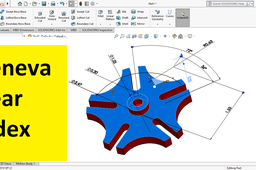
Learn how to make Geneva Gear Index using solidworks. Perfect tutorials for solidworks beginners as well as intermediate level. From this tutorial, you will learn , Solidworks sketching tools i.e Power Trim, Circle, Circular Pattern, Construction geometry, Dimensioning and many more.
SOLIDWORKS
index
gear
pattern
geometry
construction
sketching
beginners
tutorials
solidworks
How to insert a new plane in SOLIDWORKS?
Karajko CAD
in
Modeling
0
0
Beginner
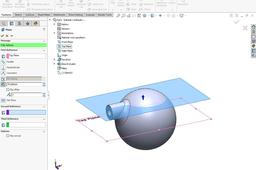
Sometimes we need some additional planes to work with in SOLIDWORKS and there is a proper feature we can use for that.
SOLIDWORKS
insert
geometry
reference
sketch
planes
solidworks