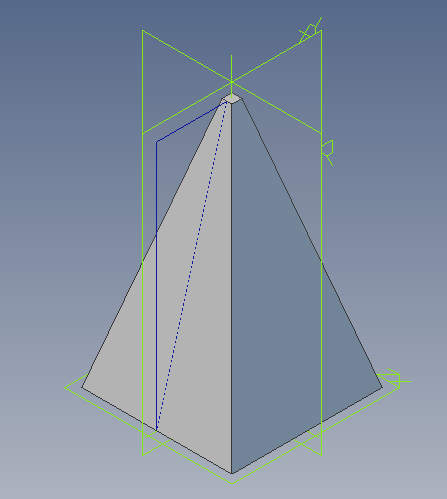
Draw a pyramid

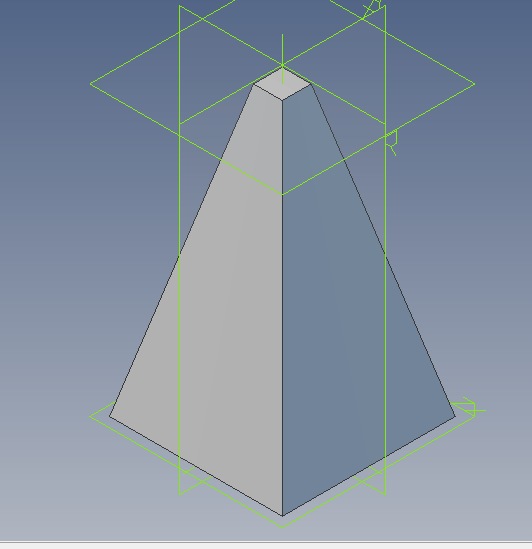
I want to draw a pyramid with a base of 60 x 60 and height of 100 mm. the head of the pyramid must be blunt. All the dimensions are in mm.
Accepted answer

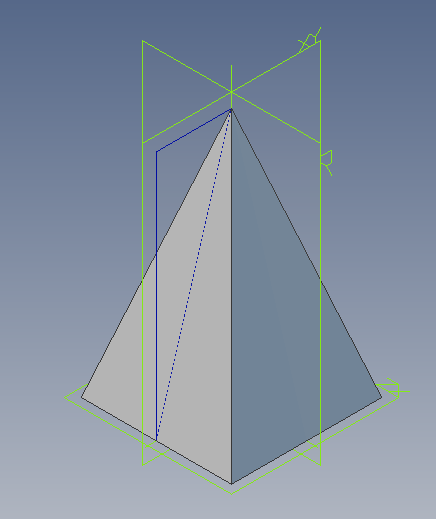
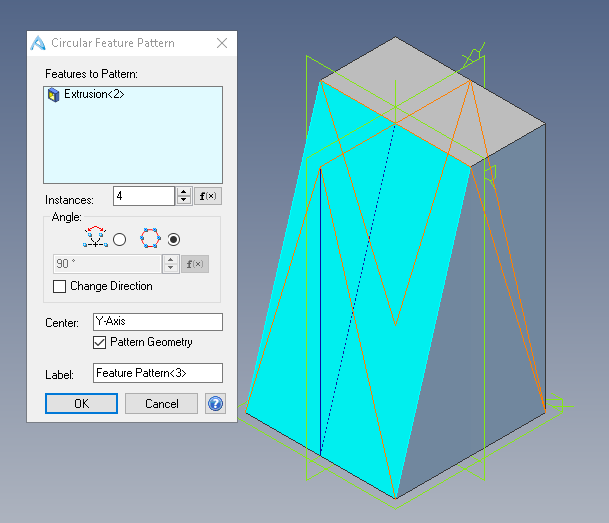
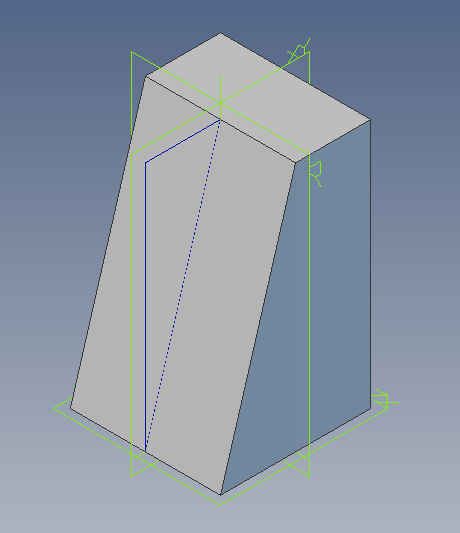
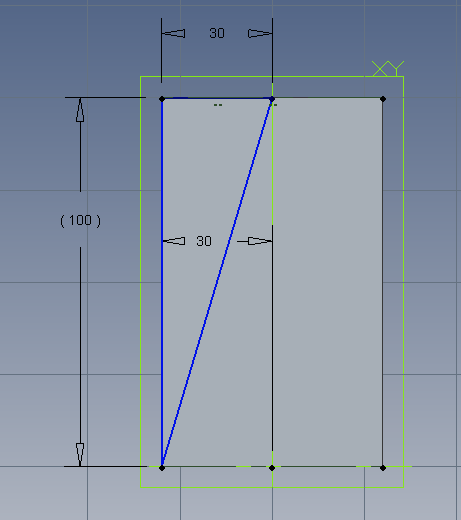
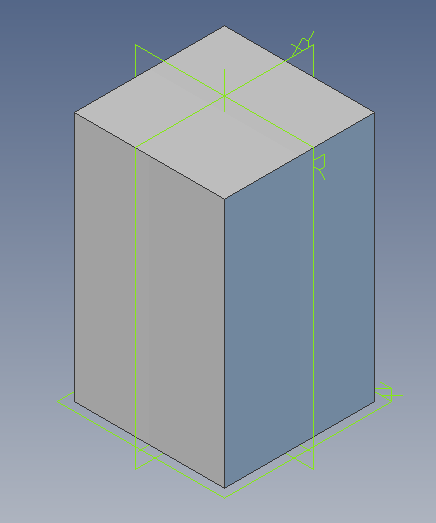
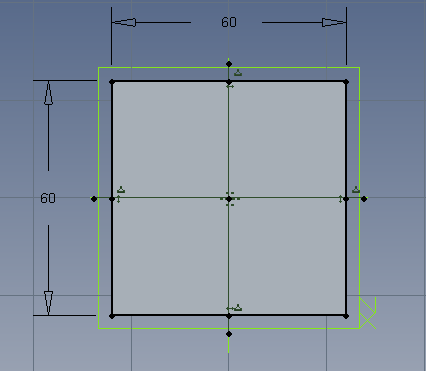
There are many ways to model a pyramid shape. The attached image files show one simple approach.
1. 60 x 60 sketch for base
2. extrude 100 high
3. sketch shape to remove for 1 side
4. extrude cut to remove material
5. rotate this pattern to give the 4 sides of the pyramid
6. finished pyramid
To get the exact pyramid you want make all sketch dimensions to suit
3 Other answers

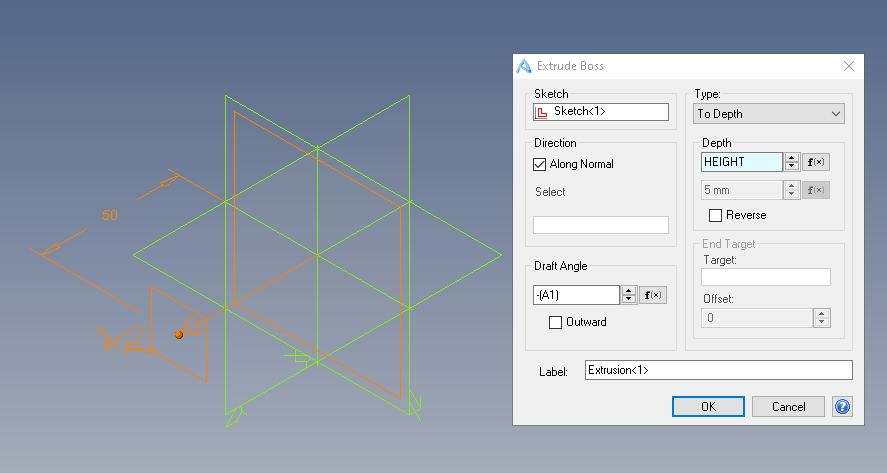
If you using Solidworks, one of the easiest way is to use the draft angle feature under extrusion.
Extruding the base with draft. Draft 1.png sketch of base. To this I have added a construction sketch that calculated the draft angle based on the size of the top sq. required and the height. Draft 3.png produces the extruded pyramid shape. For draft 3.png I have added 2 variables TOP_SQ and HEIGHT. BY changing the values in these variables I can, using the variable table to quickly make many different versions. I have used Alibre Design to make this but basically the same approach works in Solid Works, Inventor, Solid Edge along with mosrt of the mainstream 3D modeling applications
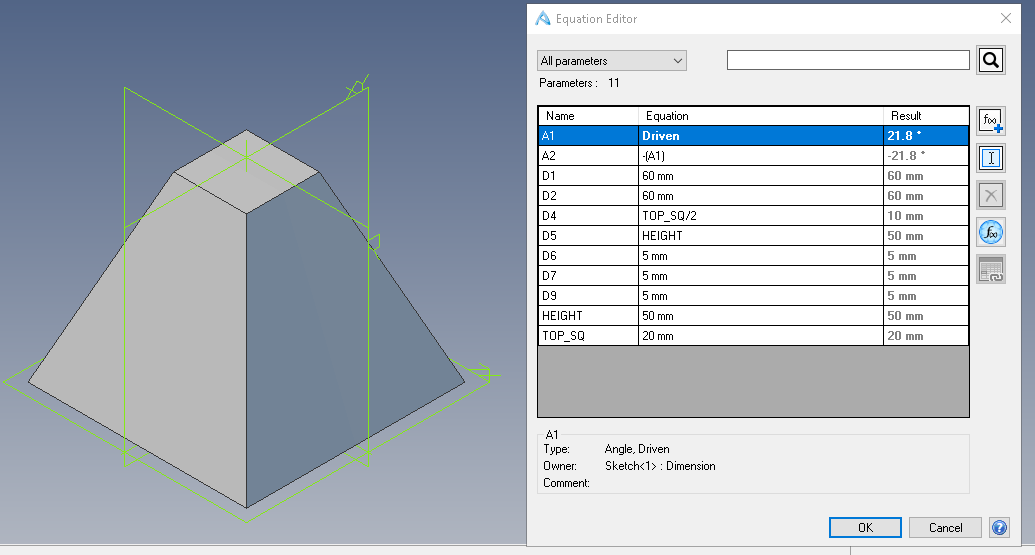
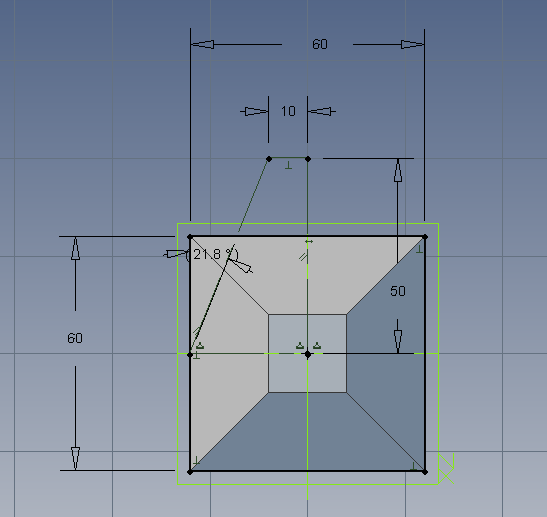
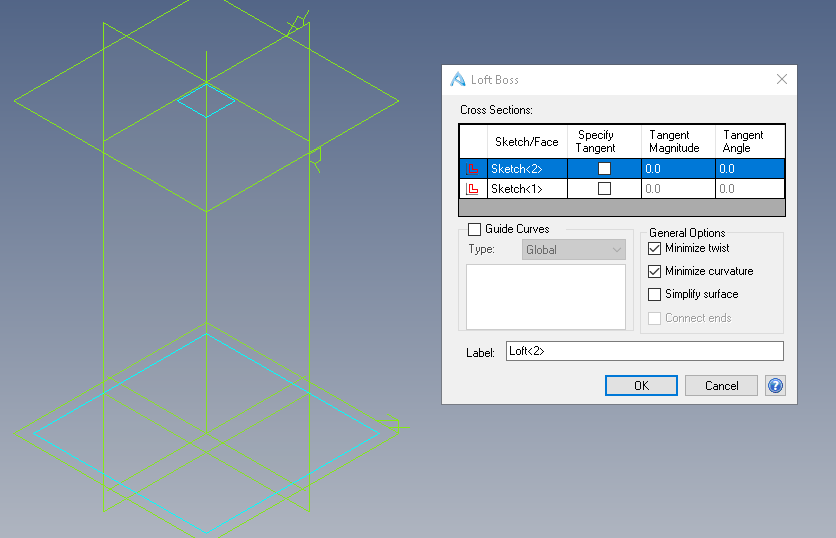
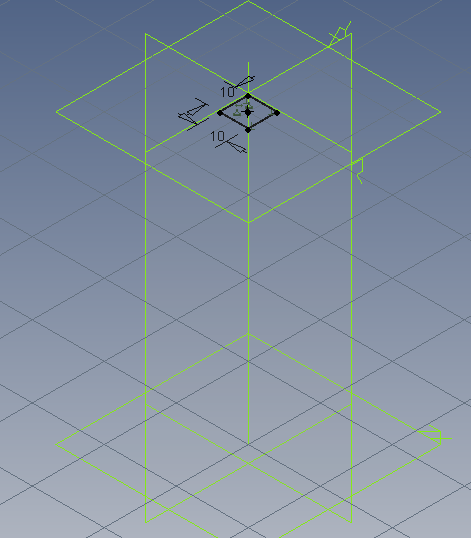
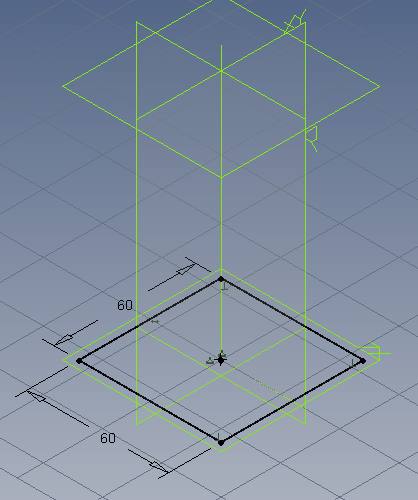
Change dimensions of the sketch, we get a different shape. See pyramid 3b and pyramid 6b. Or as suggested by Sourav Kumar, create the pyramid with lofted sketches. See loft 1, loft2, loft 3 & loft 4. All simple basic CAD modeling, none of it very difficult