Learn about the GrabCAD Platform
Get to know GrabCAD as an open software platform for Additive Manufacturing
Visit our new homepage
Home
Control
Shop
Streamline Pro
Partner Program
Print
Community
Log in
Library
Challenges
Groups
Questions
Tutorials
Engineers
Blog
Log in
The Savvy Engineer
CAD CAM Engineer | CATIA Champion | Feedspot Best CAD CAM Blogger
Follow
Hire me
5
followers
Tunisia
Tutorials
About
Models
1
Tutorials
23
More
Followers
5
Following
0
Likes
0
Following
0
Followers
5
Likes
0
Tutorials
Sort by:
Recent
Recent
Most liked
Most viewed
Most commented
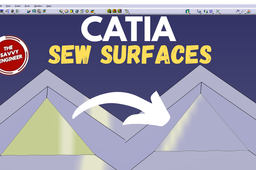
CATIA Sew Surfaces | How to Combine a Surface with a Solid Body
The Savvy Engineer
in
Modeling
2
0
Beginner
Learning how to use the Sew Surfaces command in CATIA is an essential skill for designers and engineers who work with surface modeling and advanced part creation. In many real-world projects, complex shapes are created as multiple individual surfaces rather than a single solid feature. The Sew Surfaces command allows these separate surfaces to be joined together accurately, forming a unified surface or a closed solid that can be used in downstream design and manufacturing processes.
CATIA
sew surfaces
catia
catia sew surfaces
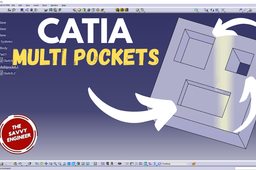
CATIA | How to Create Many Pockets in the Same Sketch
The Savvy Engineer
in
Modeling
1
0
Beginner
Learning how to create many pockets from the same sketch in CATIA is an important skill for designers who want to work efficiently and build clean, professional models. While beginners often create a separate sketch for every pocket, experienced CATIA users know that using a single, well-planned sketch can save time, reduce errors, and improve design quality. Mastering this technique helps you model smarter, not harder.
CATIA
catia
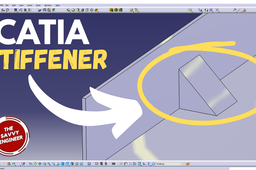
CATIA | How to Create a Stiffener Like a Pro
The Savvy Engineer
in
Modeling
3
0
Beginner
Learning how to create a stiffener in CATIA is an essential skill for designers and engineers who work with structural, mechanical, or aerospace components. A stiffener is a reinforcing feature added to a part to increase strength and rigidity without significantly increasing weight. Because CATIA is widely used in industries where performance and efficiency matter, understanding how to model stiffeners correctly can greatly improve both design quality and professional competence.
CATIA
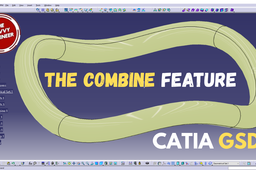
CATIA Surface Modeling | How to Combine two Sketches
The Savvy Engineer
in
Modeling
2
0
Beginner
The Combine feature in CATIA’s Generative Shape Design (GSD) workbench is an essential tool for shaping, refining, and controlling surface geometry. It allows designers to merge, intersect, or trim surfaces in order to create smooth transitions and unified shapes. This feature is particularly valuable in industries that rely on complex surface modeling—such as automotive, aerospace, and industrial design—because it provides the precision needed to form continuous and aesthetically consistent surfaces.
CATIA
sketches
surface
catia
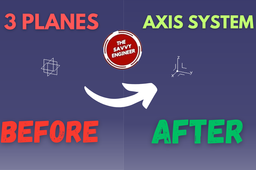
CATIA | How to Create an Axis System in 1 Minute!
The Savvy Engineer
in
Modeling
1
0
Beginner
The Axis System in CATIA (typically referred to as the Current Axis System, or CAS) is perhaps the single most foundational element in any design. It's not just a visual reference; it's the mathematical anchor for every piece of geometry you create. Understanding why it's critical is key to moving from simple part design to complex, multi-component assemblies. The Role of the CATIA Axis System The Foundation of Parametric Modeling CATIA is a parametric modeling software, meaning that all geometry is defined by relationships, not just absolute coordinates. The Axis System provides the origin (0,0,0) and the orientation (X, Y, and Z directions) that defines these relationships.
CATIA
axis system
catia
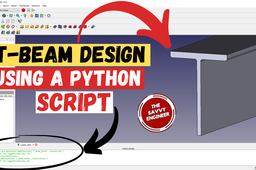
FreeCAD | Editable T-Beam Profile using a Python Script
The Savvy Engineer
in
Modeling
0
0
Beginner
Learning to design a T-Beam profile in FreeCAD using a Python script is a key step toward mastering structural modeling automation and achieving true design flexibility.
FreeCAD
python
T-beam
freecad
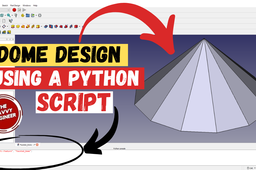
FreeCAD | Editable Faceted Dome using a Python Script
The Savvy Engineer
in
Modeling
1
0
Beginner
Learning to design a Faceted Dome (like a geodesic or architectural dome) in FreeCAD using a Python script is a key skill for tackling geometric complexity, architectural design, and fabrication. Scripting a faceted dome transforms a challenging manual modeling task into a precise, automated, and fabrication-ready engineering solution.
FreeCAD
python
python script
faceted dome
freecad
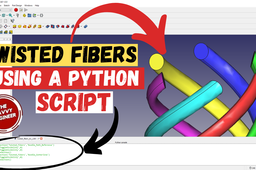
FreeCAD | Editable Twisted Fibers using a Python Script
The Savvy Engineer
in
Modeling
2
0
Beginner
Learning to design editable twisted fibers in FreeCAD using Python scripting is valuable for several compelling reasons: Parametric Flexibility and Automation Complex Geometry Made Manageable Real-World Applications Workflow Efficiency FreeCAD Mastery
FreeCAD
python script
twisted fibers
freecad
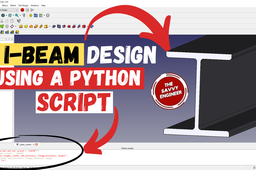
FreeCAD | Editable I-Beam Profile using a Python Script
The Savvy Engineer
in
Modeling
1
0
Beginner
Learning to design an I-beam profile in FreeCAD using a Python script is fundamentally about transitioning from manual drawing to parametric automation, a critical skill in modern engineering.
FreeCAD
python script
i-beam profile
i-beam
freecad
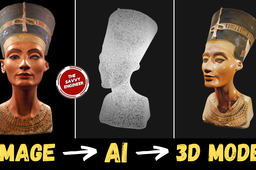
How to Design Nefertiti Bust using Free AI Tool
The Savvy Engineer
in
Modeling
1
0
Beginner
Using Krea AI to design the Nefertiti Bust is an innovative way to merge ancient artistry with the intelligence of modern design technology. The original Nefertiti Bust is one of the most celebrated sculptures in human history, admired for its flawless proportions, elegance, and cultural significance. Reimagining or recreating it with Krea AI allows artists, designers, and learners to explore how artificial intelligence can preserve, reinterpret, and enhance historical art in the digital era.
Other
bust
free ai tool
nefertiti bust
nefertiti
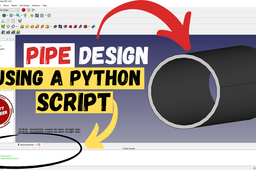
How to Design a Pipe in FreeCAD Using a Python Script
The Savvy Engineer
in
Modeling
1
0
Beginner
Learning how to design a pipe in FreeCAD using a Python script is an important skill for anyone interested in computer-aided design, automation, or engineering innovation. FreeCAD is a powerful open-source 3D modeling software that supports Python scripting, allowing users to create complex designs through code. Understanding how to use Python to design a pipe not only enhances your modeling efficiency but also develops your ability to automate repetitive design tasks.
FreeCAD
python script
python
freecad
pipe
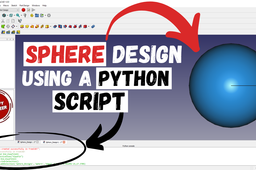
How to Design a Sphere in FreeCAD using Python Script
The Savvy Engineer
in
Modeling
2
0
Beginner
Learning how to design a sphere in FreeCAD using a Python script is an excellent way to explore the power of parametric and programmatic modeling. While creating a sphere may look simple, scripting it teaches you how FreeCAD’s geometry and parametric system work together through Python. By writing a few lines of code, you can define parameters such as radius, position, and placement, giving you precise control over your 3D model.
FreeCAD
python script
freecad
sphere
How to Design a Cube in FreeCAD using Python Script
The Savvy Engineer
in
Modeling
2
0
Beginner
Learning how to design a cube in FreeCAD using a Python script is an excellent way to understand the fundamentals of parametric modeling and automation in CAD design. Creating a cube may seem simple, but doing it through scripting introduces you to FreeCAD’s powerful Python interface, which controls almost every aspect of the software. By writing a short script, you learn how to define dimensions, create shapes, and manipulate geometry programmatically.
FreeCAD
python script
python
freecad
Krea | My Best AI Tool to Convert any Image to 3D Model
The Savvy Engineer
in
Other
1
0
Beginner
AI tools for converting images into 3D models are changing the way digital creators work. In the past, creating a 3D model required hours of manual design, technical knowledge, and expensive software. Today, artificial intelligence makes this process faster, easier, and more accessible. With just a single image, AI can analyze shapes, textures, and lighting to build a realistic 3D model automatically, saving both time and effort.
FreeCAD
image
ai
krea
CATIA Reverse Engineering - from STL to Solid Body
The Savvy Engineer
in
Modeling
1
0
Beginner
Learning how to convert an STL model to a solid body in CATIA for reverse engineering is an important skill for engineers, designers, and 3D modelers who work with scanned or mesh-based data. In many industries, physical parts are often scanned using 3D scanners, producing STL files made up of triangular meshes. While these files accurately represent the shape of an object, they are not ideal for editing or manufacturing. Converting an STL model into a solid body in CATIA allows you to transform this raw mesh into a fully functional CAD model that can be modified, analyzed, and used for production.
CATIA
stl to solid body
reverse engineering
catia reverse engineering
catia
1
2