

Basic Technial Illustration Photoshop

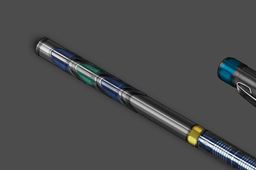
Part 5
-
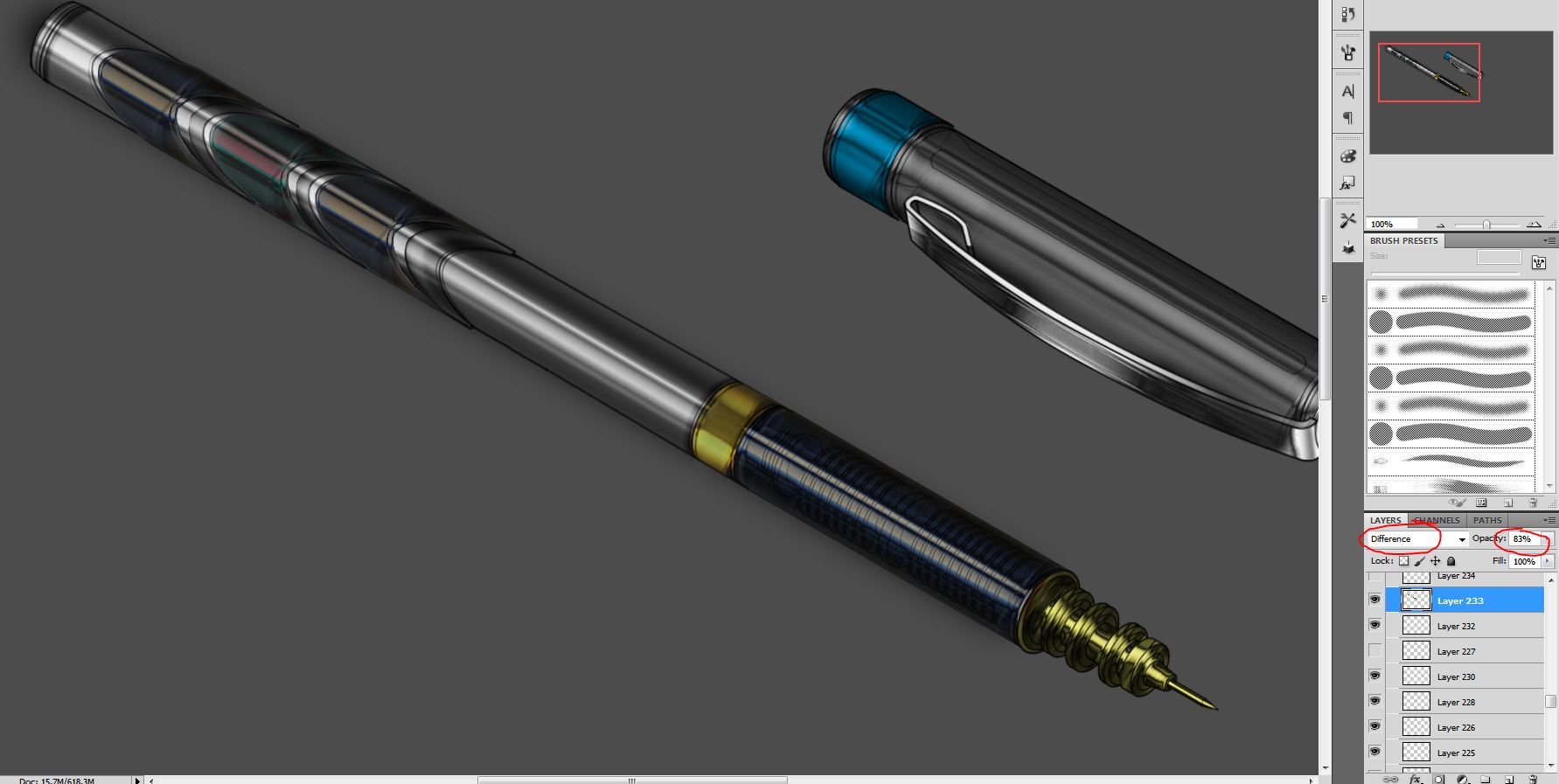
Step 1:
Make selection of the three sections on the top and the large section on the bottom. Hold ALT layers tab merge visible set blending mode to difference
-
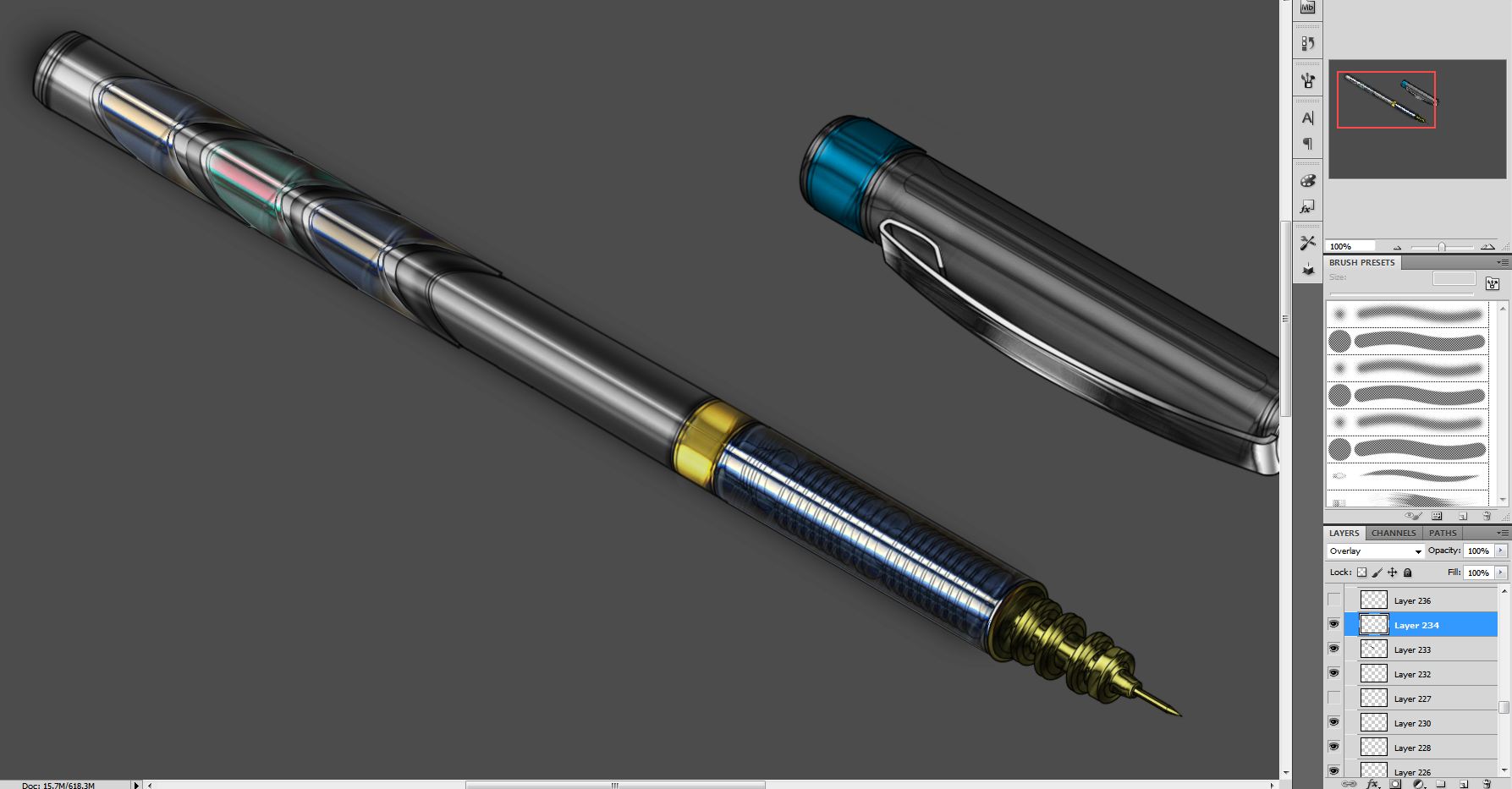
Step 2:
Fill same area with white and set blending mode to overlay
-
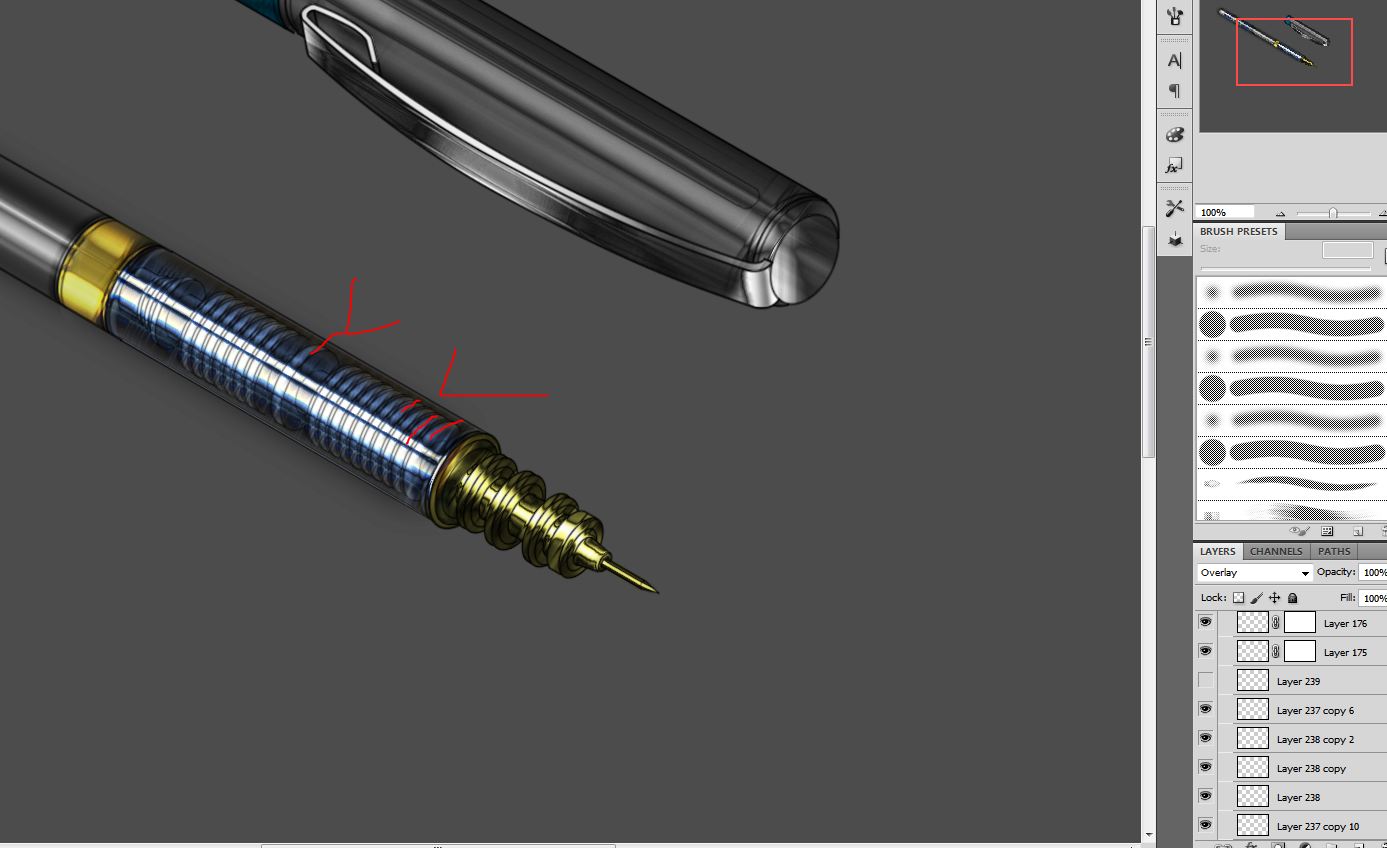
Step 3:
Now with a 5-6 pixel white brush 100% opacity new layer set to overlay crate the white highlights as shown
-
Step 4:
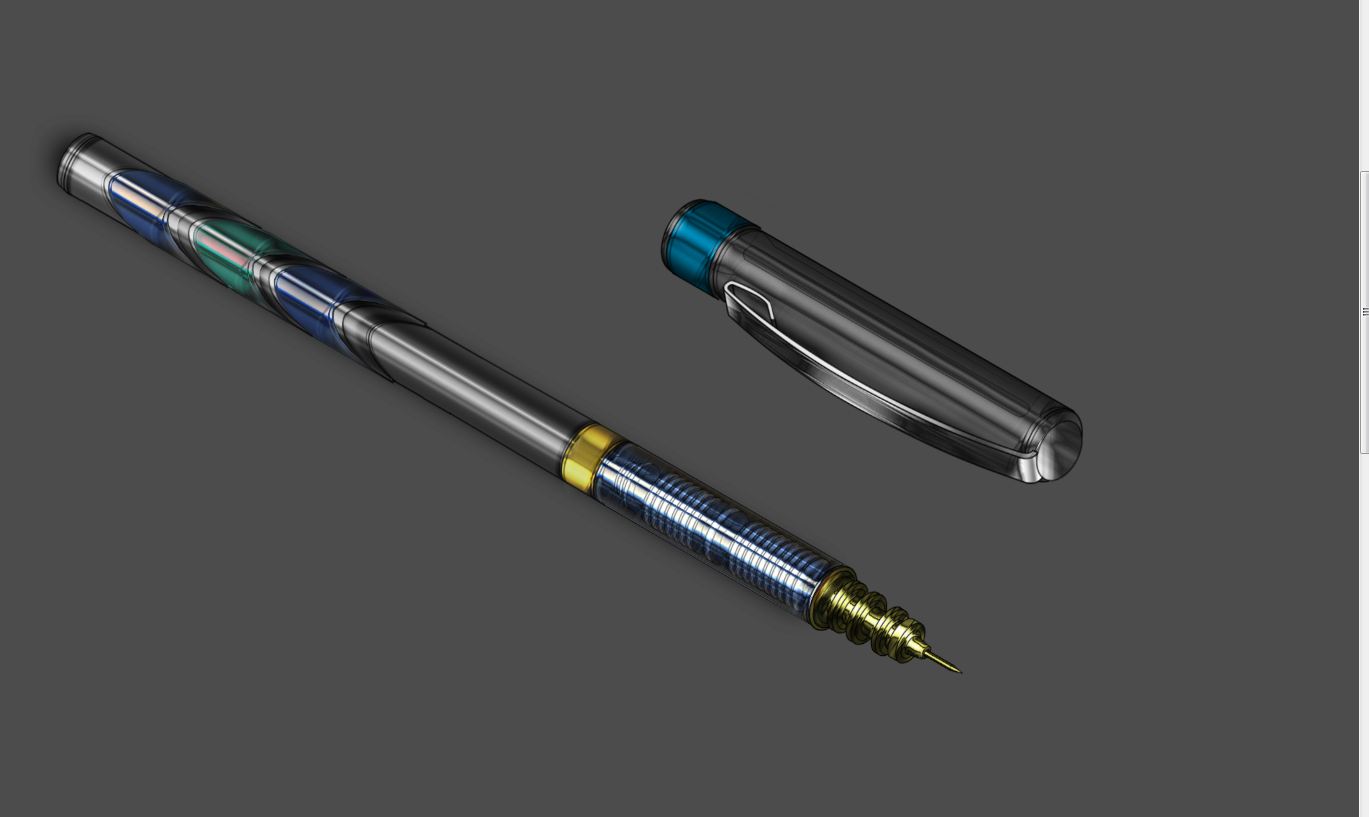
This is what we have so far
-
Step 5:
Now Pay close attention to the following slides. This is what we have


