Learn about the GrabCAD Platform
Get to know GrabCAD as an open software platform for Additive Manufacturing
Visit our new homepage
Home
Control
Shop
Streamline Pro
Partner Program
Print
Community
Log in
Library
Challenges
Groups
Questions
Tutorials
Engineers
Blog
Log in
Learn from thousands of free Tutorials.
New user?
Join the community
or
log in.
Tutorials
Most liked all time
Recent
Most liked
Most viewed
Most commented
This week
This month
All time
Category
Design & CAD
Modeling
Drafting
Assemblies
BOM
Dimensioning / Tolerancing
Translations
Manufacturing & CAM
3D Printing
Tooling
NC Machining
Composites
Measurement / Inspection
Simulation & CAE
FEM
CFD
Kinematics
Process Simulation
Engineering Fundamentals
Theory
Process
Standards
Other
Software
Snagit
Alibre Design
ArchiCAD
AutoCAD
AutoCAD Electrical
Autodesk 3ds Max
Autodesk Alias
Autodesk Inventor
Autodesk Maya
Autodesk Revit
Autodesk 123D
BricsCAD
Bentley MicroStation
BlenderCAD
BobCAD-CAM
CATIA
Delmia
DraftSight
FreeCAD
Femap
Fusion 360
Geomagic Design
IronCAD
JT
Kompas-3D
KeyCreator
KeyShot
Lagoa
Luxology
Mastercam
Moi3D
NX Unigraphics
OBJ
Onshape
OpenSCAD
Parasolid
Powermill
Powershape
Pro/Engineer Wildfire
PTC Creo Parametric
PTC Creo Elements
Rhino
SpaceClaim
SOLIDWORKS
solidThinking Evolve
Solid Edge
SolidFace
STEP / IGES
SketchUp
STL
TopSolid
TinkerCAD
T-Flex CAD
TurboCAD
VectorWorks
ViaCAD 3D
VRML / WRL
ZW3D
GrabCAD Print
Rendering
GrabCAD Community
GrabCAD Workbench
Text file
3D Manufacturing Format
Cinema 4D
Other
Skill level
All levels
Beginner
Intermediate
Expert
Drafting
×
Assemblies
×
Process Simulation
×
SolidWorks Flexible Sub-assembly (2 ways)
Yahya T Khedr
in
Assemblies
10
4
Intermediate
Most of us find it boring to keep repeating the same mates between the same parts within large assemblies, so we make "Sub-assembly" files to work with. But unfortunately, the default configuration for ALL sub-assemblies makes them "rigid"; as if they were a single part. Here we'll know how to make them "flexible", and in the easiest way possible.
SOLIDWORKS
flexible
rigid
assembly
sub-assembly
solidworks
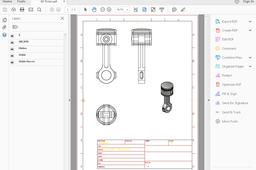
In One Video Auto-CAD Complete Course (2D) for Beginners & Advance | Mechanical, Civil,
Praveen Kumar
in
Drafting
10
0
Beginner
First Tutorial-This Courses upload by CADONE CENTRE (SOLIDWORKS EASY DESIGN). Upload complete courses step by step full commend. This tutorials Record in class room with student. so videos is long but you are easy to learn all commend with example. if u want a AUTOCAD 3D course then subscribe our channel and full complete course in class room with example. we are support get more information every week and days.
AutoCAD
engineering
mechanical
course
2d
autocad
V6 Engine by Solidworks
Mr Hieu Phuong
in
Assemblies
10
1
Beginner
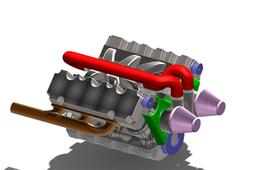
V6 Engine by Solidworks
SOLIDWORKS
solidwroks tutorial hp
solidworks tutorial
solidworks
Design House Fan by Solidworks
Mr Hieu Phuong
in
Assemblies
10
0
Beginner
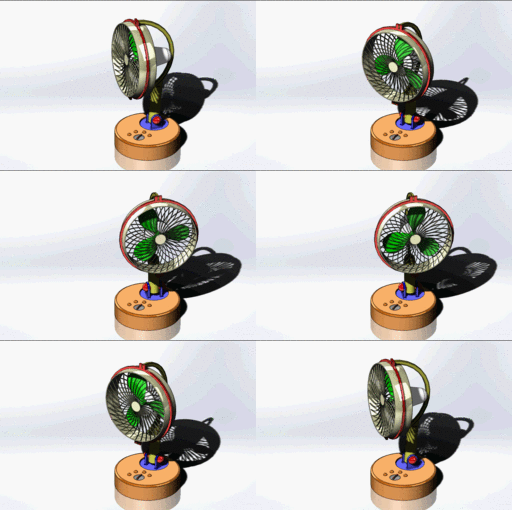
Design House Fan by Solidworks
SOLIDWORKS
How to export your file to PDF in AutoCAD?
Karajko CAD
in
Drafting
10
2
Beginner
How to export your file to PDF in AutoCAD?
AutoCAD
export
pdf
autocad
SolidWorks Flow Simulation Tutorial with Rotating Region on Cross Flow Turbine
Usman Akhtar
in
Process Simulation
10
0
Beginner
In this Video tutorial i will tell you how to do flow simulation in solidworks on turbine with rotating region. we will analyze flow trajectories also.
solidworks
simulation
flow
Solidworks Tutorial #175 How to Make a Spur Gears Assembly in Solidworks by Solidworks Easy Design
Praveen Kumar
in
Assemblies
10
0
Intermediate
SolidWorks Features - SolidWorks for Beginners - SolidWorks Advanced - SolidWorks Simulation - Art & Design
SOLIDWORKS
industrial
mechanical
design
assembly
solidworks
Radial engine Animation in NX
MANIKANTHA P
in
Assemblies
10
4
Intermediate
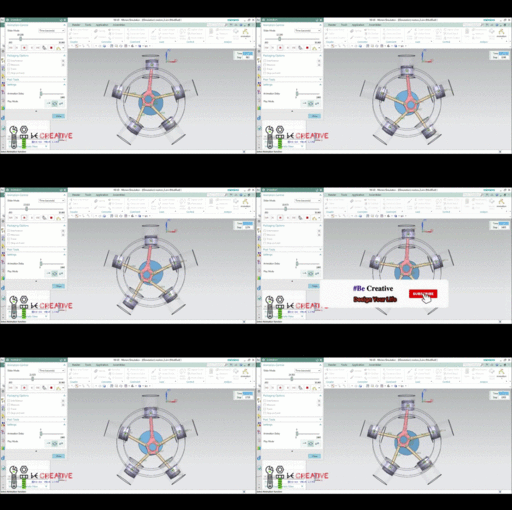
Applications. Radial engines have several advantages for airplanes: They can produce a lot of power. A typical radial engine in a B-17 has nine cylinders, displaces 1,800 cubic inches (29.5 liters) and produces 1,200 horsepower.
NX Unigraphics
animation
mechanism
assembly
nx
enigne
design
engine
enigine
radial
unigraphics
SolidWorks Tutorial: Path Mate Animation with Spring Movement
Usman Akhtar
in
Assemblies
10
9
Intermediate
files download link is in the description of video in YouTube for your practice. In this SolidWorks Assemblies Tutorial you will learn how to arrange a path mate, we also do a simple and basic animation of whole design.
SOLIDWORKS
mate
path
tutorial
assembly
practice
files
solidworks
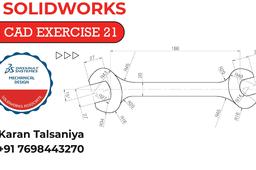
2D CAD EXERCISES 21 IN SOLIDWORKS
Karan Talsaniya
in
Drafting
9
0
Intermediate
2D CAD EXERCISES 21 IN SOLIDWORKS Wrench Design
SOLIDWORKS
wrench design
solidworks
2d cad exercises 21
How to change origin of view in Catia drafting?
özgür kesebir
in
Drafting
9
2
Intermediate
How to change origin of view in Catia drafting? It will show you how to change origin and axis lines in drawing.
CATIA
drafting
origin
v5r19
catia
Solidworks Project Disc Balancing
riyanto izu
in
Assemblies
9
2
Intermediate
Solidworks Project Disc Balancing
SOLIDWORKS
Pulley Tensioner 2, Fusion 360, animation
Auday
in
Assemblies
9
0
Expert
another Pulley Tensioner disassembly using Fusion 360 Animation
Fusion 360
How to ANIMATE in Solidworks
Tirumala Rao
in
Assemblies
9
2
Beginner
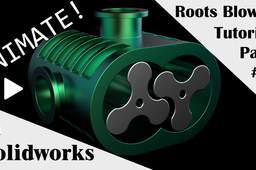
This is the third part of tutorial where we will me assembling and animating the roots blower.
SOLIDWORKS
3d
animation
catia
dassault
modelling
cad
solidworks
Translating cam and crank-slider mechanism in solidworks
Amit Mourya
in
Assemblies
9
0
Beginner
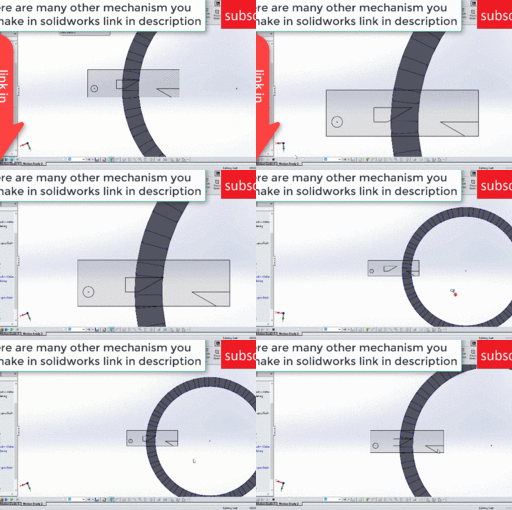
In this video i have create a dynamic mechanism which convert translating motion into angular motion . the advantage of this mechanism is that it can convert your translating motion into particular angle motion it can also act as ratchet mechanism i hope you like this video other mechanism u might like solidworks tutorial link to make these mechanism LIKE SUBSCRIBE AND SHARE 1. BOWLING ANIMATION : https://youtu.be/3YQfWjVIRnw 2. DOOR MECHANISM : https://youtu.be/fXCXwVEh6F0 3.FOLDABLE TABLE : https://youtu.be/Vbhi8fKnIdE 4.RACK RACK MECHANISM : https://youtu.be/085RPRQPhB8 5. FISH MECHANISM : https://youtu.be/2XJNilUx7FI 6. IRIS MECHANISM : https://youtu.be/turfOzbZnjo 7.TOGGLER DOOR MECHANISM : https://youtu.be/gfgCJyPizHw
SOLIDWORKS
thang
gear
tutorial
study
angular
into
conversion
analysis
motion
slider
solidworks
mechanism
crank
cam
translating
dynamic
1
…
8
9
10
…
100