Learn about the GrabCAD Platform
Get to know GrabCAD as an open software platform for Additive Manufacturing
Visit our new homepage
Home
Control
Shop
Streamline Pro
Partner Program
Print
Community
Log in
Library
Challenges
Groups
Questions
Tutorials
Engineers
Blog
Log in
TriMech Marketing
TriMech provides thousands of engineering teams with a range of 3D design and rapid prototyping solutions that work hand-in-hand from sketch to manufacturing.
Follow
2
followers
United States
Tutorials
About
Models
0
Tutorials
16
More
Followers
2
Following
0
Likes
0
Following
0
Followers
2
Likes
0
Tutorials
Sort by:
Recent
Recent
Most liked
Most viewed
Most commented
Time Saving Tricks Using Sketches Pt. 5
TriMech Marketing
in
Modeling
0
0
Beginner
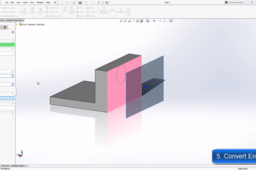
Convert Entities: One of the best time-saving tools in SOLIDWORKS, in fact, it’s said to be TriMech Application Engineer’s favorite. By converting entities, you can quickly create copies of model geometry in the current sketch ultimately saving you time. This tool can even be used for things like model edges or entire faces.
SOLIDWORKS
3d
solidworks
cad
Time Saving Tricks Using Sketches Pt. 4
TriMech Marketing
in
Modeling
0
0
Beginner
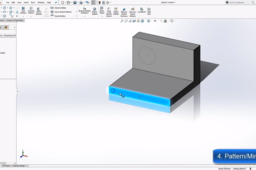
Patterning and mirrors are some of the best time-saving tools in SOLIDWORKS. With pattern and mirror, we can reuse the sketch geometry to spread across our part rather than manually creating the same sketch geometry over and over.
SOLIDWORKS
solidworks
drawings
sketches
Time Saving Tricks Using Sketches Part 3
TriMech Marketing
in
Modeling
4
1
Beginner
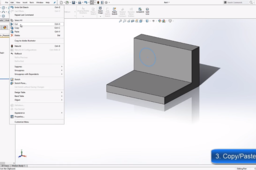
Copy / Paste: Use this just like you would any other copy/paste function in Windows. To copy and paste a sketch in SOLIDWORKS just preselect the sketch then hit copy and then choose the face or plane to locate the copy and then hit paste to add it.
SOLIDWORKS
Time Saving Tricks Using Sketches (Part 2)
TriMech Marketing
in
Modeling
1
0
Beginner
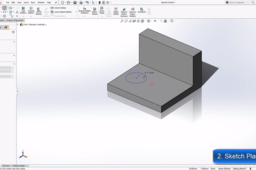
Sketch plane: When editing the sketch plane, you can move your sketches from one plane to another. This is a great trick to know when you change your mind and decide that a sketch should be on a different face or plane. Simply edit the sketch plane to relocate the sketch instead of recreating it.
SOLIDWORKS
sketches
cad
3d
solidworks
Time Saving Tricks Using Sketches (Part One)
TriMech Marketing
in
Modeling
0
0
Beginner
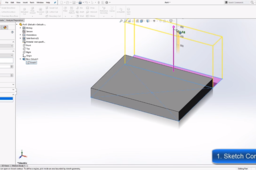
Sketch contours enable you to use contours from a sketch for multiple features. When using Sketch Contours, you are not limited to one sketch per feature. An entire sketch, or just pieces of it, can be used multiple times enabling you to quickly create many features.
SOLIDWORKS
cad
3d
sketches
Troubleshooting Thin Prints with GrabCAD Print
TriMech Marketing
in
3D Printing
0
0
Beginner
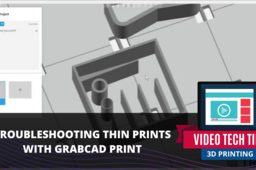
Learn about the two GrabCAD tools, the Thick and Thin Wall command and the Variable Width Fill command aid that will leave you with a sturdy, high-quality design.
grabcad
How to Back Up Files in SOLIDWORKS PDM
TriMech Marketing
in
Other
0
0
Beginner
Learn how to back your SOLIDWORKS PDM Files in your local computer server.
enterprise
file
management
data
pdm
solidworks
Creating an Over-Molded Part in SOLIDWORKS
TriMech Marketing
in
Modeling
1
2
Beginner
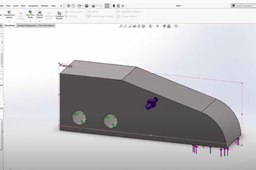
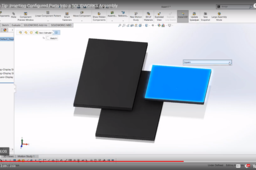
There are several ways to create an over-molded part in SOLIDWORKS. This tutorial will explain one quick method.
SOLIDWORKS
solidworks
3d
cad
How to Emboss Text on a Surface in SOLIDWORKS
TriMech Marketing
in
Modeling
2
0
Beginner
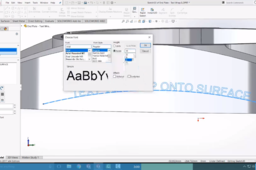
One of the most requested tips people ask for in SOLIDWORKS is how to emboss or deboss text onto a complex surface. The Wrap feature will simplify this process.
SOLIDWORKS
5 Types of Ruled Surfaces in SOLIDWORKS
TriMech Marketing
in
Other
1
0
Beginner
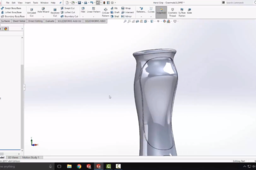
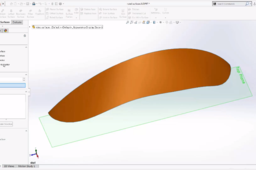
For many designs, creating solid geometry with features like boss extrude and cut will get the job done. But for more complicated shapes, it's impossible to build with solid modeling techniques alone. These more complicated geometries will certainly require surfacing techniques. Although the shape might be complicated, the tools and techniques to produce it don’t have to be. The ruled surface is a versatile command and can create different kinds of surfaces. In this tutorial, we will go through the 5 types of ruled surfaces.
modeling
3d
solidworks
cad
Topology Optimization in SOLIDWORKS
TriMech Marketing
in
Simulation & CAE
2
0
Beginner
The Topology Study is a powerful tool in SOLIDWORKS Simulation. Let's see it in action.
topology
solidworks
simulation
How to Apply Appearances in SOLIDWORKS
TriMech Marketing
in
Assemblies
1
0
Beginner
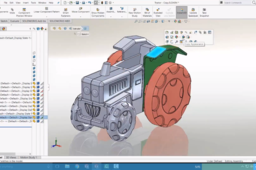
Want to apply colors, textures and decals onto your models? This tutorial will help you learn the ins and outs of applying appearances in SOLIDWORKS.
SOLIDWORKS
solidworks
cad
3d
assemblies
Inserting Configured Parts in SOLIDWORKS Assembly
TriMech Marketing
in
Assemblies
0
0
Beginner
Selecting and inserting configurations into SOLIDWORKS assemblies can be easily done. In this tutorial, we will walk you through the step by step.
SOLIDWORKS
solidworks
assemblies
cad
3d
Creating New Views in SOLIDWORKS
TriMech Marketing
in
Modeling
3
0
Beginner
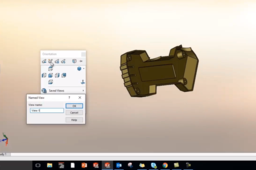
Today we are going to be showing you how to create a new view for showing different angles on a print. Sometimes you need to show an angle that is not a normal front, right top or asymmetric view. This is great for a 3D model and for drawings. The first thing you want to do is grab your part and rotate it around to a different angle.
SOLIDWORKS
drawings
3d
cad
solidworks
Converting from 2D to 3D Drawings in SOLIDWORKS
TriMech Marketing
in
Assemblies
3
0
Beginner
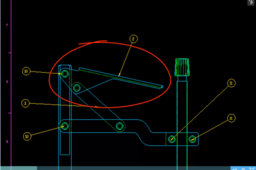
With SOLIDWORKS, converting 2D DWG files to 3D models is quick and easy. In this tutorial, we go over how to do this.
SOLIDWORKS
solidworks
cad
3d
1
2