Learn about the GrabCAD Platform
Get to know GrabCAD as an open software platform for Additive Manufacturing
Visit our new homepage
Home
Control
Shop
Streamline Pro
Partner Program
Print
Community
Log in
Library
Challenges
Groups
Questions
Tutorials
Engineers
Blog
Log in
Learn from thousands of free Tutorials.
New user?
Join the community
or
log in.
Tutorials
Most liked all time
Recent
Most liked
Most viewed
Most commented
This week
This month
All time
Category
Design & CAD
Modeling
Drafting
Assemblies
BOM
Dimensioning / Tolerancing
Translations
Manufacturing & CAM
3D Printing
Tooling
NC Machining
Composites
Measurement / Inspection
Simulation & CAE
FEM
CFD
Kinematics
Process Simulation
Engineering Fundamentals
Theory
Process
Standards
Other
Software
Snagit
Alibre Design
ArchiCAD
AutoCAD
AutoCAD Electrical
Autodesk 3ds Max
Autodesk Alias
Autodesk Inventor
Autodesk Maya
Autodesk Revit
Autodesk 123D
BricsCAD
Bentley MicroStation
BlenderCAD
BobCAD-CAM
CATIA
Delmia
DraftSight
FreeCAD
Femap
Fusion 360
Geomagic Design
IronCAD
JT
Kompas-3D
KeyCreator
KeyShot
Lagoa
Luxology
Mastercam
Moi3D
NX Unigraphics
OBJ
Onshape
OpenSCAD
Parasolid
Powermill
Powershape
Pro/Engineer Wildfire
PTC Creo Parametric
PTC Creo Elements
Rhino
SpaceClaim
SOLIDWORKS
solidThinking Evolve
Solid Edge
SolidFace
STEP / IGES
SketchUp
STL
TopSolid
TinkerCAD
T-Flex CAD
TurboCAD
VectorWorks
ViaCAD 3D
VRML / WRL
ZW3D
GrabCAD Print
Rendering
GrabCAD Community
GrabCAD Workbench
Text file
3D Manufacturing Format
Cinema 4D
Other
Skill level
All levels
Beginner
Intermediate
Expert
CATIA
×
DraftSight
×
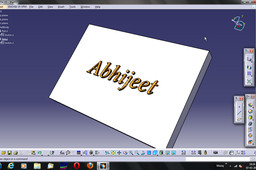
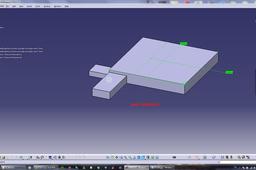
Tutorial: Engraving a text on catia part body.
Abhijeet
in
Design & CAD
9
2
Beginner
Tutorial: Engraving a text on catia part body.
CATIA
catia
text
engraved
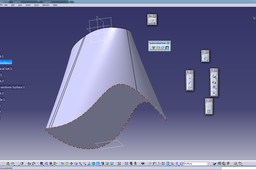
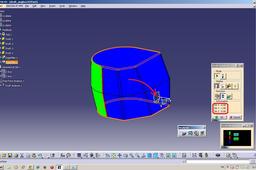
How to convert enclosed surface to solid in CATIA?
BDNS Murthy
in
Design & CAD
9
1
Beginner
Small example from my side. As there is no software supporting to your .catpart file. I do have Catia v5 r19
CATIA
solid
surface
convert
watertight
enclosed
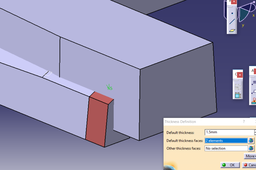
How tp apply parameters in Product level in catia V5
özgür kesebir
in
Design & CAD
9
3
Intermediate
here is the tutorial.
CATIA
How to start BIW design using styling data
dinesh
in
Modeling
9
1
Expert
In this tutorial my intention is to create rough envelop of BIW of front hinge near the door part. THis tutorial uses styling data which is class A surface.
CATIA
biw
surface
class
CATIA V5 CoverPump - Exercise - 2D into 3D Modeling
Bocko Schuger
in
Design & CAD
9
0
Beginner
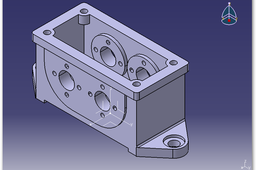
In this guide are displayed CATIA V5 steps modeling based on technical drawings 2D into 3D modeling. The 2D drawing is cover pump.
CATIA
offset
plane
elements
3d
projesct
chamfer
fillet
edge
circular
pattern
rectangular
thread
with
holle
shall
pad
catia
COFFEE MACHINE
Avnish Kumar (अवनीश कुमार )
in
Modeling
8
0
Expert
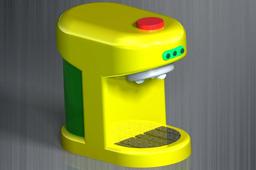
COFFEE MACHINE CAD TUTORIAL 2025 | SOLIDWORK 2025 | CATIA V6 2025 |
CATIA
ansys
solidwork
catia
Gear Spiner In Catia |New Tutorial
king 058
in
Modeling
8
0
Expert
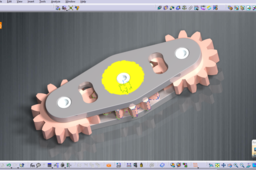
CATİA V5 Modules: Sketch Tracer (Product) FreeStyle (Part) 2025 Generative Shape Design (Part) Catia v6 2025
CATIA
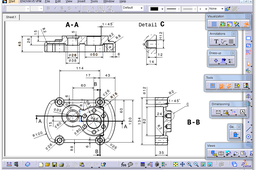
Tutorial: How to use drafting workbench in Catia V5?
Abhijeet
in
Design & CAD
8
1
Beginner
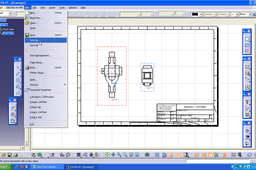
Tutorial to use drafting workbench in Catia V5.
CATIA
drafting
workbench
tutorial
how do i hide all planes,constraints in assembly in CATIA ?
Sebastijan Prelec
in
Design & CAD
8
4
Intermediate
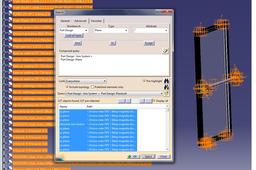
On menu line select EDIT, than on pop-up menu select SEARCH, than go to the tab ADVANCED. On this tab you choose the right parameters: i.e. planes and axis. Selection of more than one parameter must be done with boolean operator "OR". When the parameters are set, then you click SEARCH and after that you click SELECT. Now all desired features are selected and painted in orange (in assembly and in structure tree). Click HIDE command (pop-up menu "view" or icon on toolbar "view") and that's it.
CATIA
Create new Plane without using Plane command
din
in
Modeling
8
0
Intermediate
How to crate new Plane without using GSD Plane command. New user sometime have difficulties to create references for new plane creation.
CATIA
mawea
automotive
design
part
catia
can anyone explain draft analysis in catia v5
özgür kesebir
in
Design & CAD
8
0
Intermediate
Here is the tutorial. Have fun and don't forget the vote :)
CATIA
How to Build Your Own Quadcopter Drone at Home for Beginners- Part 2
RAMBO TECHNOLOGY SERVICES AND SOLUTIONS
in
Assemblies
8
0
Beginner
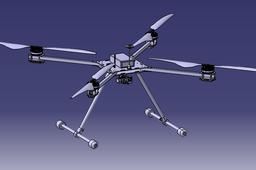
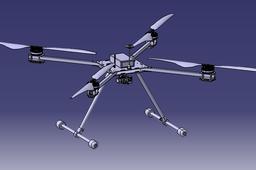
BUILD A QUADCOPTER IN JUST 5 EASY STEPS. THE STEPS ARE EASY TO UNDERSTAND WITH MULTIPLE PICTURES AT EACH AND EVERY STEP. ALSO THE REQUIRED COMPONENTS DETAIL GIVIEN IN THE YOUTUBE VIDEO DESCRIPTION. The quadcopter shown above is a simple type of multicopter, with each motor/propeller rotating in opposite directions from the two motors on either side of it (i.e. motors at opposite corners of the frame rotate in the same direction). A quadcopter can control its roll and pitch rotation by speeding up two motors on one side and slowing down the other two. For example, if the quadcopter wants to roll to the left, it will speed up the motors on the right side of the frame and slow down the two on the left. Similarly, if it wants to spin forward, it speeds up the rear two motors and slows down the front two. The copter can turn left or right by speeding up two motors that are diagonal to each other and slowing down the other two. Horizontal movement is accomplished by temporarily speeding up/decelerating some of the motors so that the vehicle leans in the desired direction of travel and increases the overall thrust of all the engines so that the vehicle moves forward. Generally, the more the vehicle leans, the faster it travels. Altitude is controlled by accelerating or decelerating all motors simultaneously. PART 1 LINK: https://youtu.be/19V4oBooOhU PART 3 LINK: It will be uploaded soon... Warning:--- This video is for educational purposes only. Do not attempt to recreate the actions in this video as they are dangerous if not performed correctly and may result in serious injury. If you are confident on the information shown in this video, you are responsible for the results. Have fun, but always think ahead and remember that every project you attempt is at your own risk. For more details contact email: rambo.tss19@gmail.com WhatsApp:7548875553
CATIA
fpvdrone
fpv
automobile
vtoldrone
drone
uav
vtol
CATIA V5 - 2D into 3D Modeling - Exercise
Bocko Schuger
in
Design & CAD
8
4
Beginner
In this guide are displayed CATIA V5 steps modeling based on technical drawings 2D into 3D modeling. With especially attention take a look the introduction of the new body which multiply holes, when the standard methods can not be used (mirrors, circular patterns ...).
CATIA
v5
catia
modeling
3d
into
2d
patern
rectangular
circural
hole
mrror
pocket
pad
How to Build Your Own Quadcopter Drone at Home for Beginners- Part 1
RAMBO TECHNOLOGY SERVICES AND SOLUTIONS
in
Assemblies
8
0
Beginner
BUILD A QUADCOPTER IN JUST 5 EASY STEPS. THE STEPS ARE EASY TO UNDERSTAND WITH MULTIPLE PICTURES AT EACH AND EVERY STEP. ALSO GIVEN REQUIRED COMPONENTS DETAILS IN THE YOUTUBE VIDEO DESCRIPTION. The quadcopter shown above is a simple type of multicopter, with each motor/propeller rotating in opposite directions from the two motors on either side of it (i.e. motors at opposite corners of the frame rotate in the same direction). A quadcopter can control its roll and pitch rotation by speeding up two motors on one side and slowing down the other two. For example, if the quadcopter wants to roll to the left, it will speed up the motors on the right side of the frame and slow down the two on the left. Similarly, if it wants to spin forward, it speeds up the rear two motors and slows down the front two. The copter can turn left or right by speeding up two motors that are diagonal to each other and slowing down the other two. Horizontal movement is accomplished by temporarily speeding up/decelerating some of the motors so that the vehicle leans in the desired direction of travel and increases the overall thrust of all the engines so that the vehicle moves forward. Generally, the more the vehicle leans, the faster it travels. Altitude is controlled by accelerating or decelerating all motors simultaneously. PART 2 LINK: https://www.youtube.com/watch?v=QFeuGz-820Y Warning:--- This video is for educational purposes only. Do not attempt to recreate the actions in this video as they are dangerous if not performed correctly and may result in serious injury. If you are confident on the information shown in this video, you are responsible for the results. Have fun, but always think ahead and remember that every project you attempt is at your own risk. For more details contact email: rambo.tss19@gmail.com
CATIA
fpvdrone
fpv
vtoldrone
drone
uav
vtol
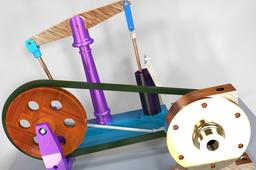
Beam Engine |CATIA V5 R20 | Part design | Surfacing | Assembly |Rendering | KEY SHOT | Body in set
Avnish Kumar (अवनीश कुमार )
in
Modeling
8
1
Intermediate
https://www.youtube.com/watch?v=gFJjXTBqA9Q&list=PLbzPiq3XQNA3JdxQ7_4TGdpuc3ClHSyu_ https://www.facebook.com/pg/Cad-knowledge-for-beginners-2374487839251864/about/?entry_point=page_edit_dialog&tab=page_info https://grabcad.com/library/beam-engine-1
CATIA
printing
3d
igs
stp
solidwork
keyshot
catia
1
…
6
7
8
…
77