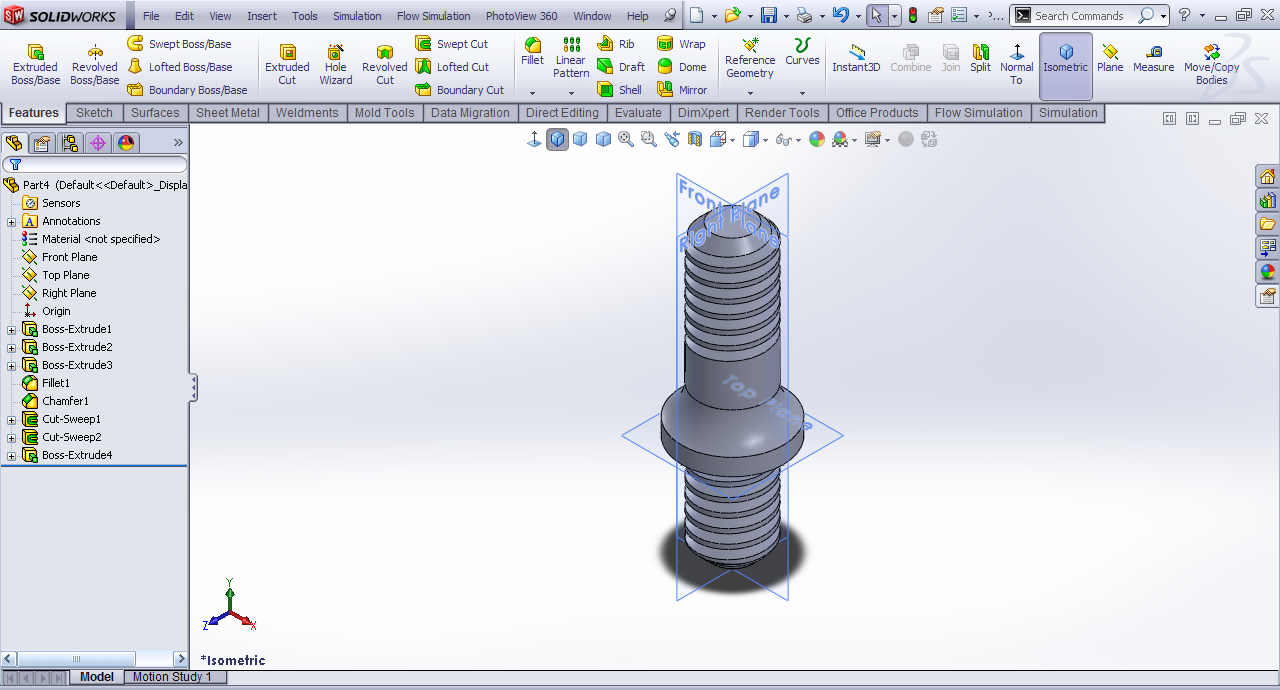
Tutorial - Modeling Studds in SolidWorks?

Here is the tutorial.
-
Step 1:
Start SolidWorks in Part mode.
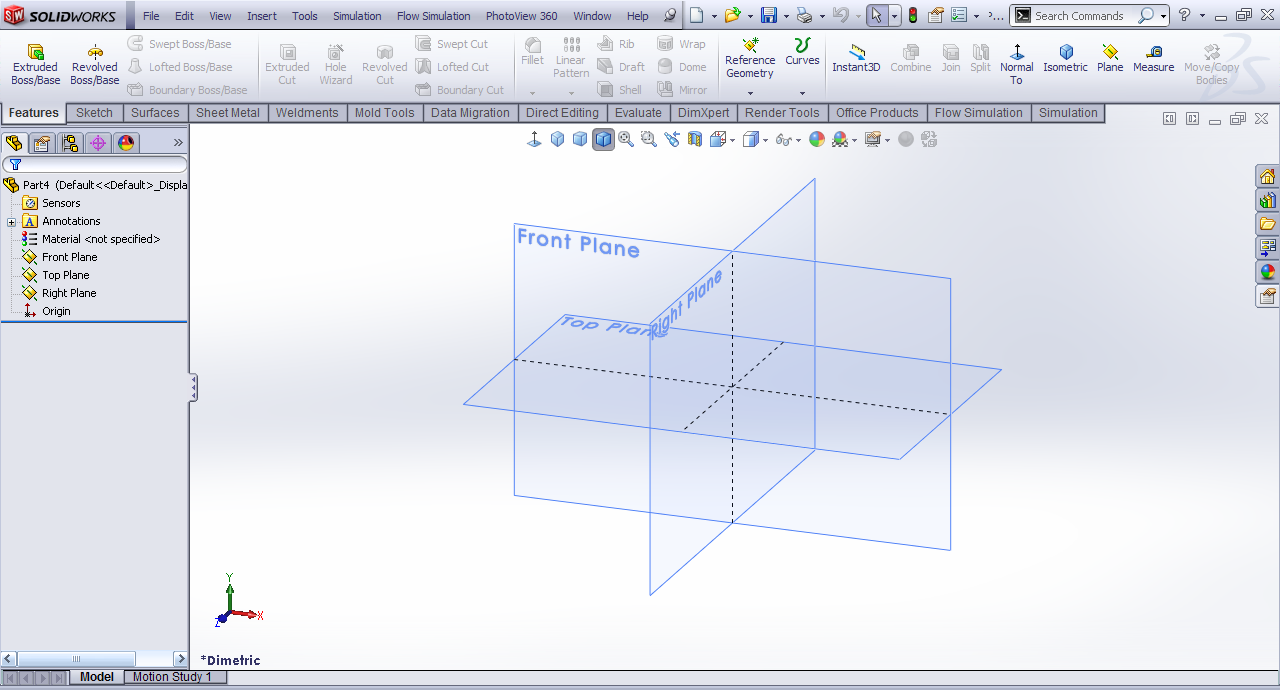
-
Step 2:
Front Plane>>Sketch.
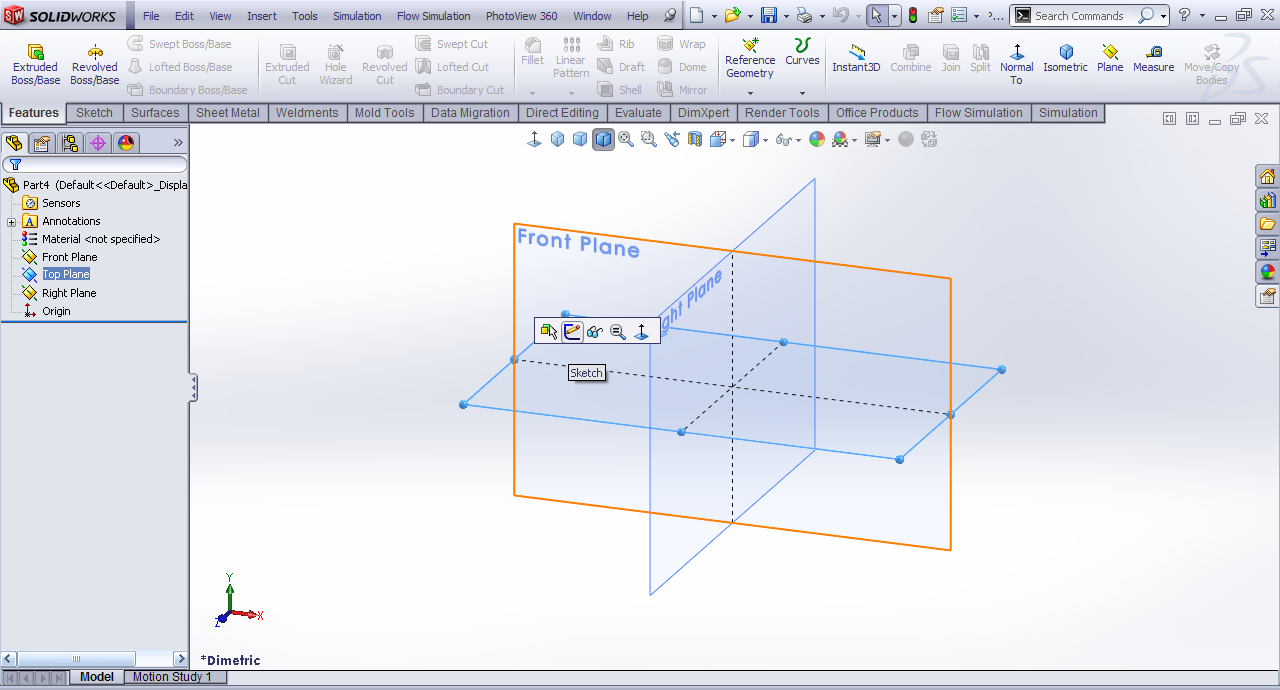
-
Step 3:
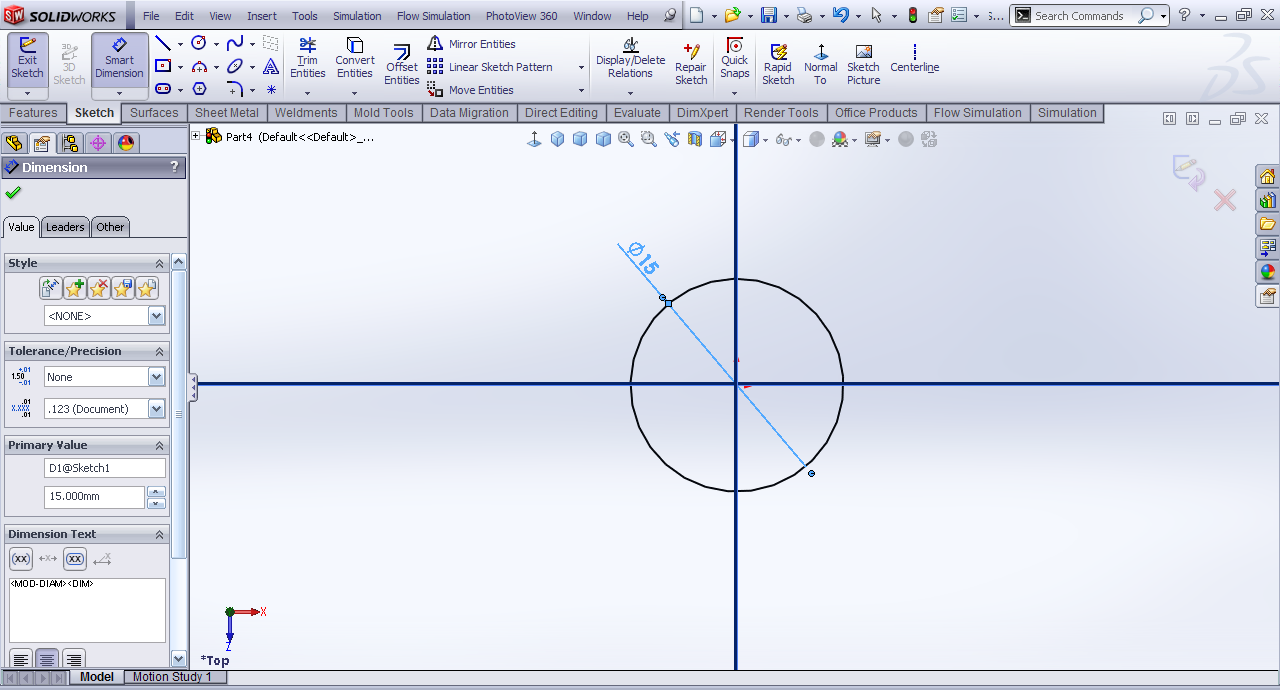
Draw a circle of 15mm dia.
-
Step 4:
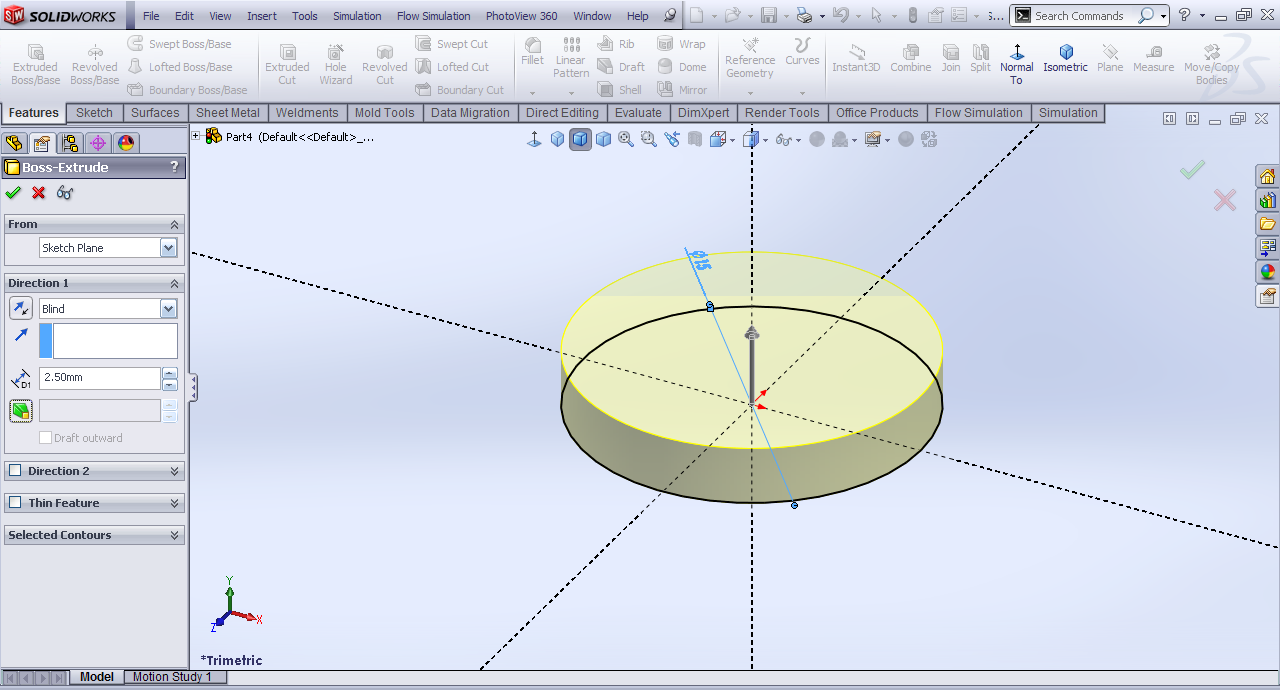
Extrude it by 2.5mm.
-
Step 5:
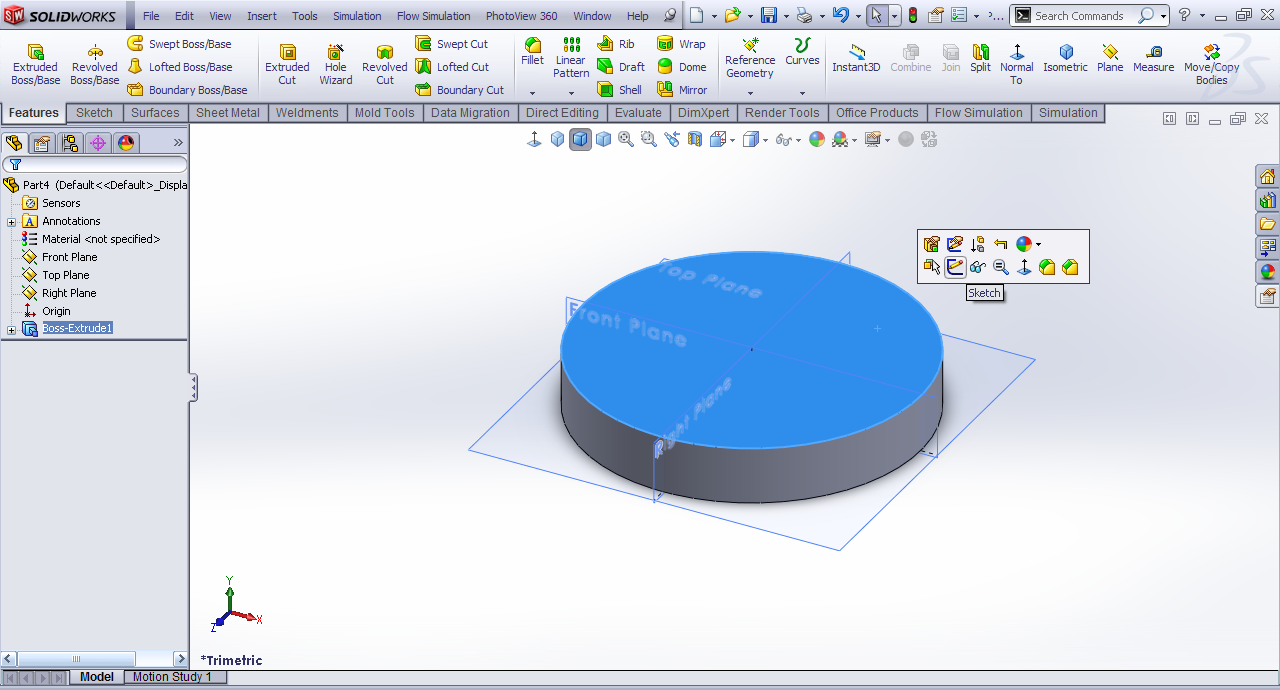
Top face>>Sketch.
-
Step 6:
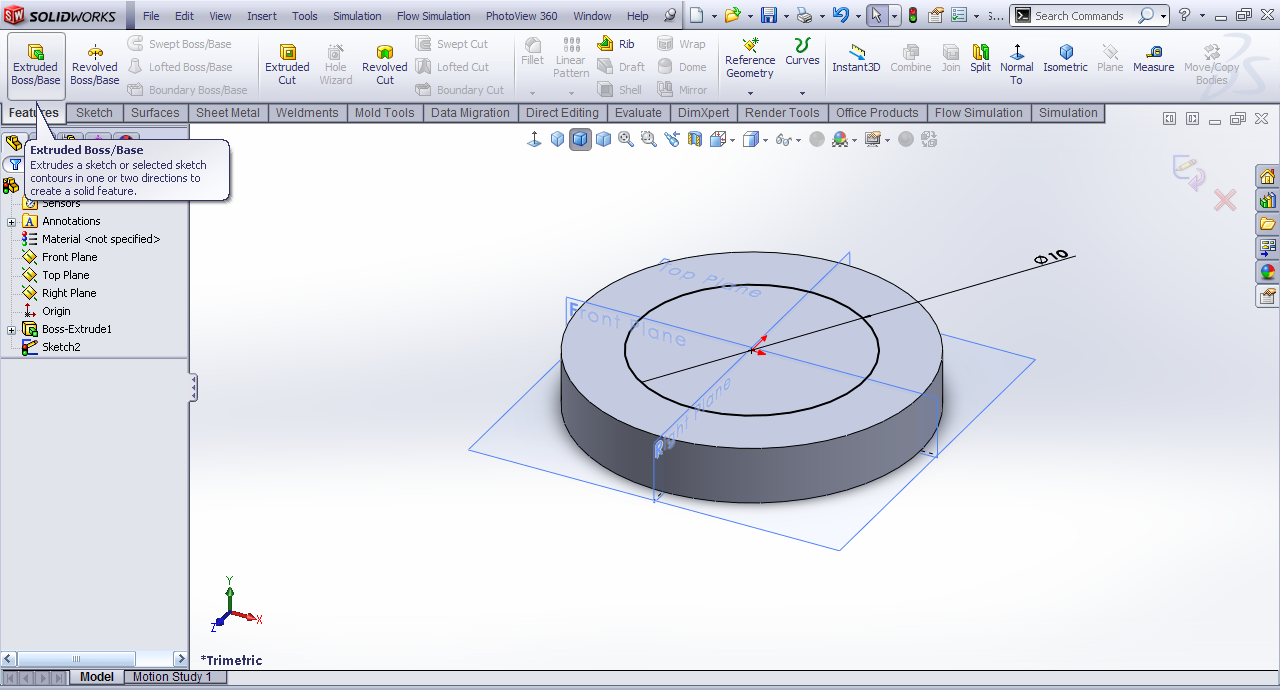
Draw a circle of 10mm and then extrude.
-
Step 7:
Extrude length be 25mm.

-
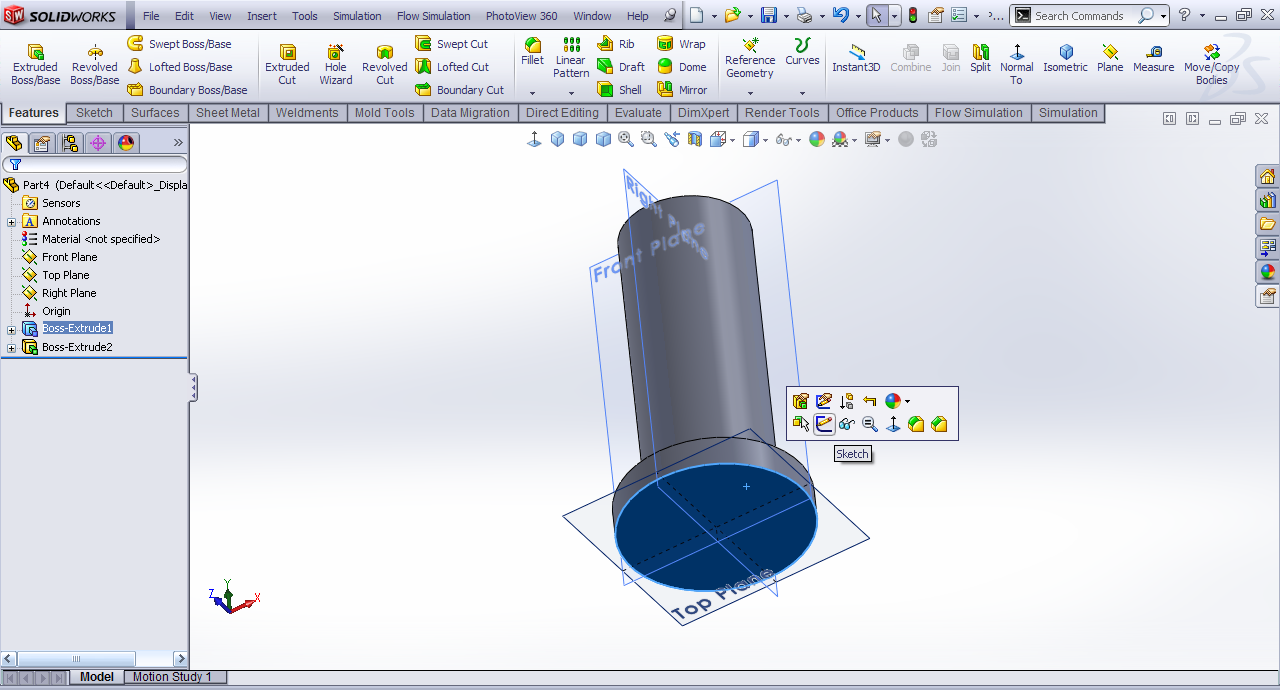
Step 8:
Bottom face>>sketch.
-
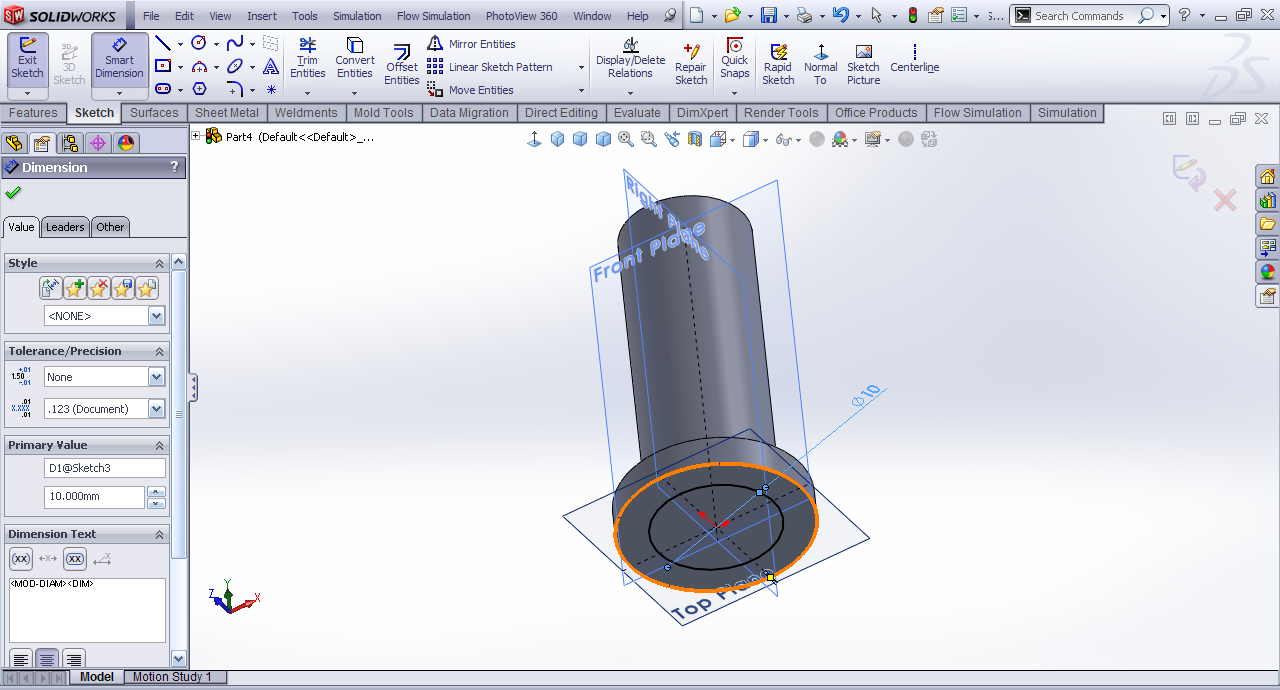
Step 9:
Draw a circle of 10mm dia.
-
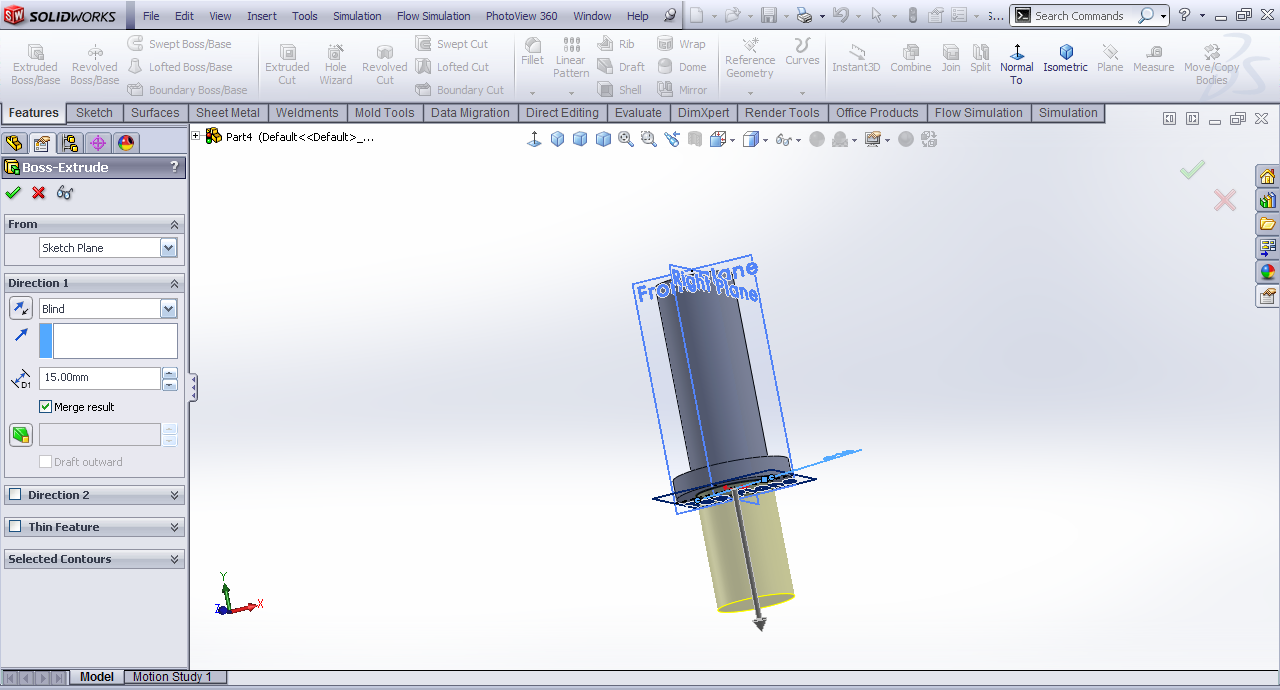
Step 10:
Extrude it by 10mm dia.
-
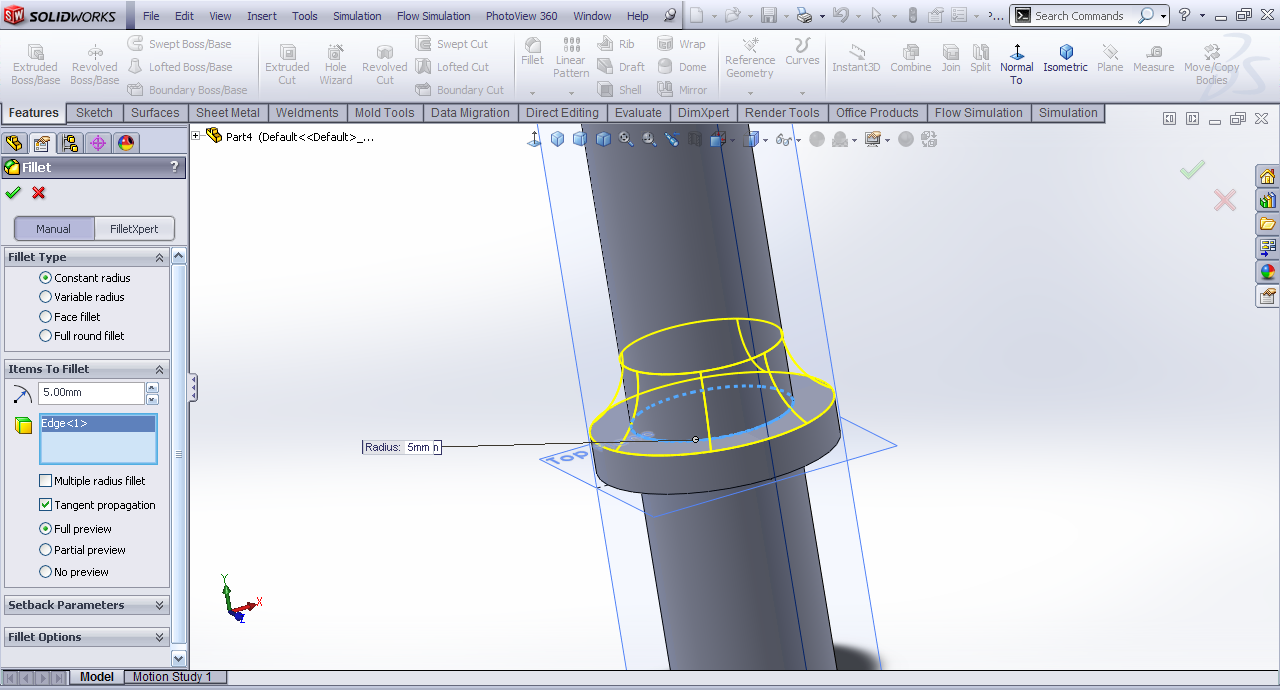
Step 11:
Fillet.

-
Step 12:
Extrude the edge by 5mm at the length of 25mm side.
-
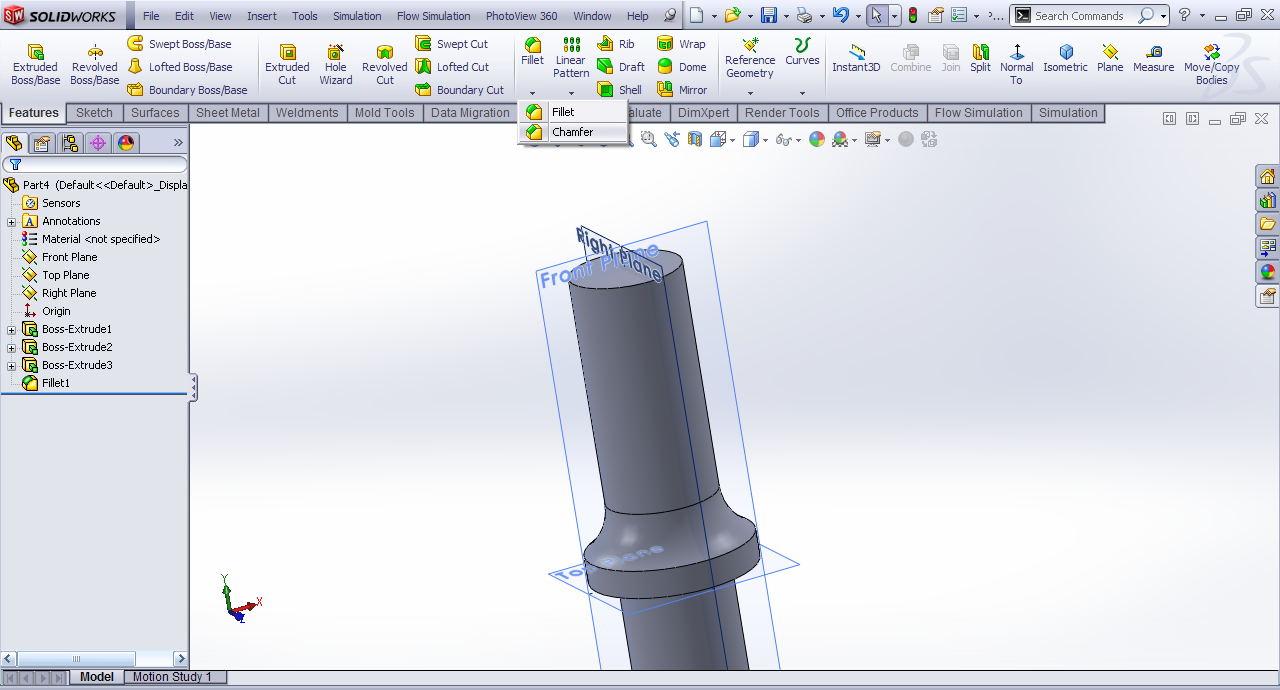
Step 13:
Chamfer.
-
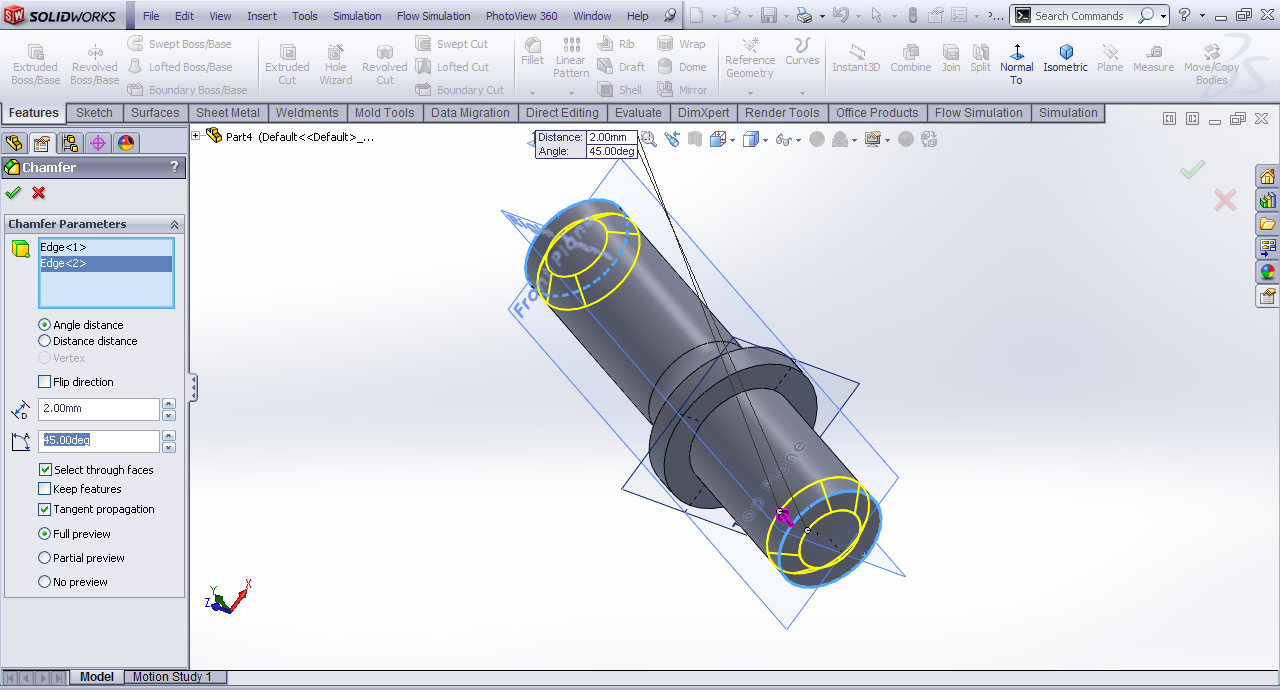
Step 14:
Bottom and the Top edge.
-
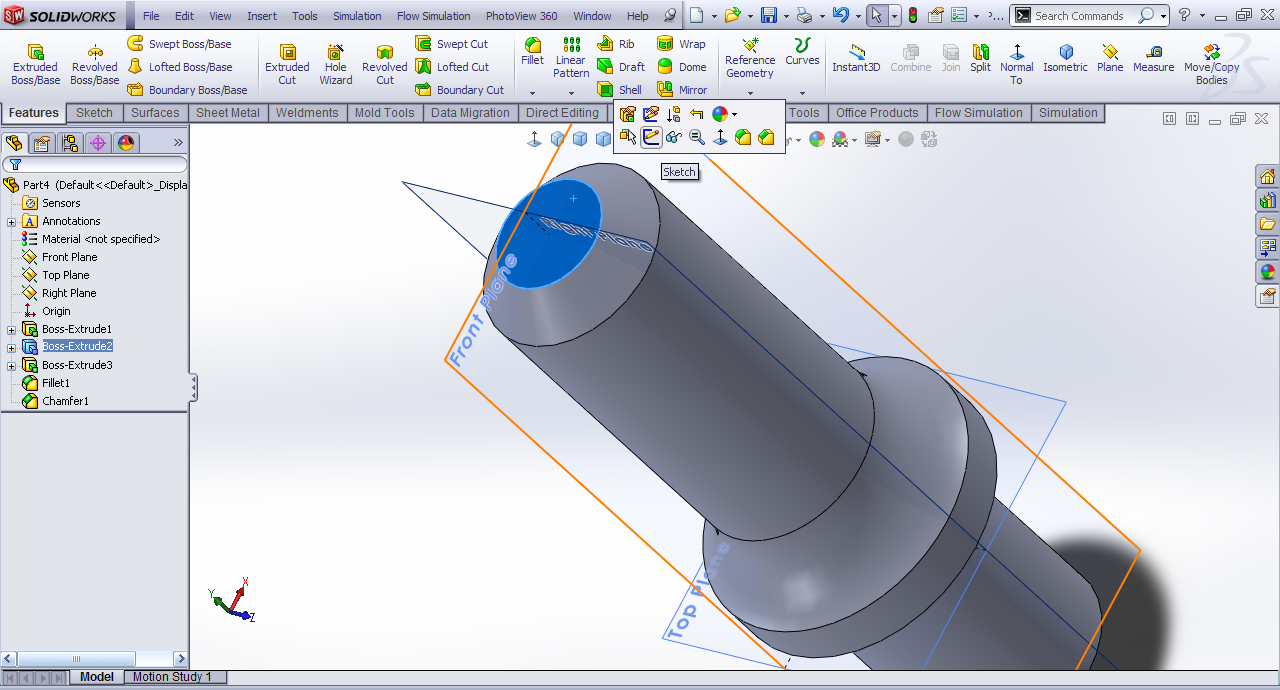
Step 15:
Top face>>sketch.
-
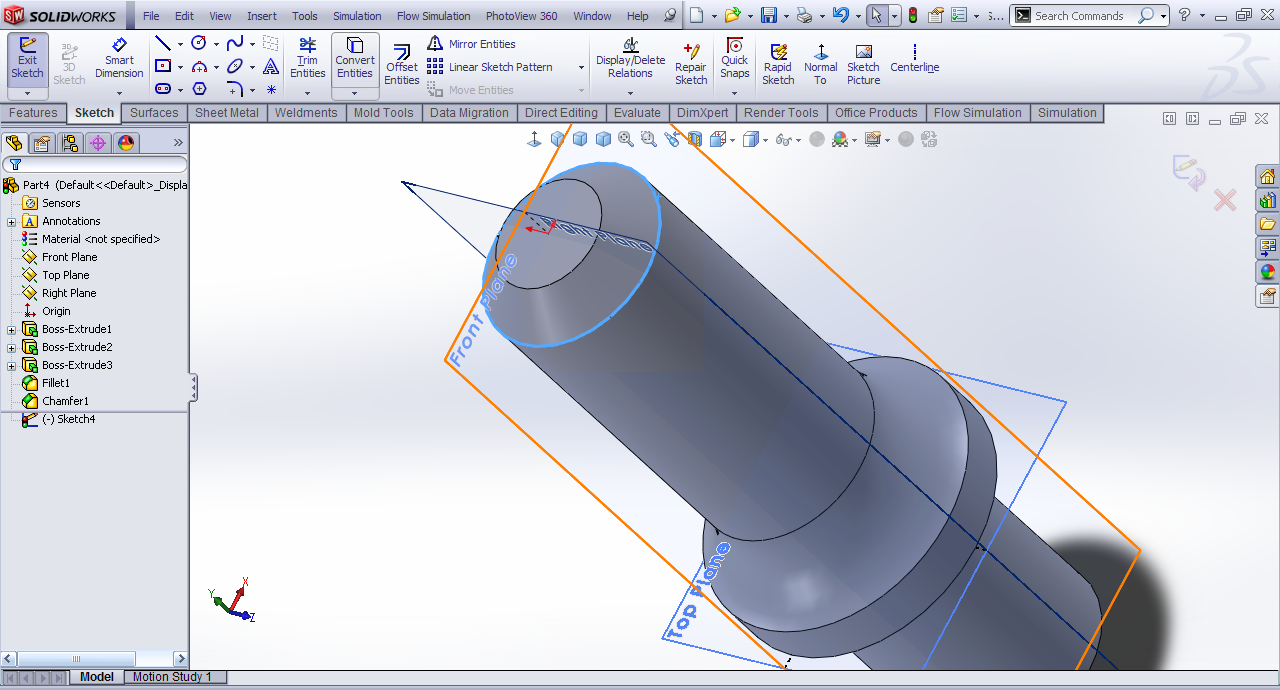
Step 16:
Convert the outer edge.
-
Step 17:
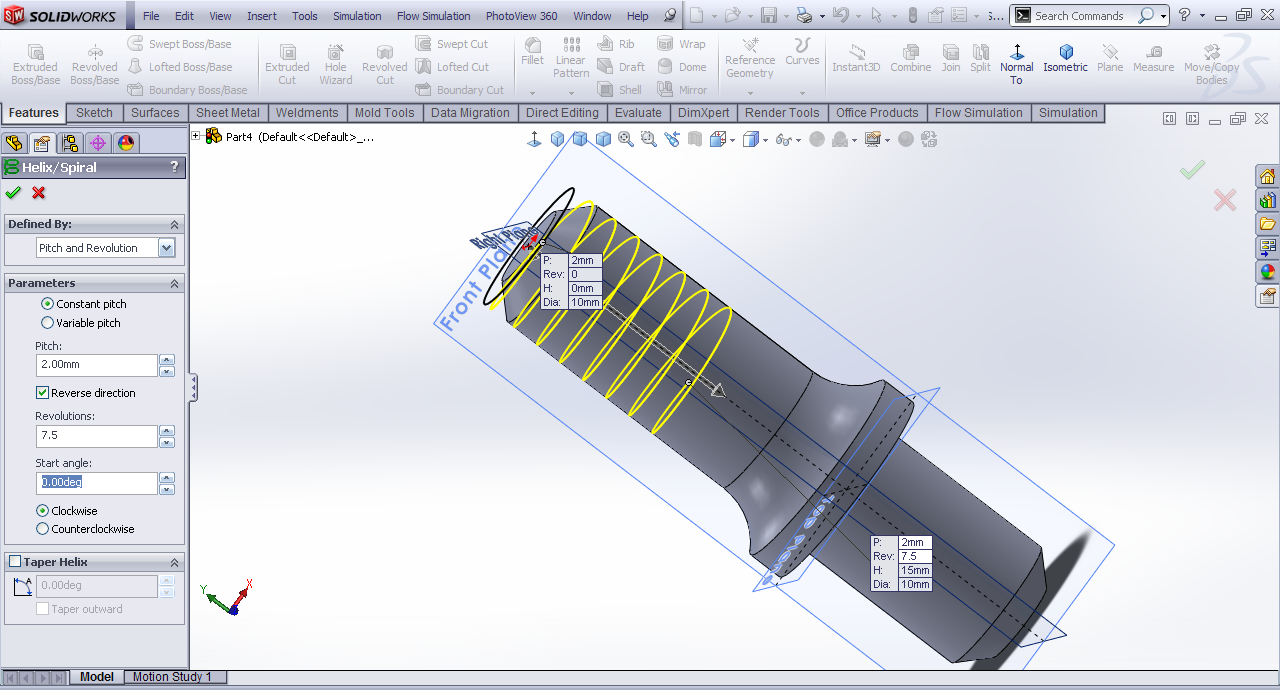
Helix and spiral.

-
Step 18:
Pitch=2mm, Revolution=7.5 and Start angle=0.00º.
-
Step 19:
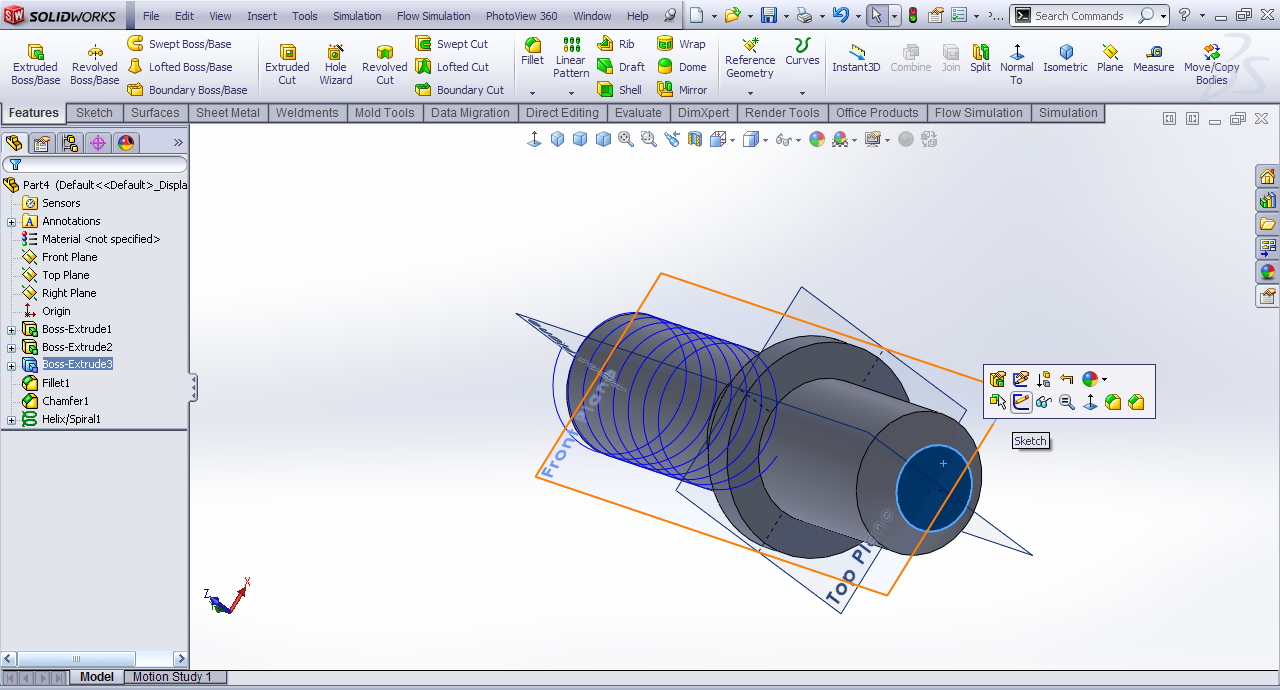
Bottom face>>sketch.
-
Step 20:
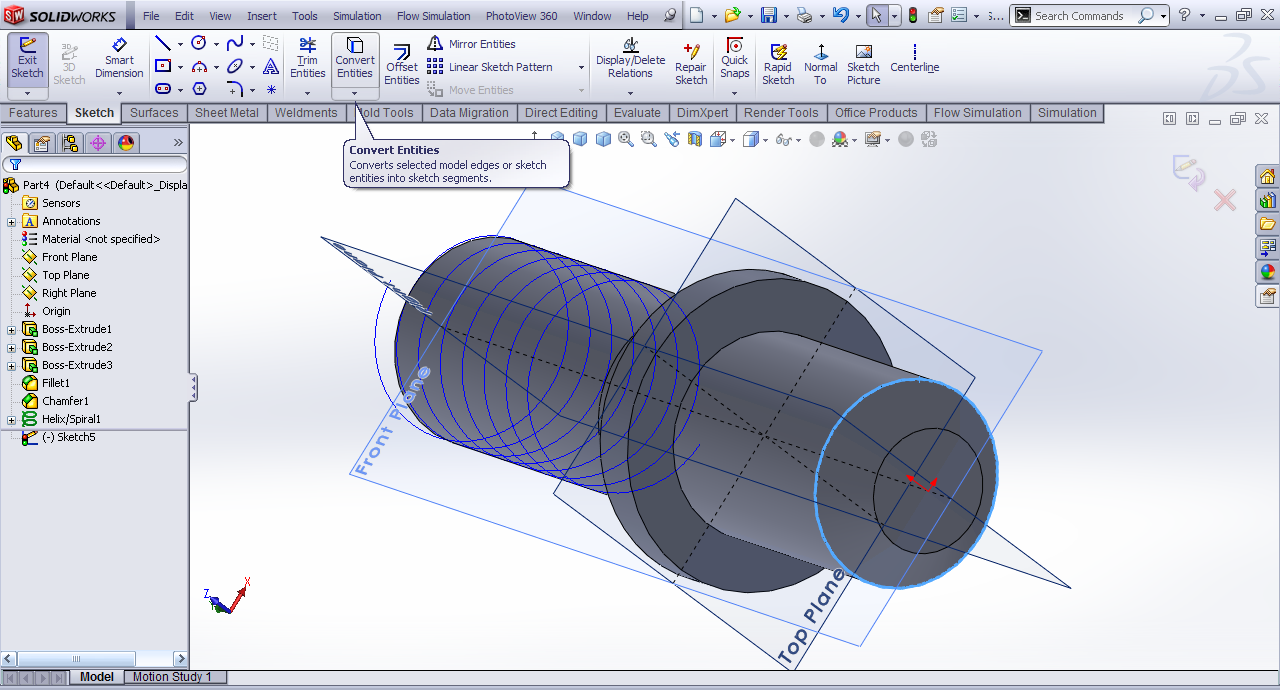
Convert the outer edge.
-
Step 21:
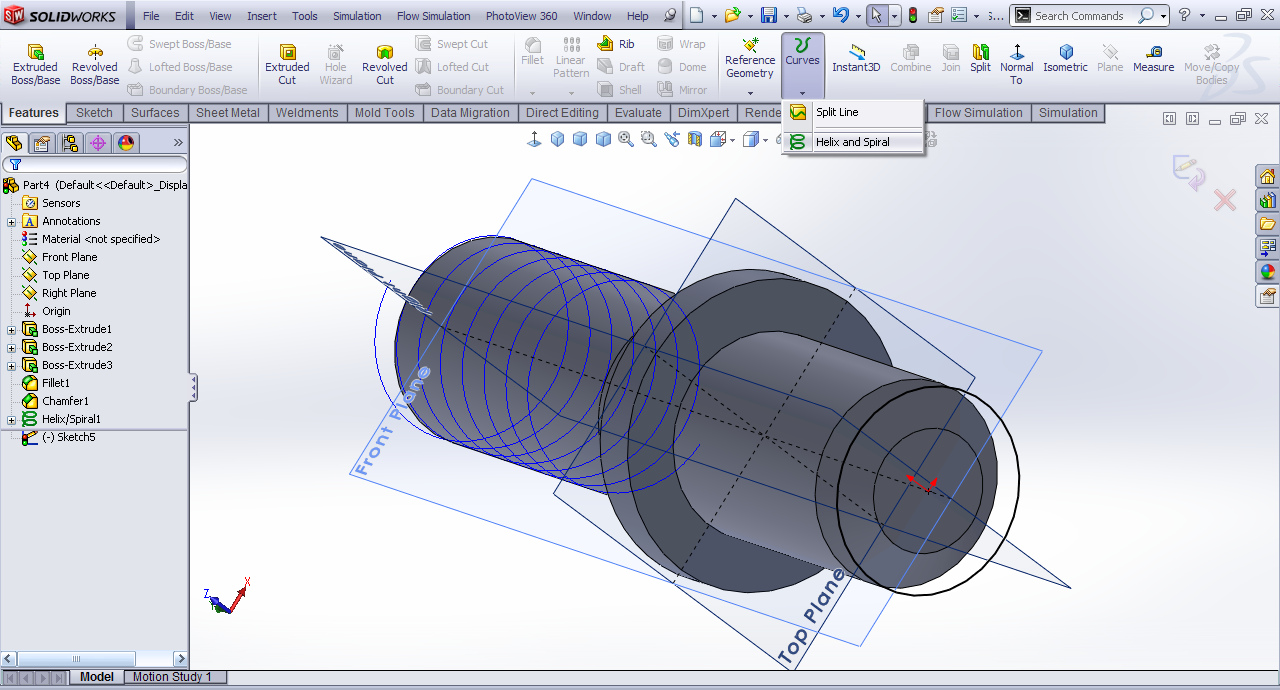
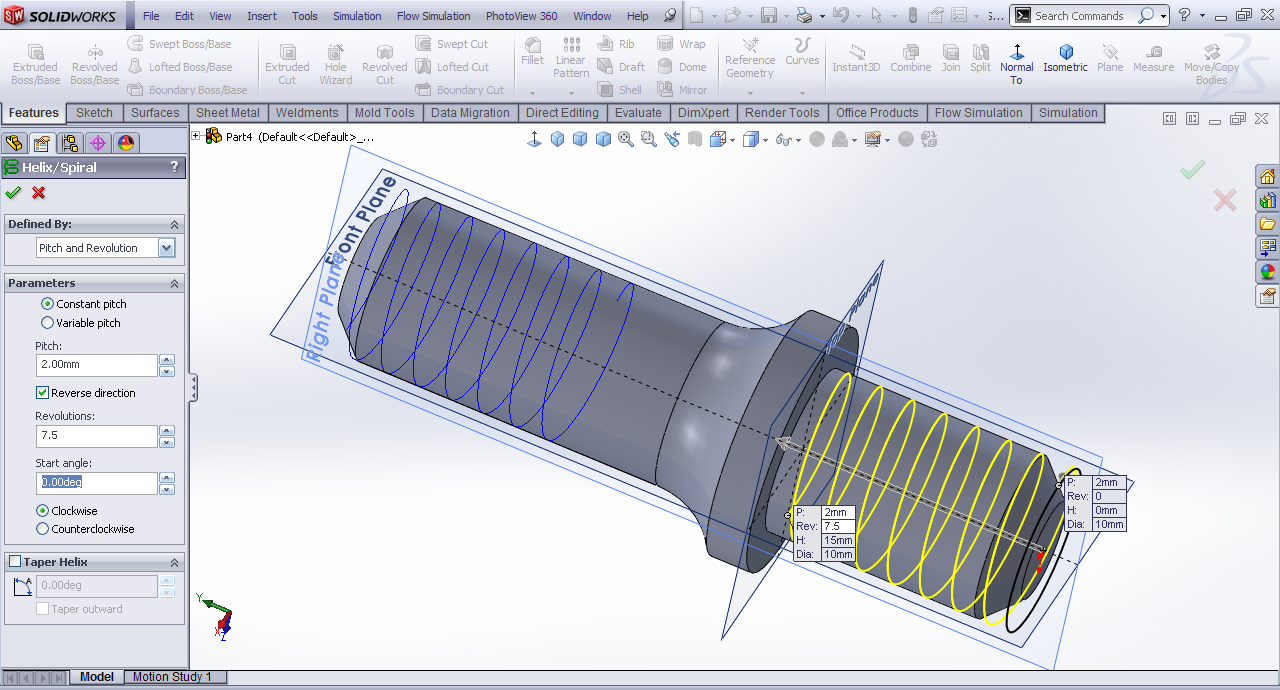
Helix and spiral.
-
Step 22:
Pitch=2mm, Revolution=7.5.
-
Step 23:
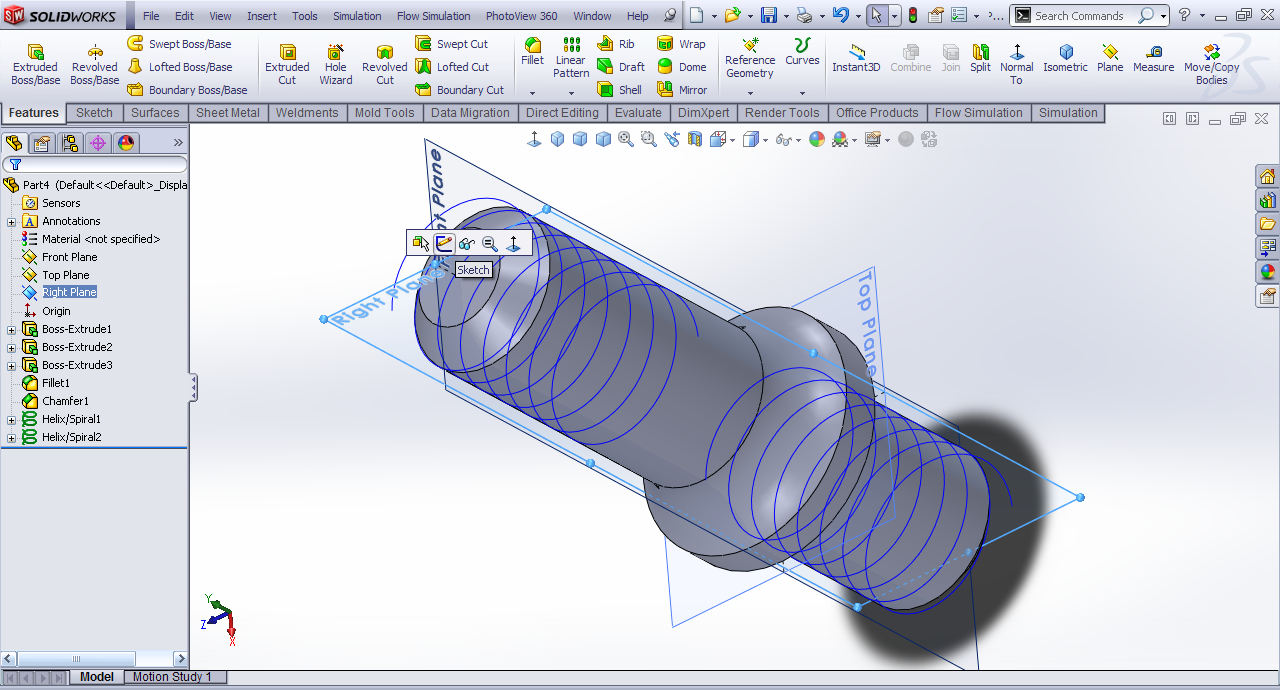
Right plane>>Sketch.
-
Step 24:
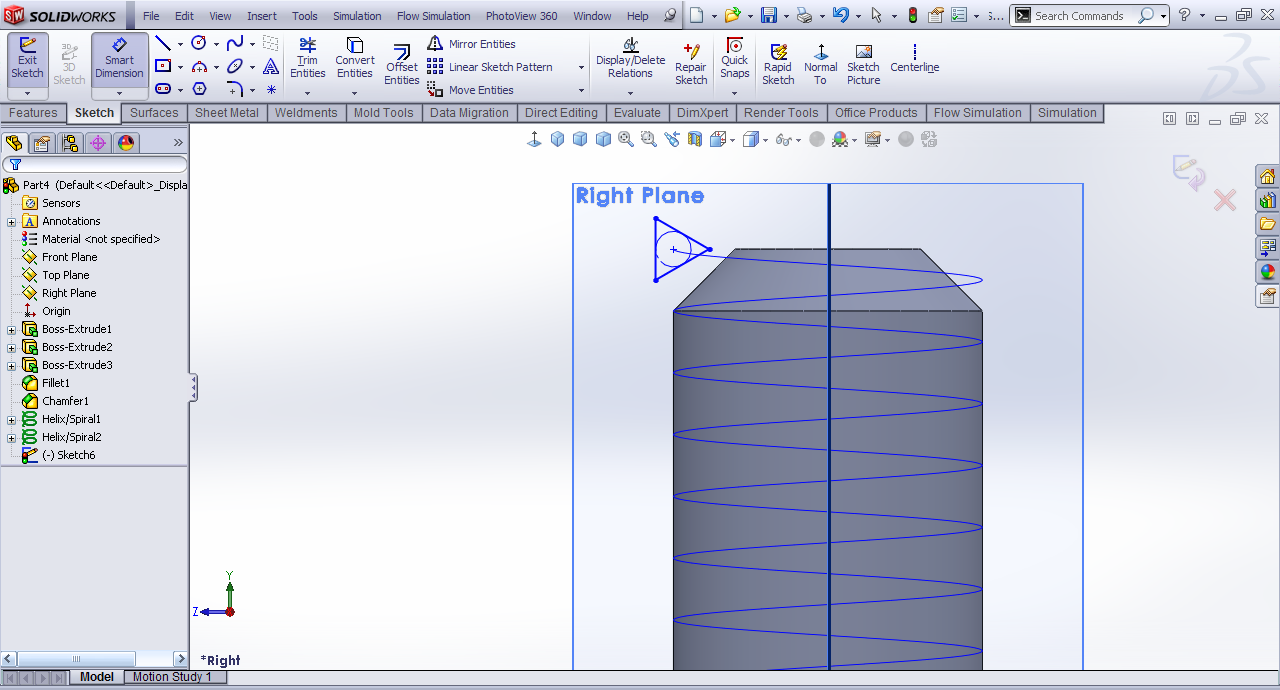
Draw a profile like this.
-
Step 25:
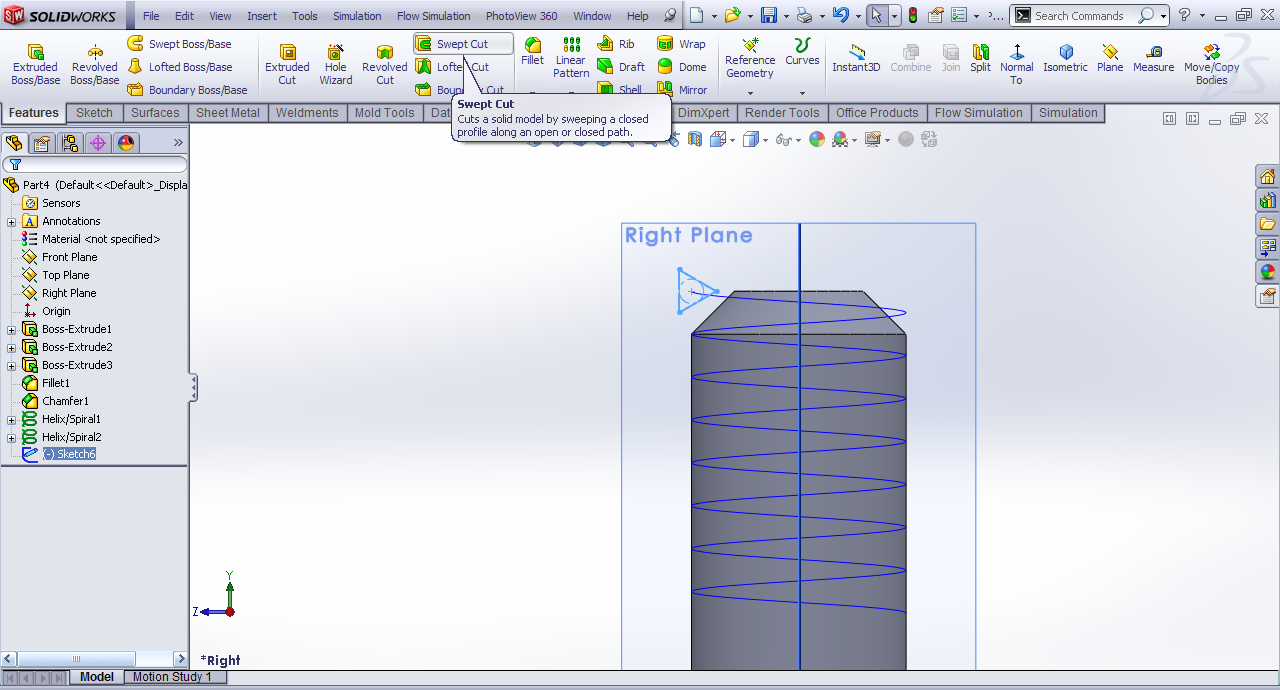
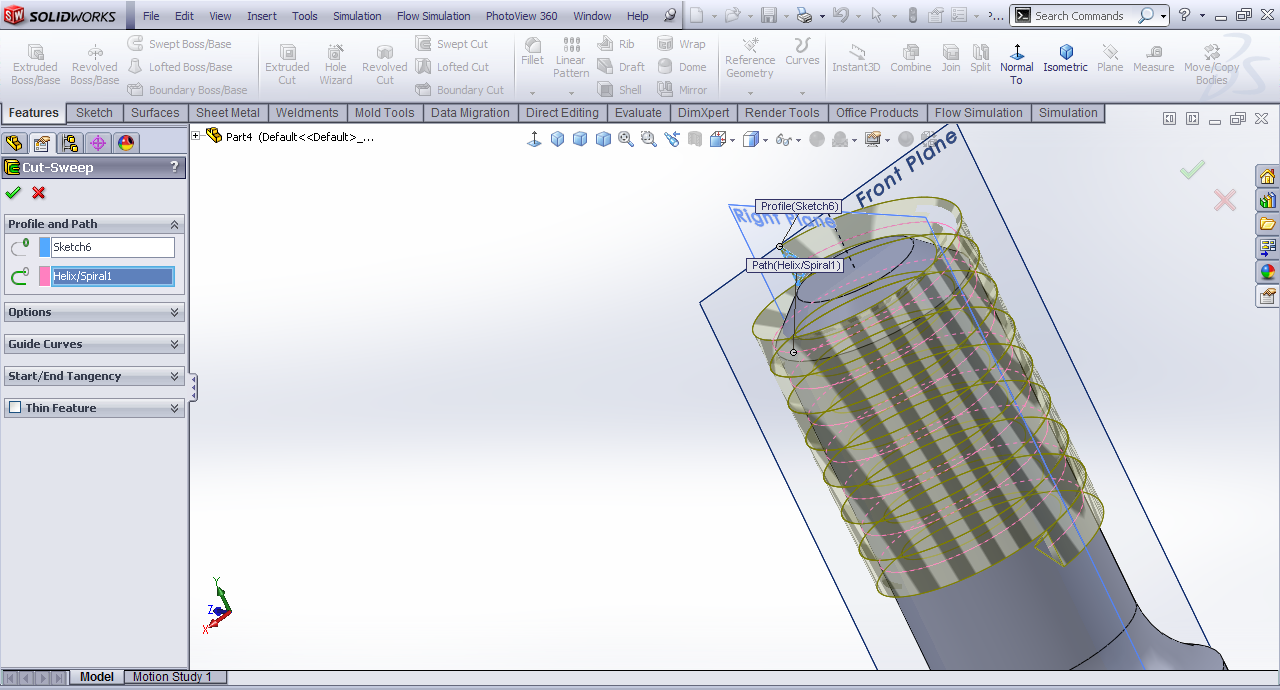
Sweep cut.
-
Step 26:
Select the triangle as profile and the helix as the path.
-
Step 27:
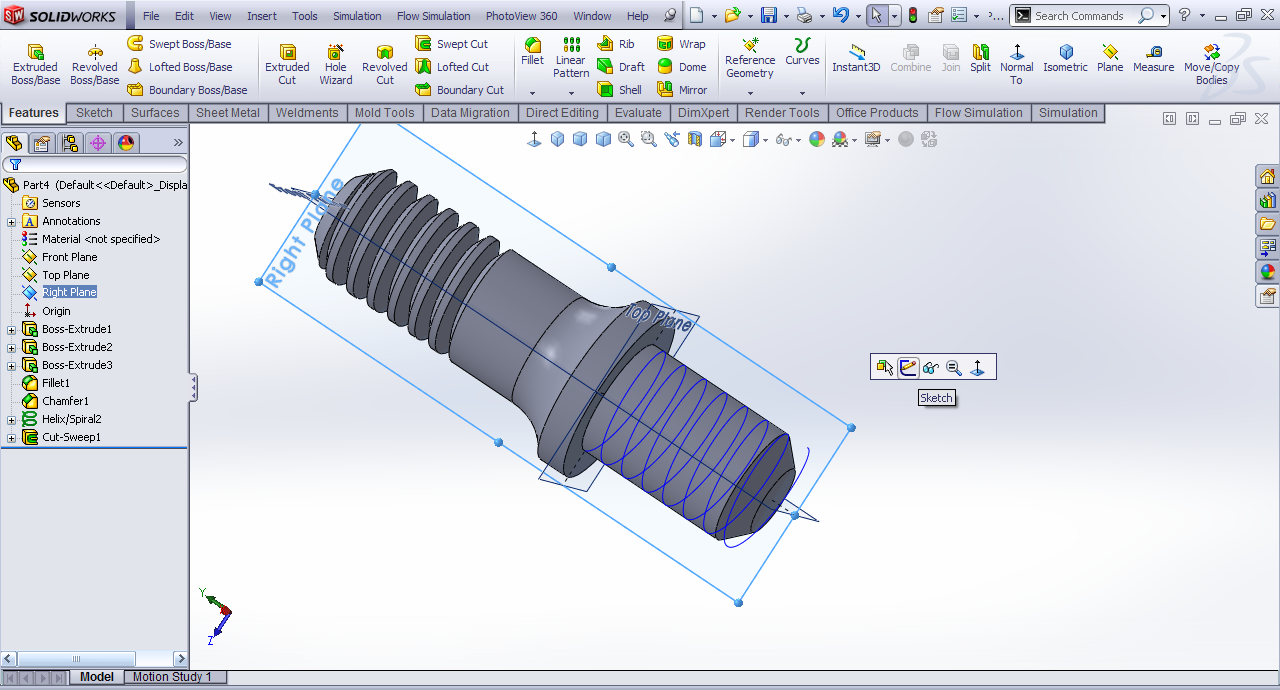
Right plane>>sketch.
-
Step 28:
Draw again the same profile.

-
Step 29:
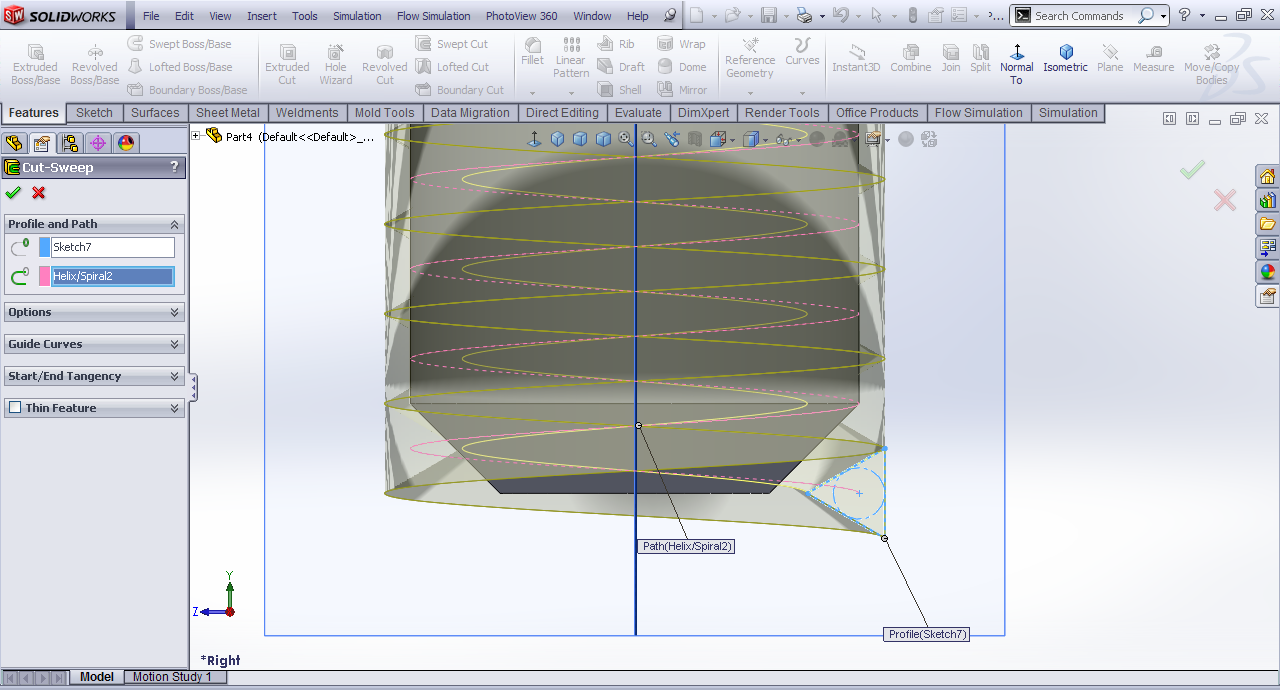
Sweep cut with triangle as the profile and the helix as the path.
-
Step 30:
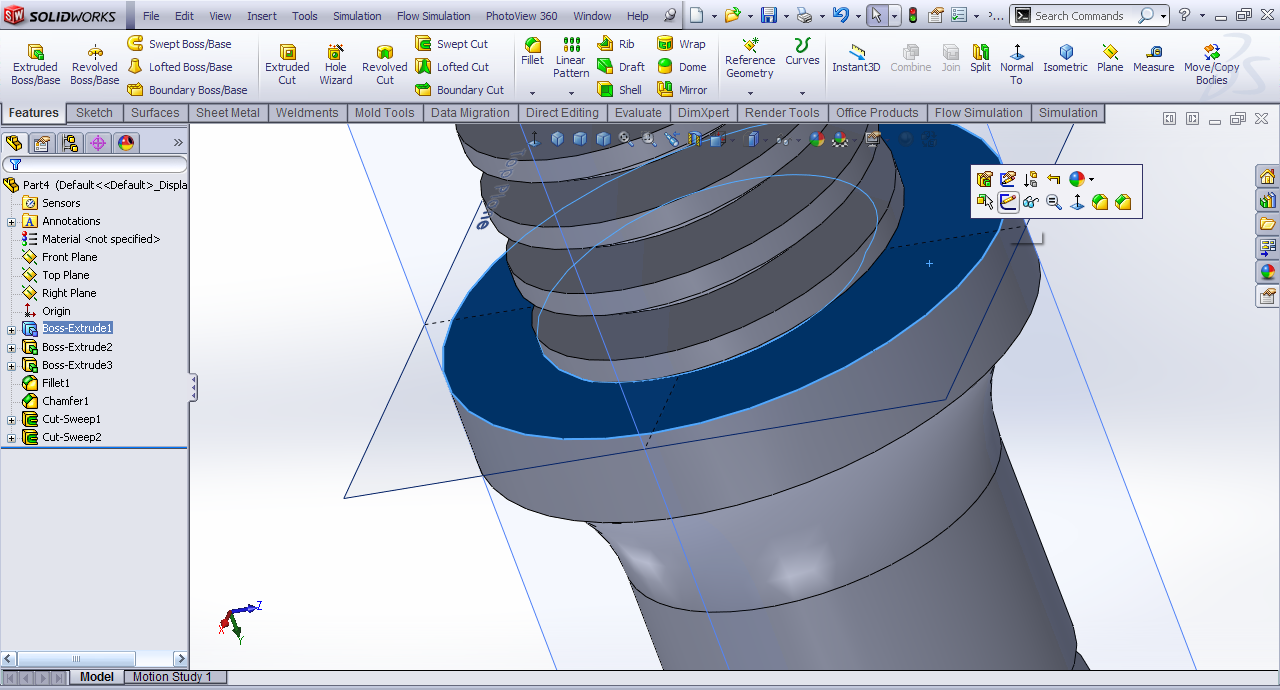
The face to the lower fillet and then sketch.
-
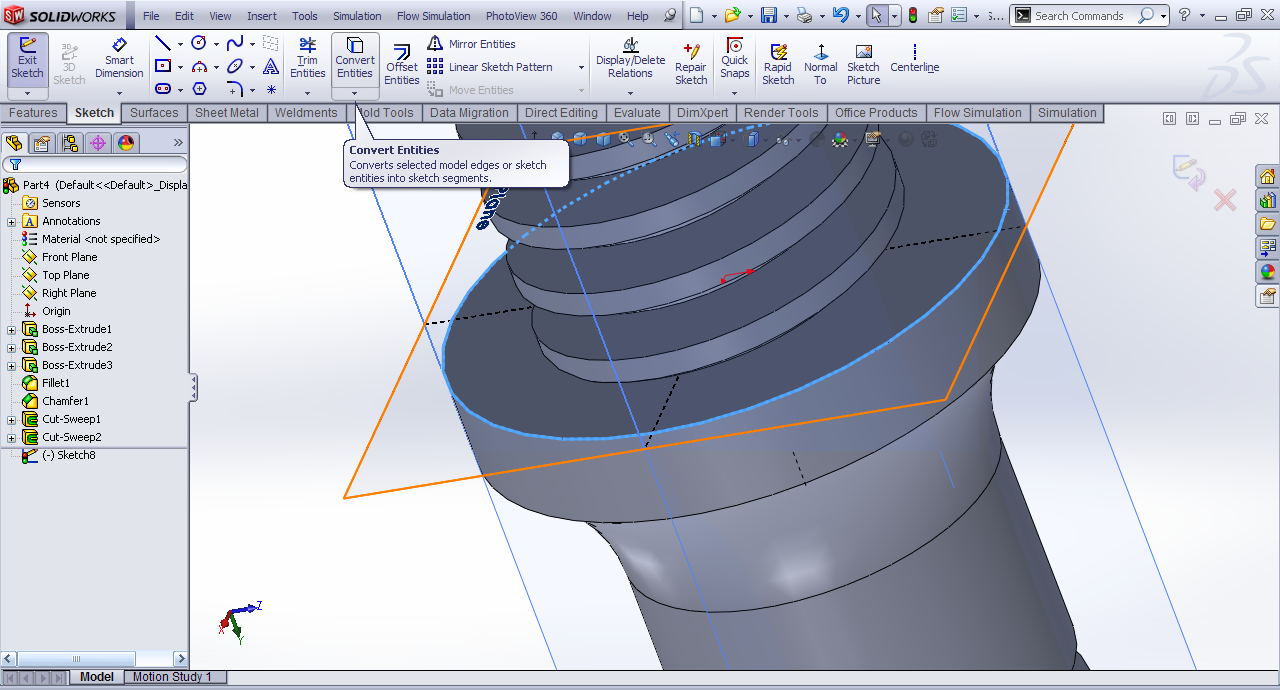
Step 31:
Selct the edge and then convert entities.
-
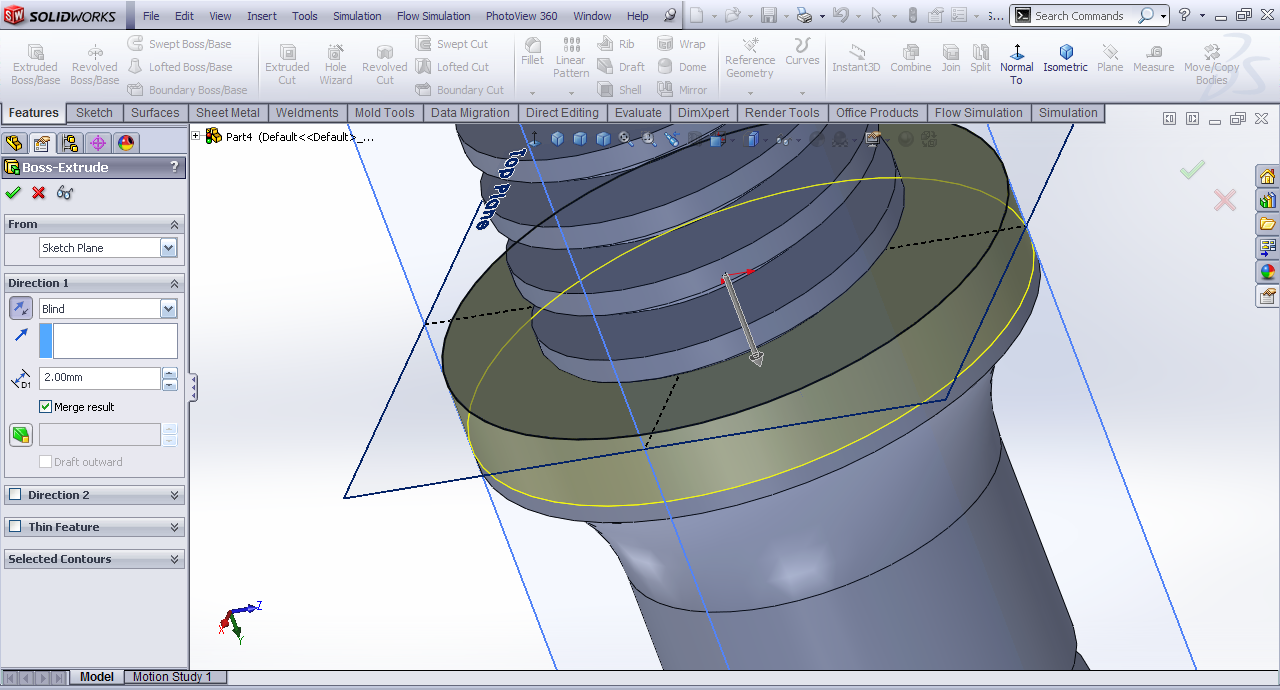
Step 32:
Extrude it downward at 2mm.
-
Step 33:
We have the part.