

Basic Technial Illustration Photoshop

PLEASE DO NOT UP VOTE OR COMMENT ON ANY OF THE SLIDES IT WILL MESS UP THE ORDER OF THE SLIDES. IF YOU WANT TO AD COMMENT DO SO AT THE VERY BOTTOM
I had some time so I did another tutorial for photoshop. Those who havent seen my previous tutorial on rendering in Photoshop can take a look here to get an idea of the basics. http://grabcad.com/questions/rendering-realistic-chrome-photoshop-tutorial
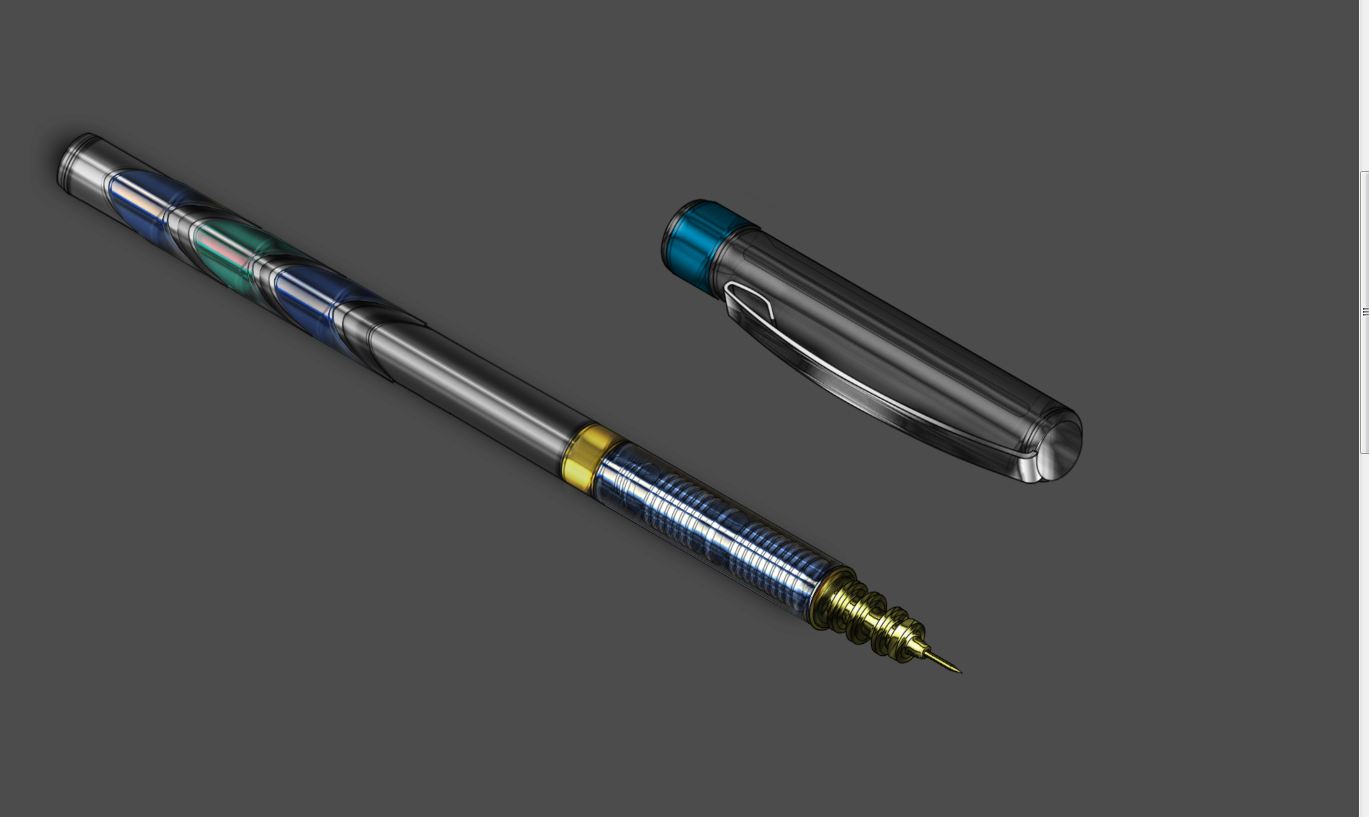
This tutorial is a little bit more advanced and now we are going from 2d in technical illustrations 3d drawings and illustrations. This is similar to the watch tutorial but uses another technique to get an even more realistic metallic chrome like effect. I picked a pen because it was a very simple object also wanted to show what you can do even with such a simple object as a pen.
As far as rending in photoshop goes you can get some unique and very realistic effects using the basic brushes and the layer tools. It is good to remember that every thing should be separated in layers even the lines.
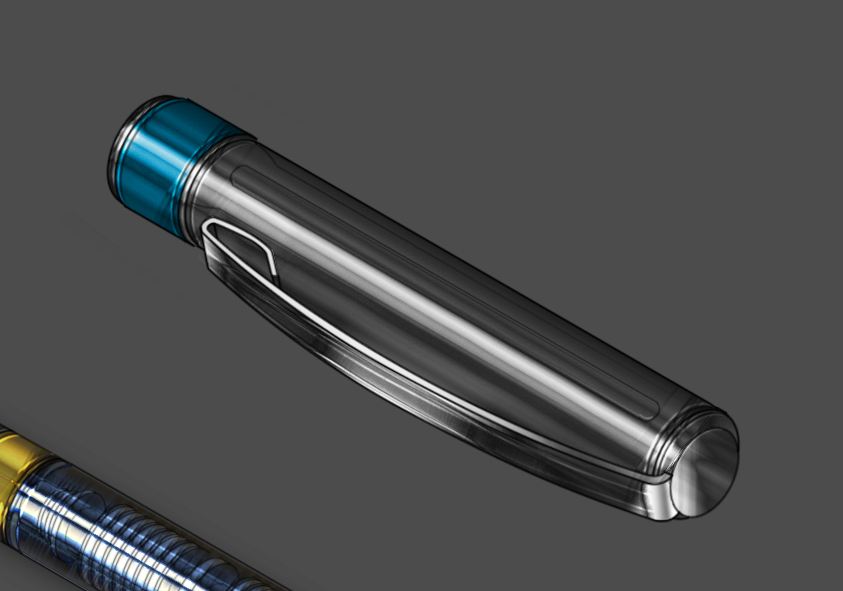
For this tutorial Drawings are included so you guys have fun practicing and I will leave the illustration of the cap so you can see how I did it. Im using Photoshop CS5 Extended but you can use any Photoshop version even the early ones such as Photoshop 9.
Also my English is broken so I might have spelling errors.
10 Answers
This tutorial is a little different from the previous one but you must have a basic understanding of photoshop and perspective. Usually technical illustrations are done in Isometric view but you can do in other views as well or perspective which is a little bit harder.
New document make it pretty big 2000px, 300dpi
Answered with a tutorial: https://grabcad.com/tutorials/basic-technial-illustration-photoshop--5
Part 2
Answered with a tutorial: https://grabcad.com/tutorials/basic-technial-illustration-photoshop--4
Part 3
Answered with a tutorial: https://grabcad.com/tutorials/basic-technial-illustration-photoshop--1
Part 5
Answered with a tutorial: https://grabcad.com/tutorials/basic-technial-illustration-photoshop--3
Part 6
Answered with a tutorial: https://grabcad.com/tutorials/basic-technial-illustration-photoshop
Part 4
Answered with a tutorial: https://grabcad.com/tutorials/basic-technial-illustration-photoshop--2

Nice love seeing more stuff like this and art based on GrabCAD...
Keep up the great work lekaimadh and keep them coming as your bringing fresh new tutorials to GrabCAD.

Nice work!

Good tuto, thanks!
Guys dont up vote any of the slides you are going to mess up the order. Now I cant fix it

