Learn about the GrabCAD Platform
Get to know GrabCAD as an open software platform for Additive Manufacturing
Visit our new homepage
Home
Control
Shop
Streamline Pro
Partner Program
Print
Community
Accedi
Library
Challenges
Groups
Questions
Tutorials
Engineers
Blog
Accedi
mandeep singh
Follow
47
followers
Ludhiana, India
Tutorials
About
Models
29
Tutorials
12
More
Followers
47
Following
3
Likes
43
Following
3
Followers
47
Likes
43
Tutorials
Sort by:
Recent
Recent
Most liked
Most viewed
Most commented
Tutorial: How to make a Working Spring.
mandeep singh
in
Design & CAD
1
0
Beginner
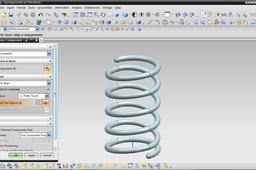
Hi! This is another tutorial for making same spring in NX. model is uploaded http://grabcad.com/library/spring-working I hope you will like this.
SOLIDWORKS
solidworks
spring
extension
rendring
compresion
Tutorial: How to animate a model with contact analysis
mandeep singh
in
Design & CAD
2
0
Beginner
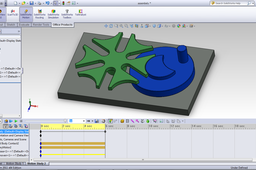
Here is the Tutorial for animation of http://grabcad.com/library/6-slotes-geneva-mechanism Hope you will like it. :-)
SOLIDWORKS
mechanism
solidworks
motion
geneva
analysis
phisicalmotion
Tutorial: How to animate a Working Spring.
mandeep singh
in
Design & CAD
1
0
Beginner
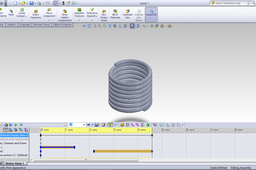
This tutorial will be helpful to you. just follow the steps and read the description for every step. Model is also available http://grabcad.com/library/spring-working tutorial for this model is http://grabcad.com/questions/tutorial-how-to-make-a-working-spring up-vote if you like. ------- Thanks. Mandeep Singh
SOLIDWORKS
solidworks
spring
extension
rendring
compresion
Tutorial: How to make a Working Spring.
mandeep singh
in
Design & CAD
5
0
Beginner
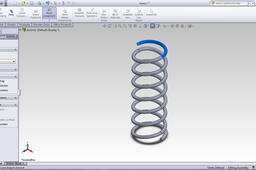
This tutorial will be helpful to you. just follow the steps and read the description for every step. Model is also available http://grabcad.com/library/spring-working animation tutorial is here http://grabcad.com/questions/tutorial-how-to-animate-a-working-spring up-vote if you like. ------- Thanks. Mandeep Singh
SOLIDWORKS
solidworks
spring
extension
rendring
compresion
Tutorial: How to make Dodechahedron
mandeep singh
in
Design & CAD
0
0
Beginner
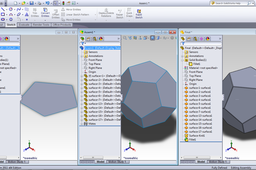
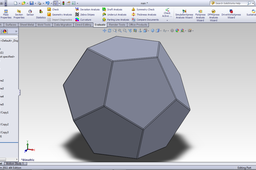
Here is another model made with the same method! http://grabcad.com/library/icosahedron--6
SOLIDWORKS
solidworks
rendring
dodechahedron
Tutorial: How to make Dodechahedron
mandeep singh
in
Design & CAD
1
0
Beginner
Here is another method to make the same without using any angles :-) Inspired from the model http://grabcad.com/library/how-to-model-a-dodecahedron-from-scratch by http://grabcad.com/steen.winther. Here is the model: http://grabcad.com/library/request-dodechahedron Hope this will be helpful to many..
SOLIDWORKS
solidworks
rendring
dodechahedron
Tutorial: How to make Dodechahedron
mandeep singh
in
Design & CAD
0
0
Beginner
here is the simple tutorial. just follow the images as instructions given in it.
SOLIDWORKS
solidworks
rendring
dodechahedron
Tutorial: How to make a Breslet.
mandeep singh
in
Design & CAD
1
0
Beginner
Here a project for this tutorial http://grabcad.com/library/bracelet--19 The images show all the dimensions and commends you maybe required.
SOLIDWORKS
solidworks
tutorial
rendring
breslet
Tutorial: How to make a springy spring
mandeep singh
in
Design & CAD
2
0
Beginner
I am going to make a springy spring. The project is http://grabcad.com/library/springy-spring.
SOLIDWORKS
solidworks
spring
rendring
Is it possible to place dimension value manually in between the dimension line in Solid Works?
mandeep singh
in
Design & CAD
0
0
Beginner
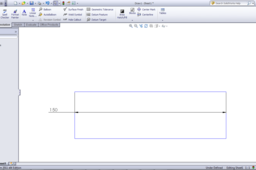
You can simply drag the number "150" and drop where ever you want .as also can be left side.. or your question is not fully clear, so give me more detail of your problem
SOLIDWORKS
how to change geometry.?
mandeep singh
in
Design & CAD
1
0
Beginner
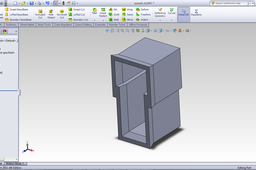
I have designed your model which is same as to images as much as i can understand.. so.. i have solved your problem as under tutorial.
SOLIDWORKS
box
crash
How to make an assembly fully defined in Solid works ?
mandeep singh
in
Design & CAD
2
1
Beginner
To Make Fully Defined Assembly You have to make all parts fully dimensioned of fully constrained as in this tutorial. I will give a example of your components. as under..
SOLIDWORKS